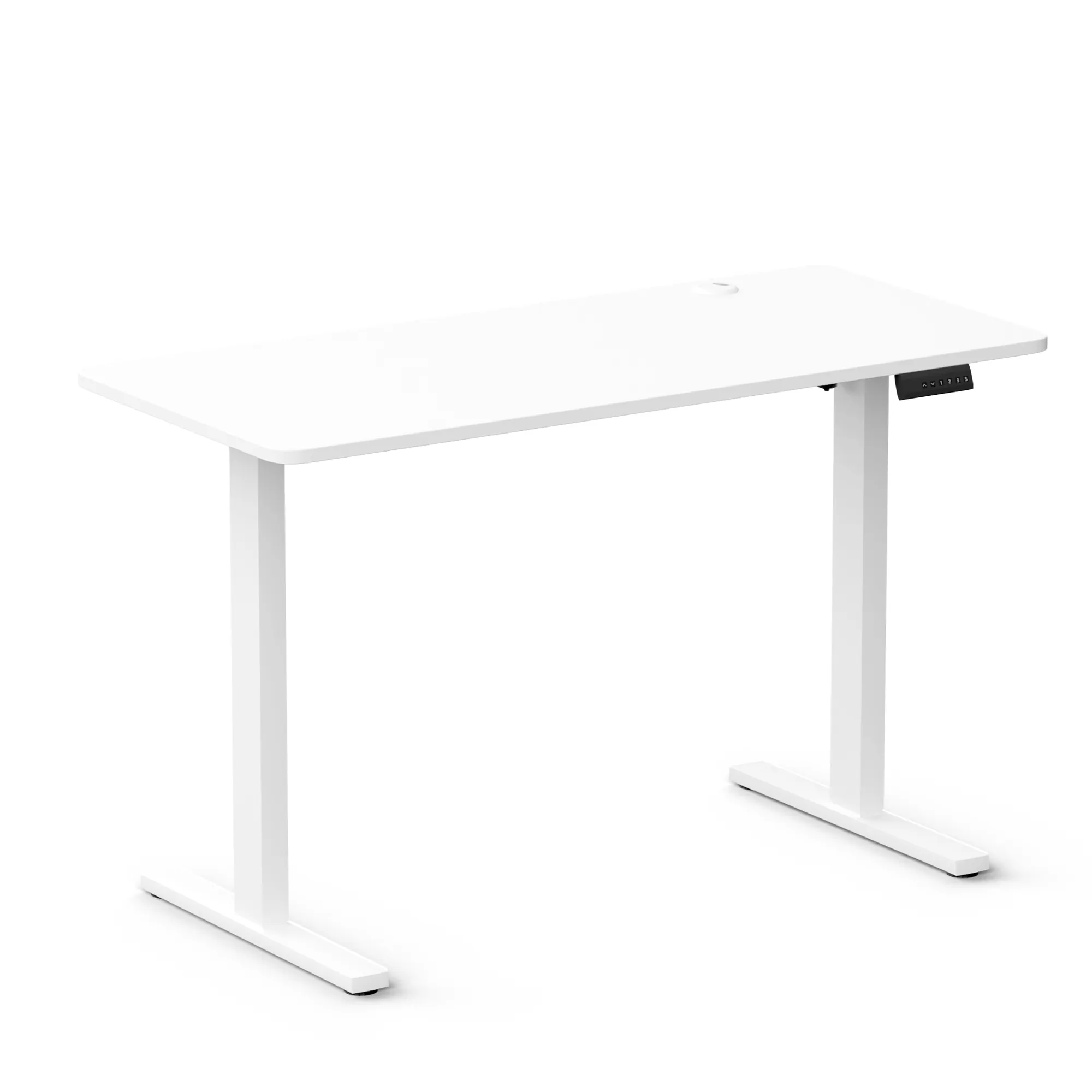
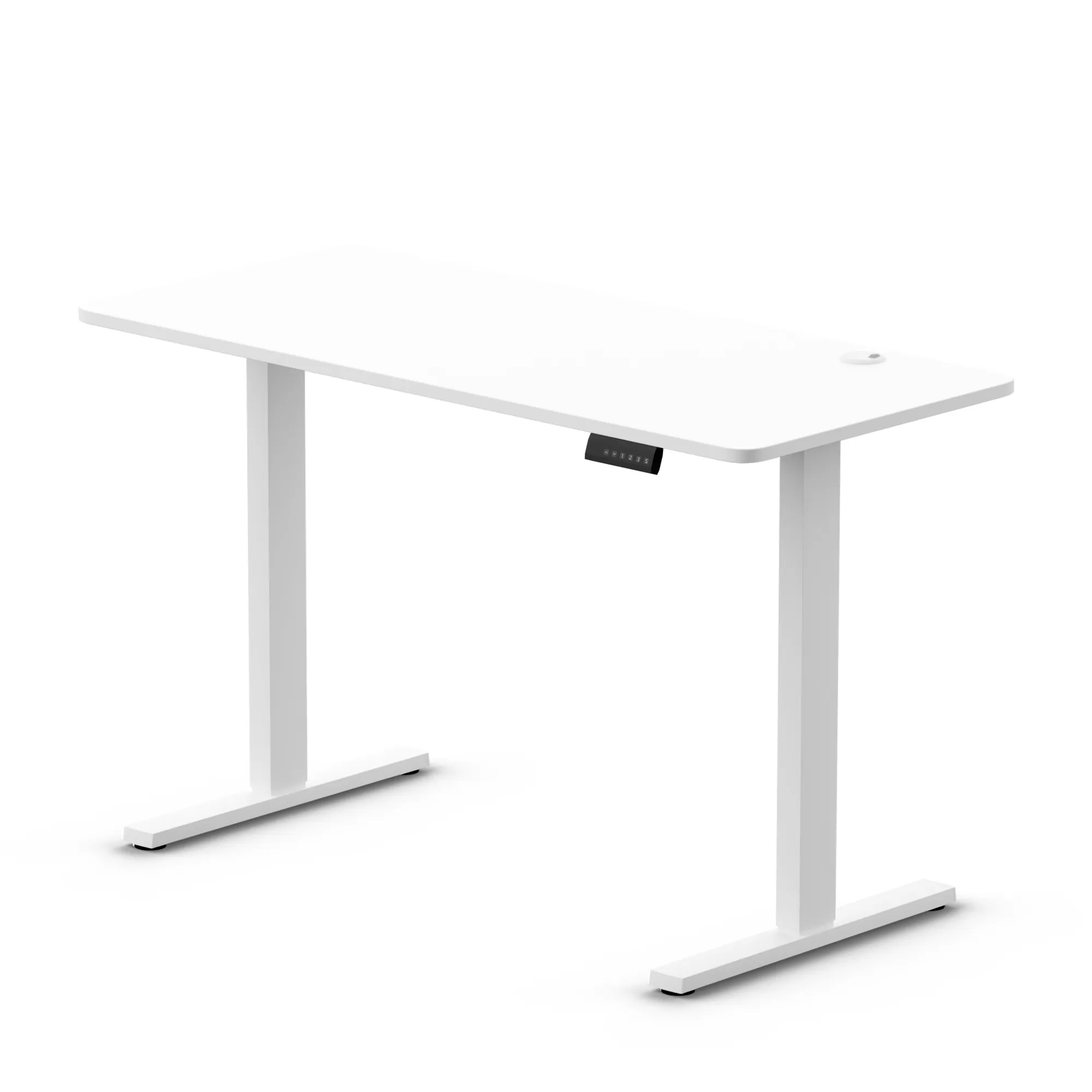
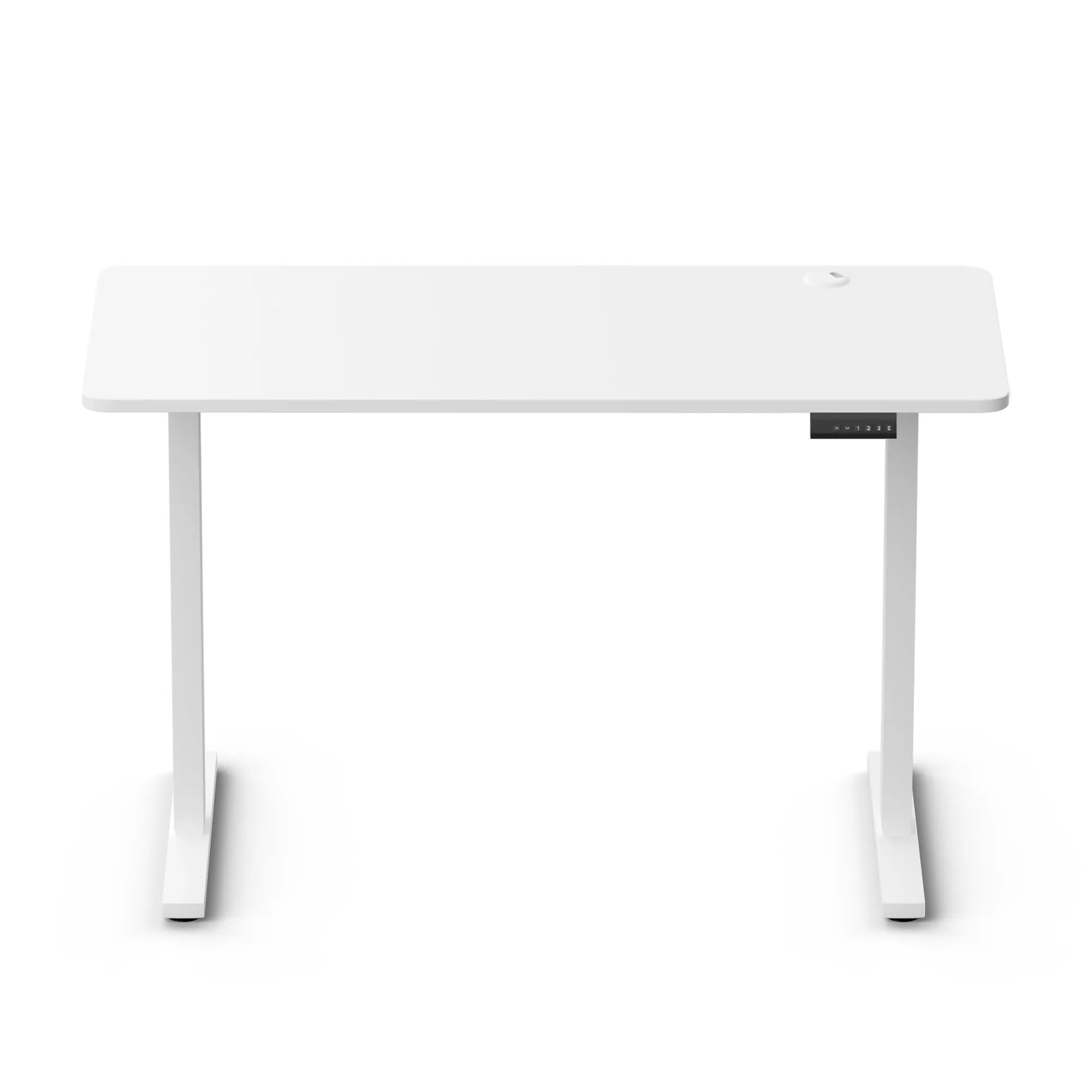
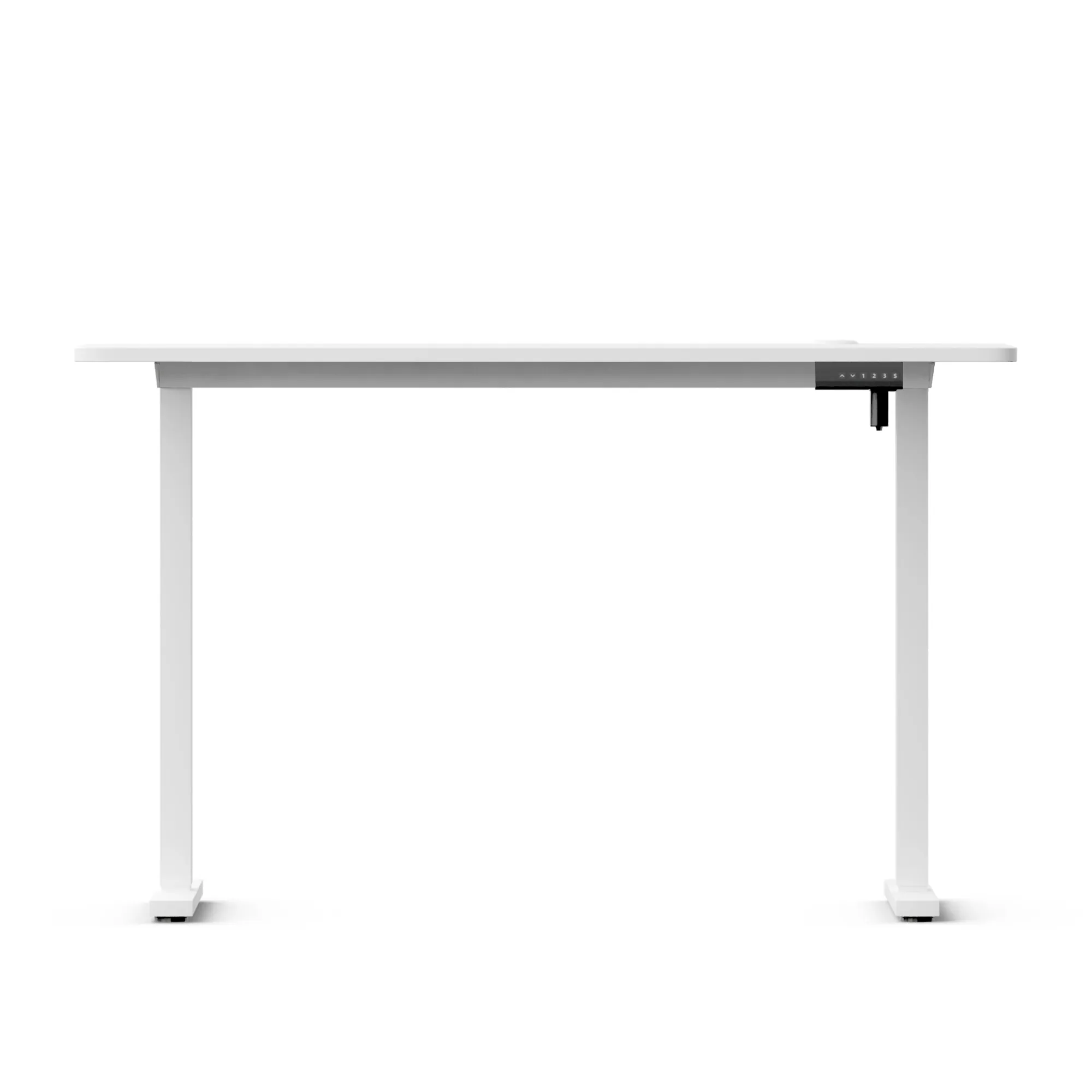


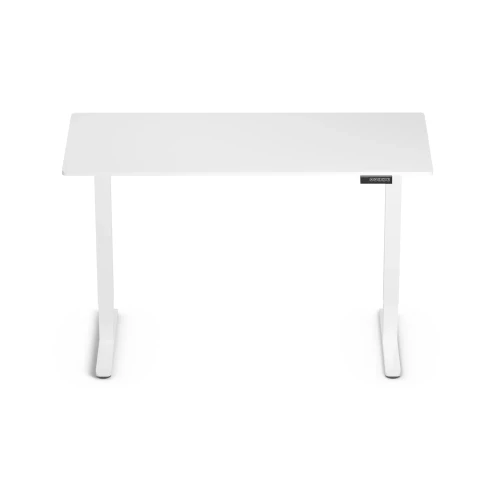
Control+ 120 Desk White LVNSystem
Ask about the product
Administratorem danych osobowych jest EKO-LIGHT TEAM SPÓŁKA Z OGRANICZONĄ ODPOWIEDZIALNOŚCIĄ. Przetwarzamy je w celu przesłania odpowiedzi na zapytanie. Więcej informacji dotyczących przetwarzania danych osobowych znajduje się w polityce prywatności.
Produkty powiązane
-
Price 59,00 zł
-
Price 89,00 zł
-
Price 129,00 zł
-
Price 84,99 zł
-
Price 149,00 zł
-
Price 39,00 zł
-
Price 59,00 zł
-
Price 69,00 zł
-
Price 16,00 zł
-
Price 9,00 zł
-
Price 28,99 zł
-
Price 20,00 zł
-
Price 34,99 zł

Opis
Control+ series
Faster adjustment, organization included
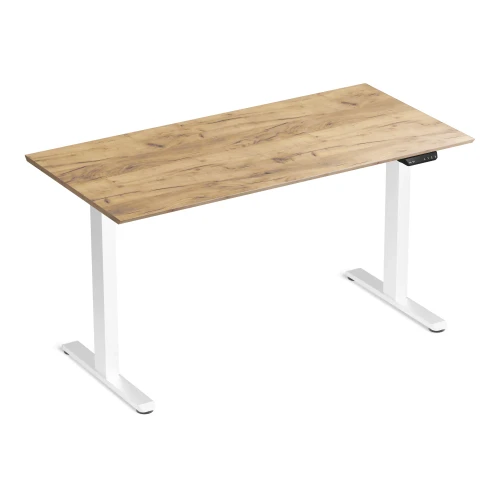
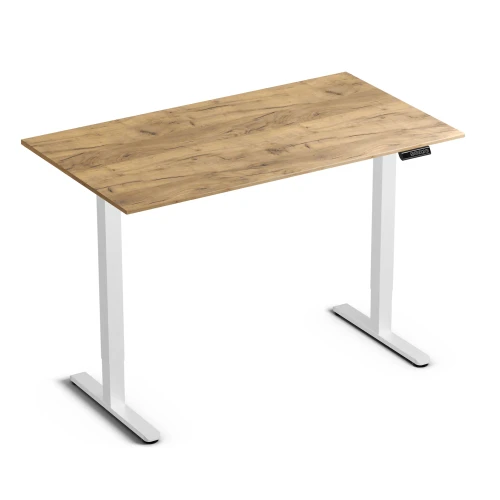
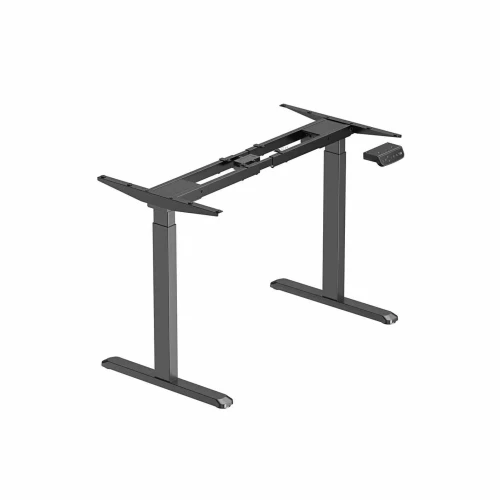
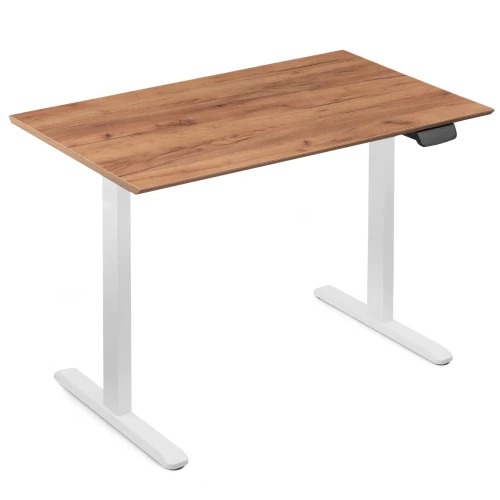
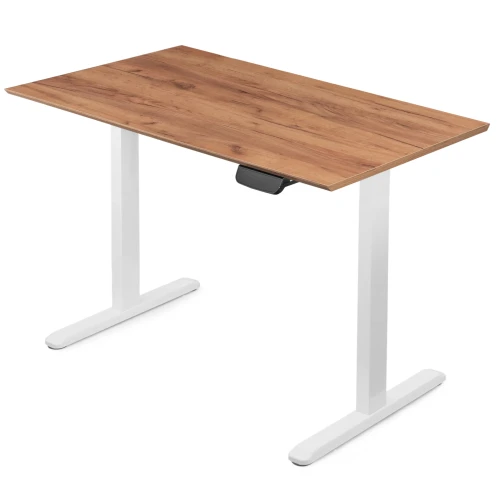
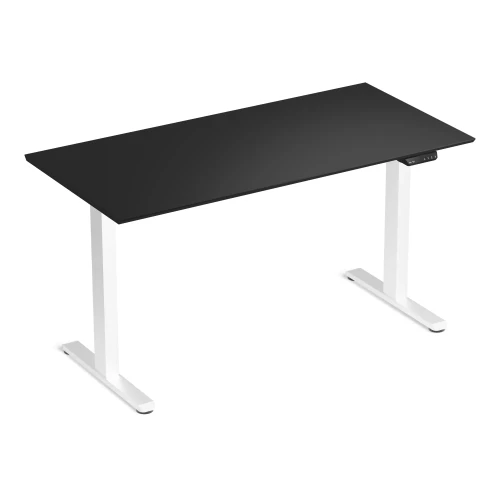
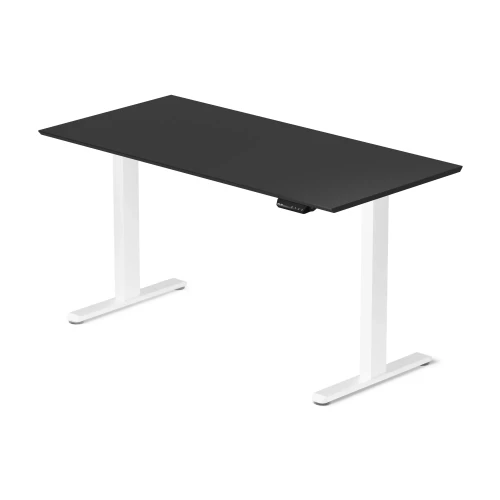
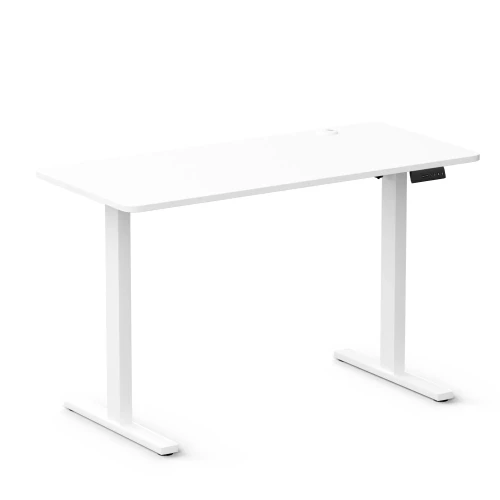
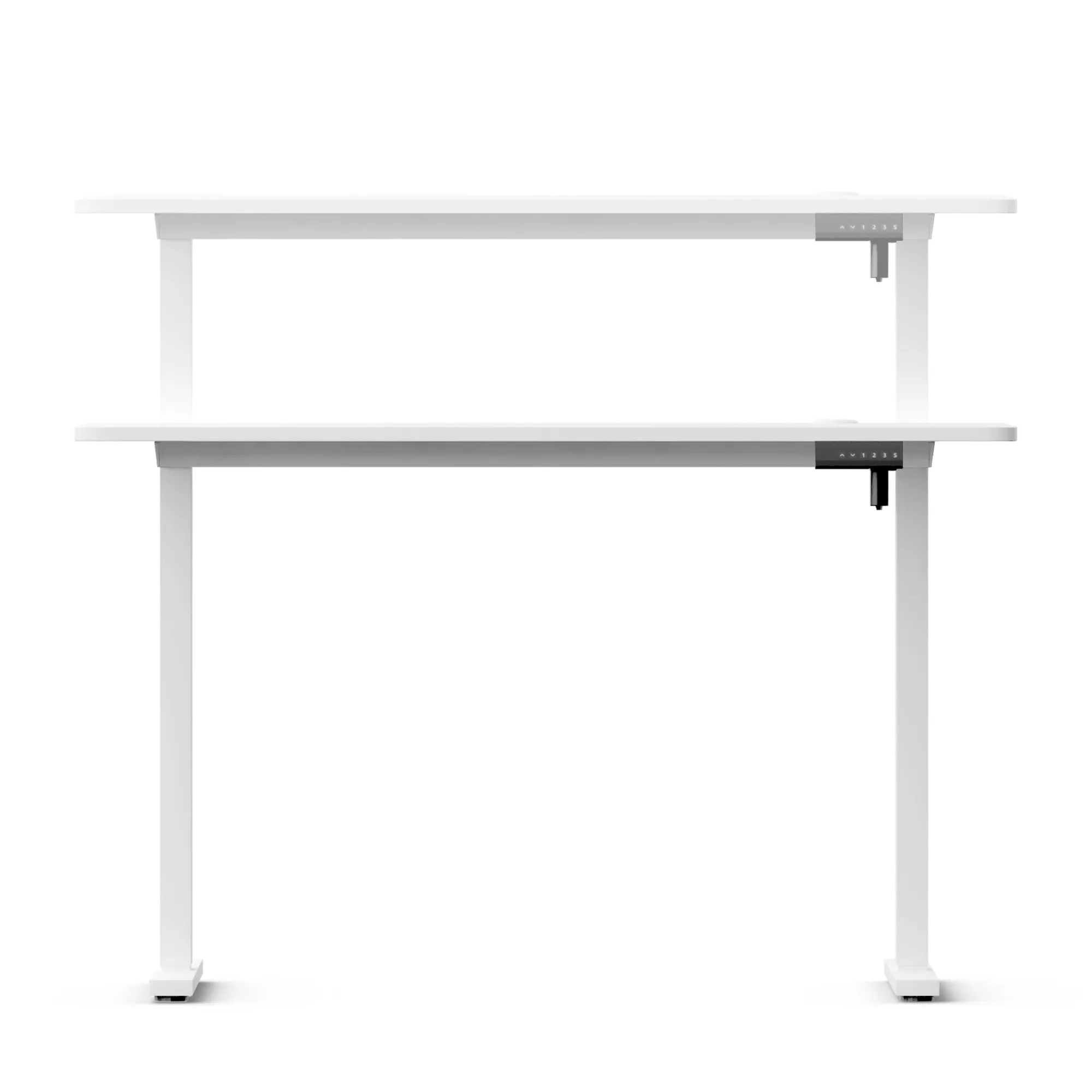
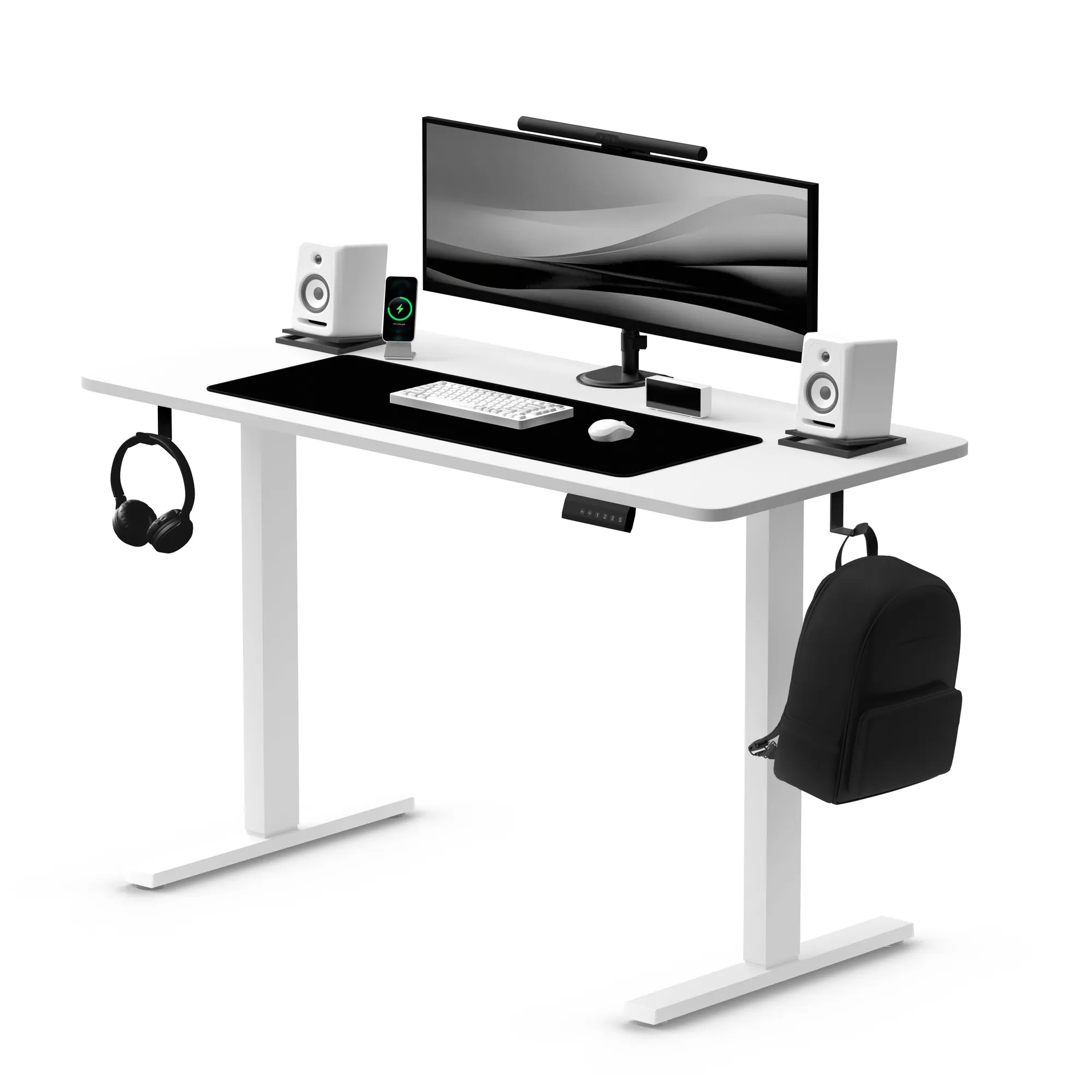
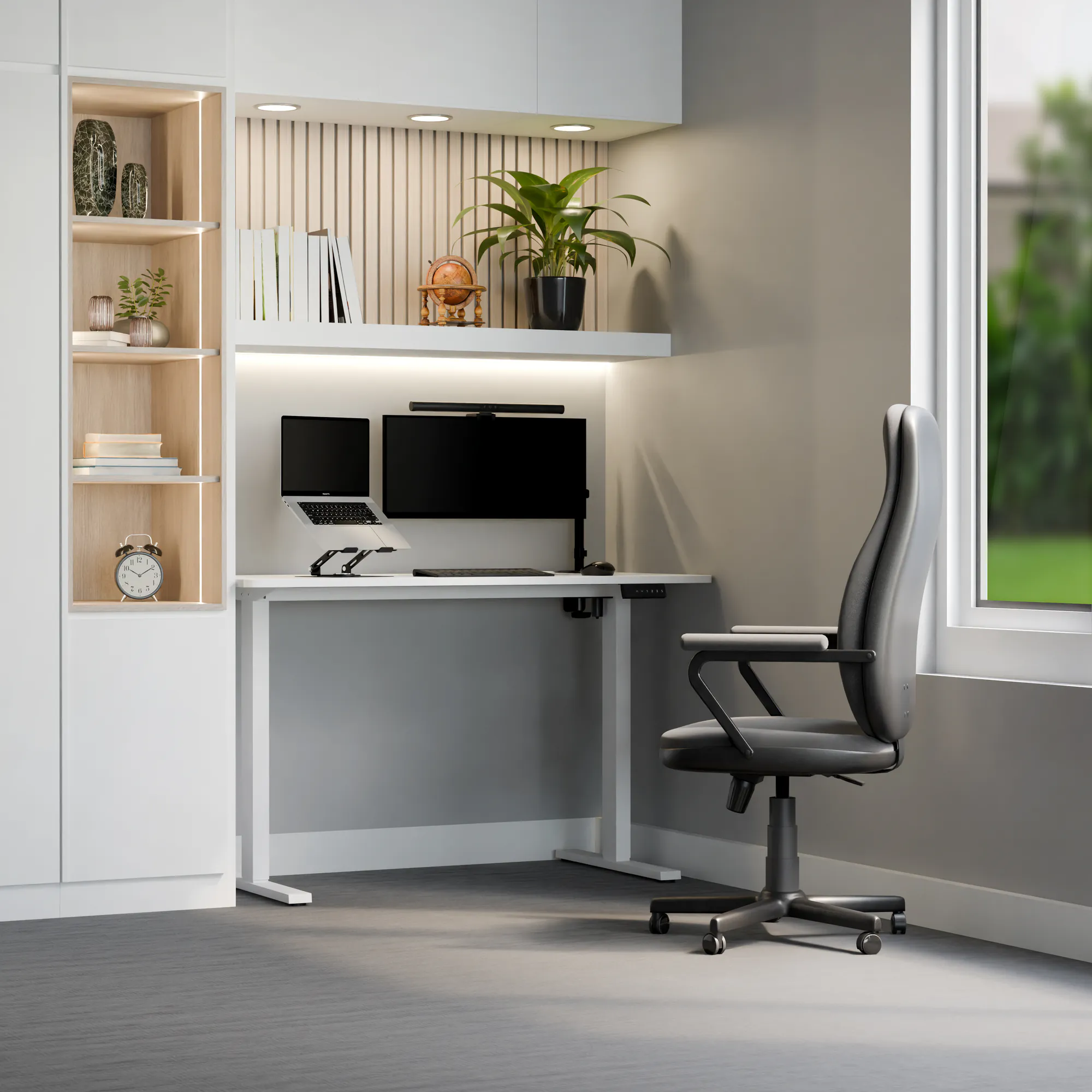
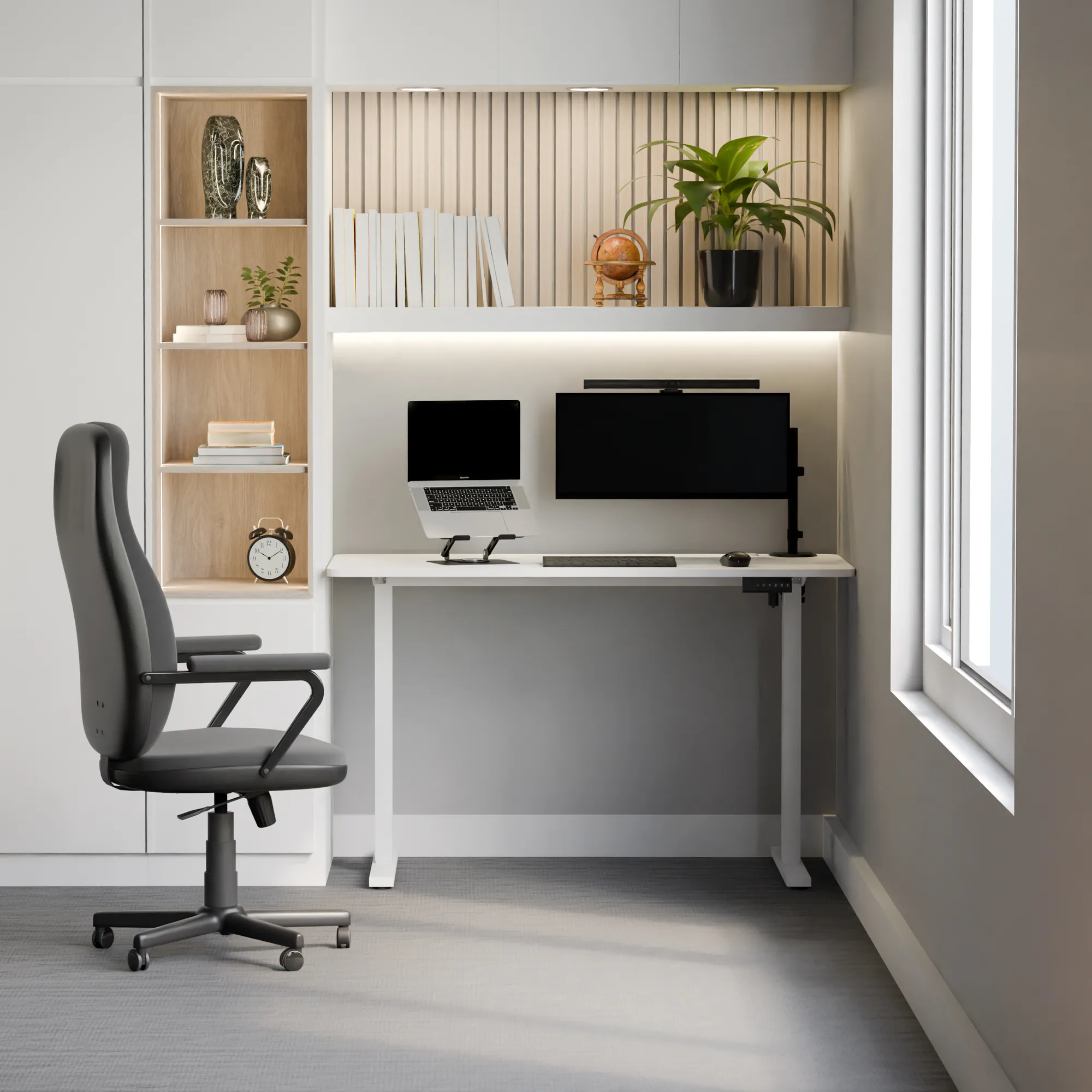
Control+ is an electric standing desk with a 73–122 cm range, 25 mm/s speed and a one-piece 120 × 60 cm desktop. The power strip tray, hooks and cable grommet come with it, so there are no accessories to buy separately.
- 73–122 cm adjustment
- 25 mm/s
- 3 height memory presets
- Tray and 2 hooks
Key specifications at a glance
desk height from 73 to 122 cm — comfortable sitting and standing
at 25 mm/s, changing position is quick
monitor, laptop, lamp and accessories with no risk of overloading
a one-piece 120 × 60 cm board, no gap in the middle
Why the Control+ electric desk
- Fast position changes – 25 mm/s, from the lowest to the highest height in about 20 s
- 73–122 cm range – set the desktop at elbow height, sitting or standing
- One-piece 18 mm desktop – 120 × 60 cm from a single board, no joint in the middle
- 3 memory presets, one press – return to your height without holding the button
- Organization included – power strip tray, 2 hooks and a cable grommet in the desktop
- Collision sensor with adjustable sensitivity – the desktop stops when it hits an obstacle
- 70 kg load capacity and 36-month warranty – all in one package
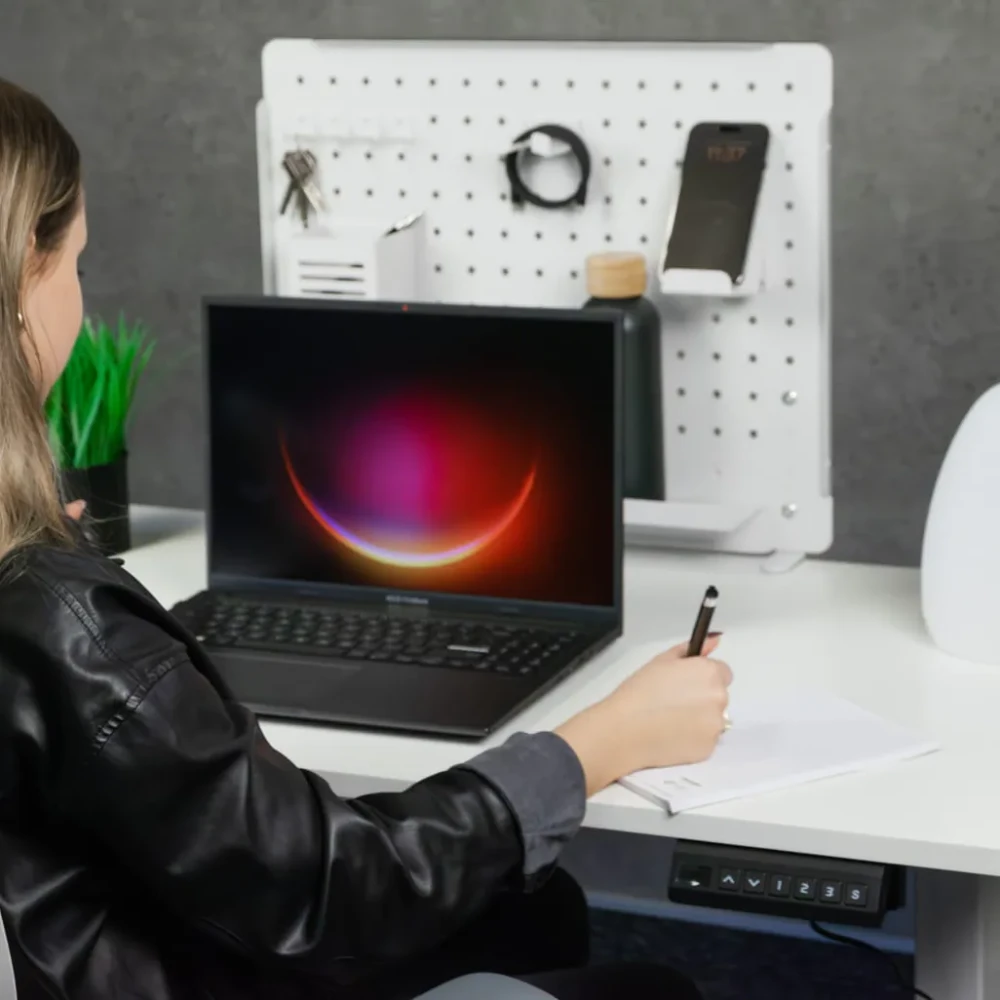
From chair to standing in about 20 seconds
The motor with a synchronizing bar raises the desktop evenly at 25 mm/s. Hold the arrow and the display shows the current height, so it's easy to return to the same position.
- Desk height 73–122 cm
- 1 motor, 25 mm/s speed
- Custom min. and max. height limits in the menu
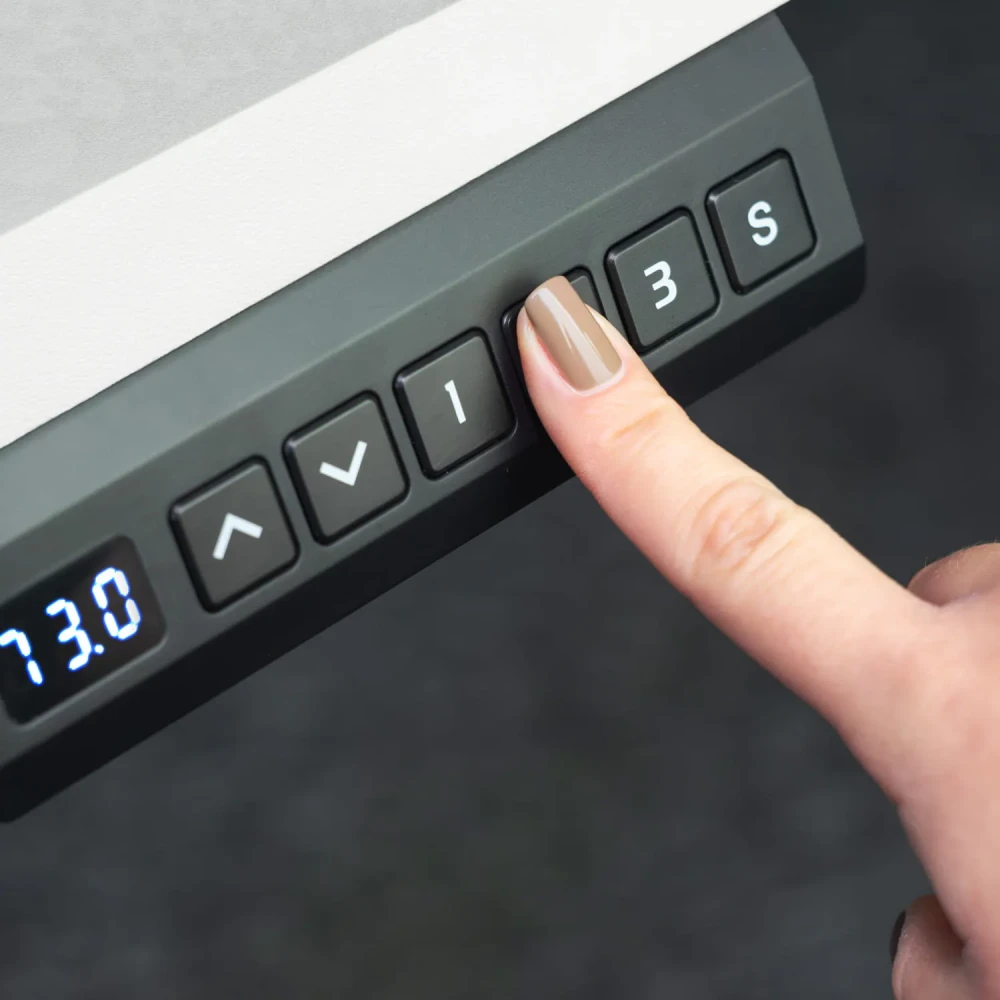
Your height at the press of a button
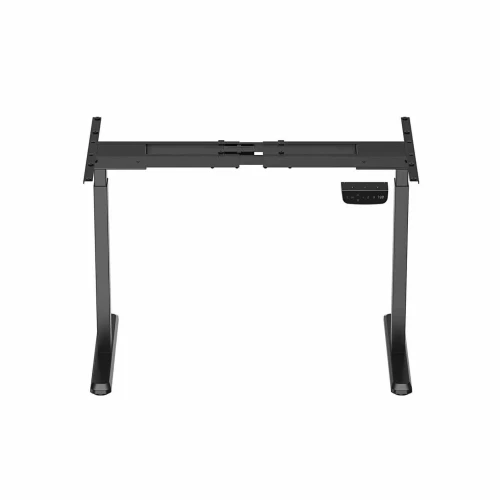
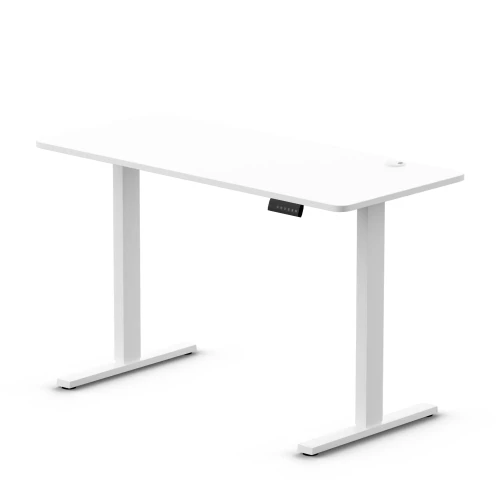
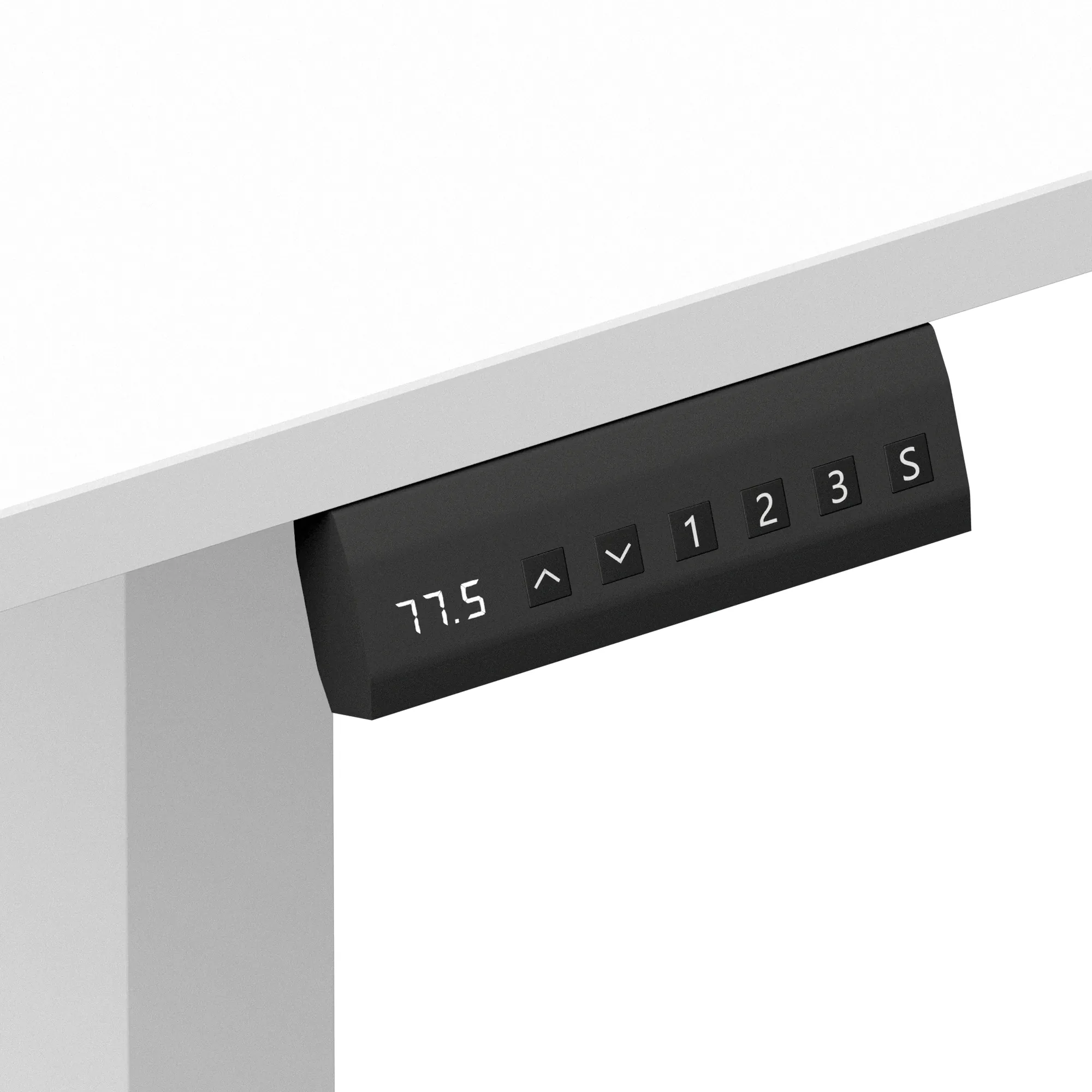
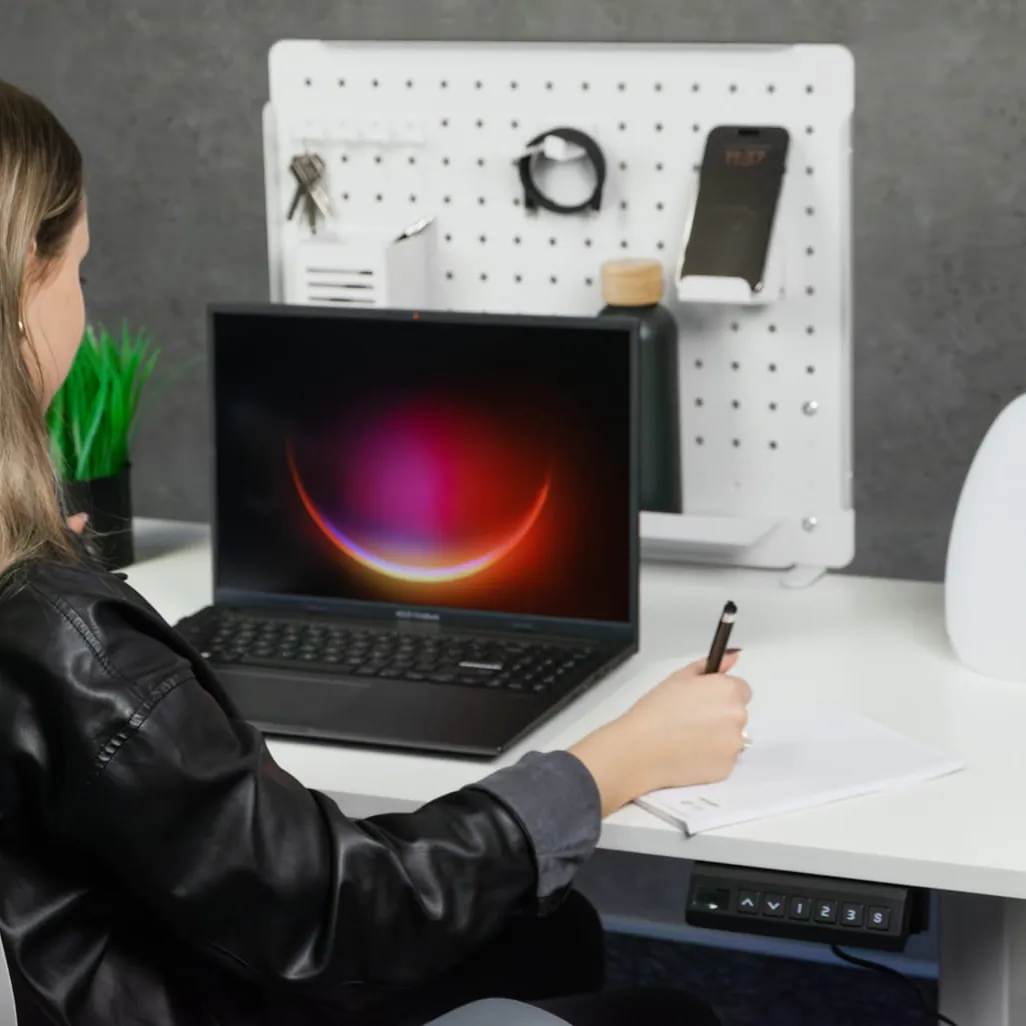
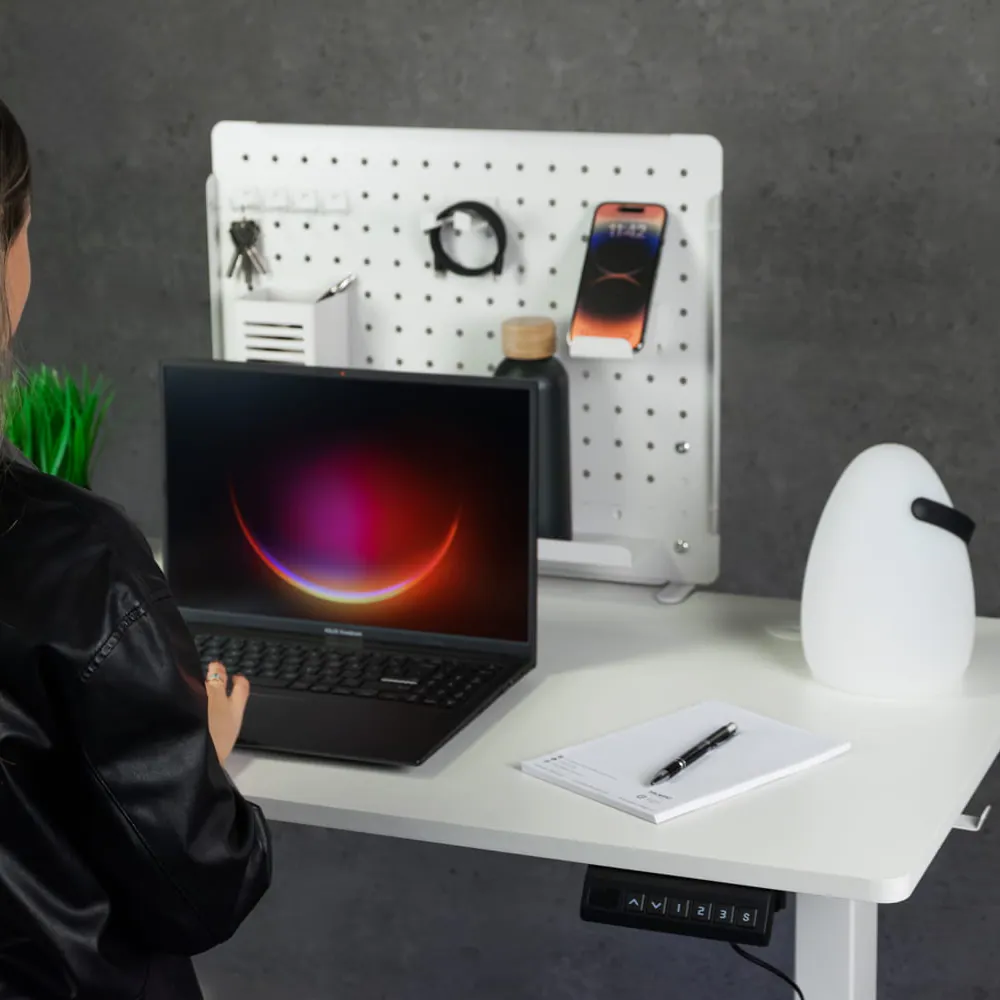
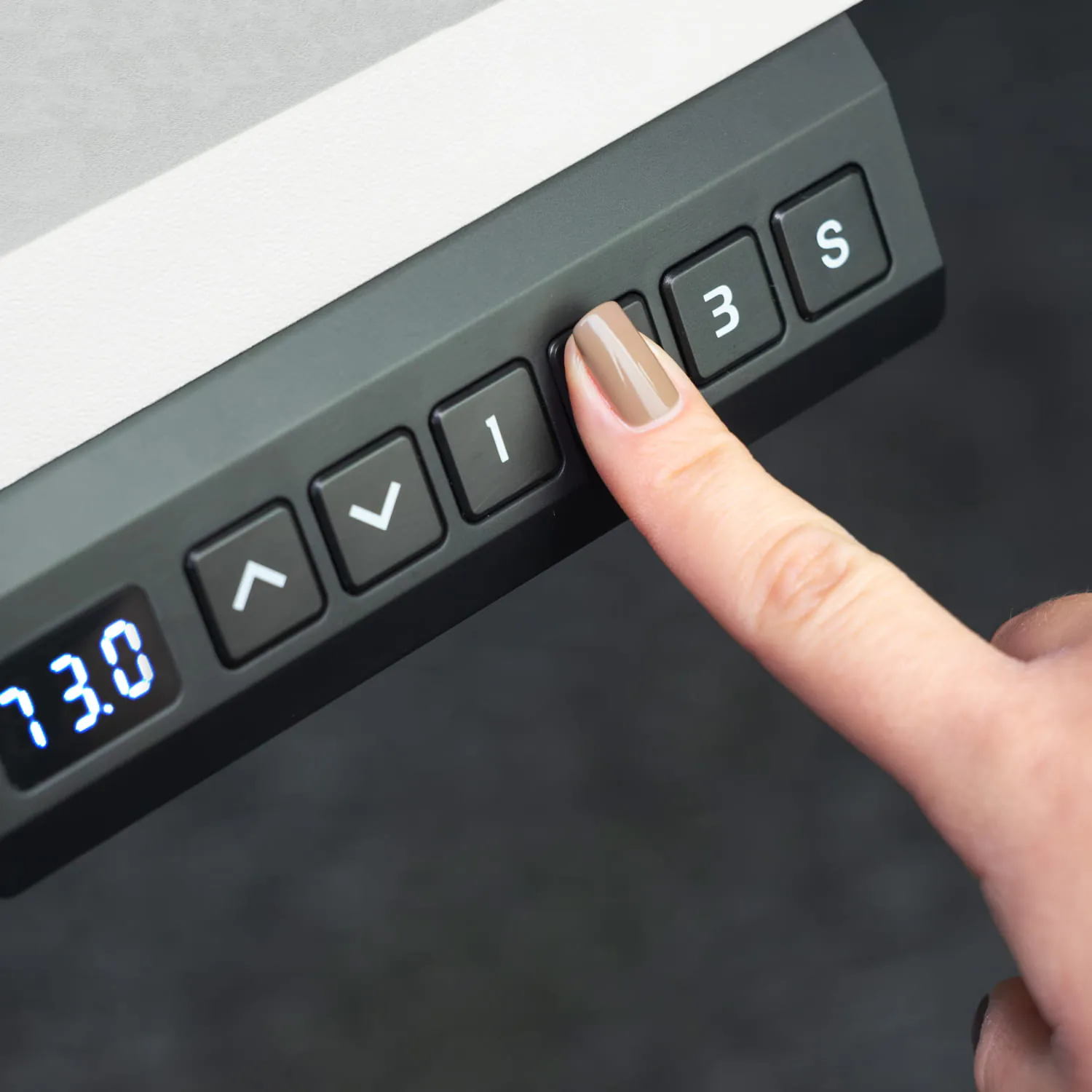
The controller remembers 3 heights. You save them with the “S” button and a number, and recall them with the number alone — no holding. You can screw the controller to the left or right side of the desktop.
- 3 memory presets: buttons 1, 2, 3
- LED display of the current height
- Controller mounts on either side
- Panel lock and cm / inch units
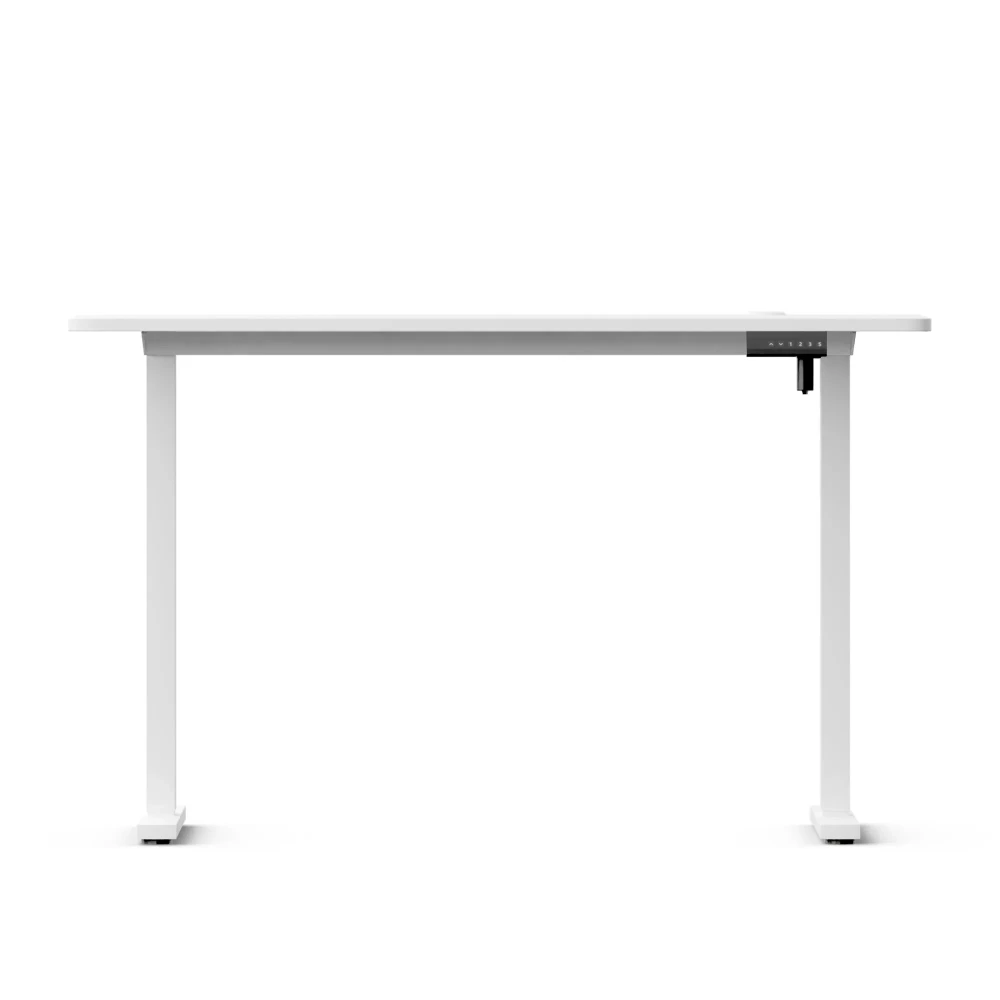
One desktop from one board
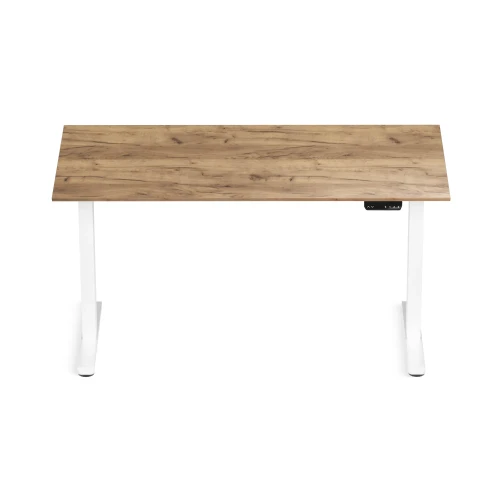
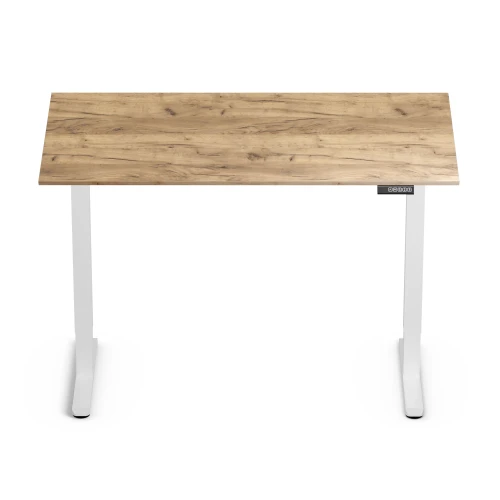
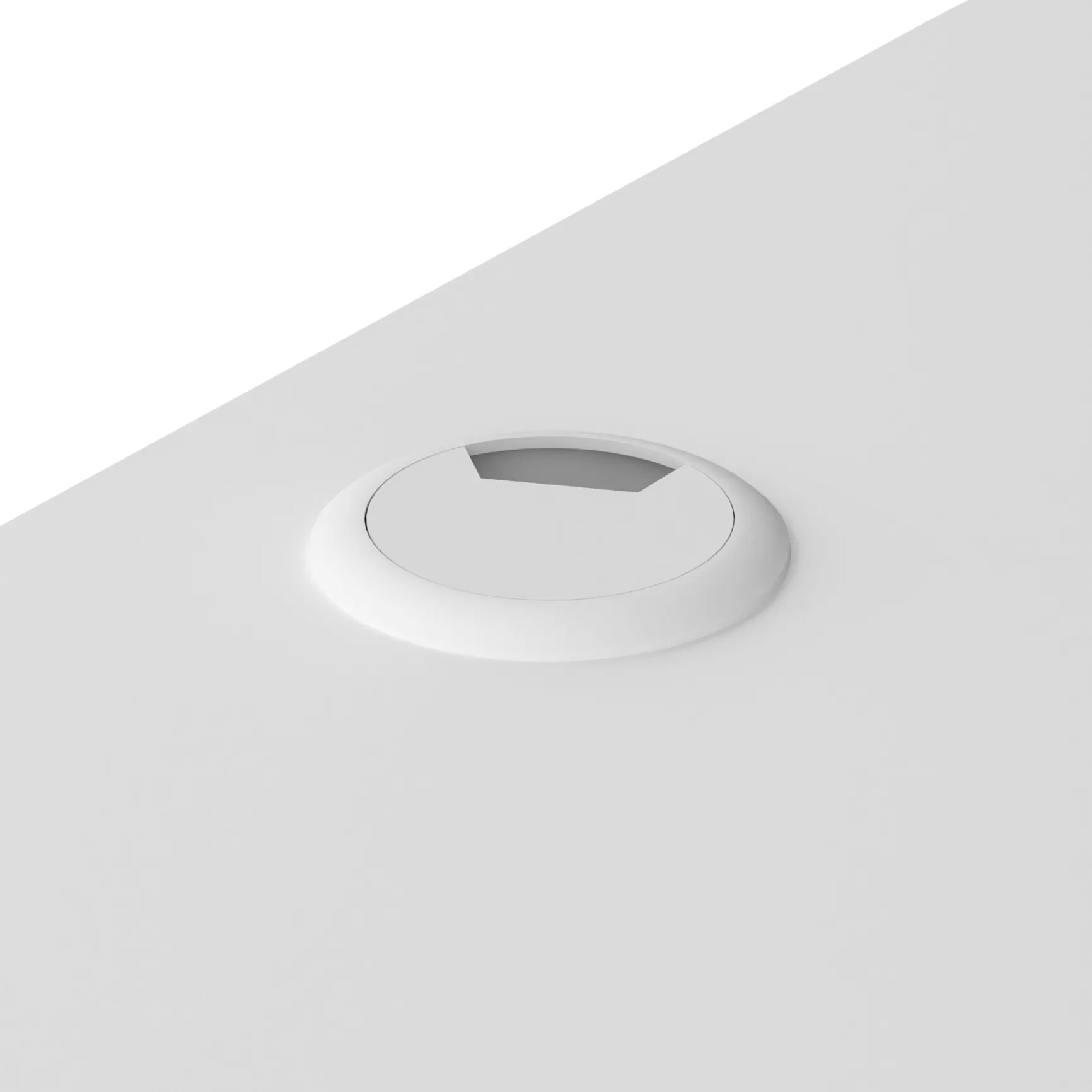
The 120 × 60 cm desktop is a single piece of 18 mm laminated board with no joint in the middle. It has mounting holes for the frame and a cable grommet with a cap, which you can use to route the monitor cables.
- Dimensions 120 × 60 cm, thickness 18 mm
- Cable grommet with cap
- Colors: white, black, retro wood
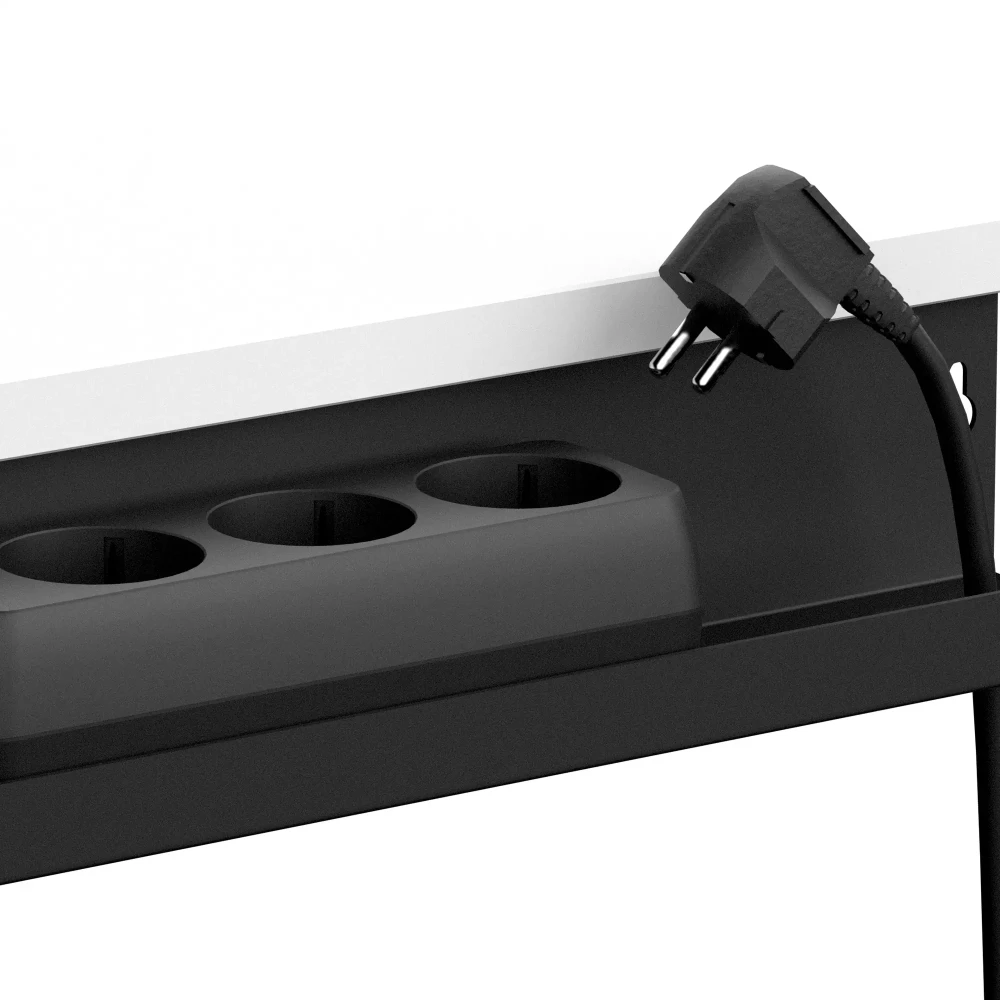
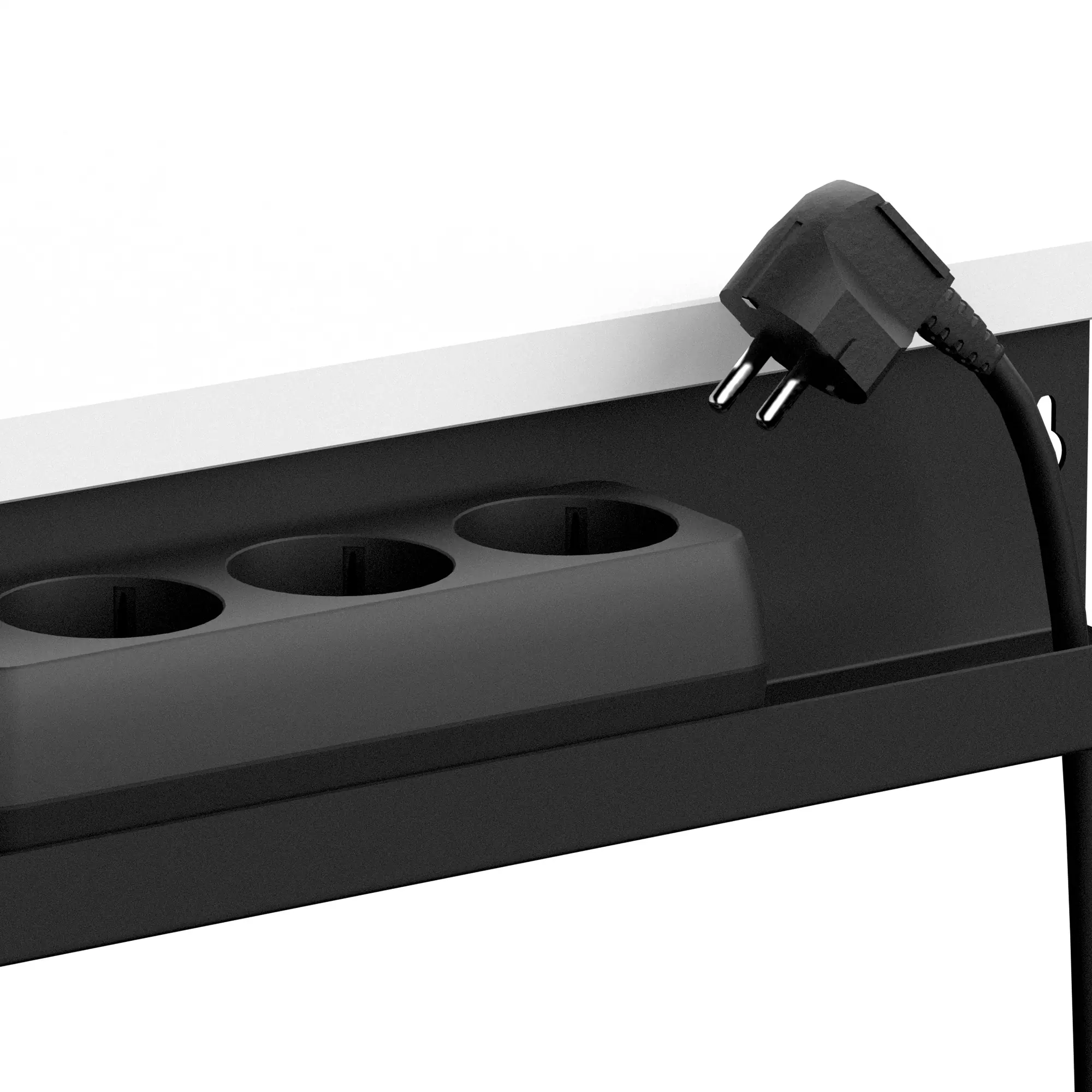
Your power strip under the desktop, not on the floor
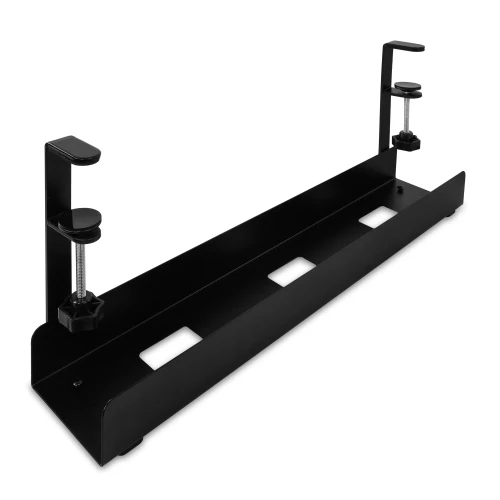
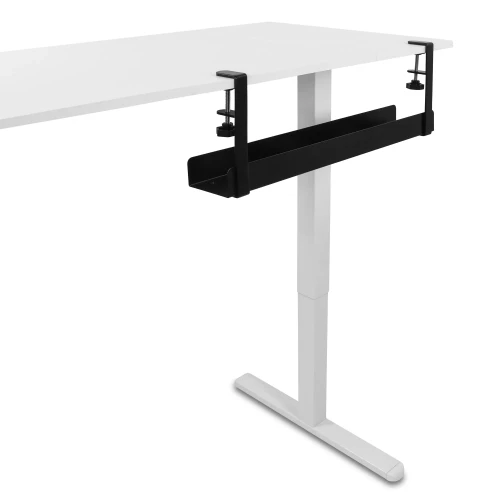
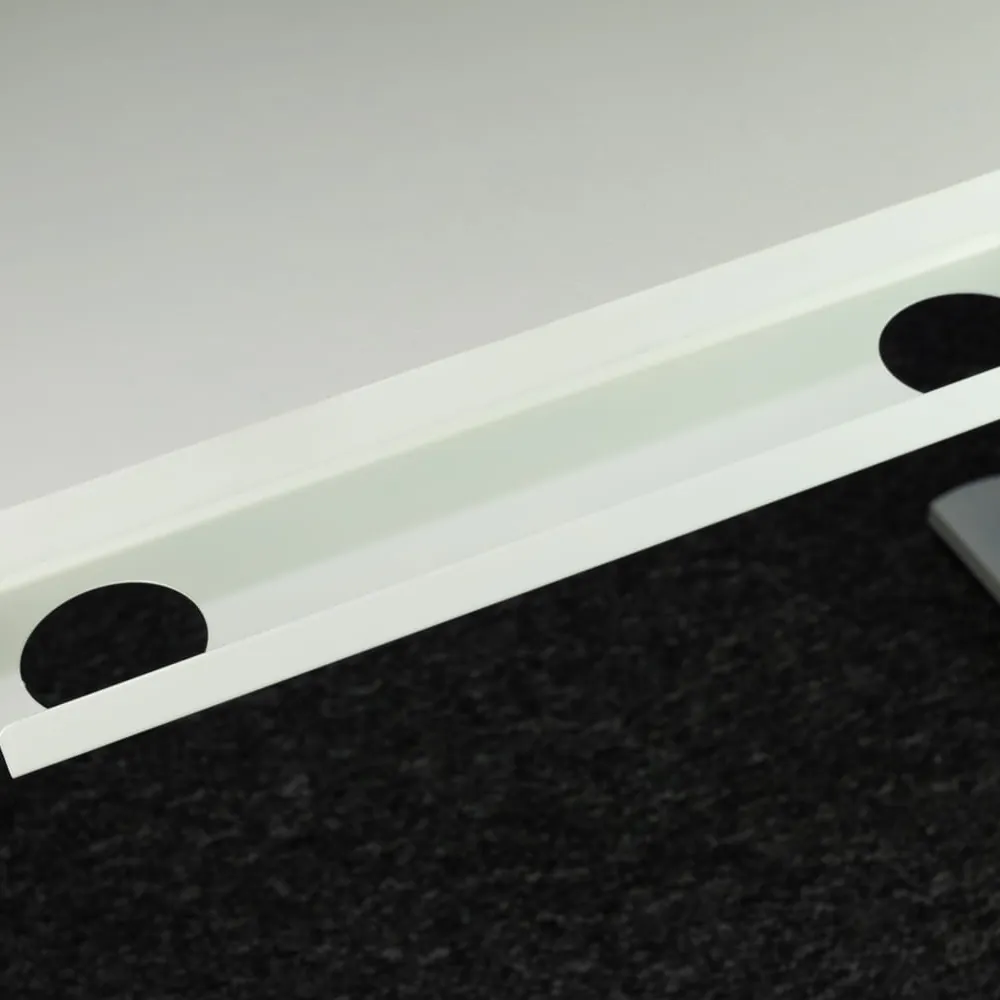
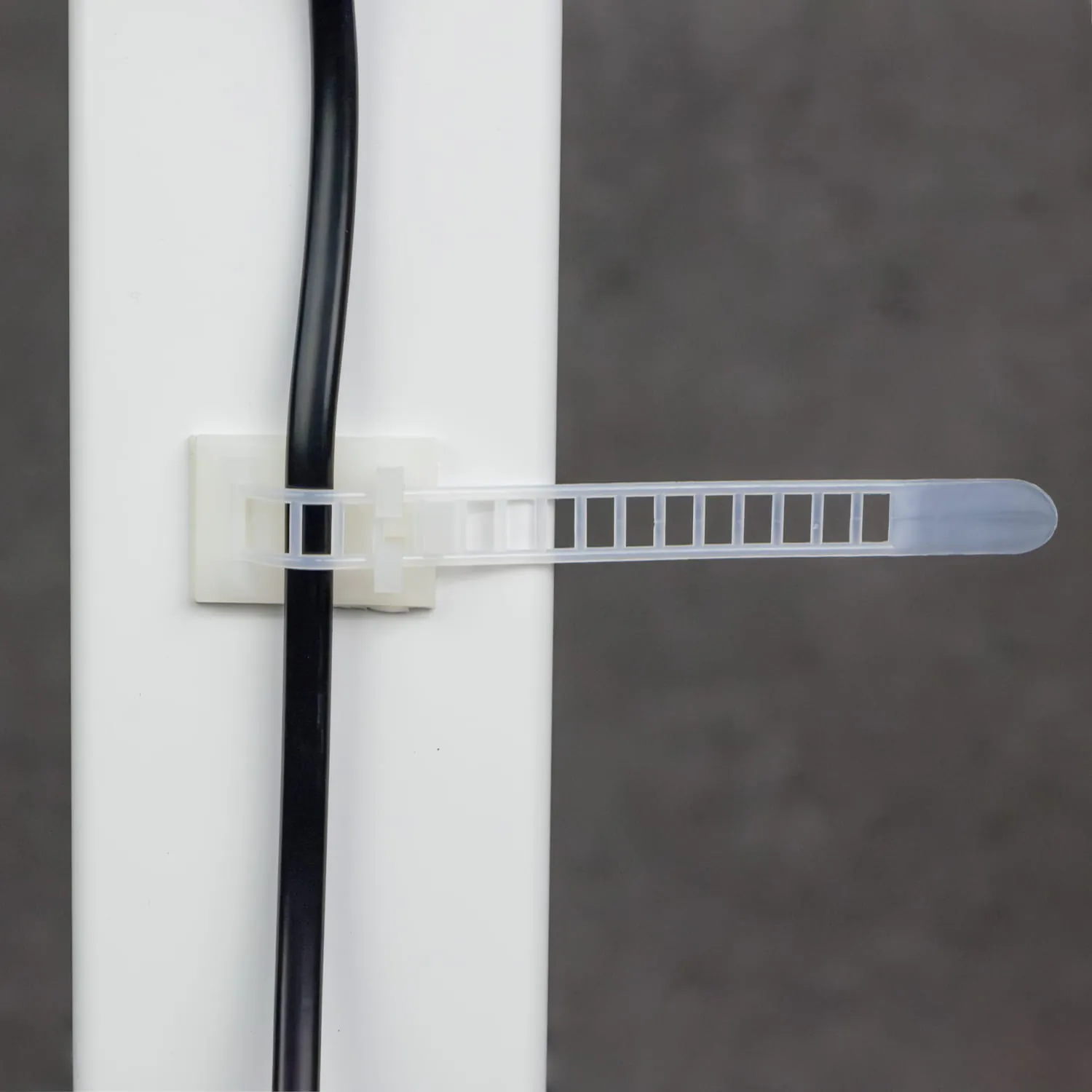
At the back, under the desktop, you screw on a power strip tray. Chargers and plugs move with the desktop, and self-adhesive clips route the cables along the underside, so nothing hangs down during adjustment.
- Power strip tray included
- Self-adhesive cable clips
- Cable grommet in the desktop
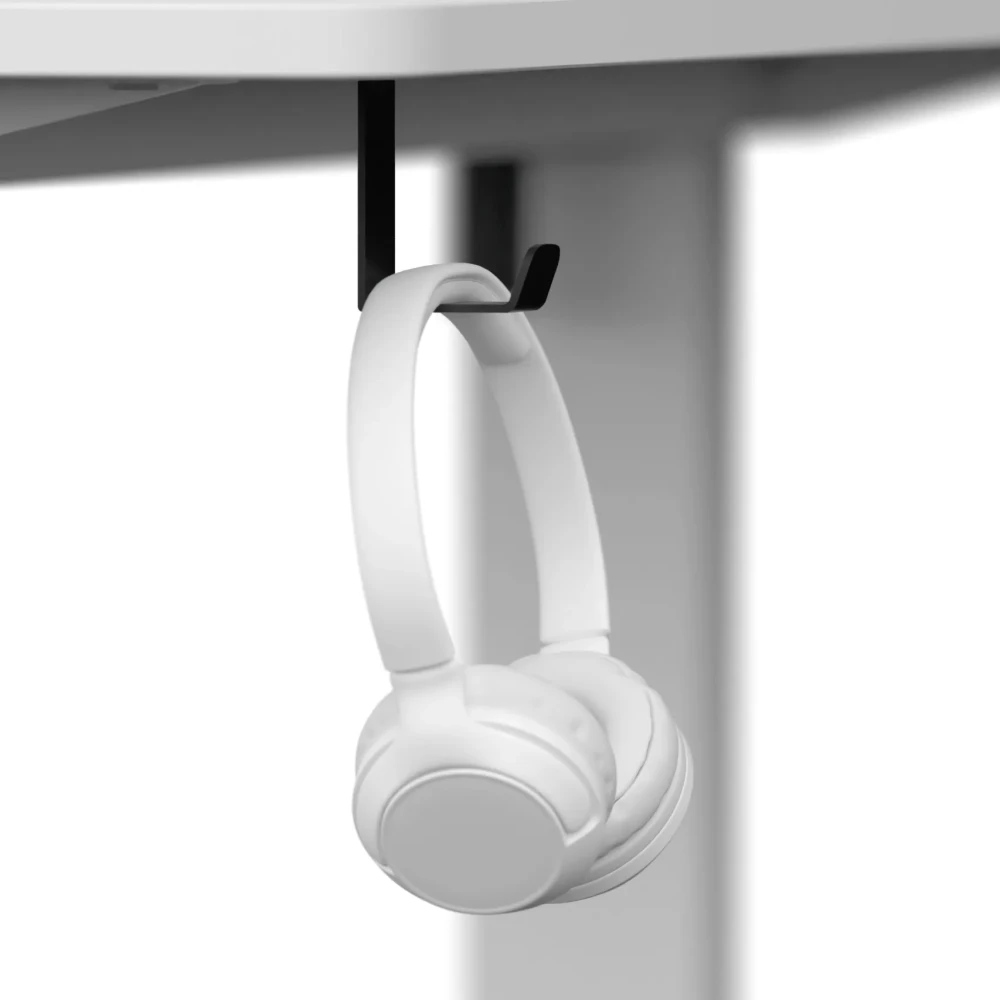
Headphones and bag always within reach
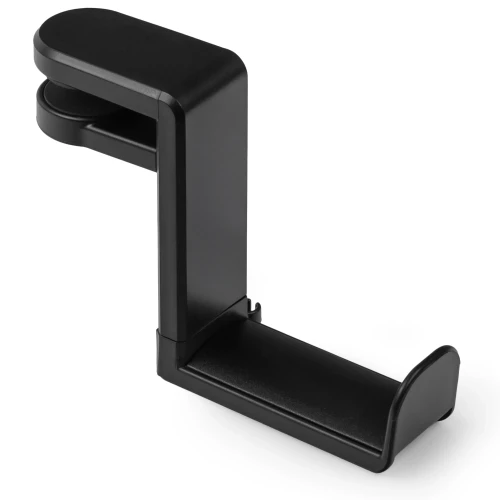
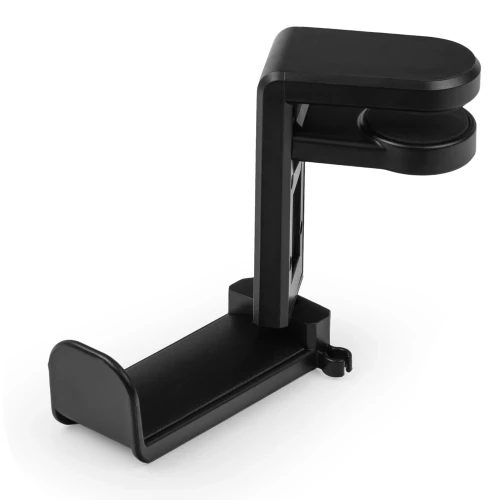
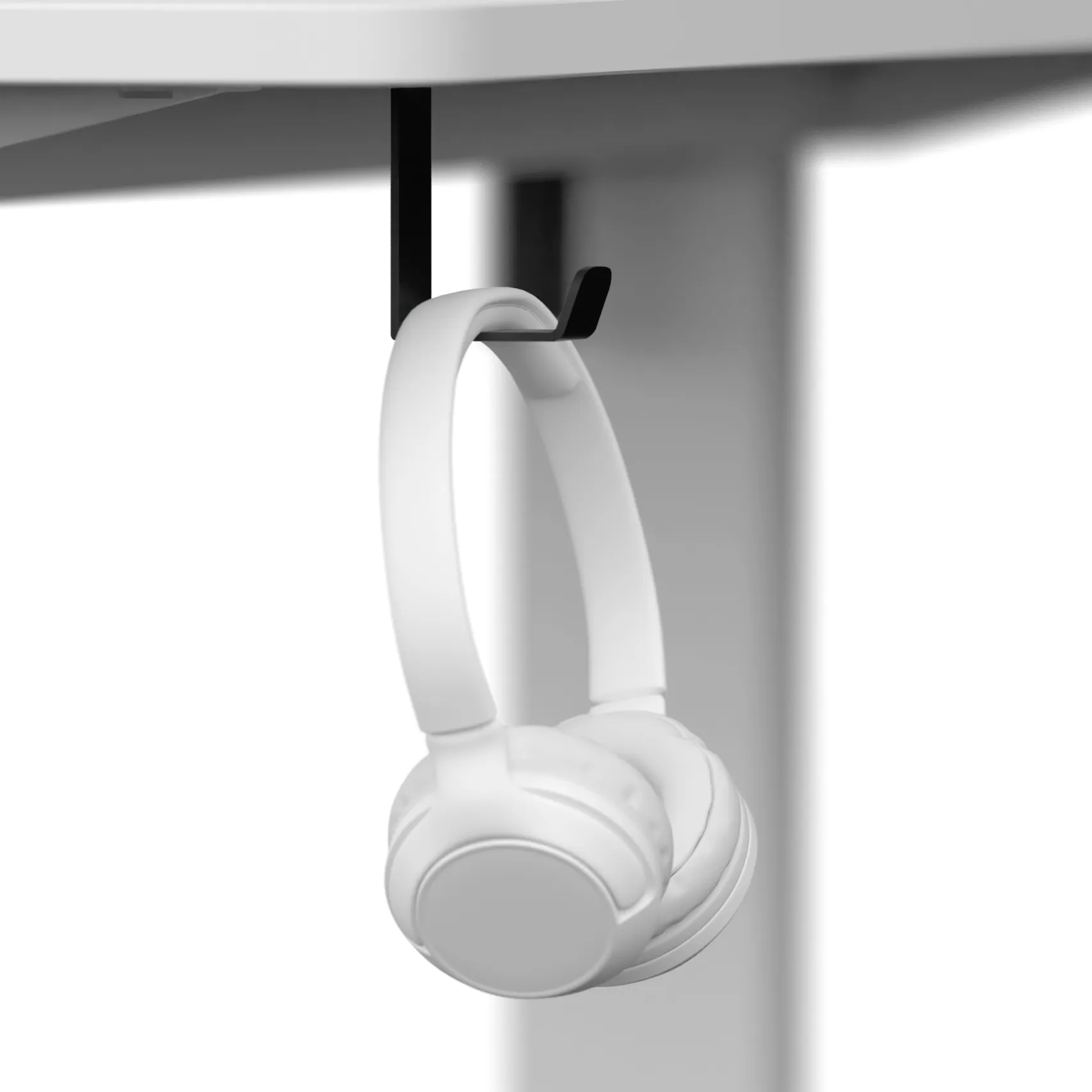
Two hooks screwed under the desktop on the sides hold headphones, a laptop bag or a backpack. The desktop stays clear and nothing lies on the floor.
- 2 hooks included
- Mounted under the desktop, on the sides
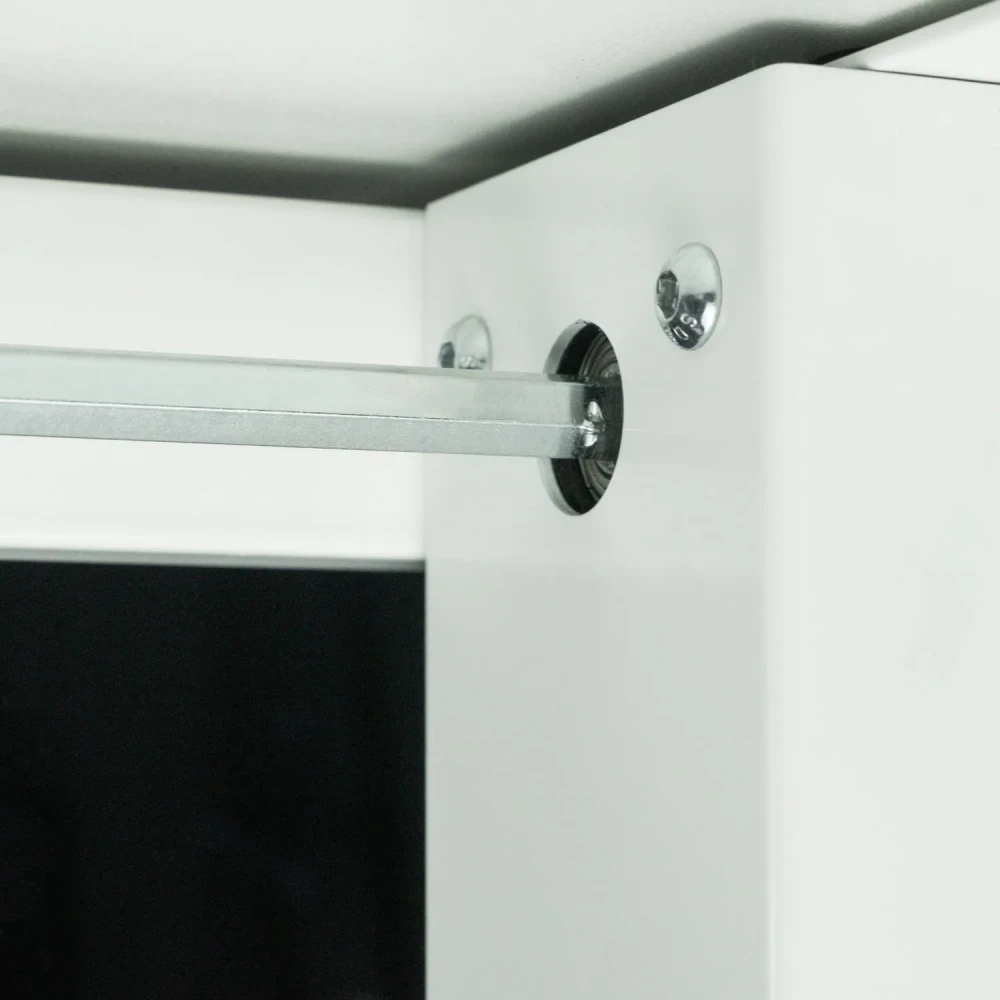
Stable and safe at any height
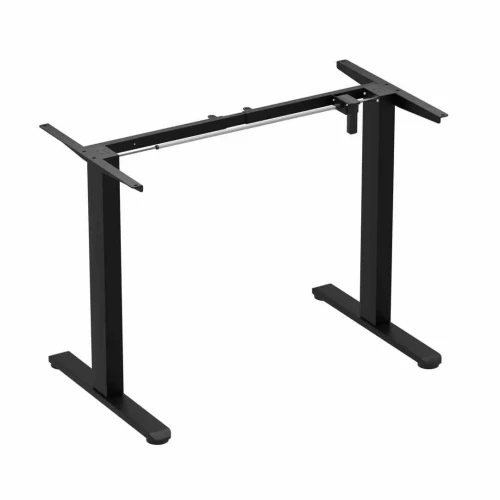
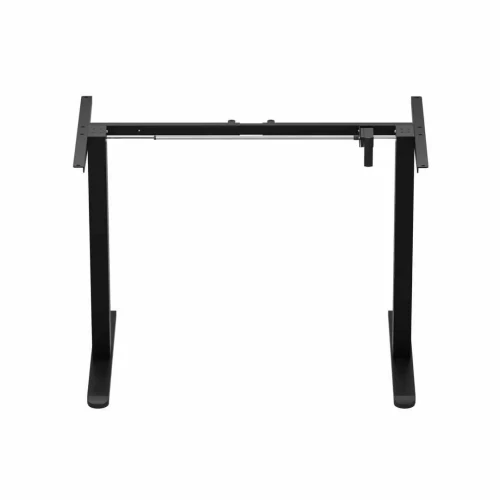
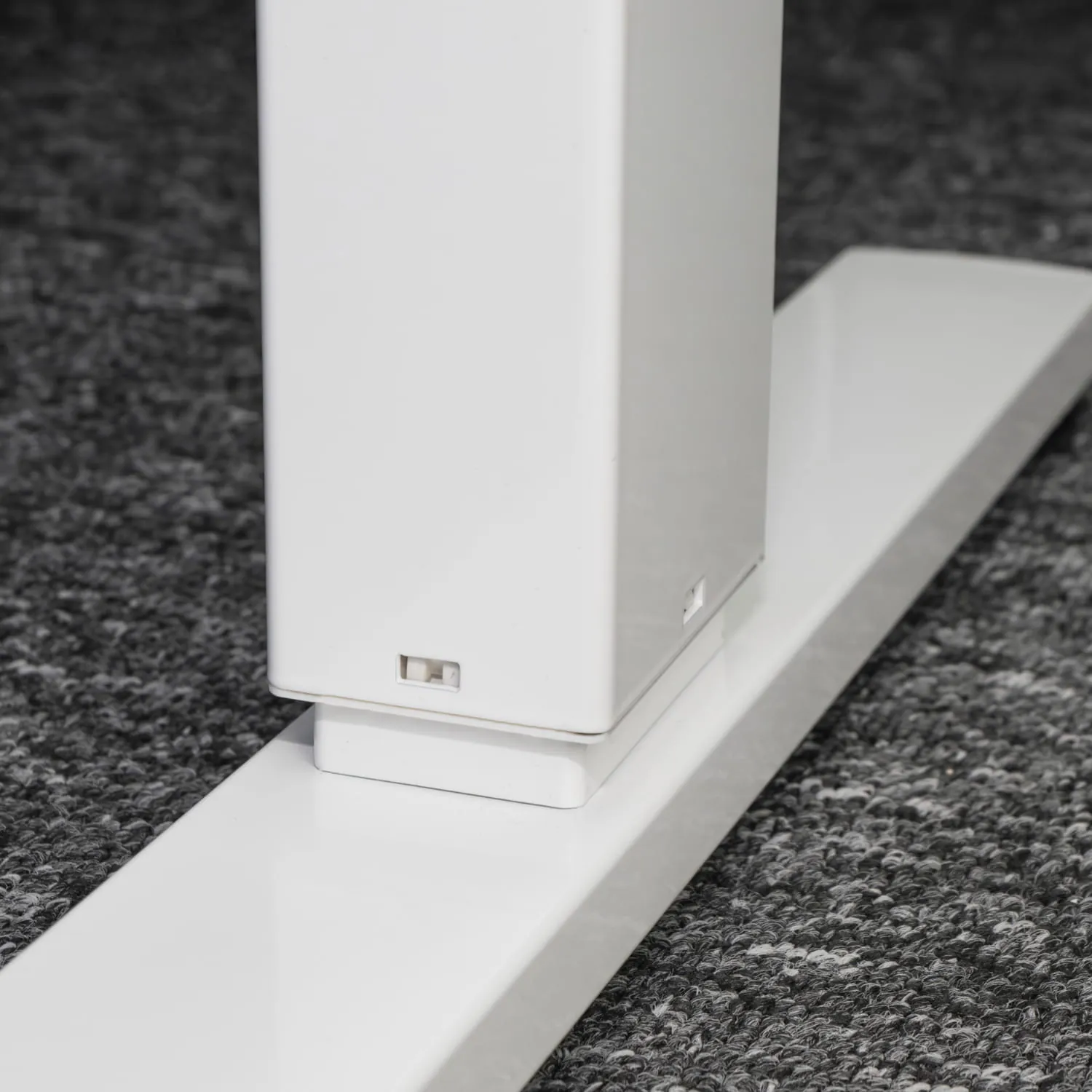
The powder-coated steel and aluminum frame has a bar that synchronizes the columns and leveling feet. Anti-vibration pads dampen vibration, and the collision sensor stops the desktop when it hits an obstacle.
- Steel and aluminum, powder-coated
- 10 anti-vibration pads
- Collision sensor, sensitivity 0–5 up and down
Assembly
How installation works
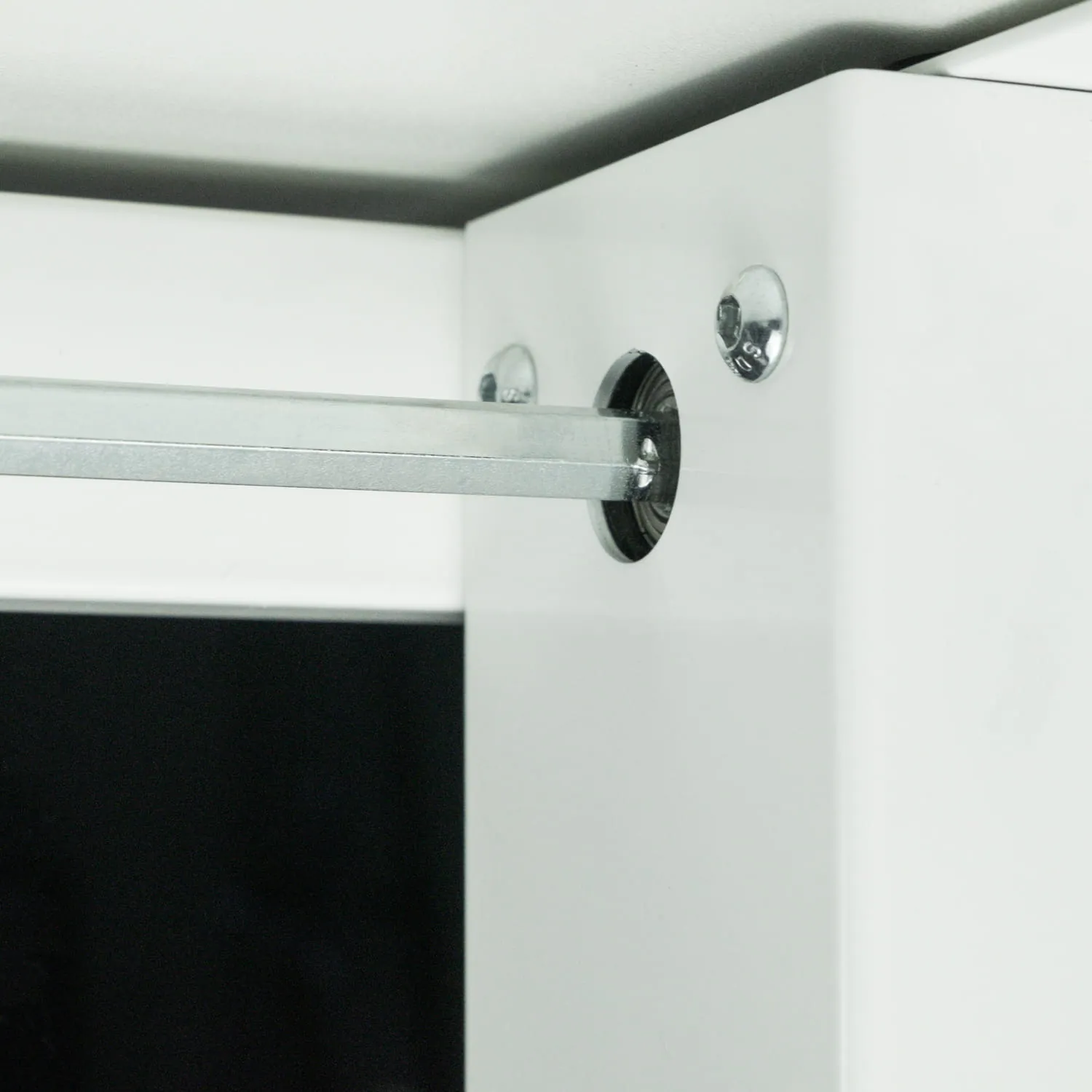
- Connect the columns with the barSlide the synchronizing bar into both columns, set the frame width and lock it with the set screw using the 2.5 mm key.
- Screw on the crossbar and side bracketsScrew the crossbar to the columns with M6 × 10 bolts, and the side brackets with M6 × 12 bolts.
- Screw on the feetScrew a foot onto each column with M6 × 35 bolts using the 5 mm key.
- Screw on the desktopLay the desktop on a blanket with the holes facing up, fit the anti-vibration pads and screw on the frame with ST4.0 × 16 screws.
- Add the accessoriesScrew the power strip tray under the back of the desktop and the hooks on the sides.
- Connect the controllerScrew the controller on the side of your choice, connect the motor and power supply, and route the cables through the self-adhesive clips.
- Turn over and levelTurn the desk over with two people, press the grommet into the desktop hole and level the feet. Finally, reset the system with the ▼ arrow.
What's in the box
- frame: motor column, column, synchronizing bar, crossbar, 2 side brackets, 2 feet
- 120 × 60 cm desktop, 18 mm, with mounting holes and a cable grommet
- controller with display and power supply
- power strip tray, 2 hooks, self-adhesive cable clips
- M6 × 12 bolts (4 pcs), M6 × 10 (4 pcs), M6 × 35 (8 pcs), ST4.0 × 16 screws (16 pcs) and ST4.0 × 12 (5 pcs), M5 × 10 set screw, 10 anti-vibration pads
Safety: Do not exceed a load of 70 kg and do not sit on the desktop. Plug in the power only after the desk is assembled. Turn the desk over with the help of a second person.
Which model should you choose?
| Control Series | Control+ | Control Flex+ | |
|---|---|---|---|
| Motors | 1 | 1 | 1 |
| Height with desktop | 72–114 cm | 73–122 cm | approx. 74–120 cm |
| Speed | 16 mm/s | 25 mm/s | 20 mm/s |
| Load capacity | 70 kg | 70 kg | 70 kg |
| Desktop | 120 × 60 cm, 15 mm | 120 × 60 cm, 18 mm | 120 × 67 or 138 × 67 cm, 18 mm |
| Memory presets | 3 | 3 | 3 |
| Power strip tray and hooks | — | yes | — |
Control+ electric desk specifications
| Height adjustment | electric, 1 motor with synchronizing bar |
|---|---|
| Desk height | 73–122 cm |
| Adjustment speed | 25 mm/s |
| Memory presets | 3, recalled with one press |
| Controller | LED display, ▲ ▼ 1 2 3 S buttons, mounts on either side |
| Collision sensor | yes, sensitivity 0–5 separately up and down |
| Other features | min. / max. height limit, panel lock, cm / inches |
| Material | steel and aluminum, powder-coated |
|---|---|
| Glides | leveling |
| Load capacity | 70 kg |
| Dimensions | 120 × 60 cm |
|---|---|
| Thickness | 18 mm |
| Material | laminated board |
| Construction | one piece, with cable grommet |
| Desktop color | white |
| Frame color | white |
| Organization | power strip tray, 2 hooks, self-adhesive clips |
|---|---|
| Assembly | 10 anti-vibration pads, full set of bolts, Allen keys and screwdriver |
| Power supply | 100–240 V, external power supply |
|---|---|
| Operating temperature | from -5 to +40 °C |
| Weight | 24.2 kg net, 28.25 kg with packaging |
|---|---|
| Number of boxes | 1 |
| Warranty | 36 months |
| Delivery condition | self-assembly |
| Certification marks | CE |
| Manufacturer / importer | EKO-LIGHT TEAM Sp. z o.o., Częstochowa |
Questions about this product
- Is the Control+ desktop one piece?
- Yes. The 120 × 60 cm Control+ desktop is a single piece of 18 mm board with no joint in the middle.
- What is the height adjustment range of the Control+?
- You adjust the Control+ desk electrically between 73 and 122 cm. In the controller menu you can also set your own minimum and maximum height.
- Do you have to hold the memory button on the Control+?
- No. On the Control+ you recall a saved height with a single press of button 1, 2 or 3. To save, press the “S” button and then the number you choose.
- How much weight can the Control+ hold and how much does it weigh?
- The Control+ has a load capacity of 70 kg. The desk weighs 24.2 kg net, 28.25 kg with packaging, and arrives in one package.
- Does the Control+ desktop have a cable hole?
- Yes. The Control+ desktop has a cable grommet, and the cap is included. You also mount a power strip tray and self-adhesive cable clips under the desktop.
- Can the Control+ controller be mounted on the left?
- Yes. You screw the Control+ controller to the desktop on the side of your choice — left or right.
- Does the Control+ have anti-collision protection?
- Yes. The Control+ has a collision sensor that stops the desktop when it hits an obstacle (code E-3). You set the sensitivity in the menu on a 0–5 scale, separately for moving up and down; 0 turns the sensor off.
- How do I reset the Control+ desk?
- Hold ▼ until the desktop reaches its lowest height, then keep holding for another 7 seconds — the desktop will drop slightly and then rise by about 5 mm. The reset also restores the factory settings.
Bezpieczeństwo produktu
Responsible person in the EU
EKO-LIGHT TEAM SP. Z O.O.
Główna 142
42-280 Częstochowa, Poland
Rekomendowane dla Ciebie
-
Price 499,00 zł
-
Price 499,00 zł
-
Price 199,00 zł
-
Price 319,00 zł
-
Price 479,00 zł
-
Price 499,00 zł
-
Price 399,00 zł
-
Price 849,00 zł
-
Price 279,00 zł
-
Price 849,00 zł
-
Price 719,00 zł
-
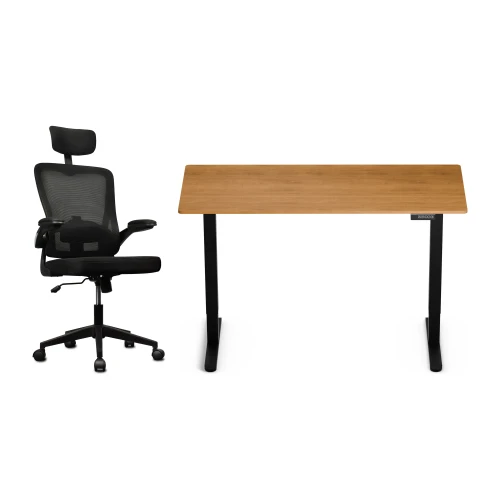
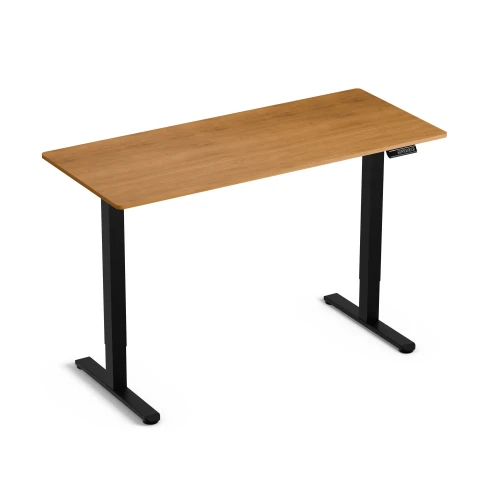
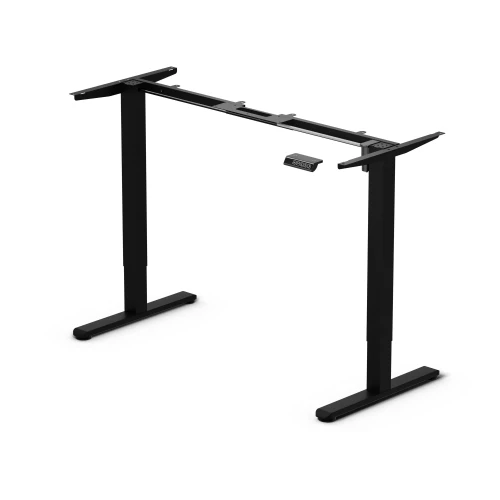
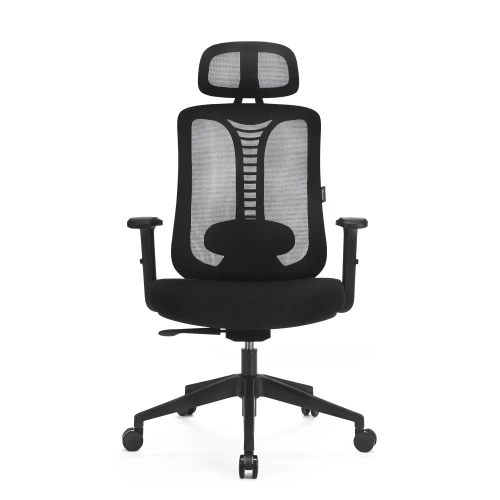
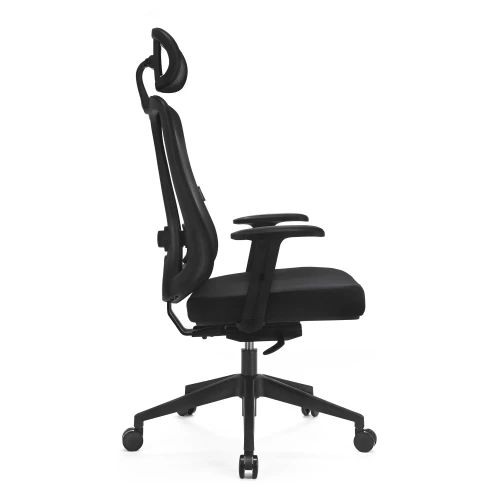
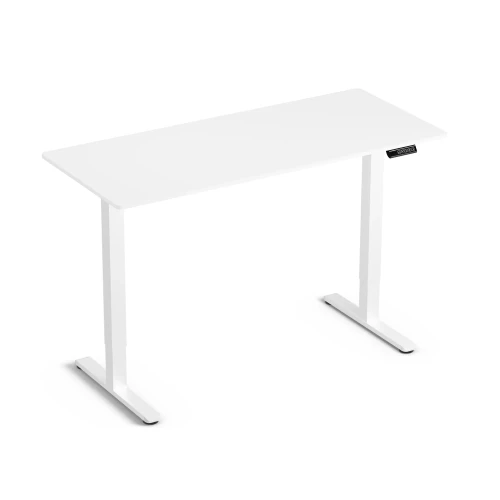
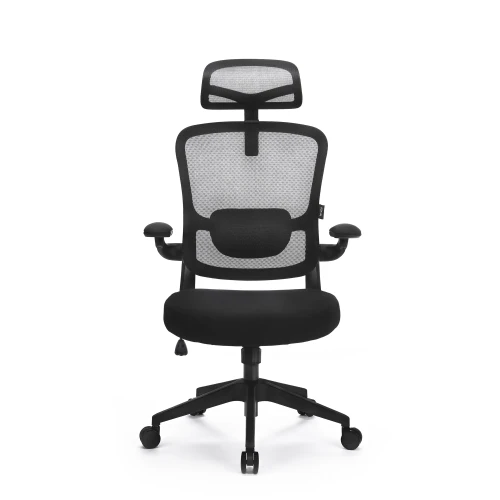
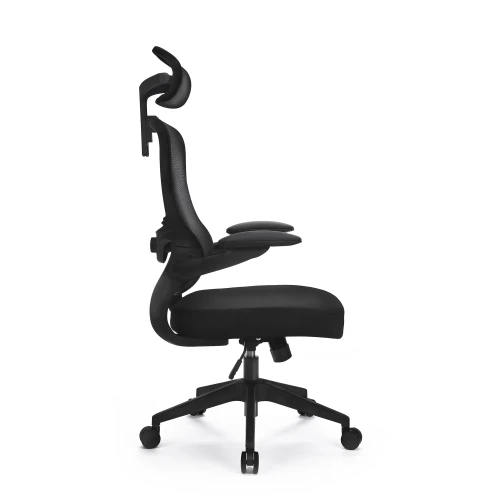
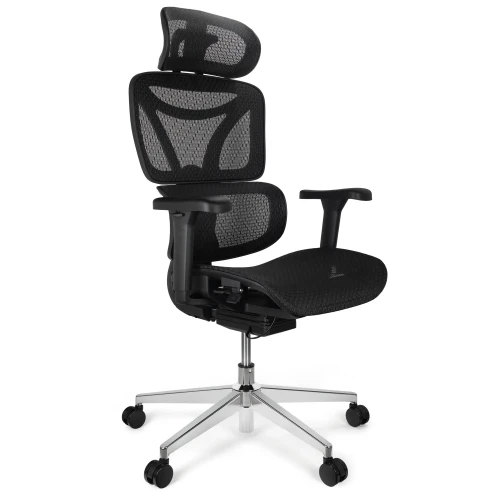
Electric Height-Adjustable Desk Control Lite Gold Oak 140/60 and Ergo Lite Black Ergonomic Chair Set
Price 729,00 zł -
Price 199,00 zł
-
Price 649,00 zł
-
Price 80,00 zł
-
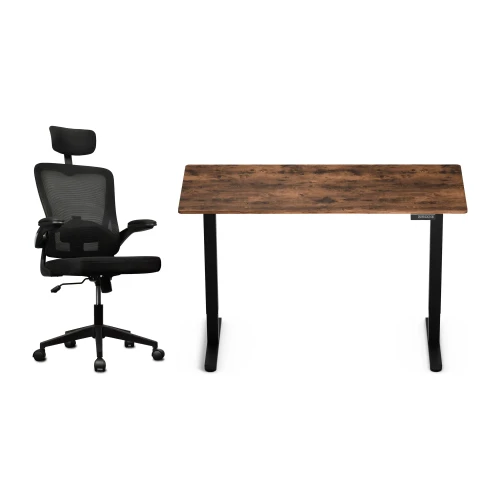
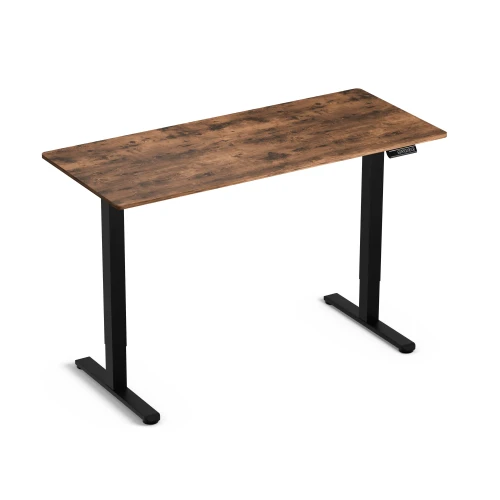
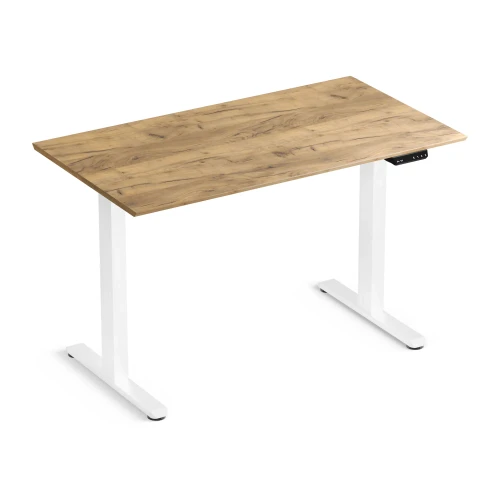
Control Lite Rustic 140/60 electric height-adjustable desk and black Ergo Lite ergonomic office chair set
Price 729,00 zł
Najczęściej wybierane
-
Price 16,00 zł
-
Price 749,00 zł
-
Price 39,00 zł
-
Price 24,99 zł
-
Price 479,00 zł
-
Price 89,00 zł
-
Price 649,00 zł
-
Price 419,00 zł
-
Price 89,00 zł
-
Price 928,99 zł
-
Price 1 099,00 zł
-
Price 129,00 zł
-
Price 549,00 zł
-
Price 59,00 zł
-
Price 749,00 zł
-
Price 59,00 zł