

M2 Monitor Arm LVNSystem
Ask about the product
Administratorem danych osobowych jest EKO-LIGHT TEAM SPÓŁKA Z OGRANICZONĄ ODPOWIEDZIALNOŚCIĄ. Przetwarzamy je w celu przesłania odpowiedzi na zapytanie. Więcej informacji dotyczących przetwarzania danych osobowych znajduje się w polityce prywatności.
Opis
Monitor arms by LVN System
Two screens side by side, a clear desktop
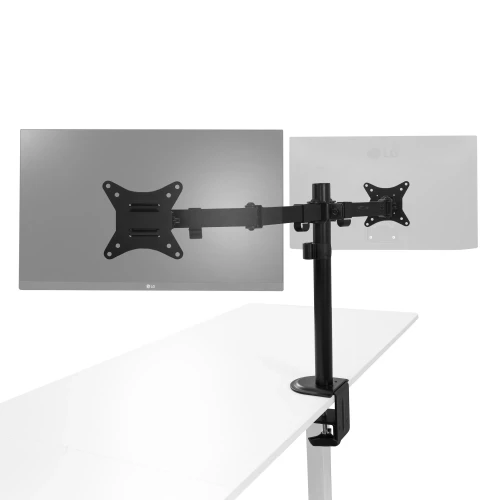
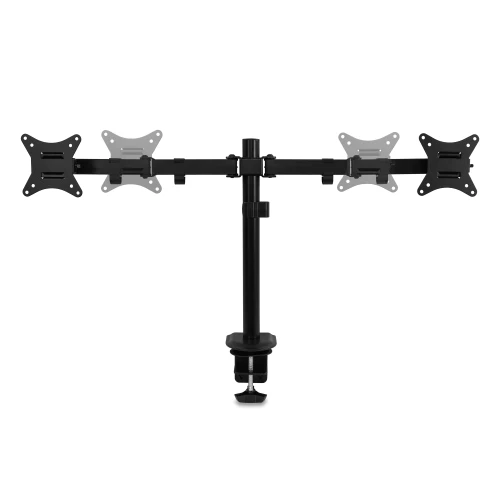
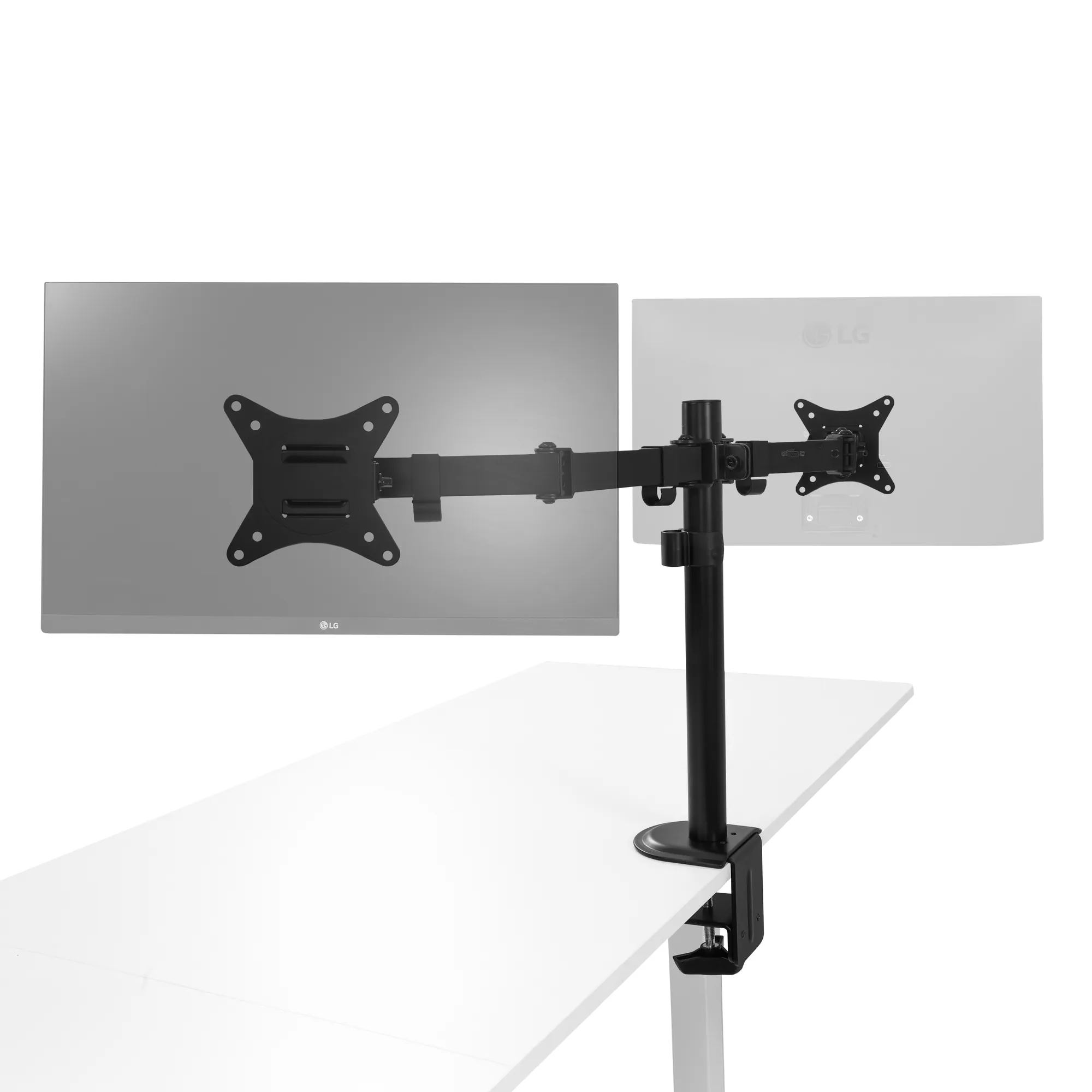
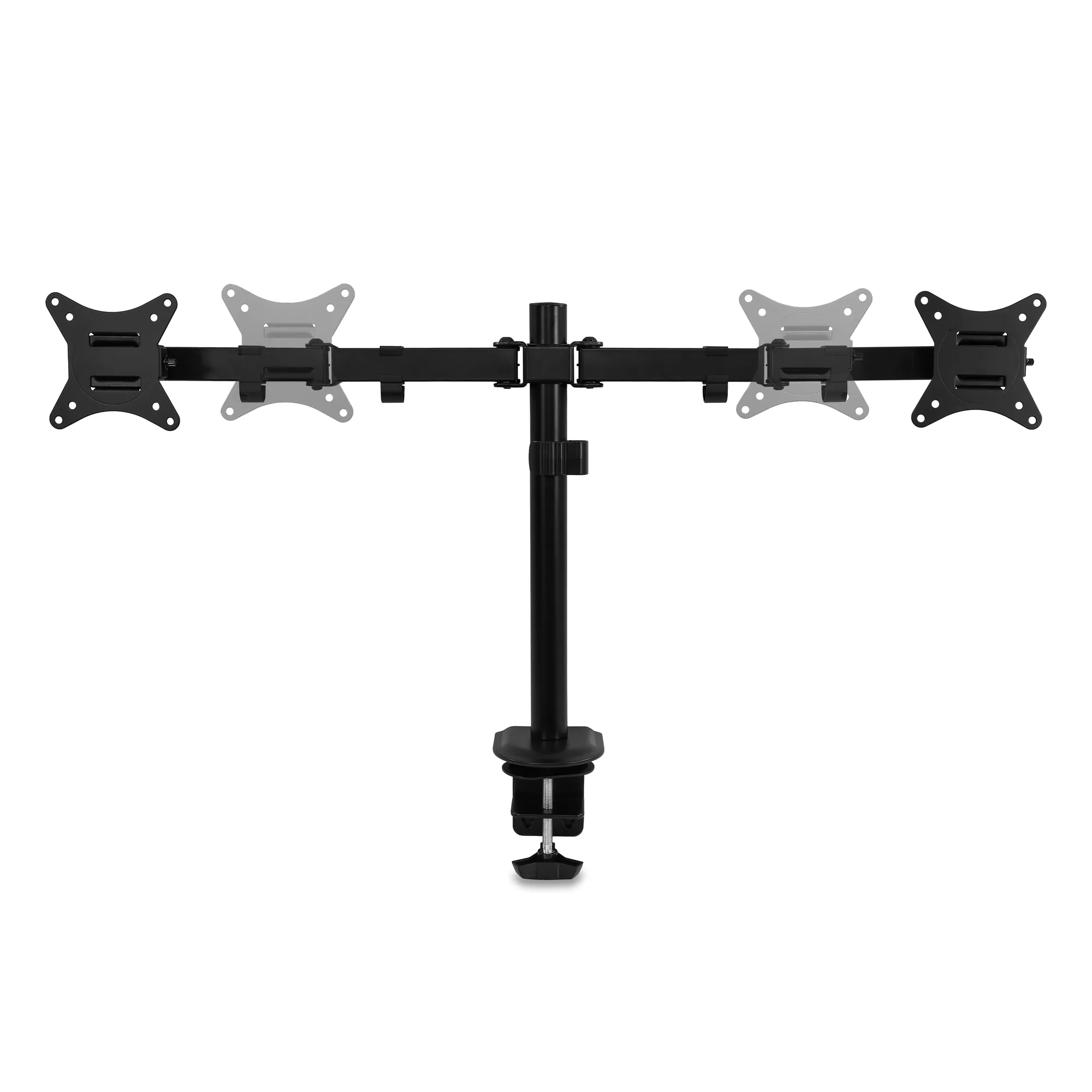
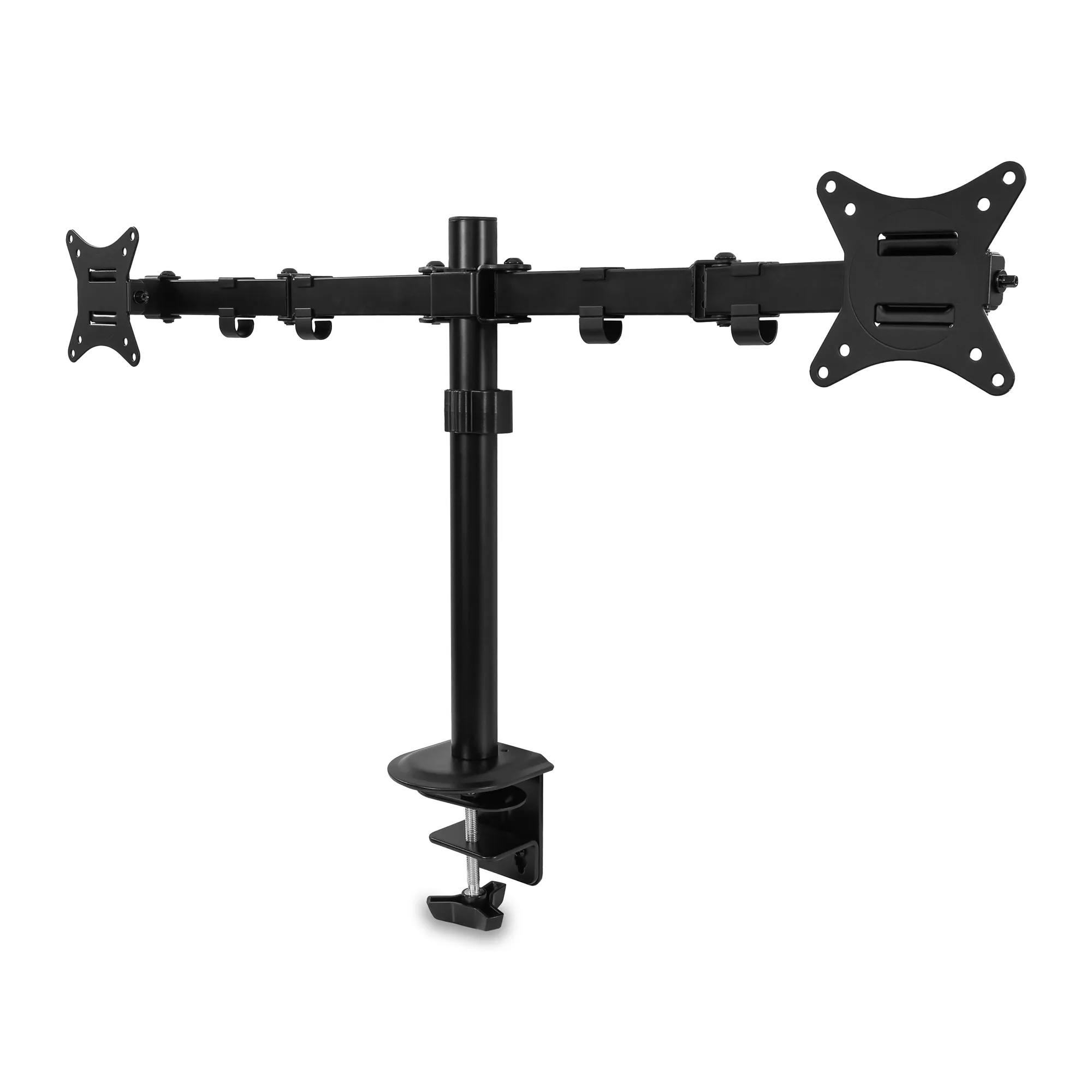
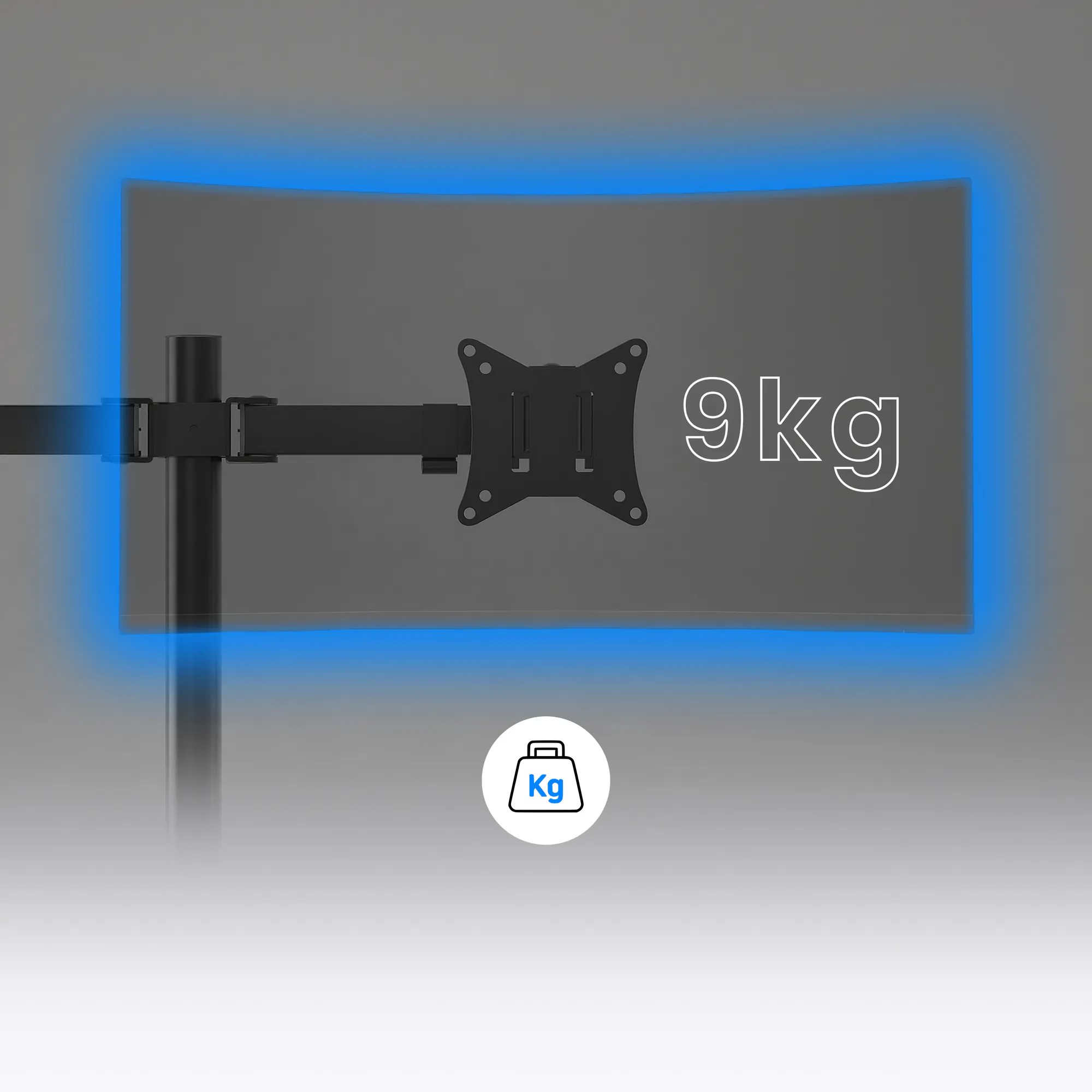
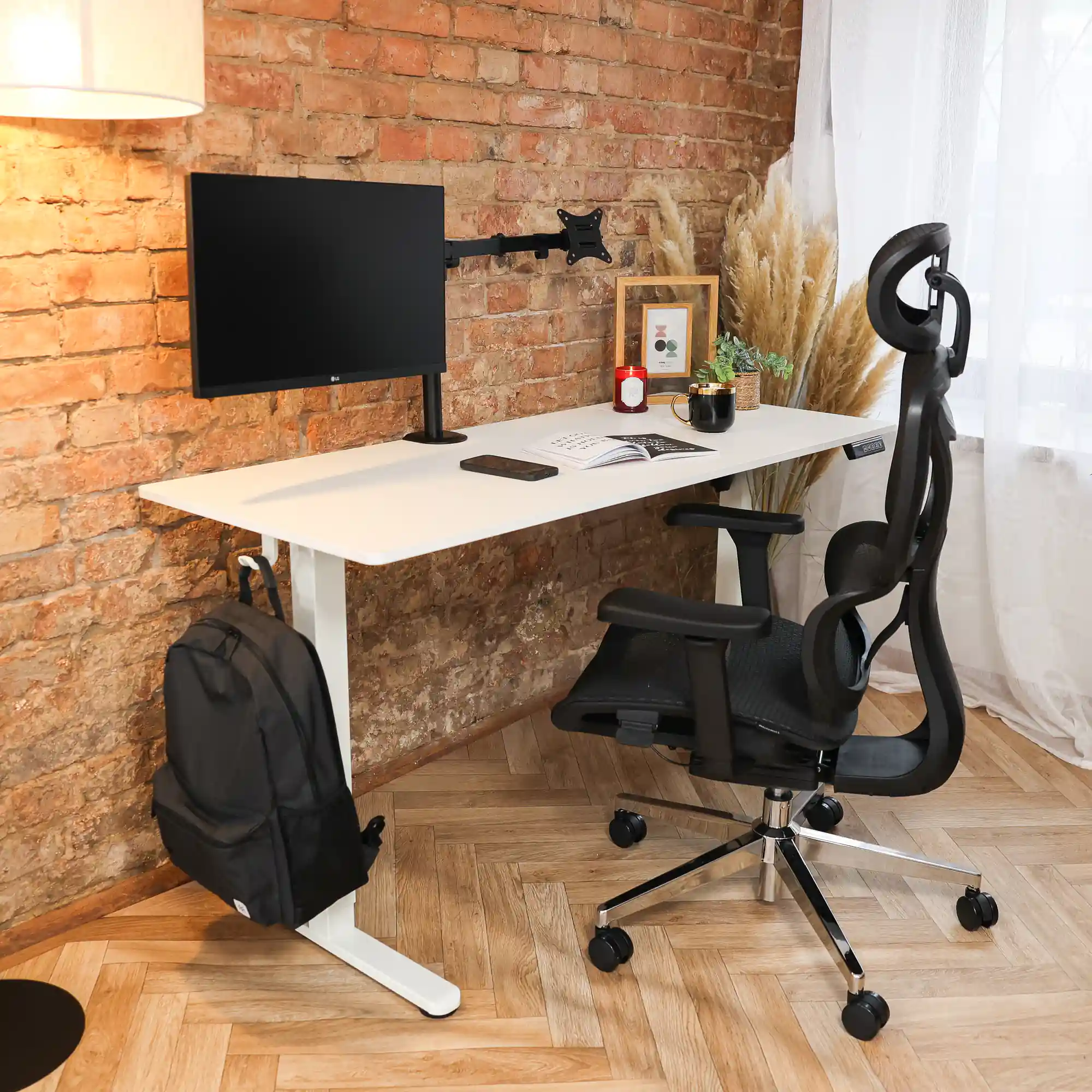
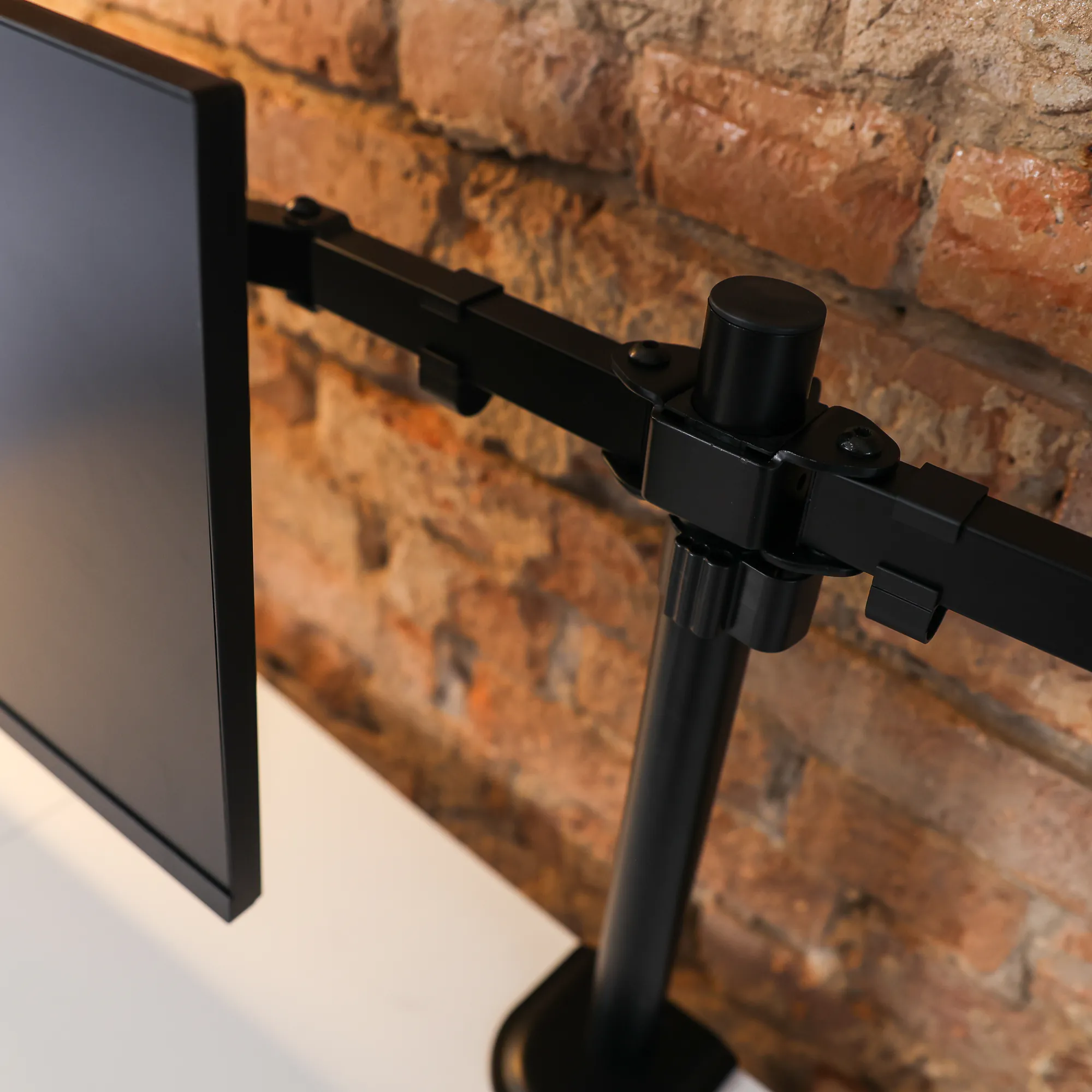
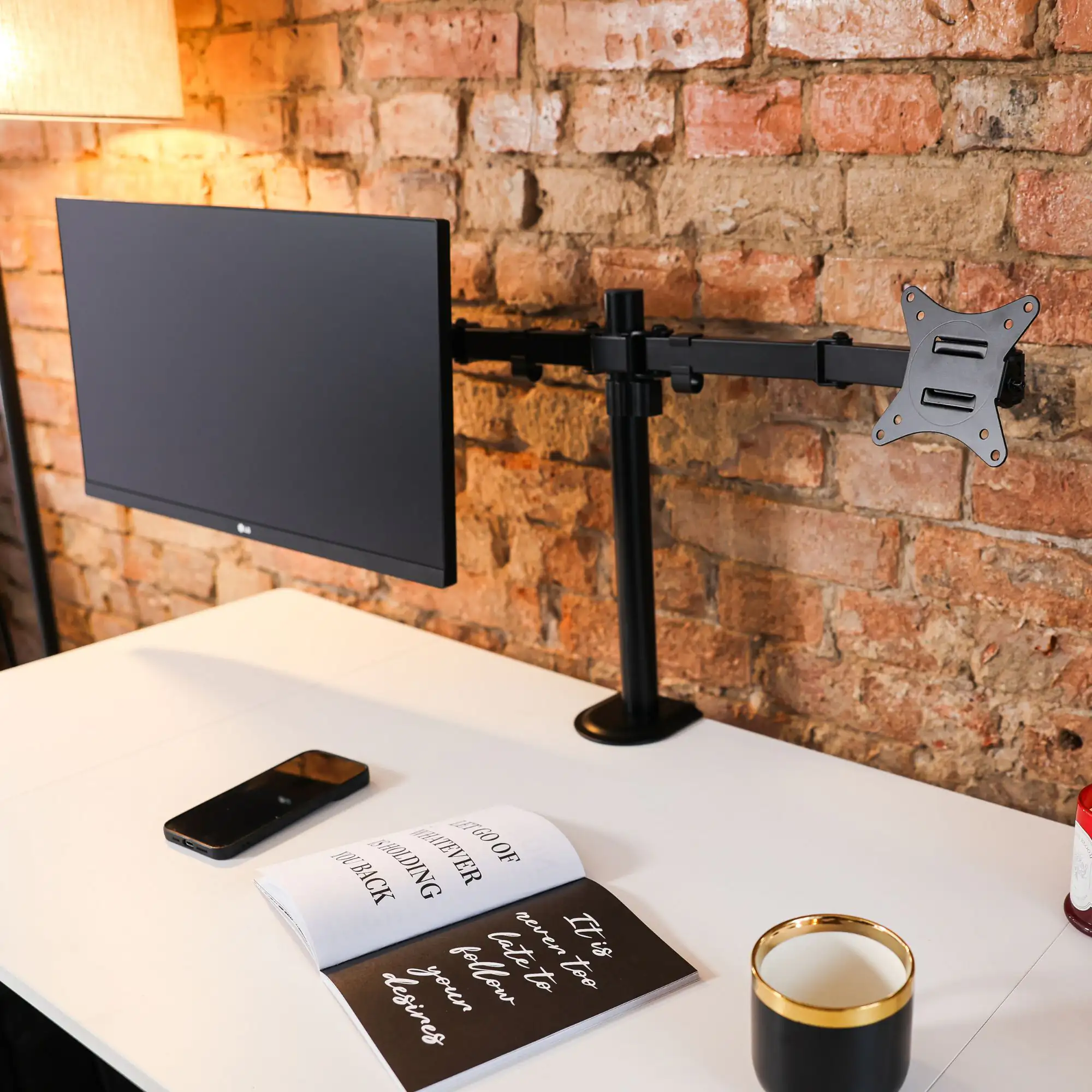
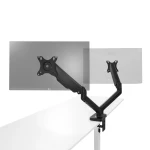
The M2 is a desk-mounted dual monitor arm for 17–32" screens up to 9 kg per arm, with a double arm on a 40 cm pole. Both screens sit in one line, and the monitor stands disappear from your desk.
- 2 × 17–32"
- 9 kg per arm
- 40 cm pole
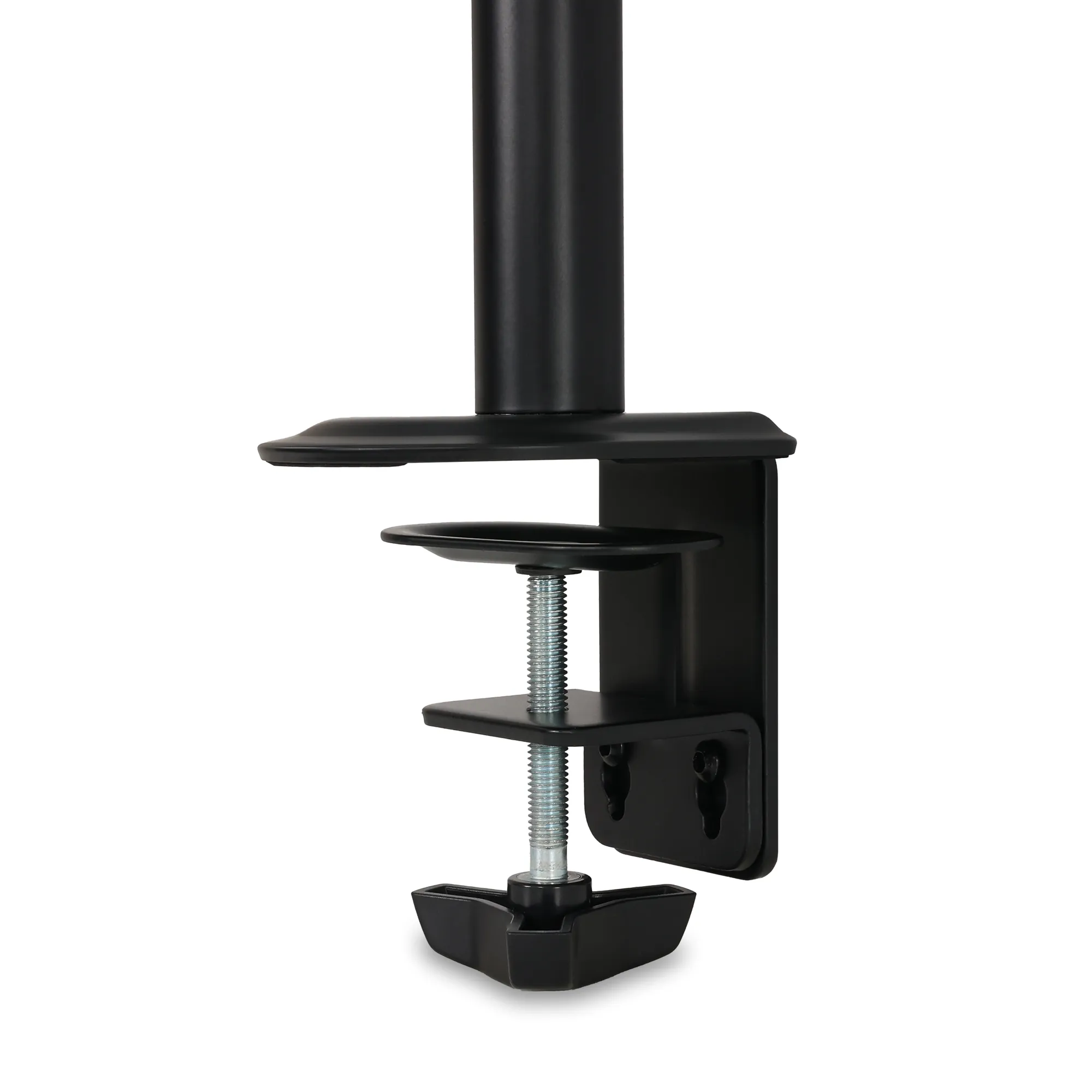
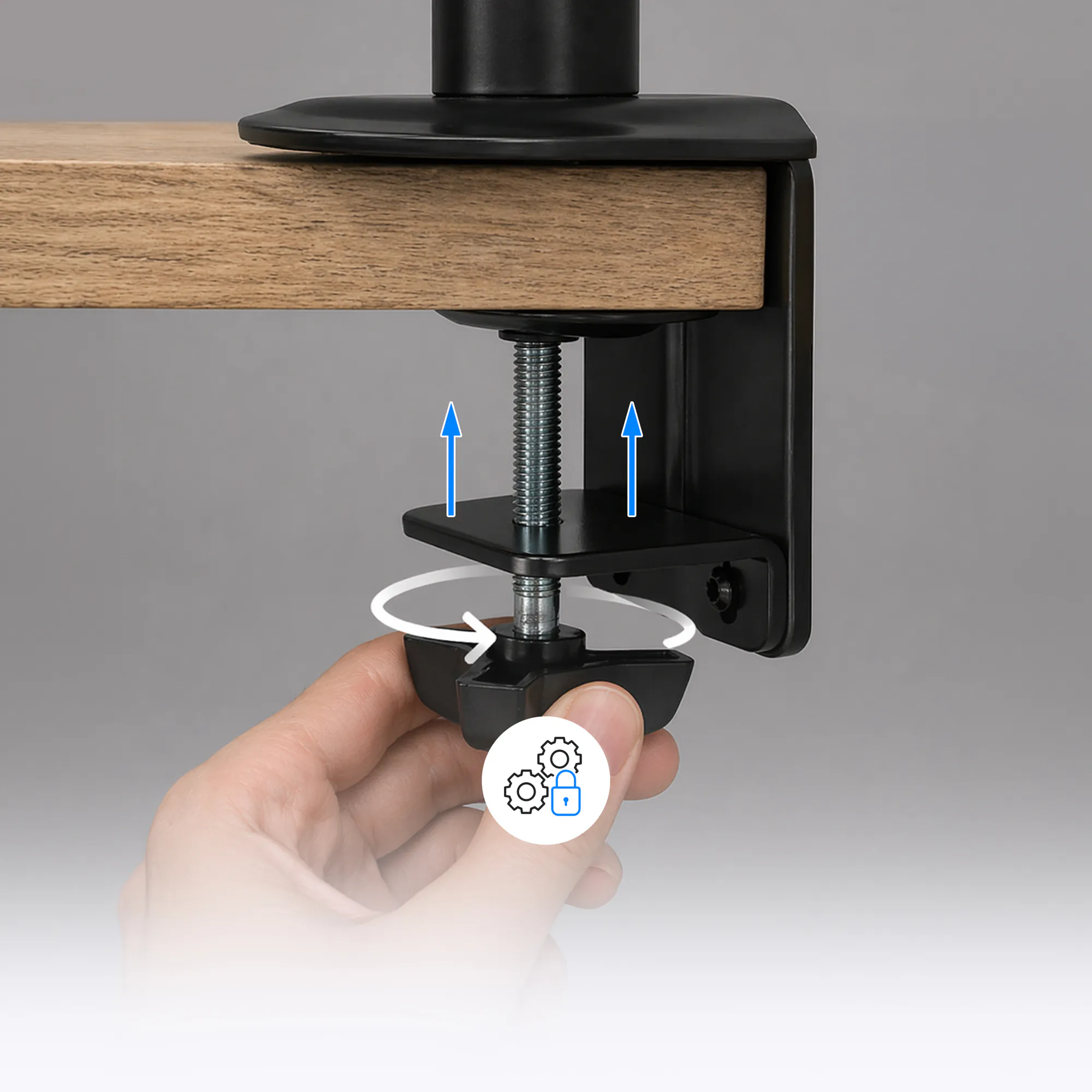
- 13–80 mm clamp
Key specifications at a glance
each arm holds a monitor up to 9 kg; check the screen weight without its stand
the span of the double arm that holds two screens side by side
slide the arm along the pole and lock it at a comfortable viewing height
the clamp fits thin and thick desktops; with a grommet mount the desktop can be 13–40 mm
Why the M2 dual monitor arm
- Two 17–32 inch monitors – up to 9 kg per arm, VESA 75 × 75 or 100 × 100 mount
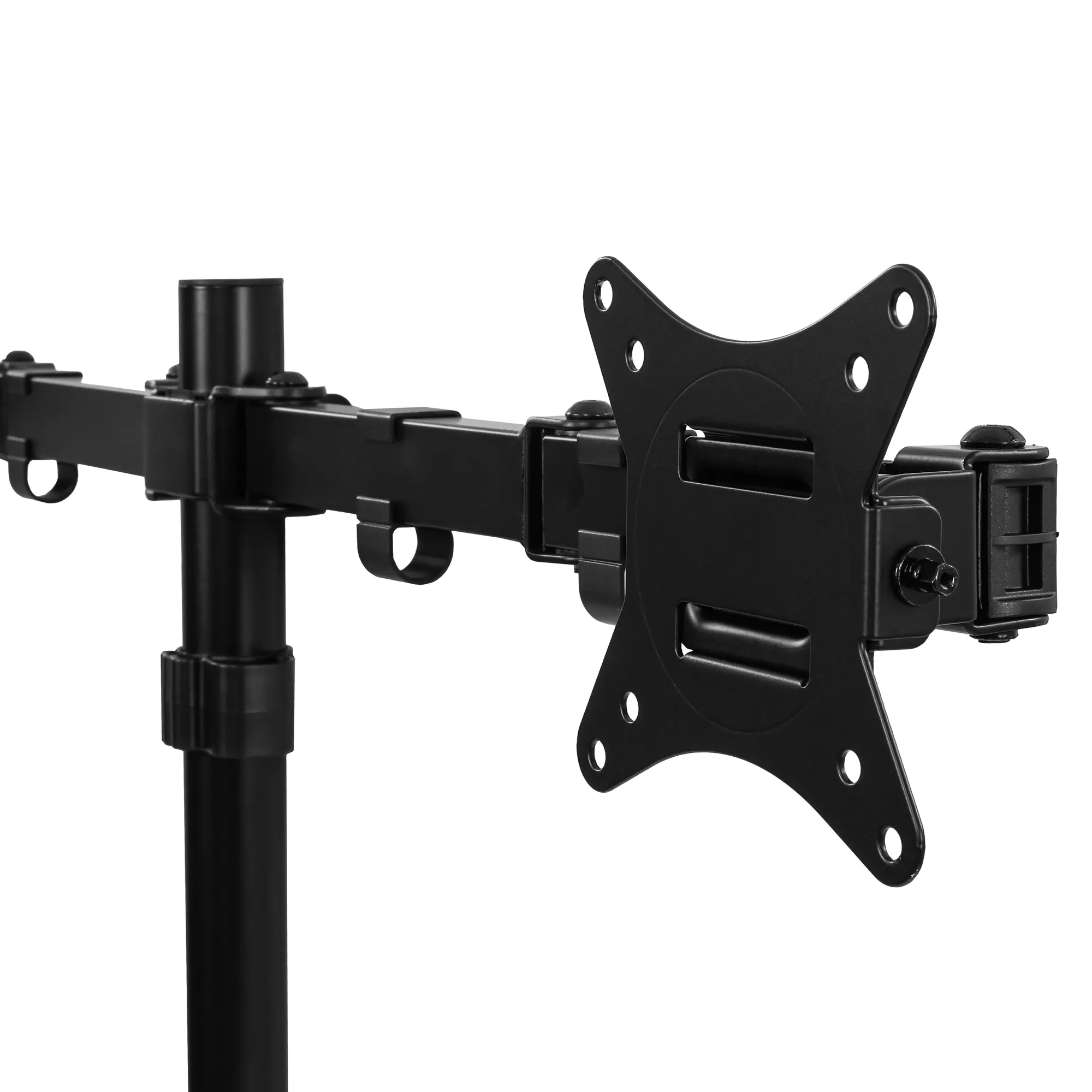
- Screens in one line – the nut above the head lets you level both monitors
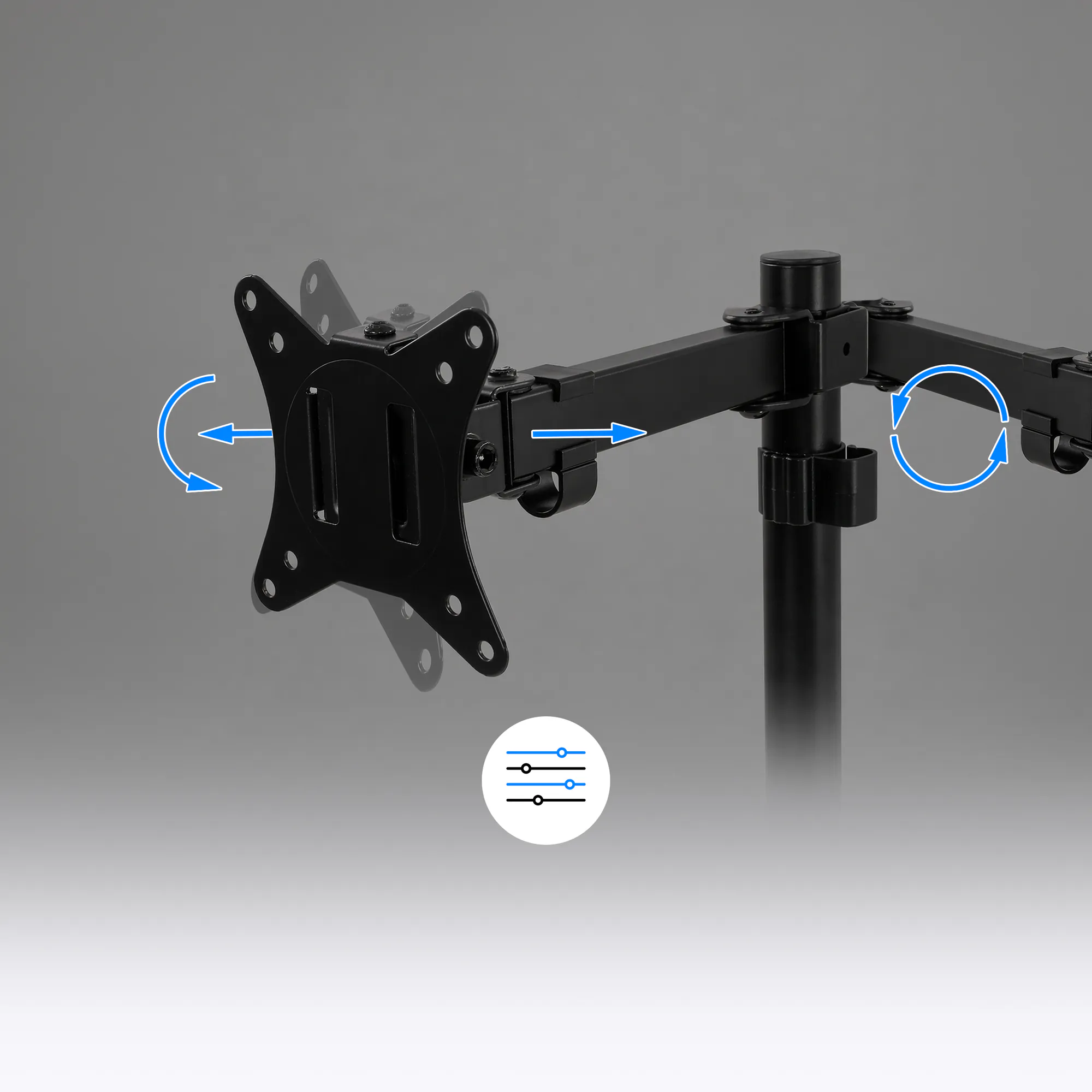
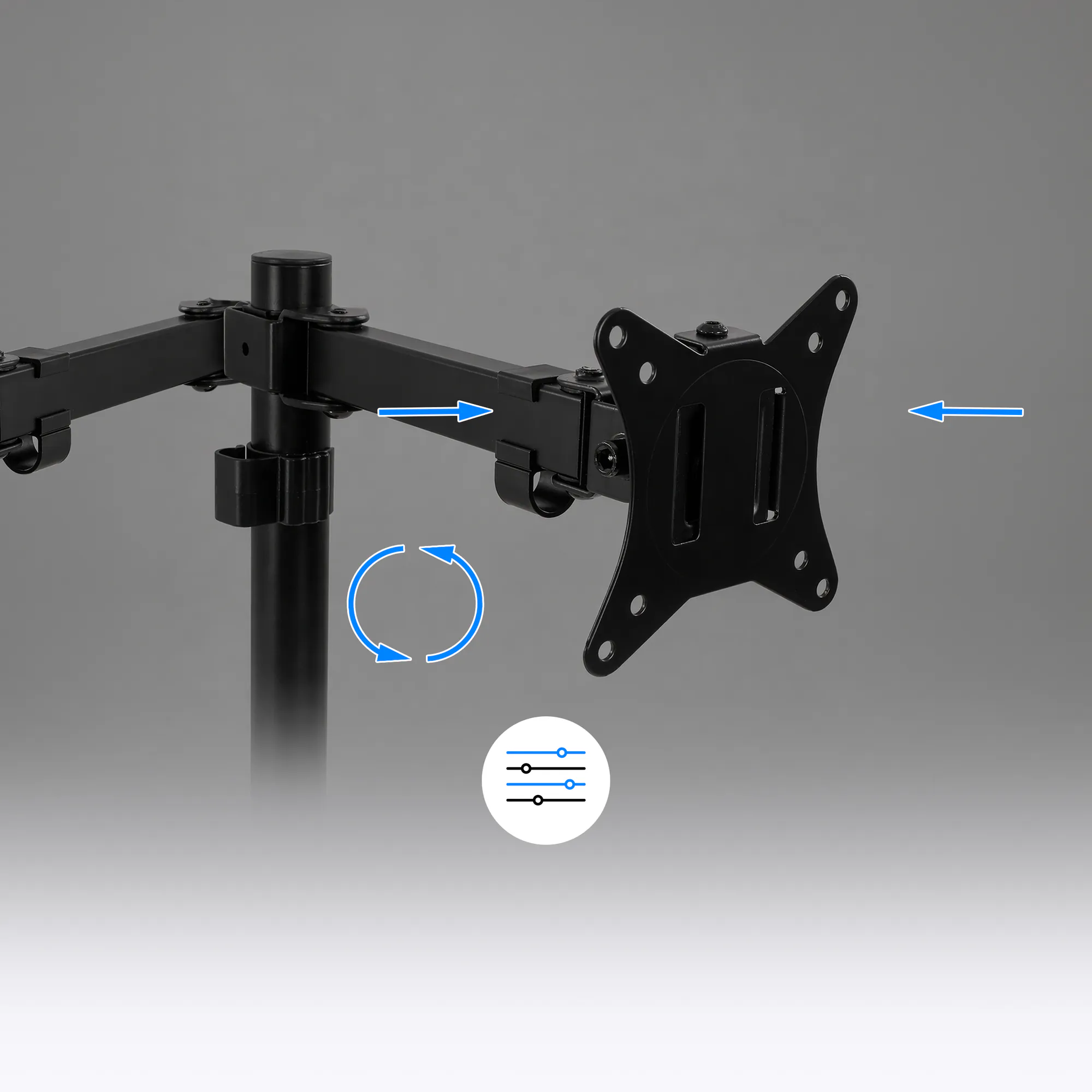
- ±45° tilt, ±90° swivel, 360° rotation – set each screen separately, including portrait
- 40 cm pole – slide the double arm up and down and lock it with a screw
- 13–80 mm clamp or 13–40 mm grommet – mount on the desk edge or through a hole in the desktop
- 5 cable clips – 4 on the arm and 1 on the pole
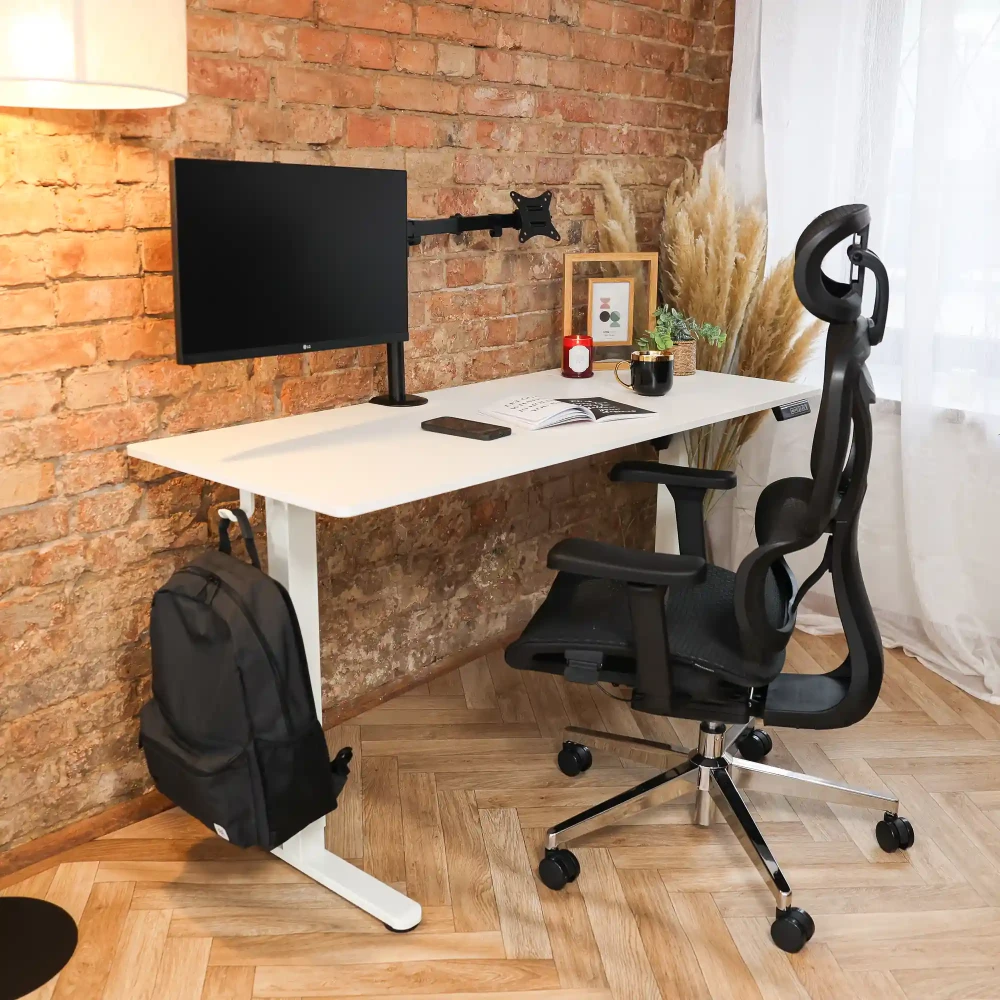
Two screens, one tidy desk
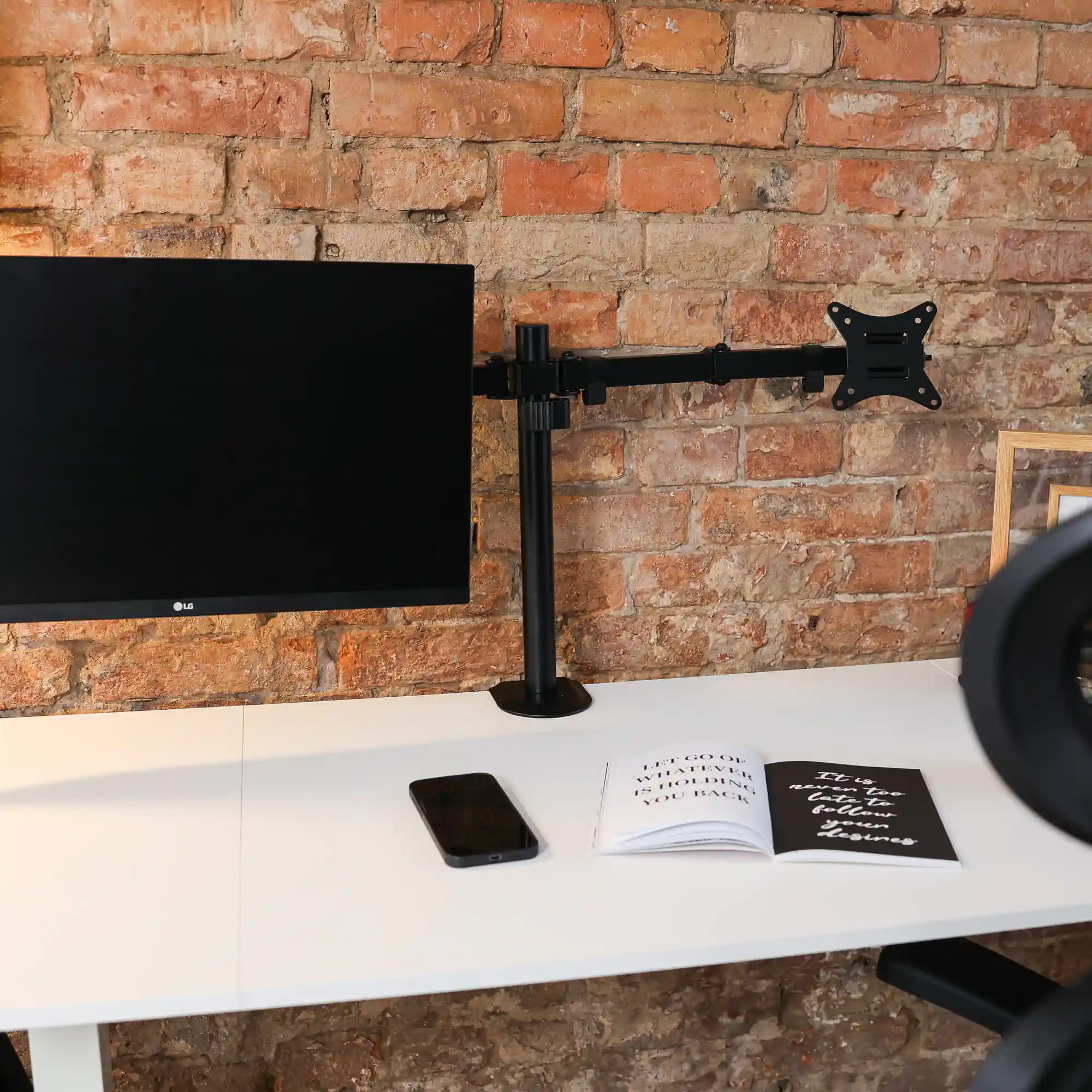
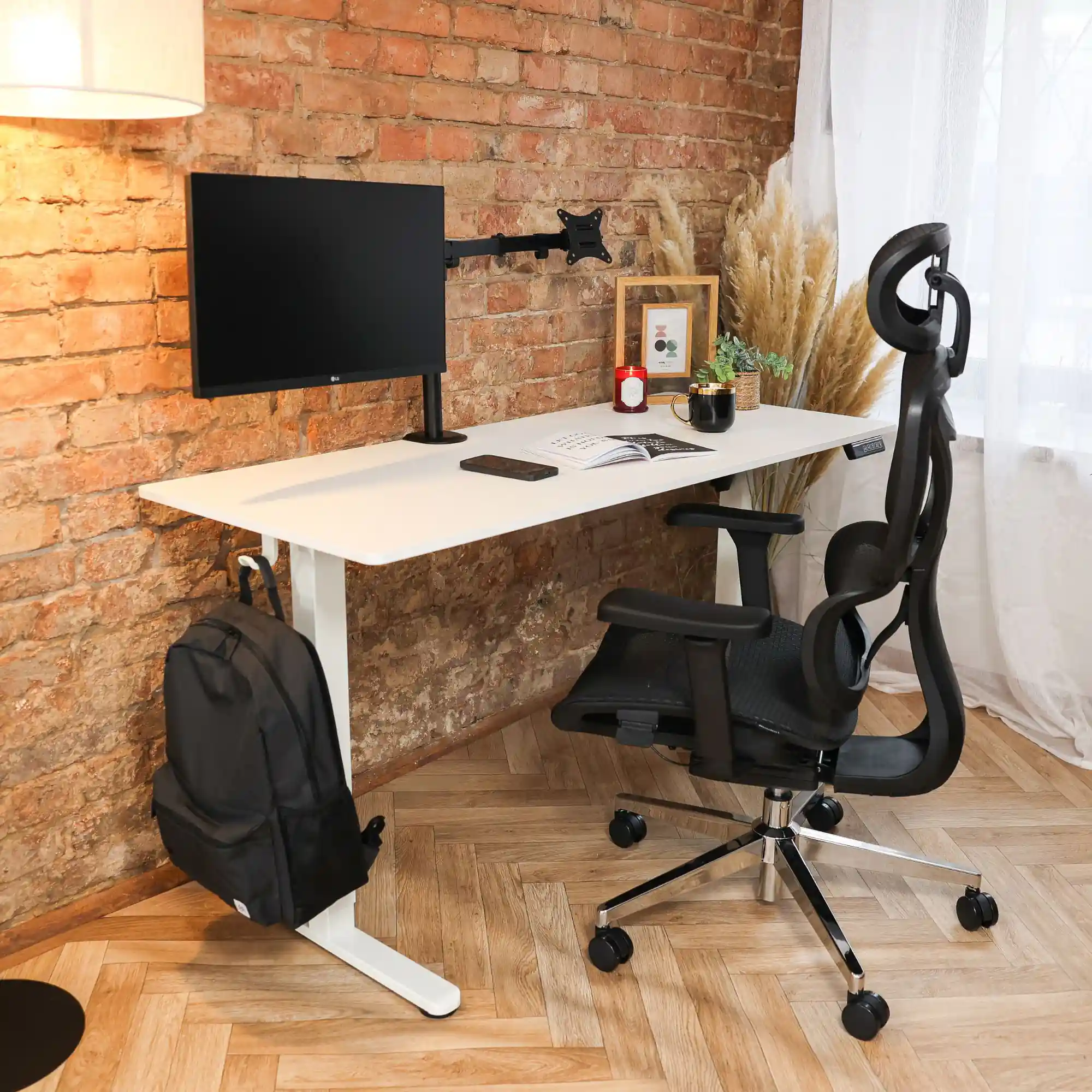
The M2 holds two 17–32 inch monitors on one pole. The monitor stands disappear from the desktop, and the screens sit side by side at the same height. Comfortable for spreadsheets, graphics and working in two windows.
- 2 monitors 17–32"
- Up to 9 kg per arm
- VESA 75 × 75 and 100 × 100
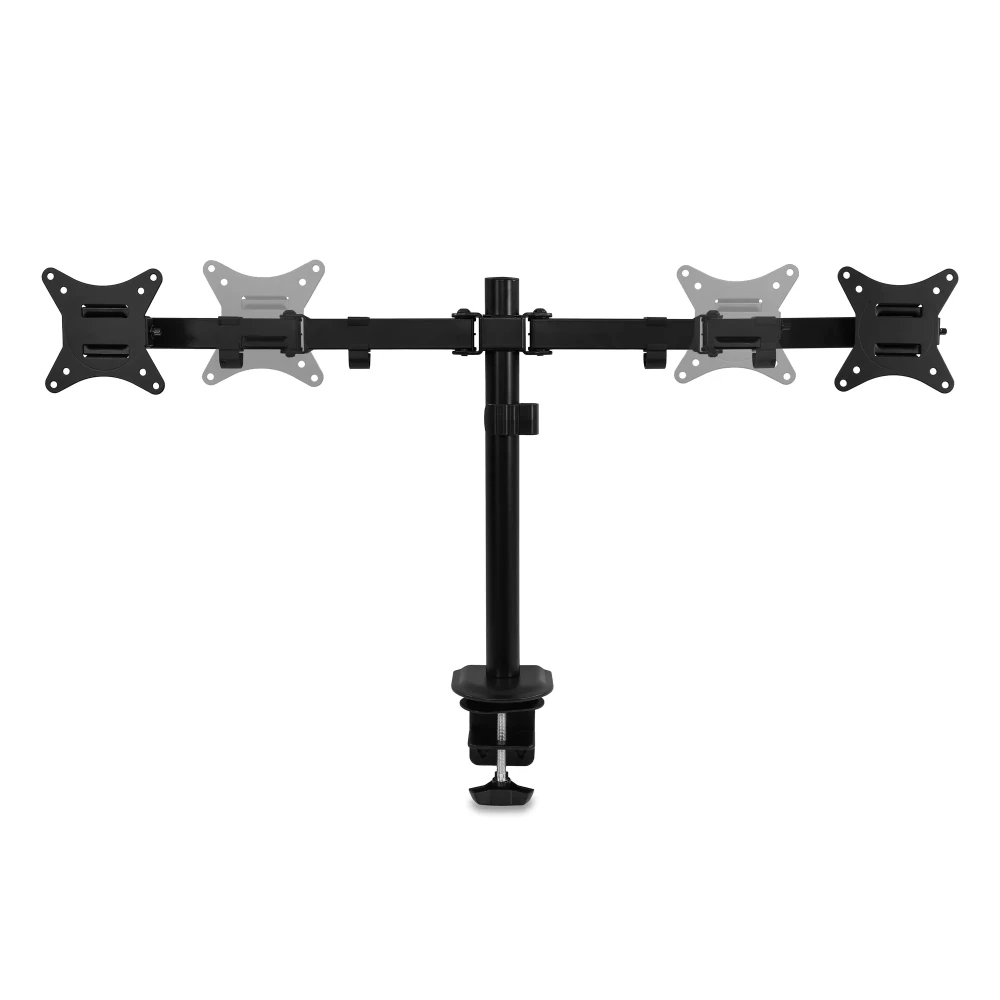
Set each monitor separately
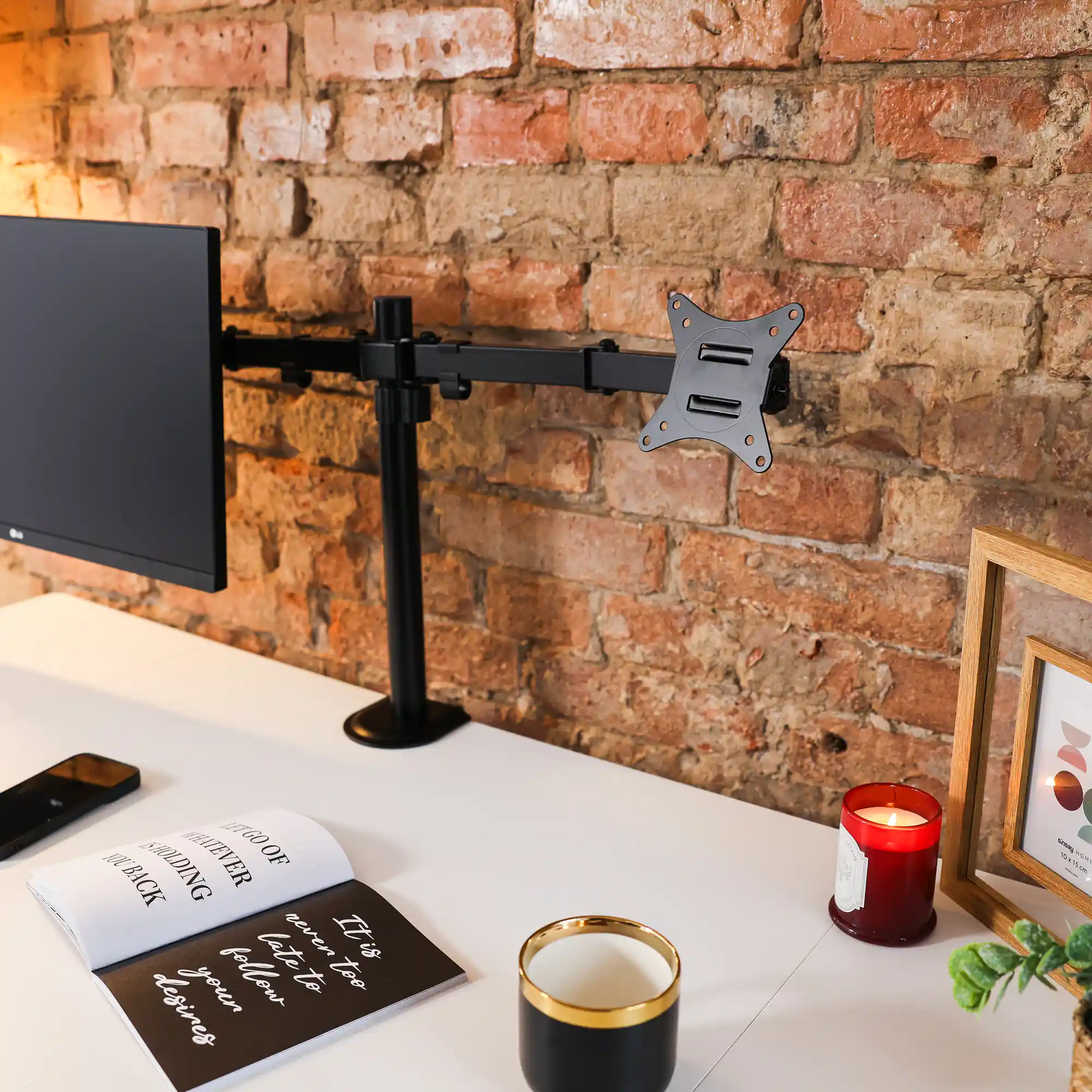
Tilt both VESA heads within ±45° and rotate them 360°, and swing the side sections of the arm up to 90°. One screen can be landscape, the other portrait. The nut above the head lets you level both monitors.
- Tilt +45° / −45°
- Arm swivel +90° / −90°
- 360° screen rotation
- Height leveling with a nut
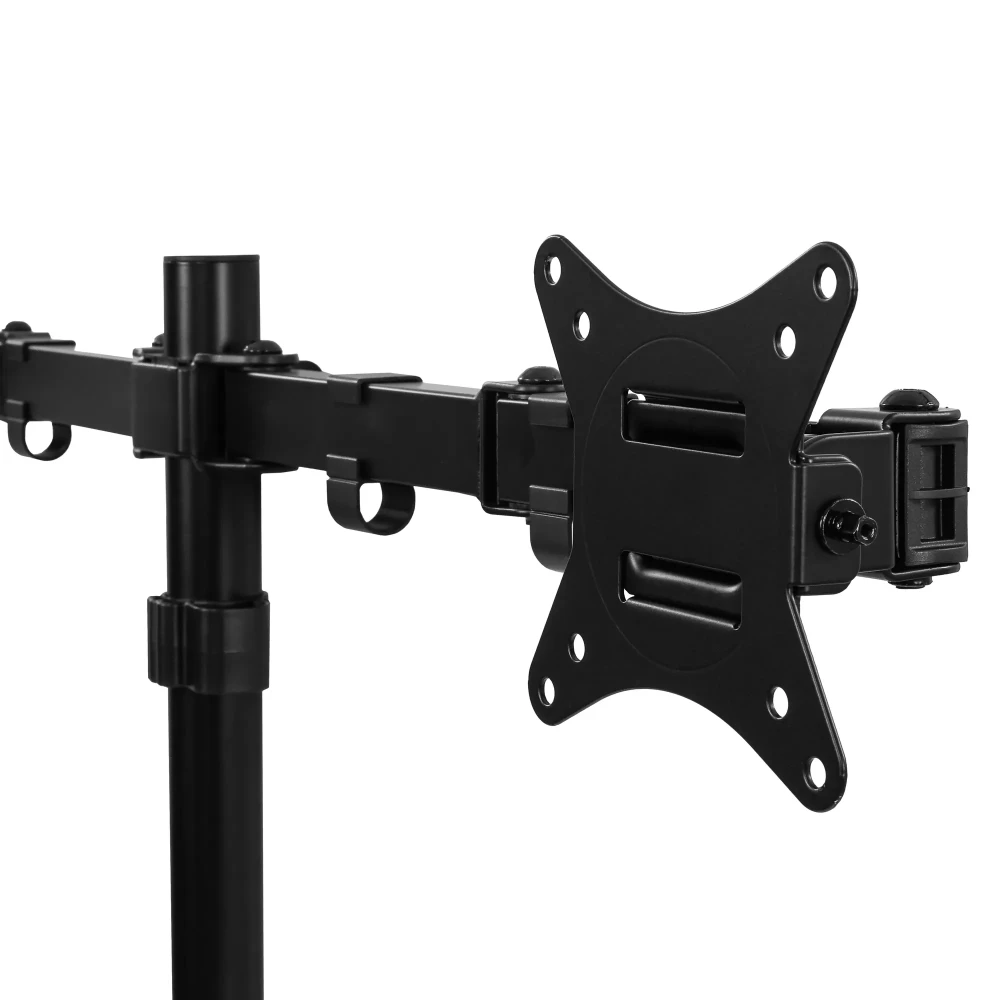
Height on the pole, cables in clips
Slide the double arm onto the 40 cm pole, set it at the height you want and lock the collar screw with a 6 mm wrench. Route the cables from both monitors through the 4 clips on the arm and the clip on the pole.
- 40 cm pole
- 5 cable clips
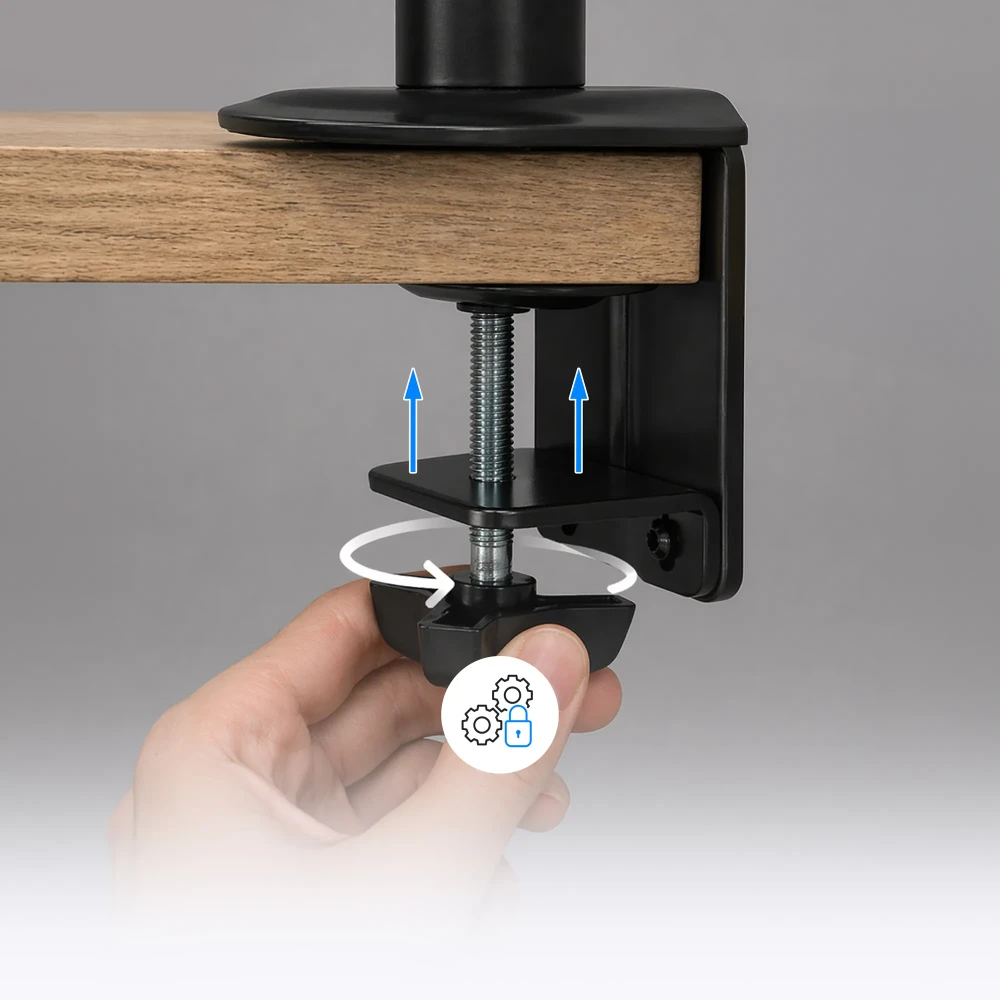
On the edge or through a hole in the desktop
The clamp fits desktops 13–80 mm thick. If you have a grommet hole, pass the bolt through a ø10–60 mm hole in a 13–40 mm desktop; without one, simply drill a ø10 mm hole.
- Clamp: desktop 13–80 mm
- Grommet: desktop 13–40 mm
Assembly
How installation works
- Assemble the poleScrew the pole to the base with the M5 × 16 screw using a Phillips screwdriver.
- Attach to the desktopScrew the clamp bracket to the base and tighten the knob under the desktop, or mount the arm in the grommet hole with the washer.
- Set the headsSlide the VESA plate into the head, turn the head upright and remove the plate. Repeat for the second head.
- Fit the armAttach 4 clips to the arm, slide the arm onto the pole, set the height and lock it with the screw using a 6 mm wrench.
- Screw on the VESA platesPlace the plates on the monitors with the TOP arrow pointing up and fix them with M4 or M5 screws and washers.
- Hang the monitorsWith two people, slide each monitor into the head from above, screw on the knurled nut and secure it with the M3 × 8 screw.
- Level the screens and route cablesUse the nut above the head to level the monitors, and run the cables through the clips on the arm and the pole.
What's in the box
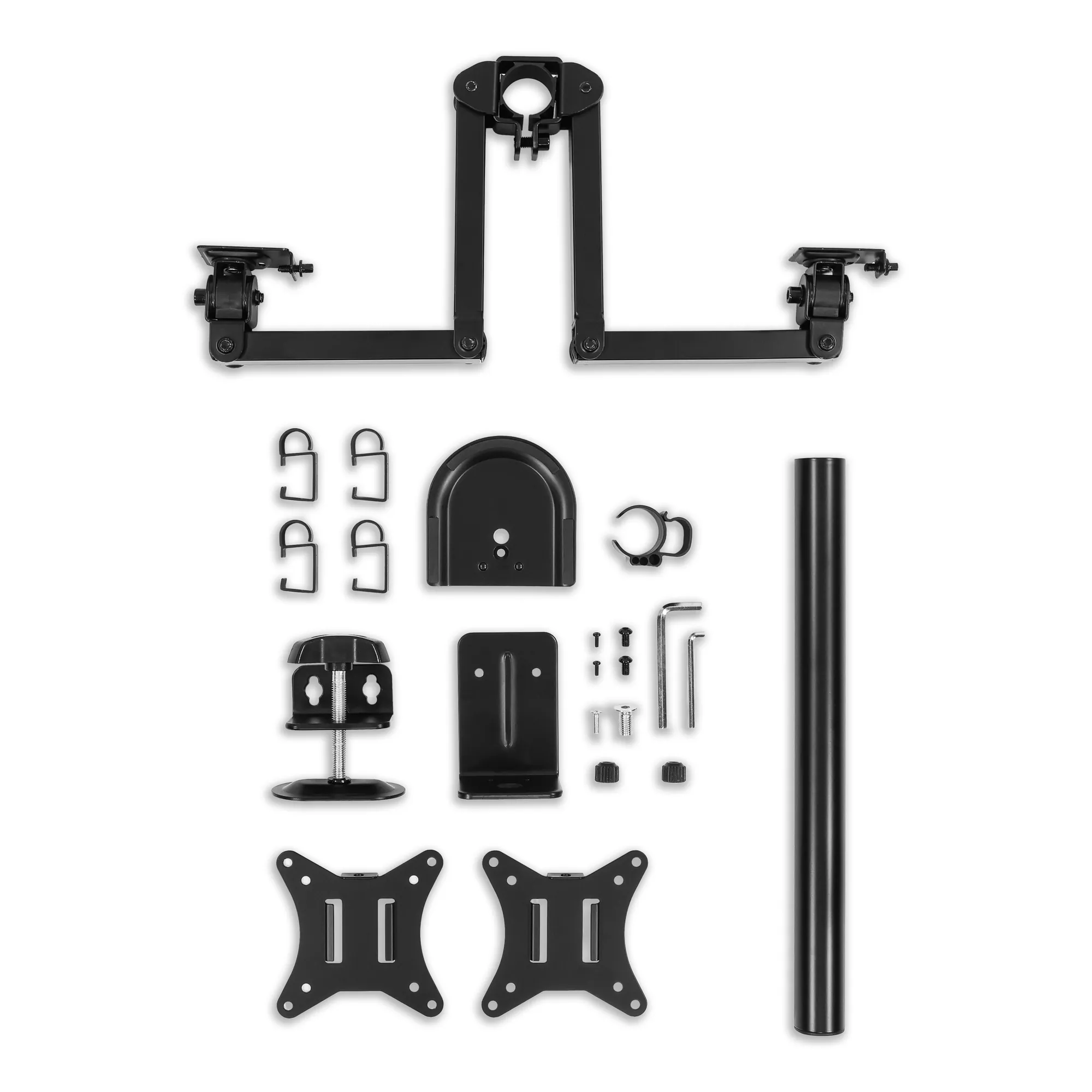
- 40 cm pole with base
- double arm with two VESA heads and 2 VESA plates
- clamp with knob, angle bracket and washer for grommet mounting
- 4 arm clips and 1 pole clip
- screws: M5 × 16, M10 × 20, 2 × M6 × 10, 2 × M3 × 8, 2 knurled nuts
- 2 sets of monitor screws (4 × M4 × 12, 4 × M5 × 12, 4 washers)
- 4 mm and 6 mm Allen keys
Safety: Max. 9 kg per arm. Do not swing the arms beyond the range shown in the manual. Do not overtighten the screws.
Which arm should you choose?
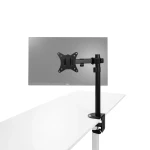
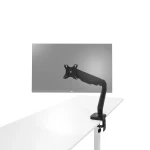
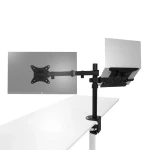
| M1 | M1 Pro | M2 | M2 Pro | ML2 | |
|---|---|---|---|---|---|
| Screens supported | 1 monitor | 1 monitor | 2 monitors | 2 monitors | monitor + laptop |
| Monitor size | 17–32" | up to 34" | 17–32" | up to 34" | 17–32" |
| Monitor weight (per arm) | up to 9 kg | 2–9 kg | up to 9 kg | 2–9 kg | up to 9 kg, laptop up to 4 kg |
| VESA | 75 × 75 / 100 × 100 | 75 × 75 / 100 × 100 | 75 × 75 / 100 × 100 | 75 × 75 / 100 × 100 | 75 × 75 / 100 × 100 |
| Height adjustment | 40 cm pole, screw lock | spring, 16.5–41.5 cm | 40 cm pole, screw lock | spring, 16.5–41.5 cm | 40 cm pole, screw lock |
| Screen tilt | ±45° | ±90° | ±45° | ±90° | ±45° |
| Desktop: clamp / grommet | 13–80 / 13–40 mm | 10–80 / 10–45 mm | 13–80 / 13–40 mm | 10–80 / 10–45 mm | 10–85 / 10–40 mm |
M2 dual monitor arm specifications
| Number of monitors | 2 |
|---|---|
| Screen size | 17–32" |
| Max. monitor weight | 9 kg per arm |
| VESA mount | 75 × 75, 100 × 100 |
| Pole height | 40 cm |
|---|---|
| Height adjustment | arm slides along the pole, locked with a screw |
| Tilt | +45° / −45° |
| Arm swivel | +90° / −90° |
| Screen rotation (pivot) | 360° |
| Screen height leveling | knurled nut above the VESA head |
| Clamp – desktop thickness | 13–80 mm |
|---|---|
| Grommet – desktop thickness | 13–40 mm (ø10–60 mm hole or ø10 mm drilled hole) |
| Cable management | 4 clips on the arm, 1 on the pole |
| Dimensions (W × D × H) | 86.9 × 11.2 × 56.1 cm |
|---|---|
| Net / gross weight | 3.48 kg / 3.83 kg |
| Packaging | 41.5 × 19.5 × 11.5 cm |
| Color | black |
|---|---|
| Material | steel and plastic |
| Warranty | 36 months |
| Delivery condition | self-assembly, manual and wrenches included |
| Manufacturer / importer | EKO-LIGHT TEAM Sp. z o.o., Częstochowa |
Questions about this product
- Can the M2 arm hold two 27-inch monitors?
- Yes. The M2 arm holds two 17–32 inch monitors, each up to 9 kg, with a VESA 75 × 75 or 100 × 100 mount. Before you buy, check the monitor weight without its stand and the VESA hole spacing.
- Does the M2 arm fit a 34-inch monitor?
- No. The M2 arm is designed for monitors up to 32 inches. For a 34-inch screen, choose the M2 Pro, which supports monitors up to 34 inches weighing 2–9 kg per arm.
- What are the dimensions of the M2 arm?
- The M2 arm measures 86.9 × 11.2 × 56.1 cm (W × D × H), has a 40 cm pole and weighs 3.48 kg net.
- What desktop thickness does the M2 arm fit?
- The M2 clamp fits desktops 13–80 mm thick. With a ø10–60 mm grommet hole you can mount the arm on a 13–40 mm desktop, and without one you simply drill a ø10 mm hole.
- How do I level two monitors on the M2 arm?
- Turn the knurled nut above the VESA head with the 6 mm wrench included; the monitor moves up or down. This way you can align both screens on the M2 arm.
- Is the M2 arm spring-loaded?
- No. The M2 is an arm on a 40 cm pole without a spring: you change the height after loosening the collar screw, and set the tilt and rotation of the screens by hand. The M2 Pro has spring-loaded arms.
Bezpieczeństwo produktu
Responsible person in the EU
EKO-LIGHT TEAM SP. Z O.O.
Główna 142
42-280 Częstochowa, Poland
Rekomendowane dla Ciebie
-
Price 499,00 zł
-
Price 499,00 zł
-
Price 199,00 zł
-
Price 319,00 zł
-
Price 479,00 zł
-
Price 499,00 zł
-
Price 399,00 zł
-
Price 849,00 zł
-
Price 279,00 zł
-
Price 849,00 zł
-
Price 719,00 zł
-
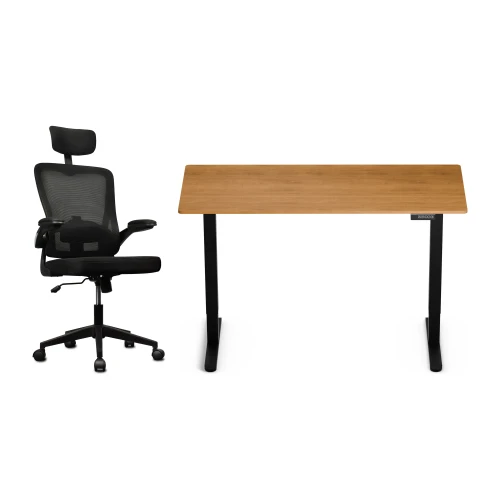
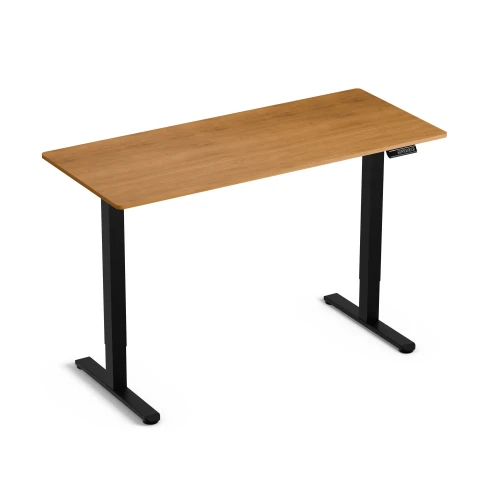
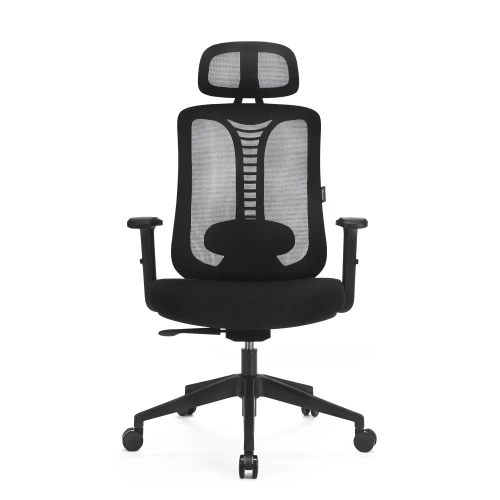
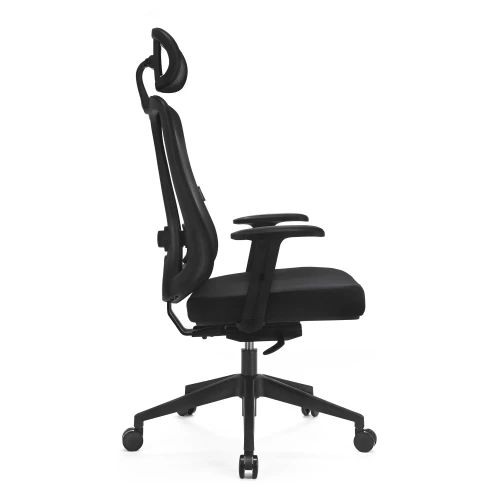
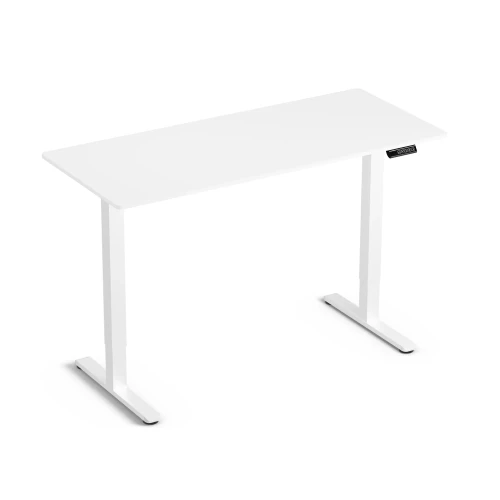
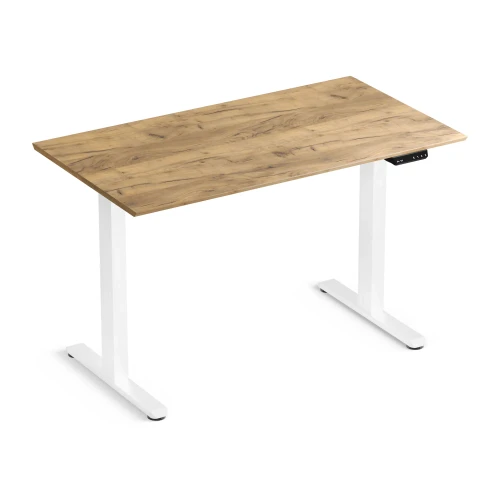
Electric Height-Adjustable Desk Control Lite Gold Oak 140/60 and Ergo Lite Black Ergonomic Chair Set
Price 729,00 zł -
Price 199,00 zł
-
Price 649,00 zł
-
Price 80,00 zł
-
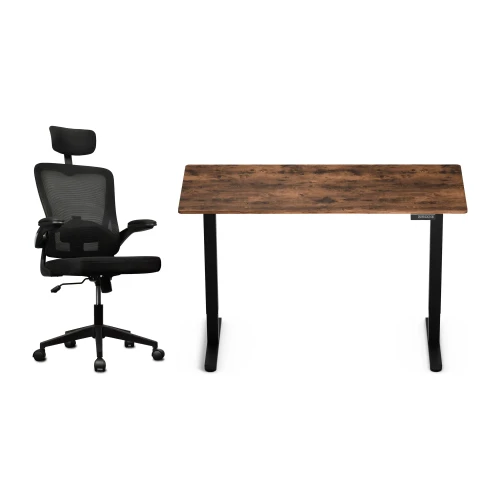
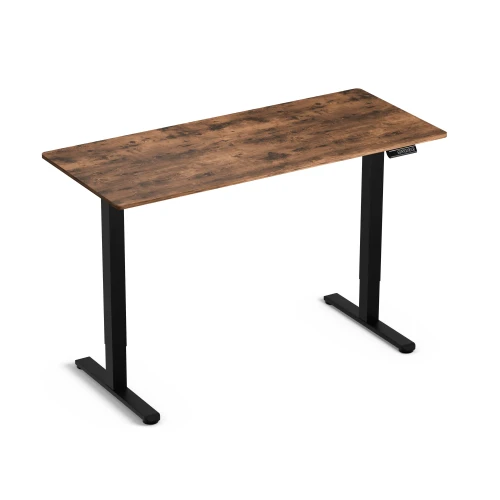
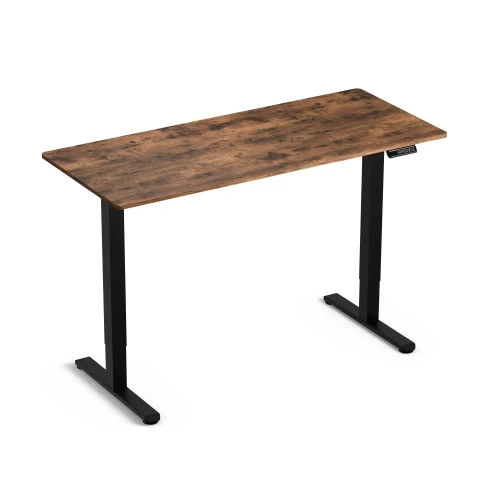
Control Lite Rustic 140/60 electric height-adjustable desk and black Ergo Lite ergonomic office chair set
Price 729,00 zł
Najczęściej wybierane
-
Price 16,00 zł
-
Price 749,00 zł
-
Price 39,00 zł
-
Price 24,99 zł
-
Price 479,00 zł
-
Price 89,00 zł
-
Price 649,00 zł
-
Price 419,00 zł
-
Price 89,00 zł
-
Price 928,99 zł
-
Price 1 099,00 zł
-
Price 129,00 zł
-
Price 549,00 zł
-
Price 59,00 zł
-
Price 749,00 zł
-
Price 59,00 zł