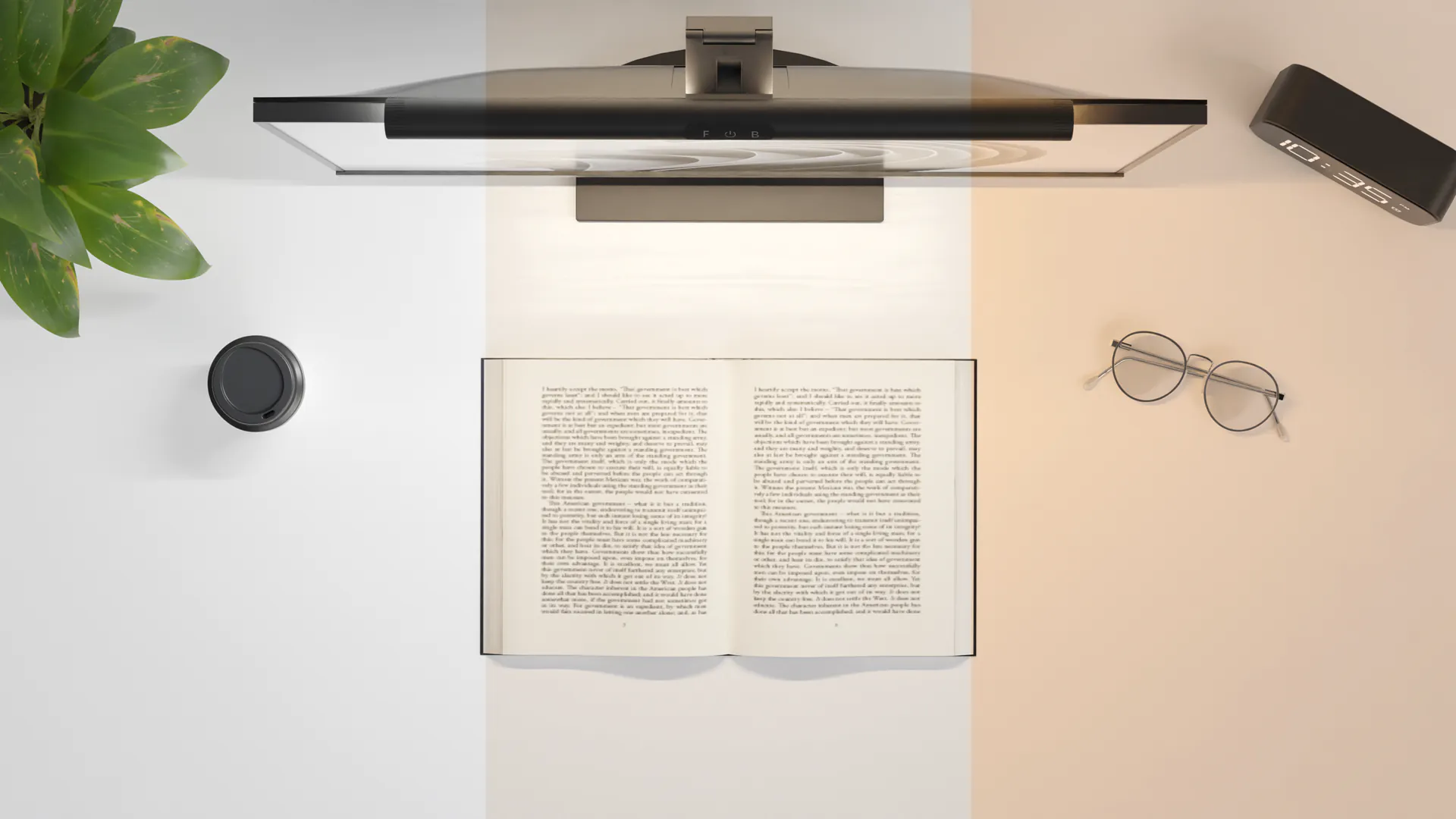


Monitor Lightbar LVNSystem
Ask about the product
Administratorem danych osobowych jest EKO-LIGHT TEAM SPÓŁKA Z OGRANICZONĄ ODPOWIEDZIALNOŚCIĄ. Przetwarzamy je w celu przesłania odpowiedzi na zapytanie. Więcej informacji dotyczących przetwarzania danych osobowych znajduje się w polityce prywatności.
Opis
LVN System lighting
Desk lighting that doesn't take up your desk
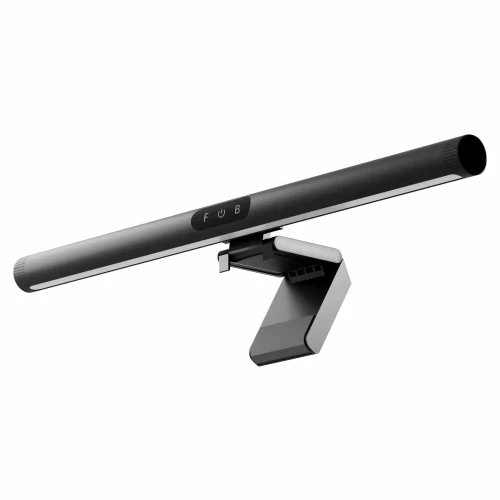
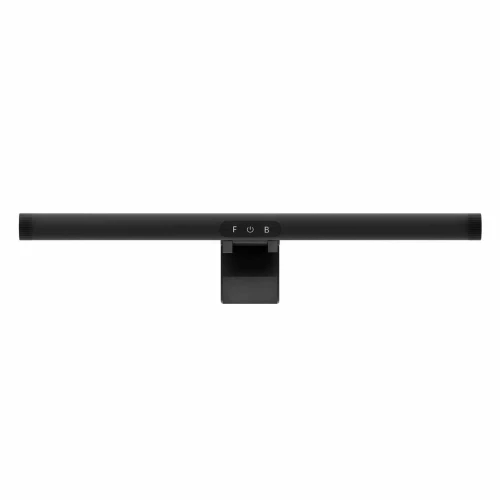
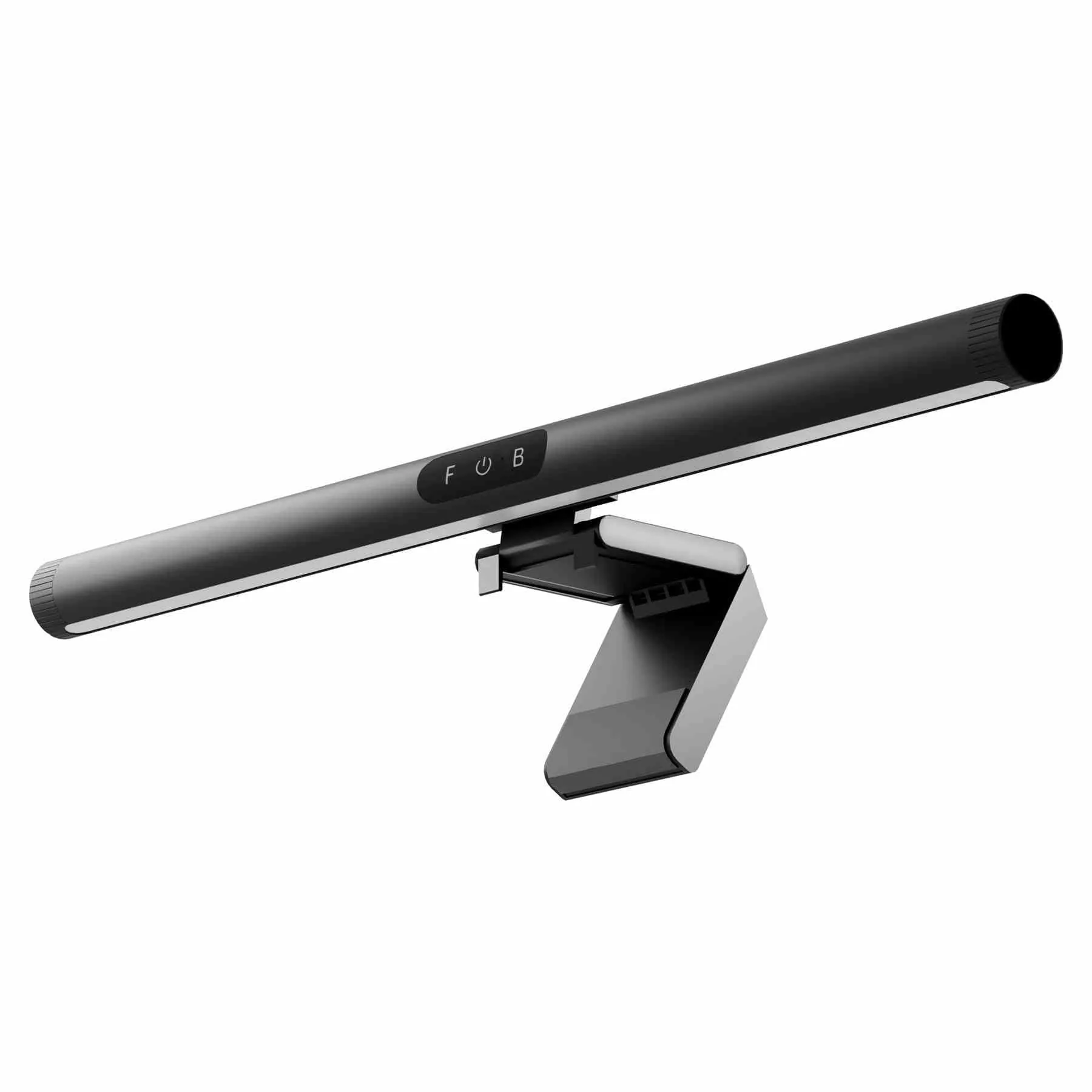
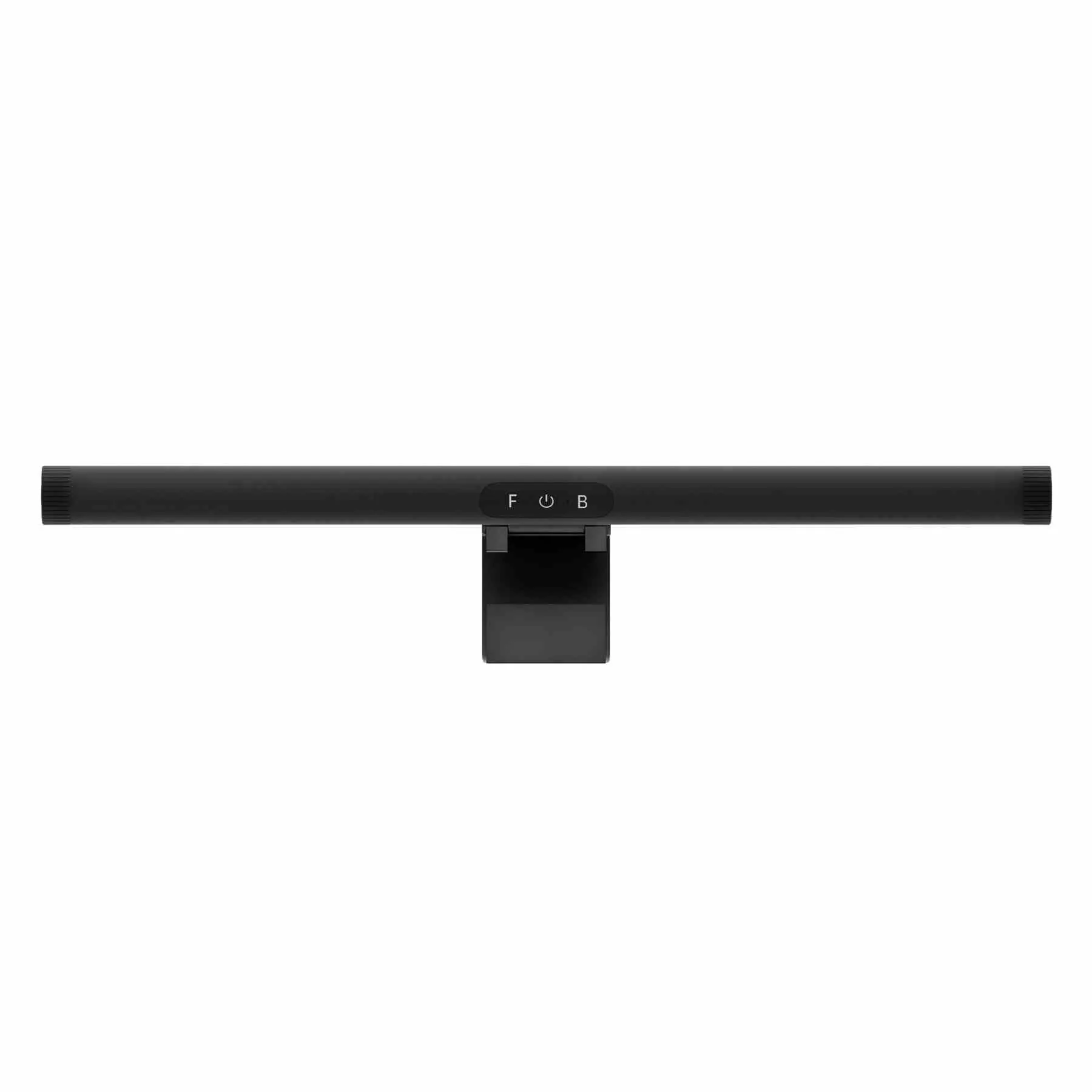
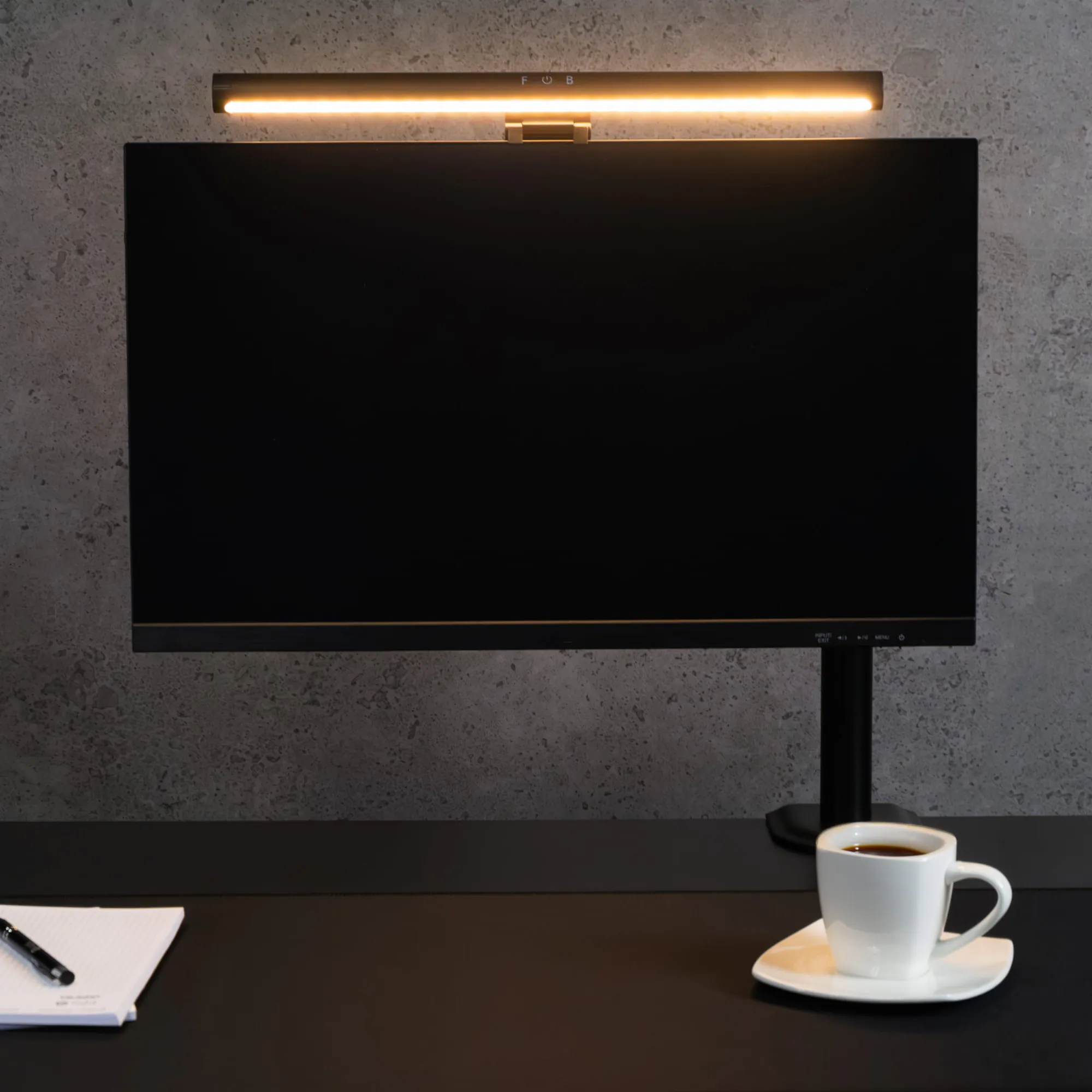
The Monitor Lightbar is a 5 W LED lamp that hangs on your monitor, with a front light onto the desk and a back light behind the screen. You change the 3000–6000 K color temperature and 10–100% brightness by touch, and power it via USB-C.
- Front + back
- 3000–6000 K, 10–100%
- USB-C 5 V / 1 A
- Monitors up to 50 mm
Key specifications at a glance
warm light in the evening, cool during the day — separately for front and back
from a soft glow to full lighting of your keyboard and documents
power the lamp from the USB port of your monitor or computer; 1,000 h of use is approx. 5 kWh
a counterweight at the back holds the lamp on the frame without glue or screws
Why the Monitor Lightbar monitor light bar
- Light on the desk, not on the screen – the lamp hangs on the monitor frame and lights the desktop in front of you
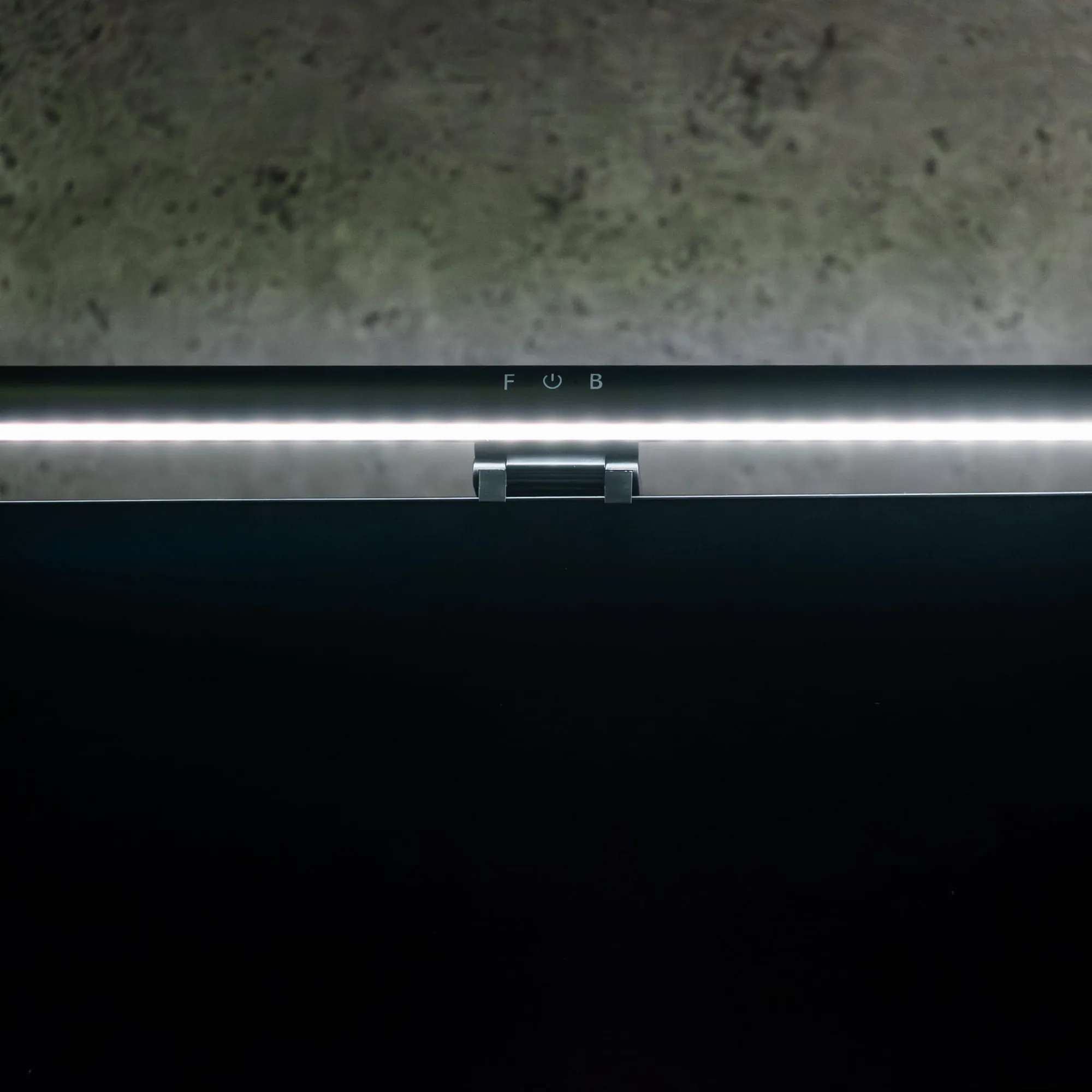
- Two independent sources – the front (F) lights the desk, the back (B) creates a glow behind the monitor
- 3000–6000 K color temperature and 10–100% brightness – adjusted by touch on the housing
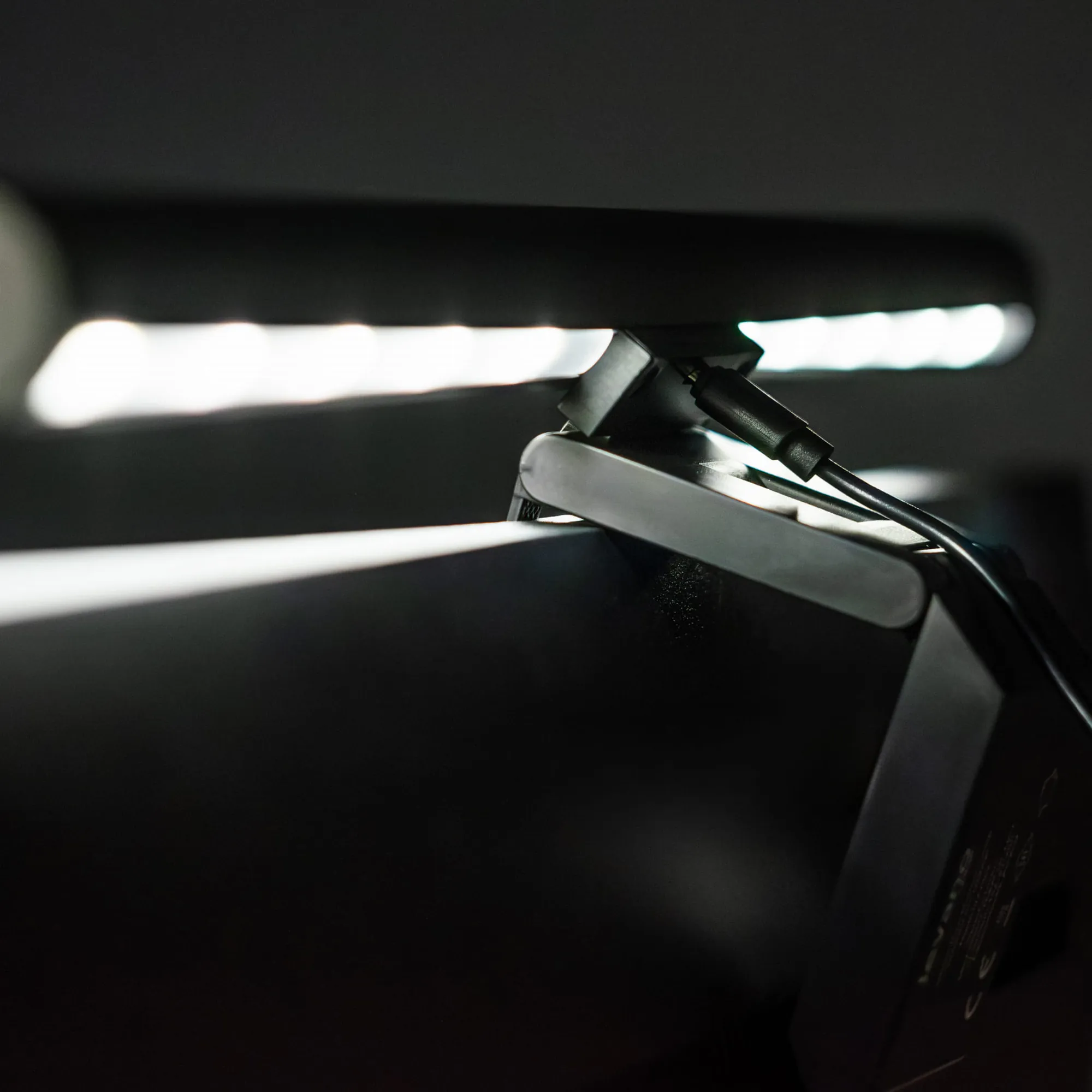
- Tool-free mounting – place it on a monitor up to 50 mm thick and plug in the USB-C
- Powered by USB 5 V / 1 A – from a port that meets the specification; USB cable included
- Takes no space on the desktop – 42 cm long, 390 g, 36-month warranty
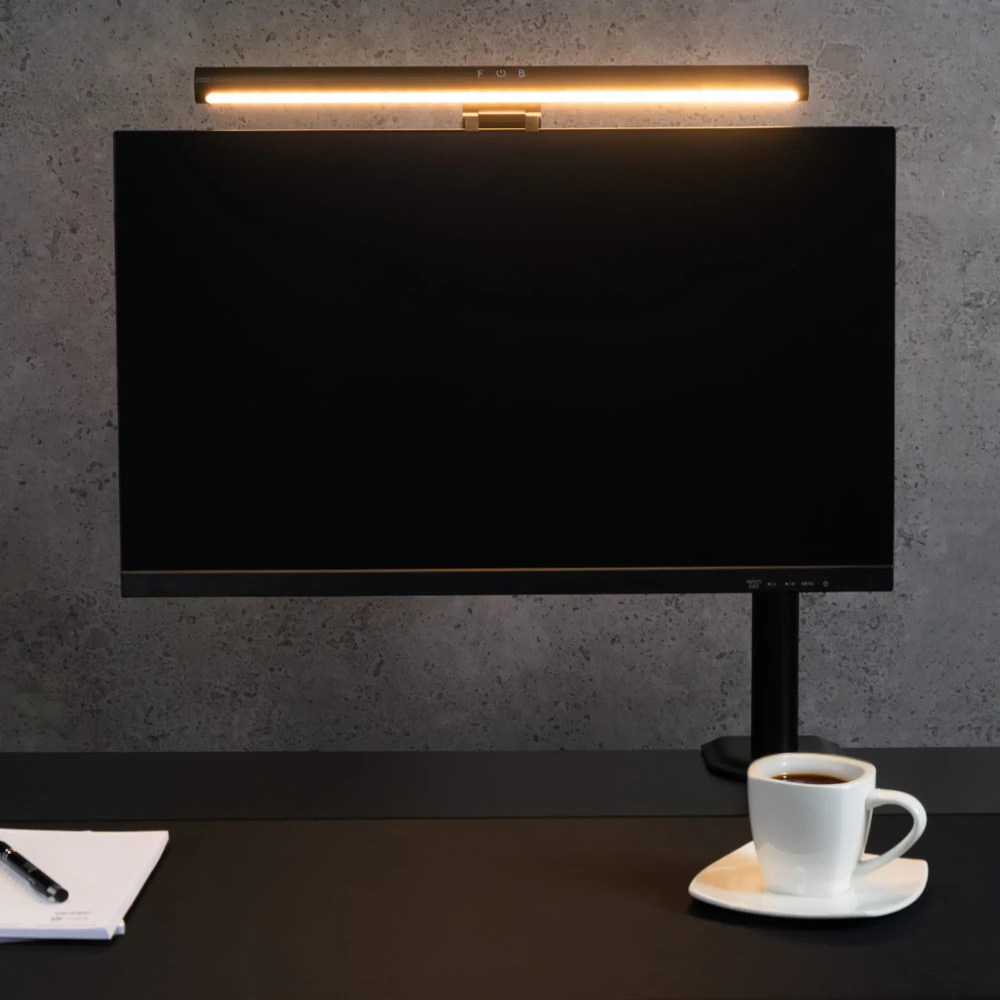
Light on your keyboard, desktop stays clear
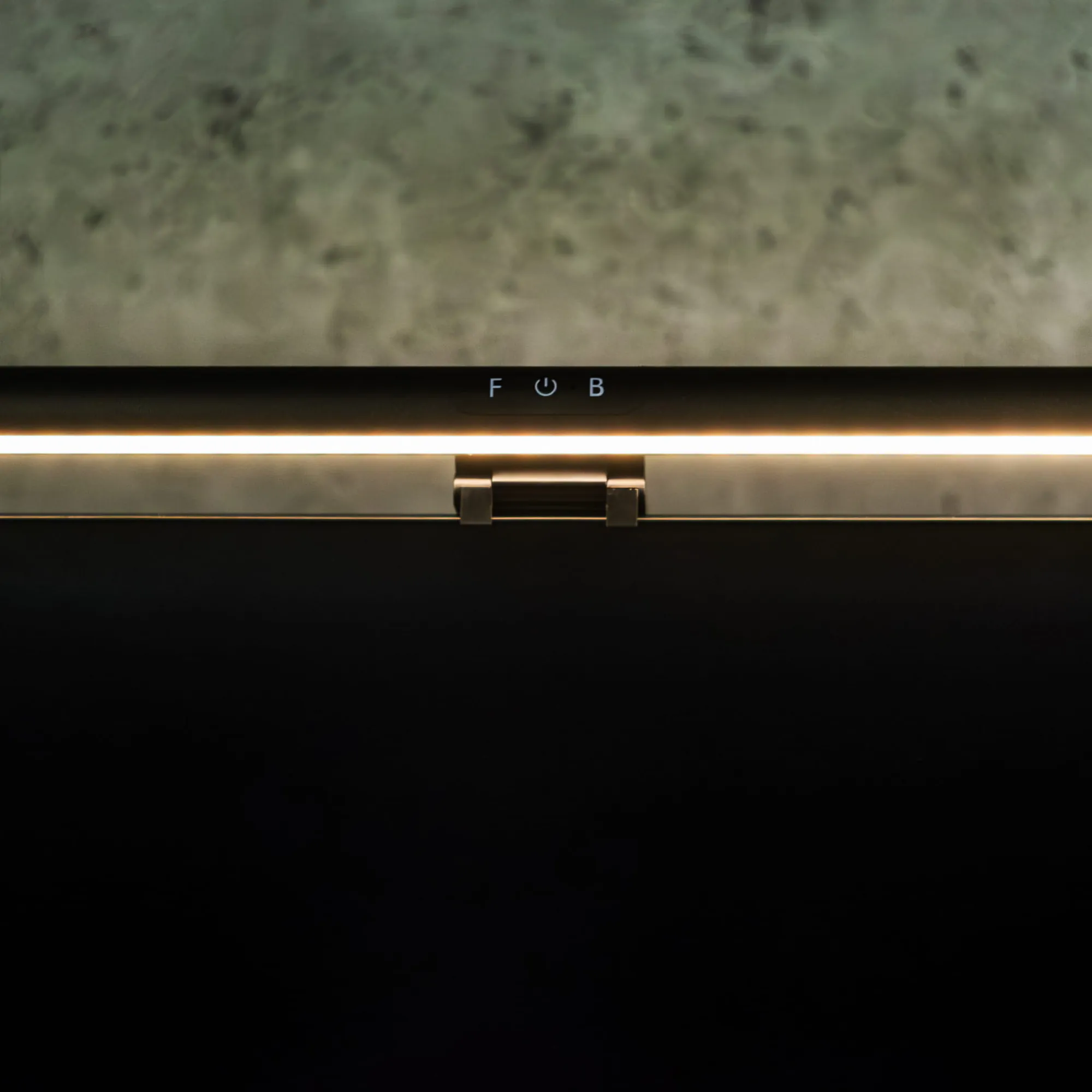
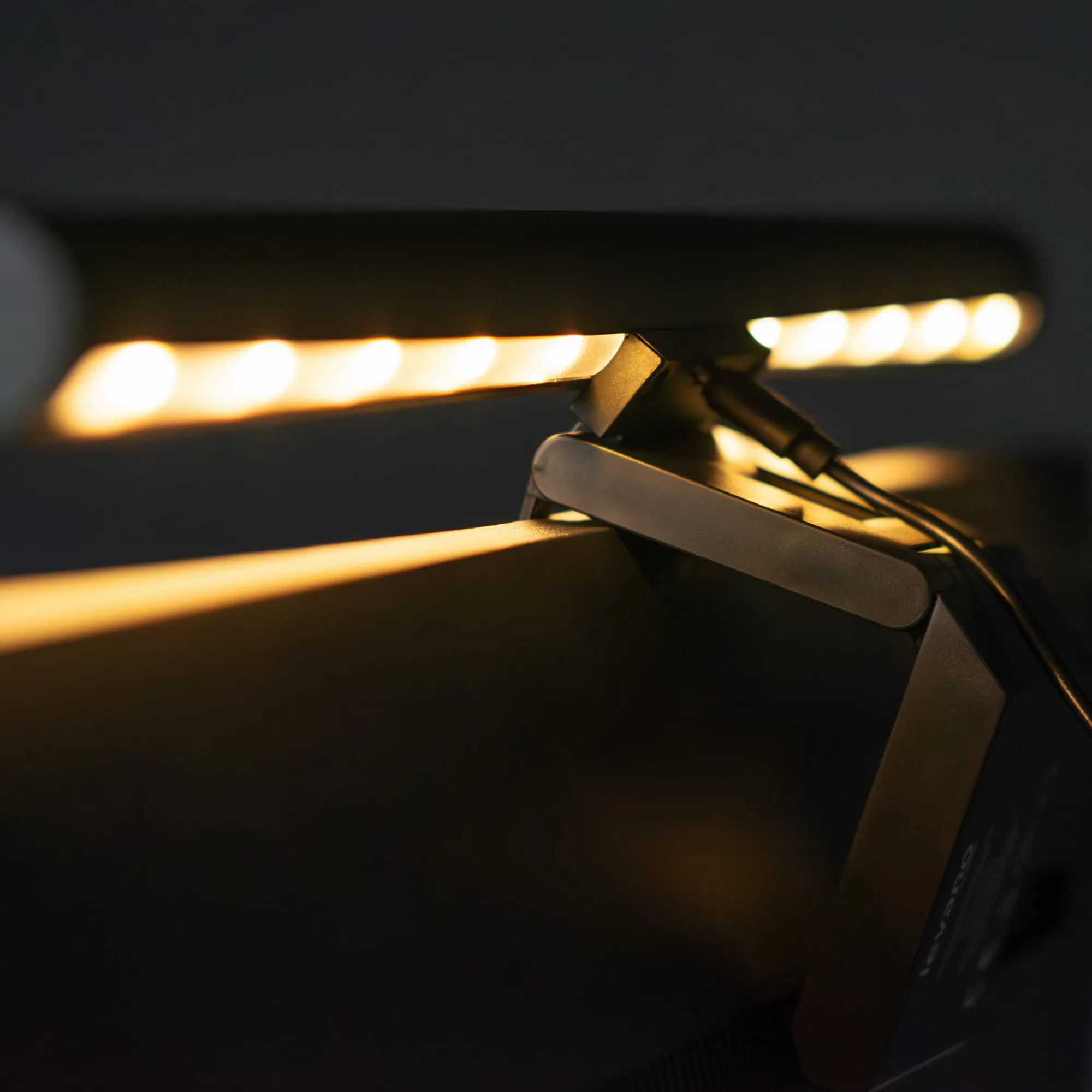
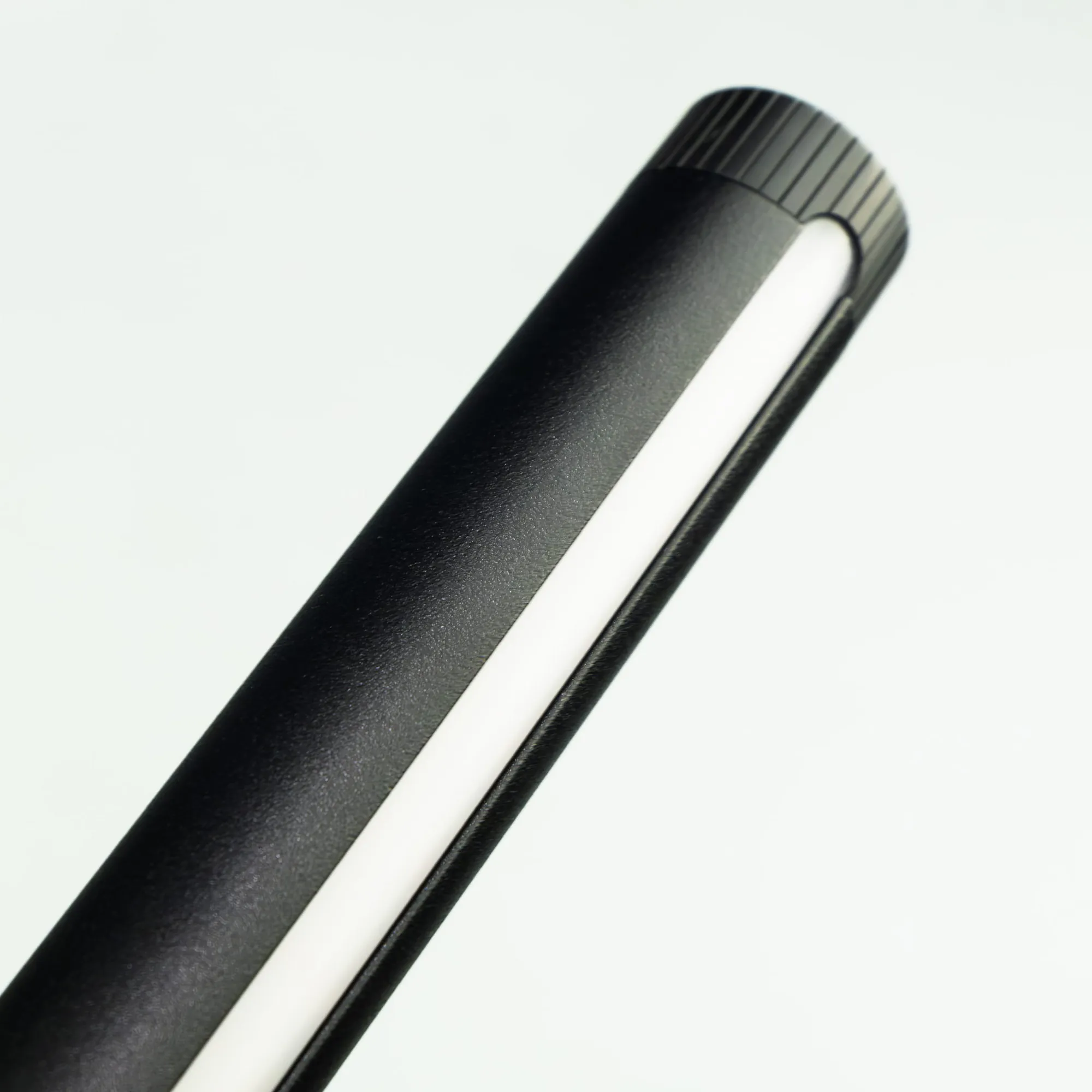
The lamp hangs on the top edge of the monitor and shines down onto your keyboard and documents. You set the angle of the light by rotating the housing. The desktop stays clear — no base or arm like a classic desk lamp.
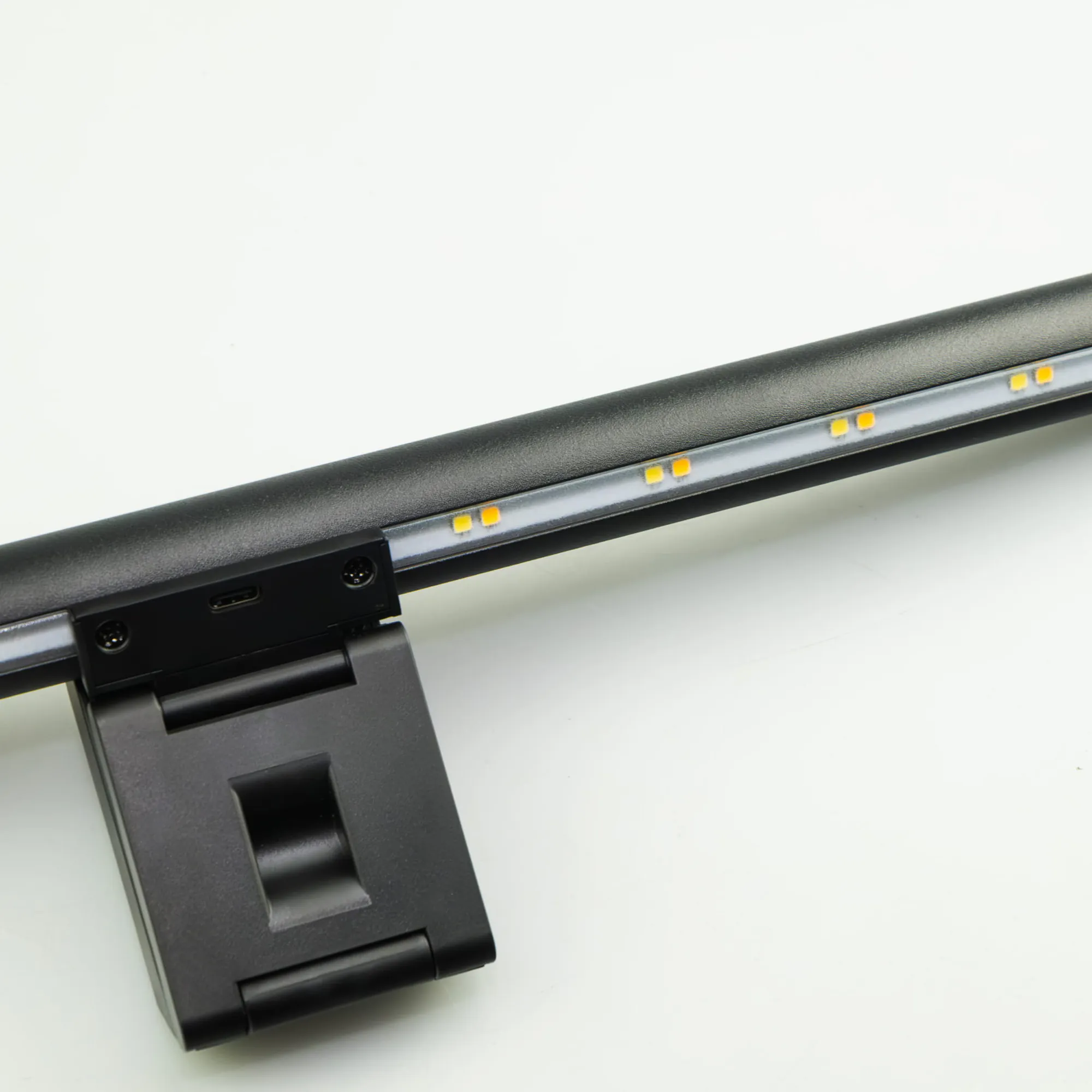
- 80 LEDs, 5 W power
- CRI > 80
- Length 42 cm
Two separately controlled lights
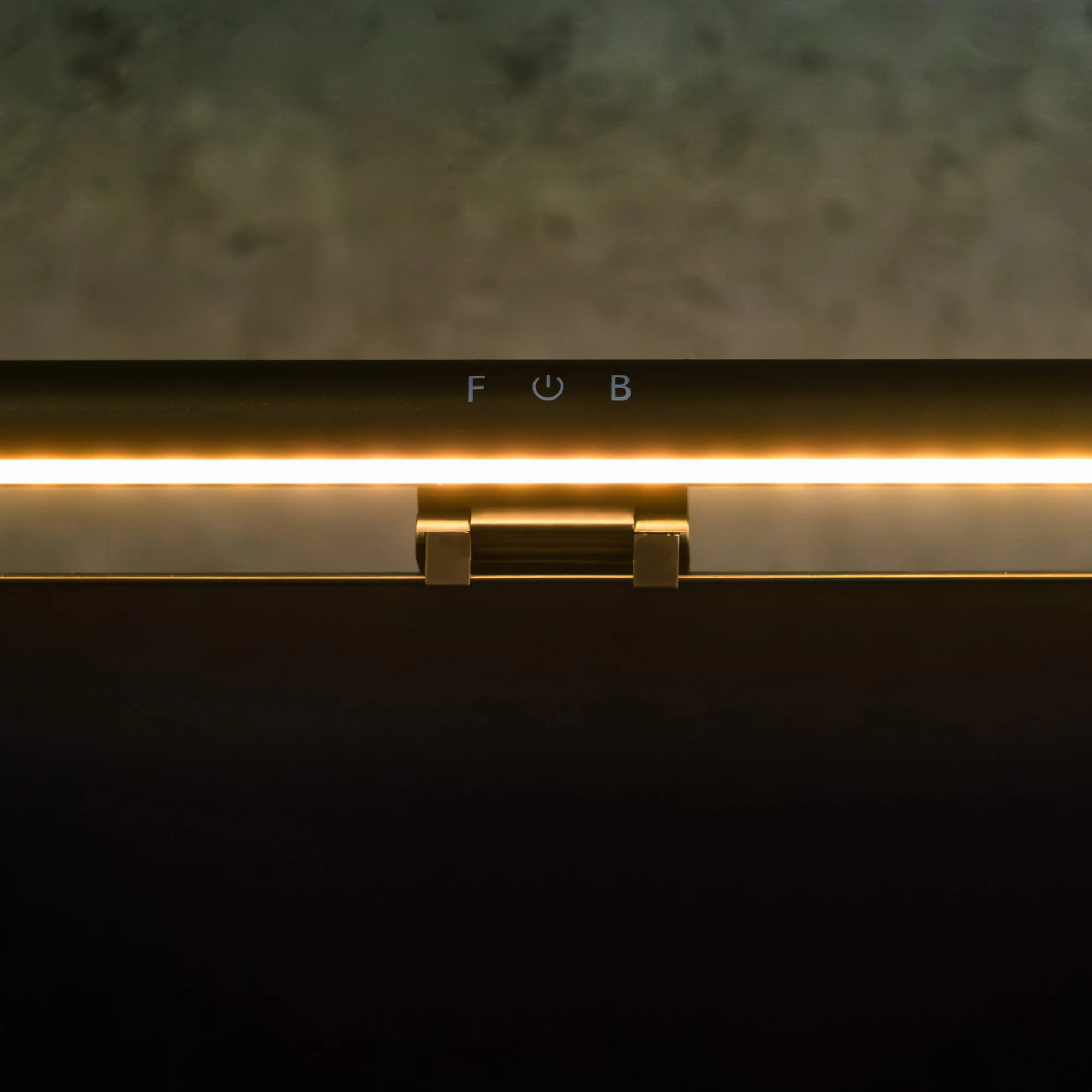
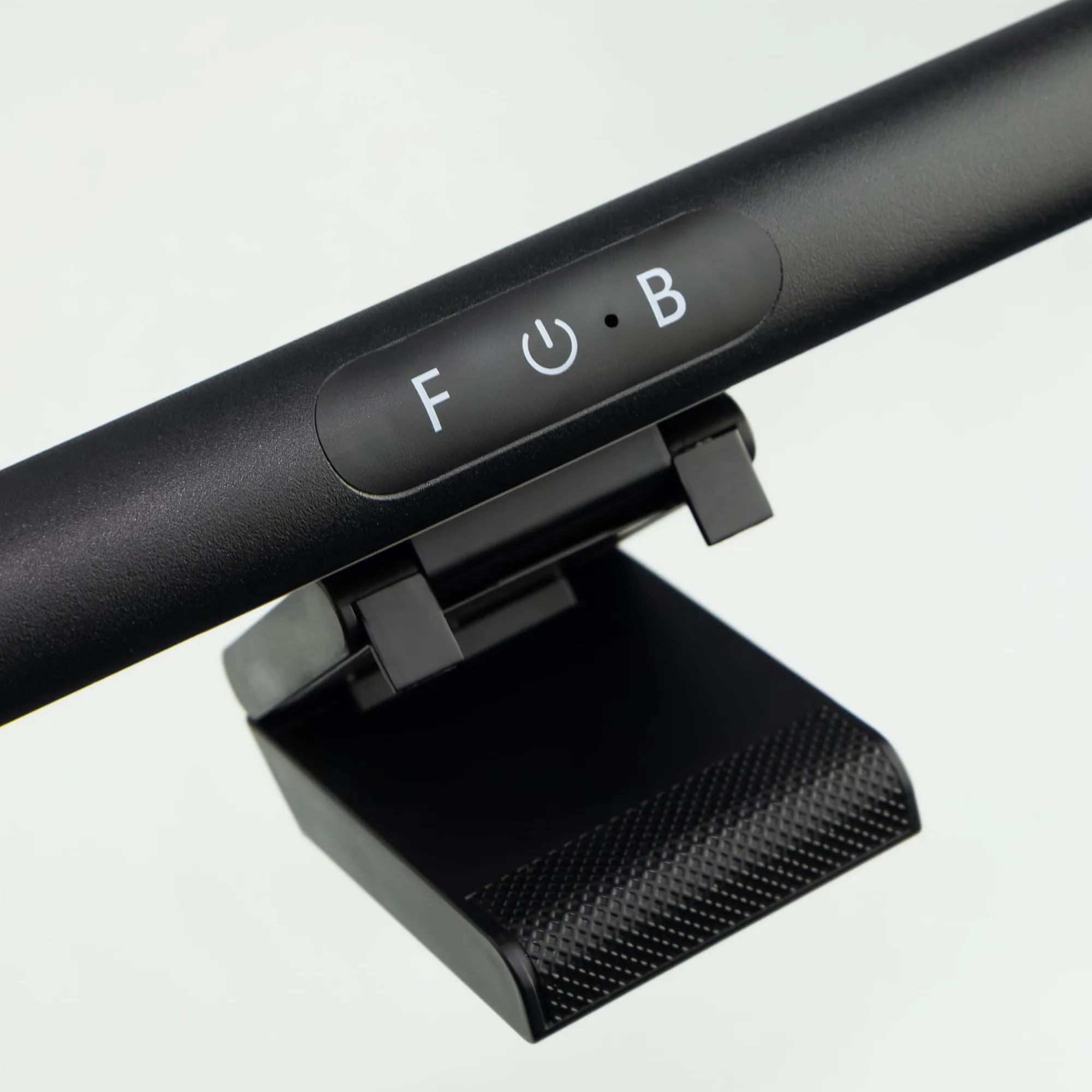
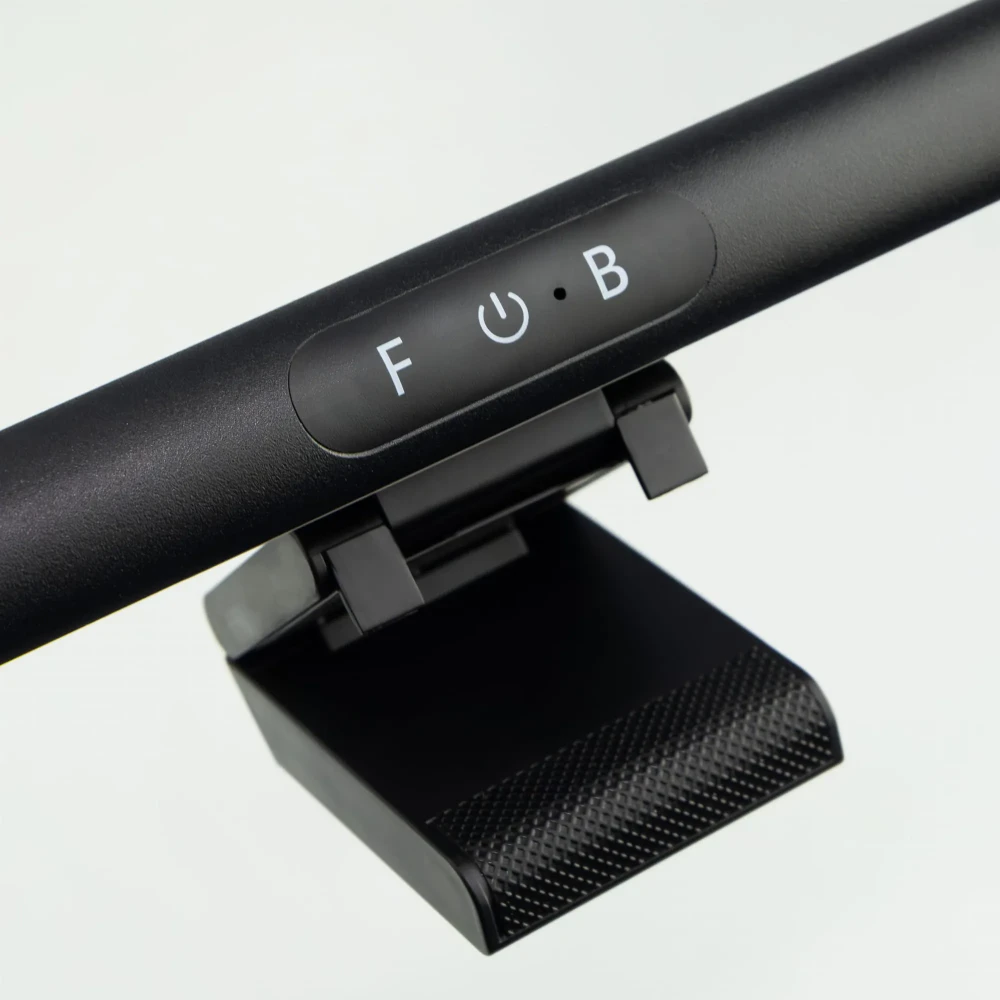
The front light (F) lights the desk, the back light (B) casts a glow on the wall behind the monitor. The housing has three touch areas: F, power and B. You turn on and adjust each light independently.
- F: tap — color temperature, hold — brightness
- Power: tap — front, hold — back
- B: tap — color temperature, hold — brightness
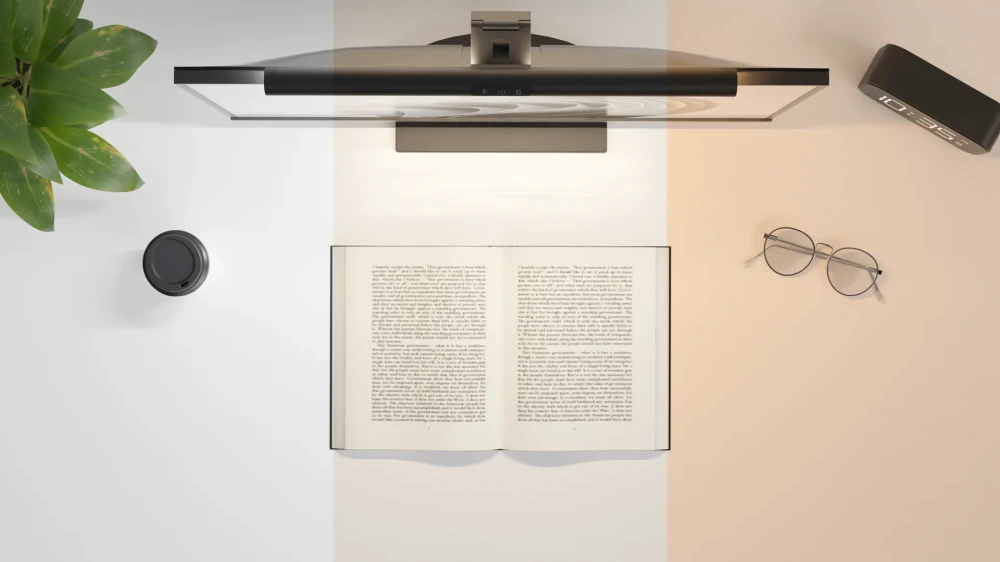
Warm in the evening, cool during the day
You change the color temperature within 3000–6000 K and the brightness steplessly from 10 to 100%. Choose warm white for evening work and cooler white for focus during the day.
- Color temperature 3000–6000 K
- Stepless brightness control 10–100%
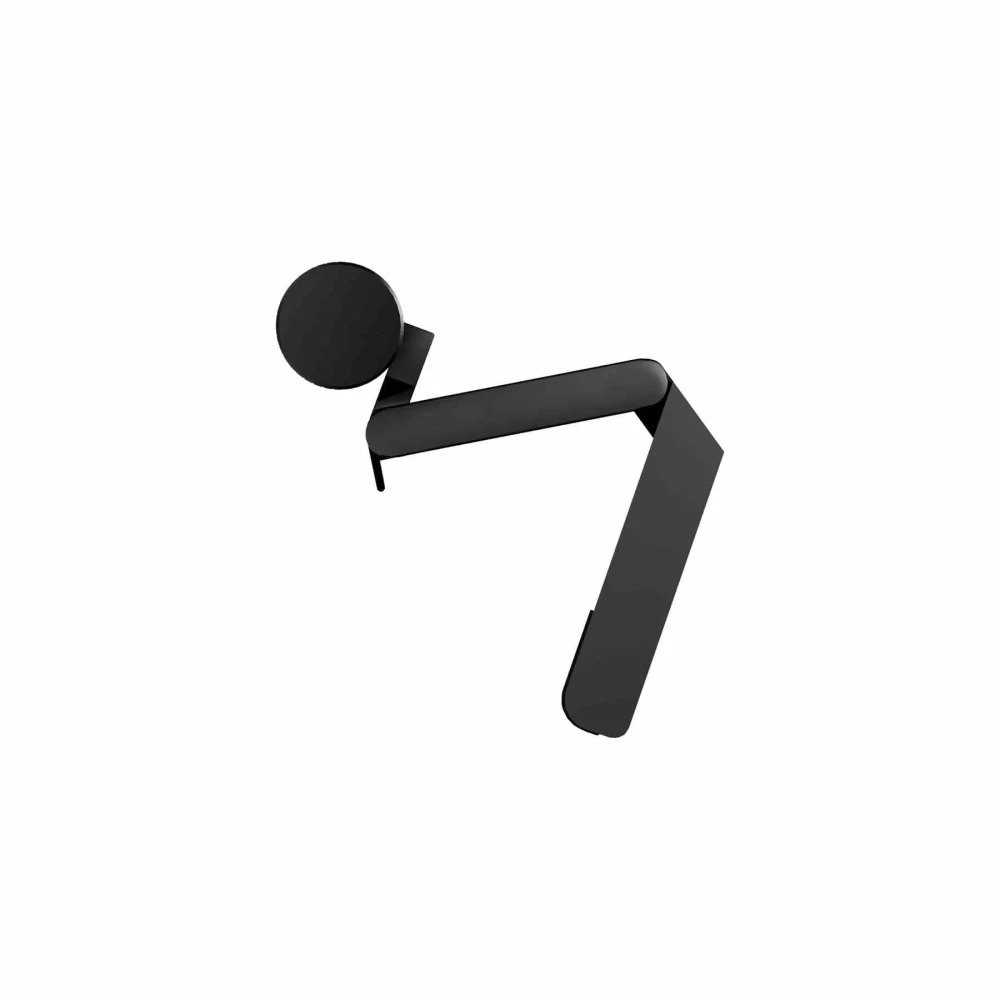
Fits without screws or tools
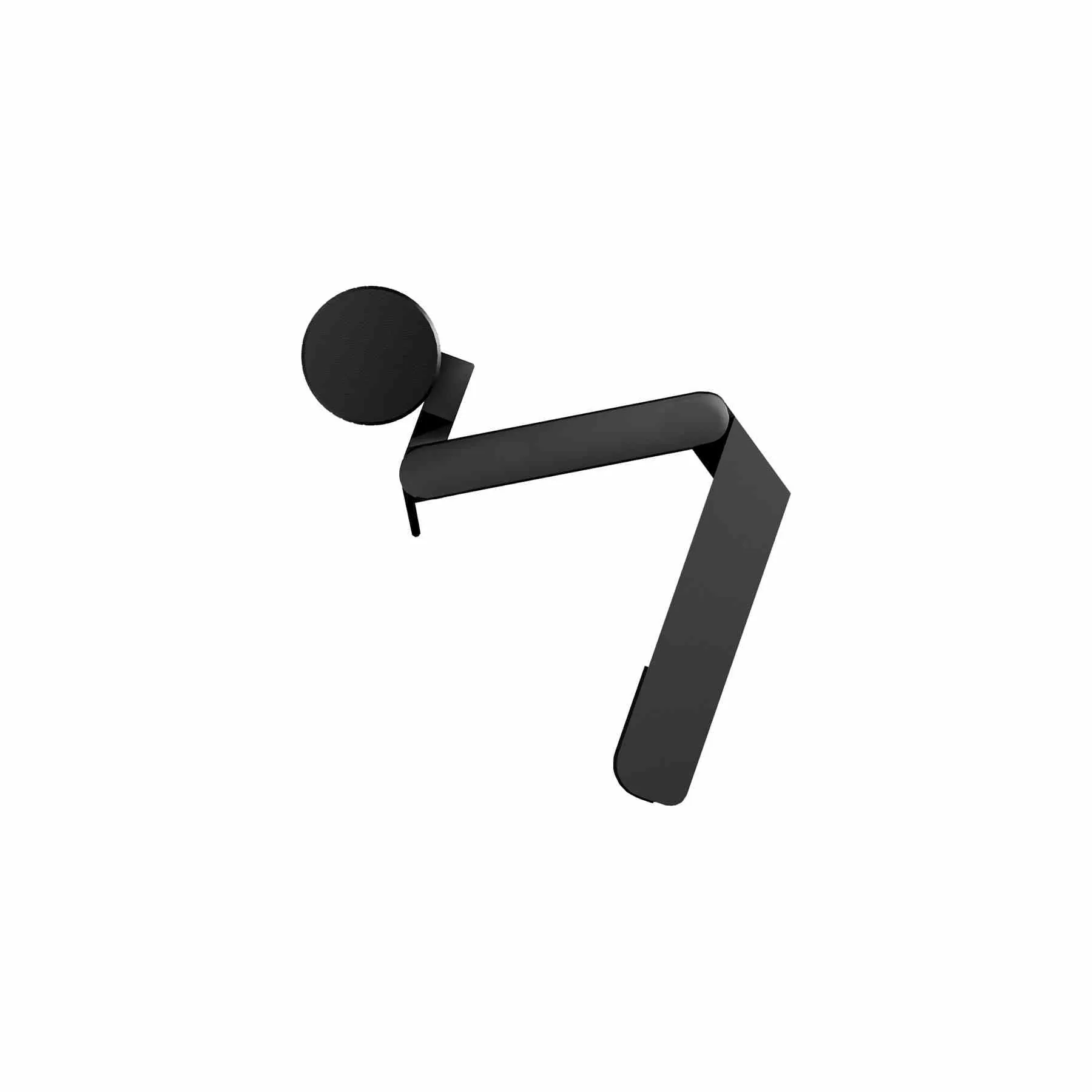
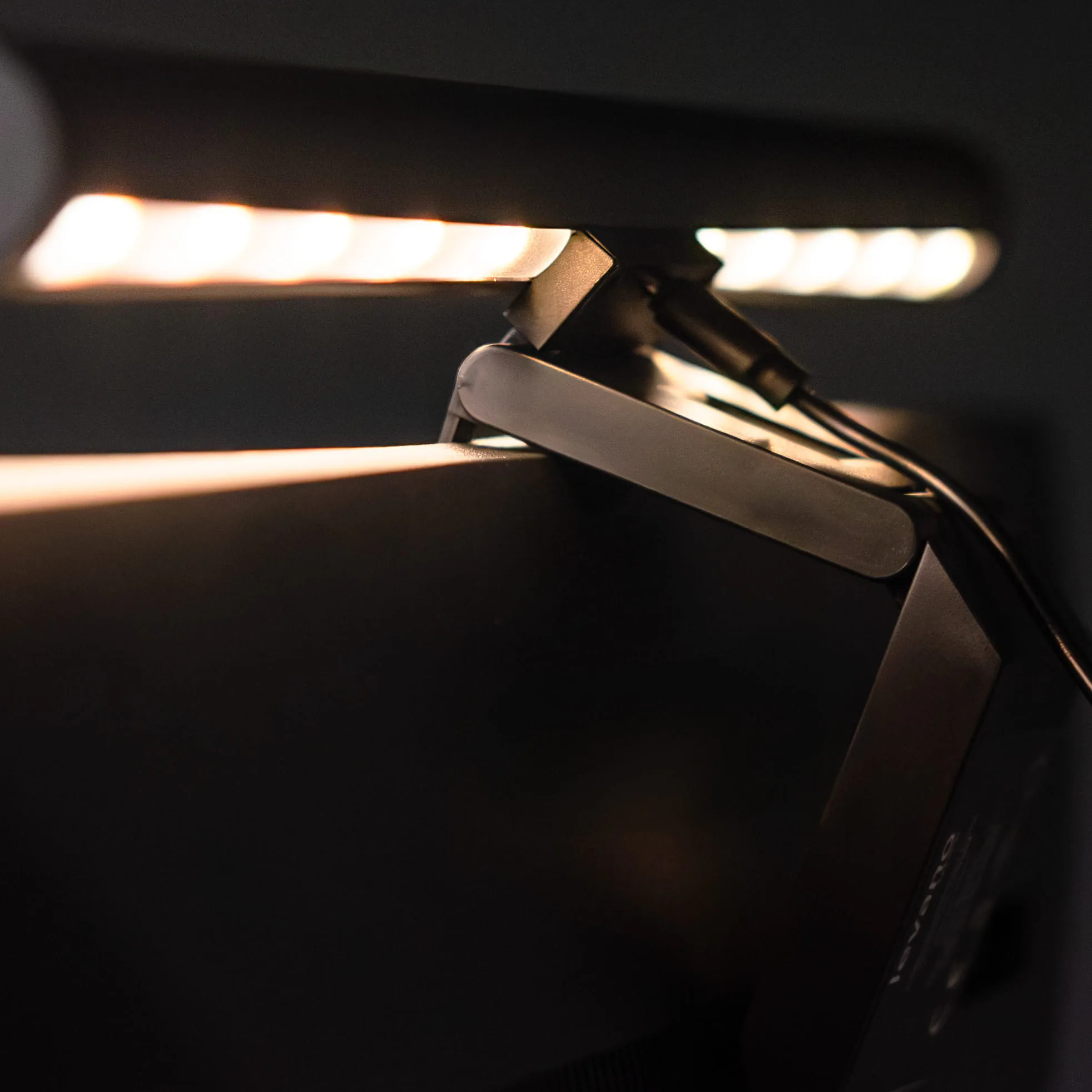
Place the lamp in the center of the monitor and set the angle of the counterweight at the back so it grips the frame securely. It fits monitors up to 50 mm thick. Then plug in the included USB cable.
- Monitors up to 50 mm thick
- USB-C 5 V / 1 A power, cable included
- Weight 390 g
Assembly
How installation works
- Place the lamp on the monitorPosition the lamp in the center of the monitor's top edge.
- Set the counterweightAdjust the angle of the counterweight at the back so the lamp holds securely on the screen frame.
- Connect the powerConnect the lamp with the included USB cable to a port that meets the 5 V / 1 A specification.
- Direct the lightGrip the housing and rotate it until the light falls where you work.
What's in the box
- lamp with counterweight (monitor mount)
- USB cable
- instructions
Safety: Do not connect the lamp with wet hands. Do not repair the lamp yourself. For indoor use only.
Monitor Lightbar monitor light bar specifications
| Light sources | front (F, onto the desk) and back (B, behind the monitor) |
|---|---|
| LEDs | 80 pcs, SMT2835 |
| Color temperature | 3000–6000 K |
| Brightness control | stepless, 10–100% |
| Color rendering index | CRI > 80 |
| Controls | F / power / B touch areas on the housing |
| Power | 5 W |
|---|---|
| Energy consumption | 5 kWh / 1000 h |
| Power supply | USB-C, 5 V / 1 A |
| USB cable | in the set |
| Dimensions | 42 × 4 × 9.1 cm |
|---|---|
| Weight | 390 g net, 0.58 kg with packaging |
| Material | aluminum and ABS |
| Color | black |
| Assembly | hangs on the monitor with a counterweight, no tools |
| Monitor thickness | up to 50 mm |
| Markings | CE, insulation class II, indoor use |
|---|---|
| Warranty | 36 months |
| Manufacturer / importer | EKO-LIGHT TEAM Sp. z o.o., Częstochowa |
Questions about this product
- Does the Monitor Lightbar have a USB-C connector?
- Yes. You power the Monitor Lightbar through a USB-C connector at 5 V / 1 A. The USB cable is included.
- Can I power the Monitor Lightbar from my monitor's USB port?
- Yes, if the port delivers 5 V / 1 A. The Monitor Lightbar draws 5 W; a port that doesn't meet the specification may cause the lamp to malfunction.
- What monitor will the Monitor Lightbar fit?
- The Monitor Lightbar fits monitors with a housing up to 50 mm thick. Place the lamp in the center of the top edge and set the counterweight at the back so it grips the frame.
- Do the front and back lights of the Monitor Lightbar work separately?
- Yes. The front light (F) and back light (B) have separate color temperature and brightness controls. Tapping the power button turns on the front, holding it turns on the back.
- How do I change the brightness of the Monitor Lightbar?
- Hold the F (front) or B (back) area — the brightness changes steplessly within 10–100%. A single tap changes the color temperature.
- How much power does the Monitor Lightbar use?
- The Monitor Lightbar is rated at 5 W, so 1,000 hours of use takes approx. 5 kWh of energy.
Bezpieczeństwo produktu
Responsible person in the EU
EKO-LIGHT TEAM SP. Z O.O.
Główna 142
42-280 Częstochowa, Poland
Rekomendowane dla Ciebie
-
Price 499,00 zł
-
Price 499,00 zł
-
Price 199,00 zł
-
Price 319,00 zł
-
Price 479,00 zł
-
Price 499,00 zł
-
Price 399,00 zł
-
Price 849,00 zł
-
Price 279,00 zł
-
Price 849,00 zł
-
Price 719,00 zł
-
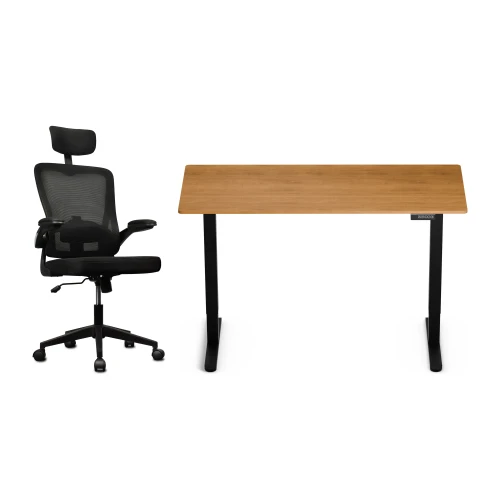
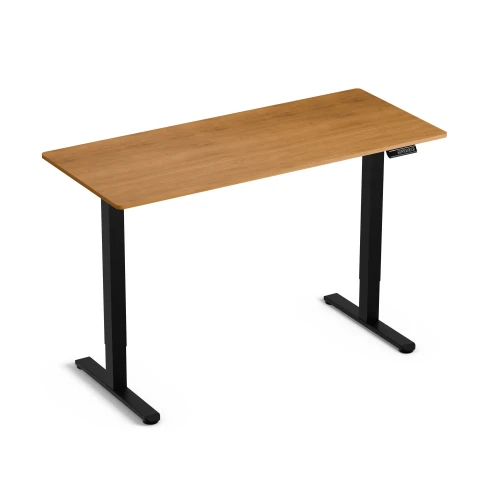
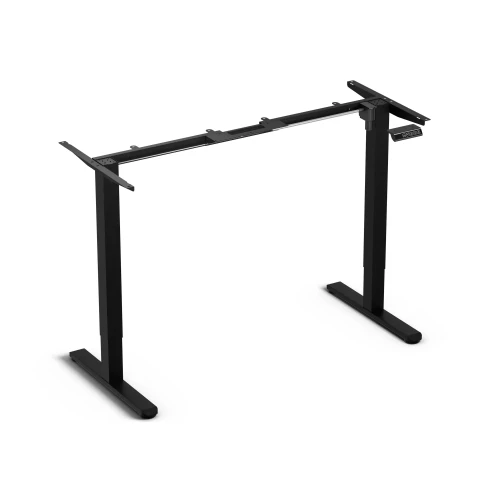
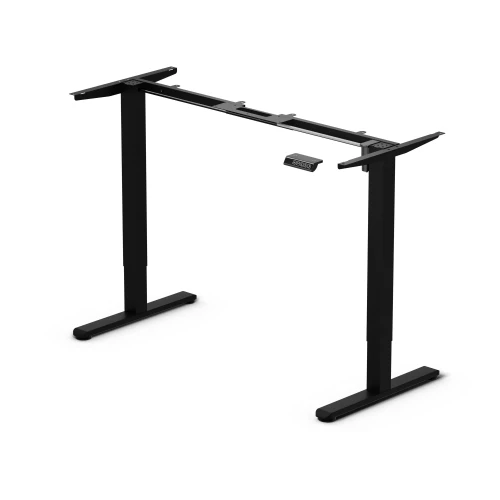
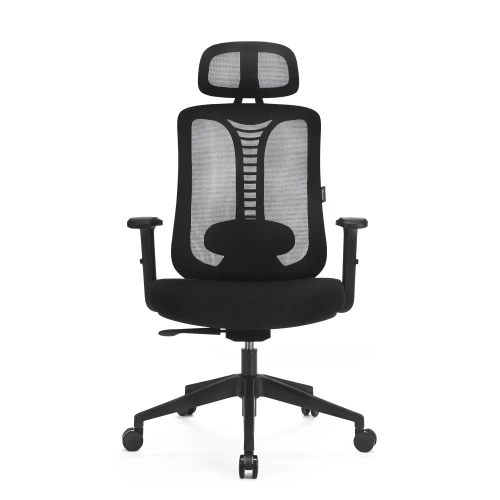
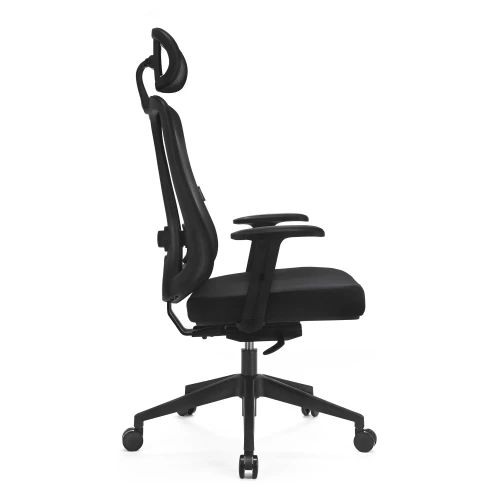
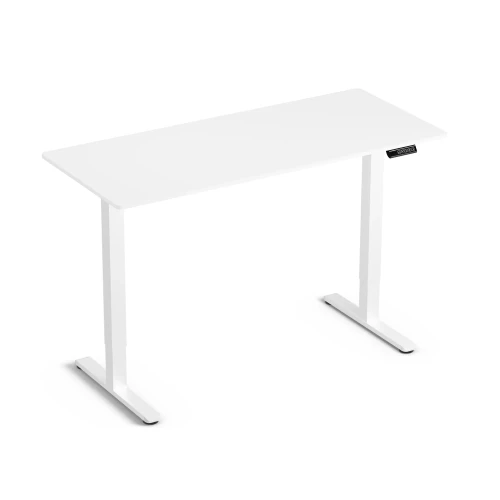
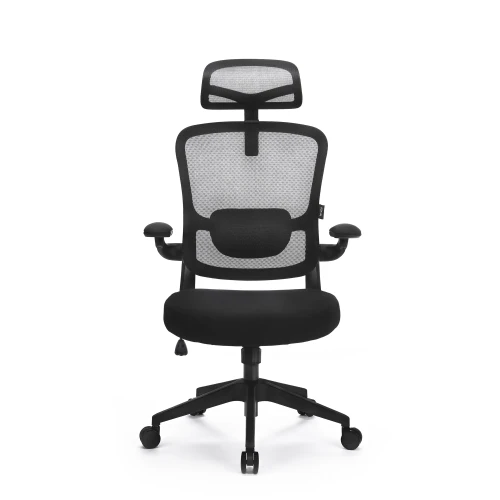
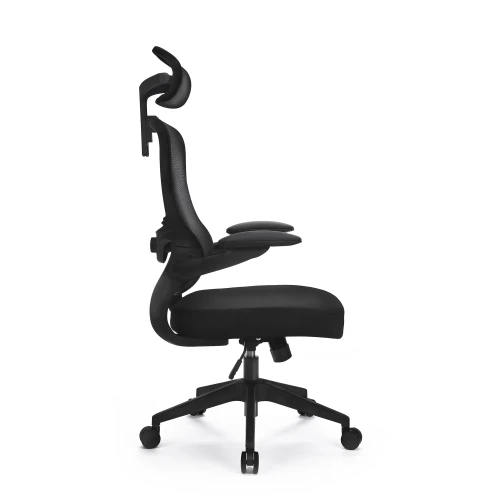
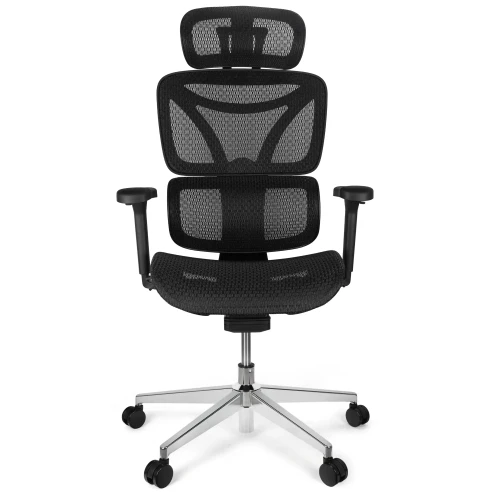
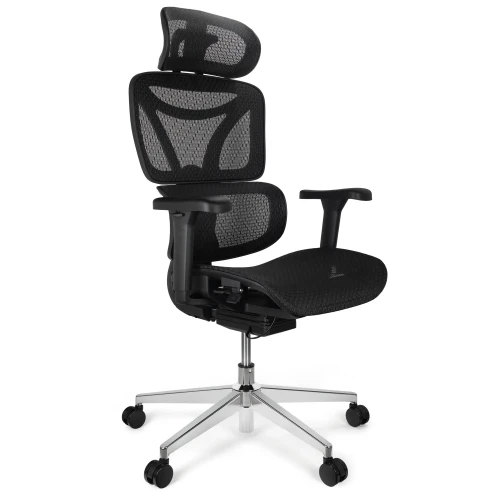
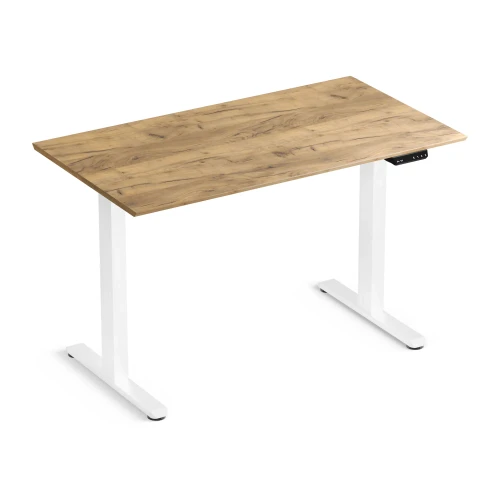
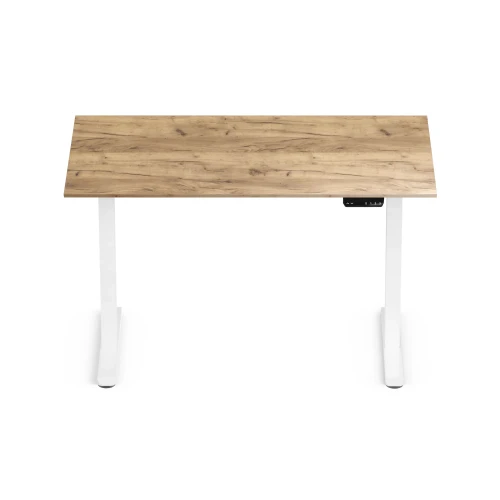
Electric Height-Adjustable Desk Control Lite Gold Oak 140/60 and Ergo Lite Black Ergonomic Chair Set
Price 729,00 zł -
Price 199,00 zł
-
Price 649,00 zł
-
Price 80,00 zł
-
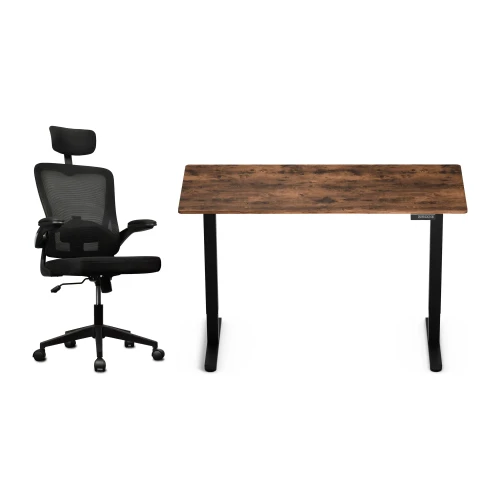
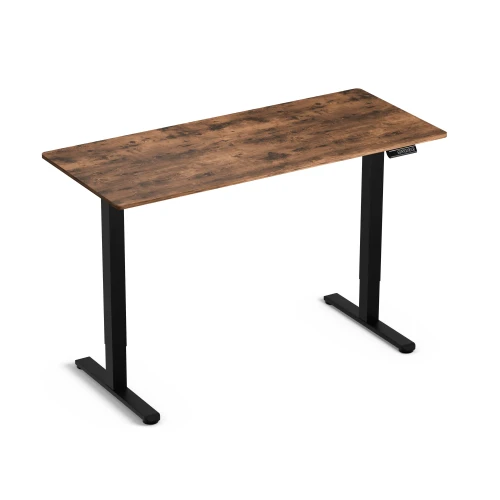
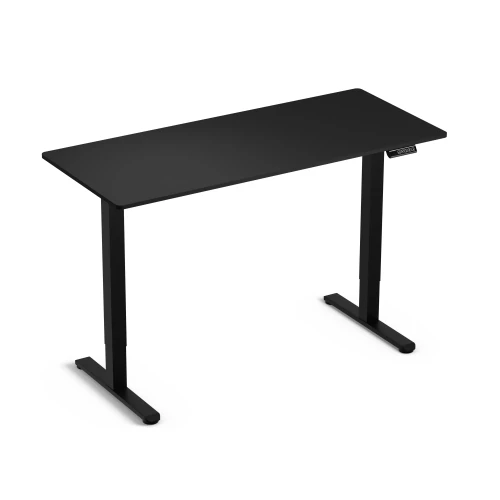
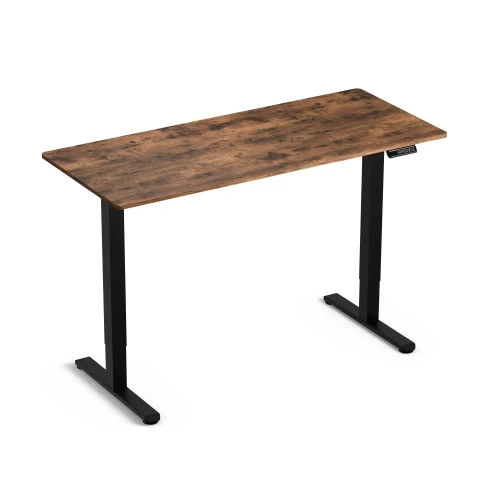
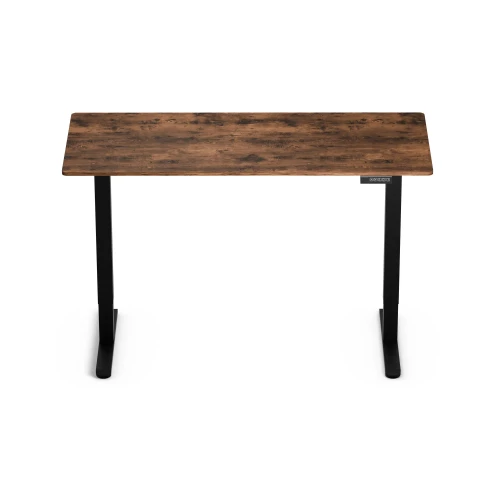
Control Lite Rustic 140/60 electric height-adjustable desk and black Ergo Lite ergonomic office chair set
Price 729,00 zł
Najczęściej wybierane
-
Price 16,00 zł
-
Price 749,00 zł
-
Price 39,00 zł
-
Price 24,99 zł
-
Price 479,00 zł
-
Price 89,00 zł
-
Price 649,00 zł
-
Price 419,00 zł
-
Price 89,00 zł
-
Price 928,99 zł
-
Price 1 099,00 zł
-
Price 129,00 zł
-
Price 549,00 zł
-
Price 59,00 zł
-
Price 749,00 zł
-
Price 59,00 zł