

Control Series 120 Desk Black LVNSystem
Ask about the product
Administratorem danych osobowych jest EKO-LIGHT TEAM SPÓŁKA Z OGRANICZONĄ ODPOWIEDZIALNOŚCIĄ. Przetwarzamy je w celu przesłania odpowiedzi na zapytanie. Więcej informacji dotyczących przetwarzania danych osobowych znajduje się w polityce prywatności.
Produkty powiązane
-
Price 59,00 zł
-
Price 89,00 zł
-
Price 129,00 zł
-
Price 84,99 zł
-
Price 149,00 zł
-
Price 69,00 zł
-
Price 16,00 zł
-
Price 9,00 zł
-
Price 28,99 zł
-
Price 20,00 zł
-
Price 34,99 zł
-
Price 39,00 zł
-
Price 59,00 zł

Opis
Control Series
A height-adjustable desk for every day
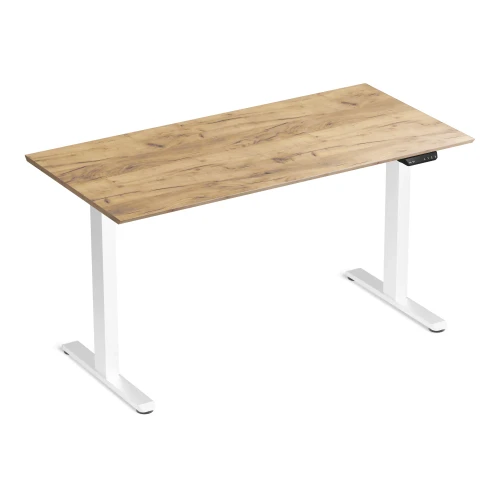
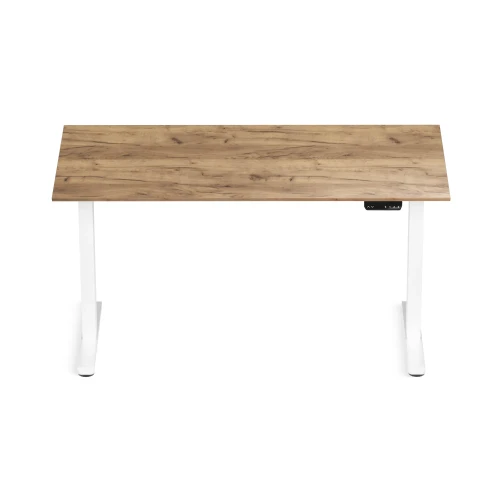
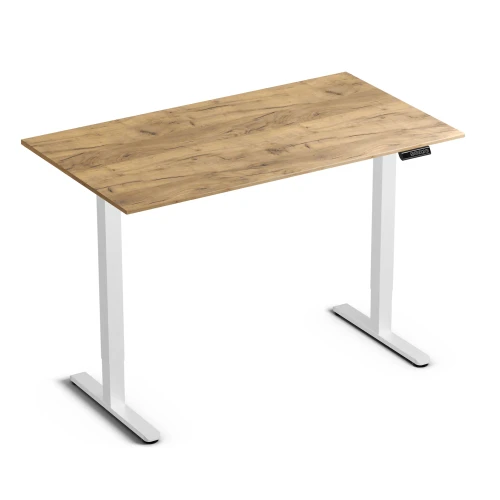
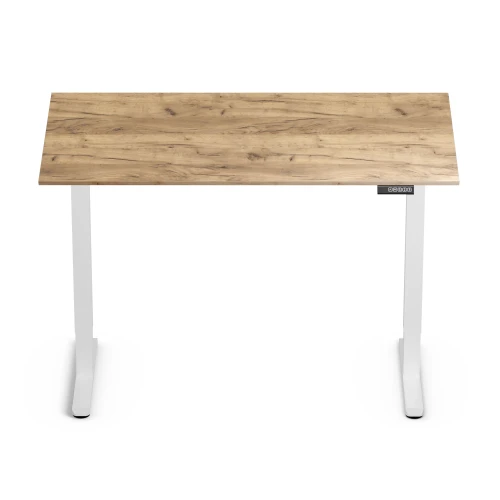
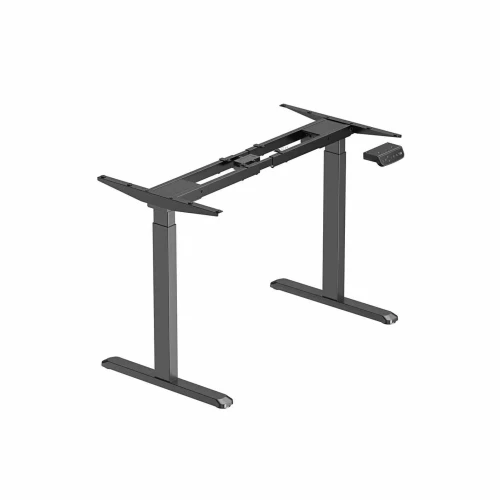
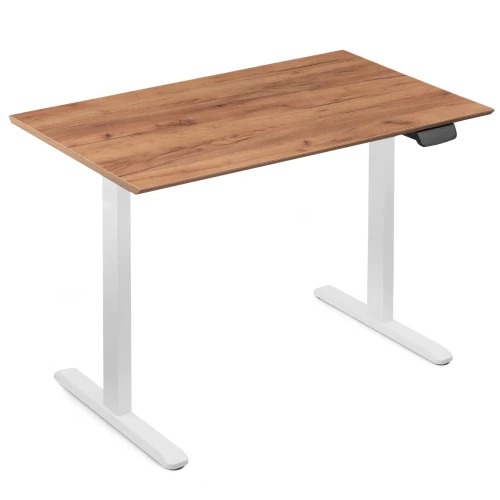
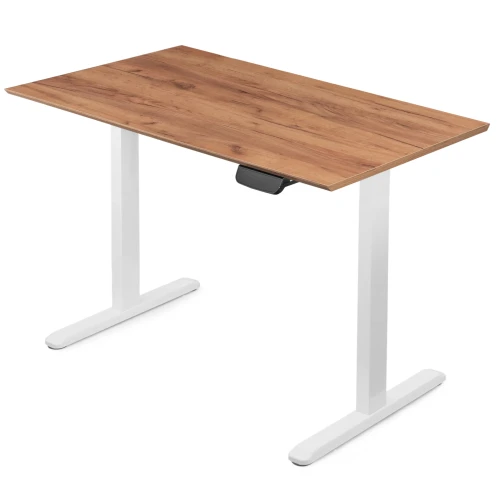
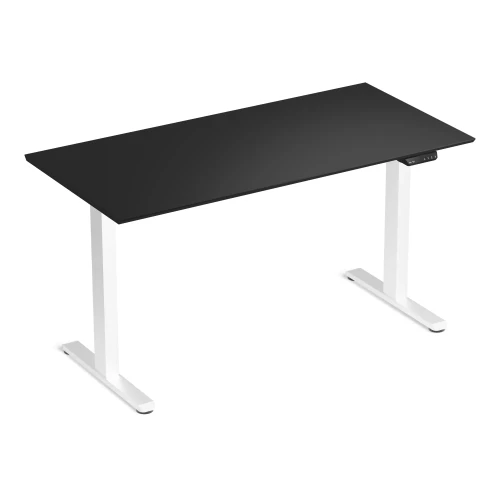
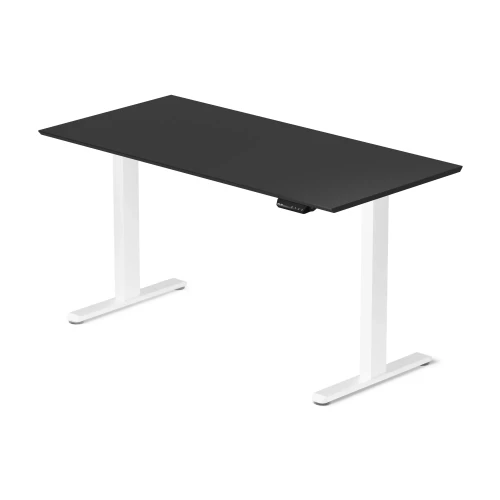
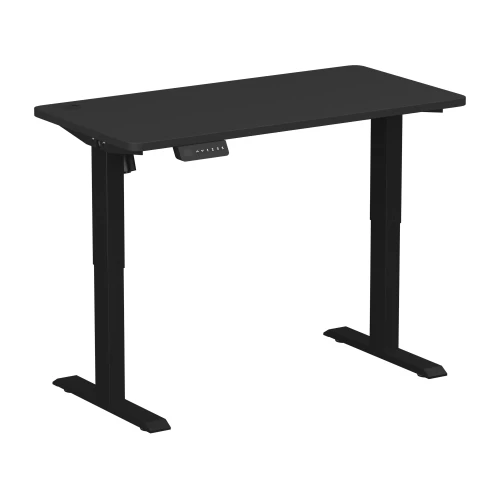
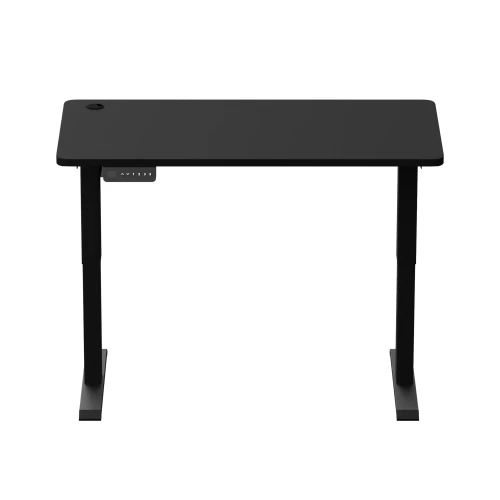
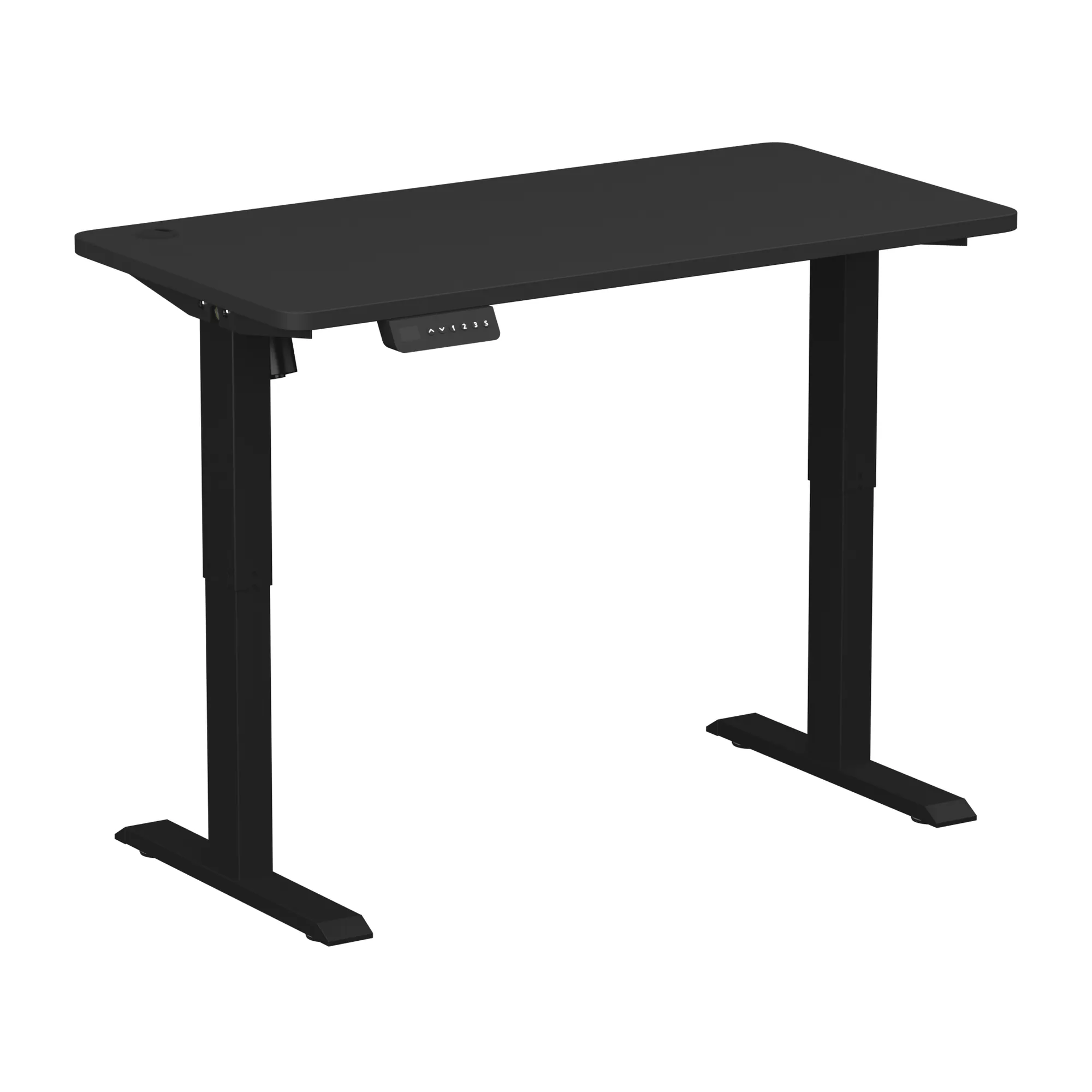
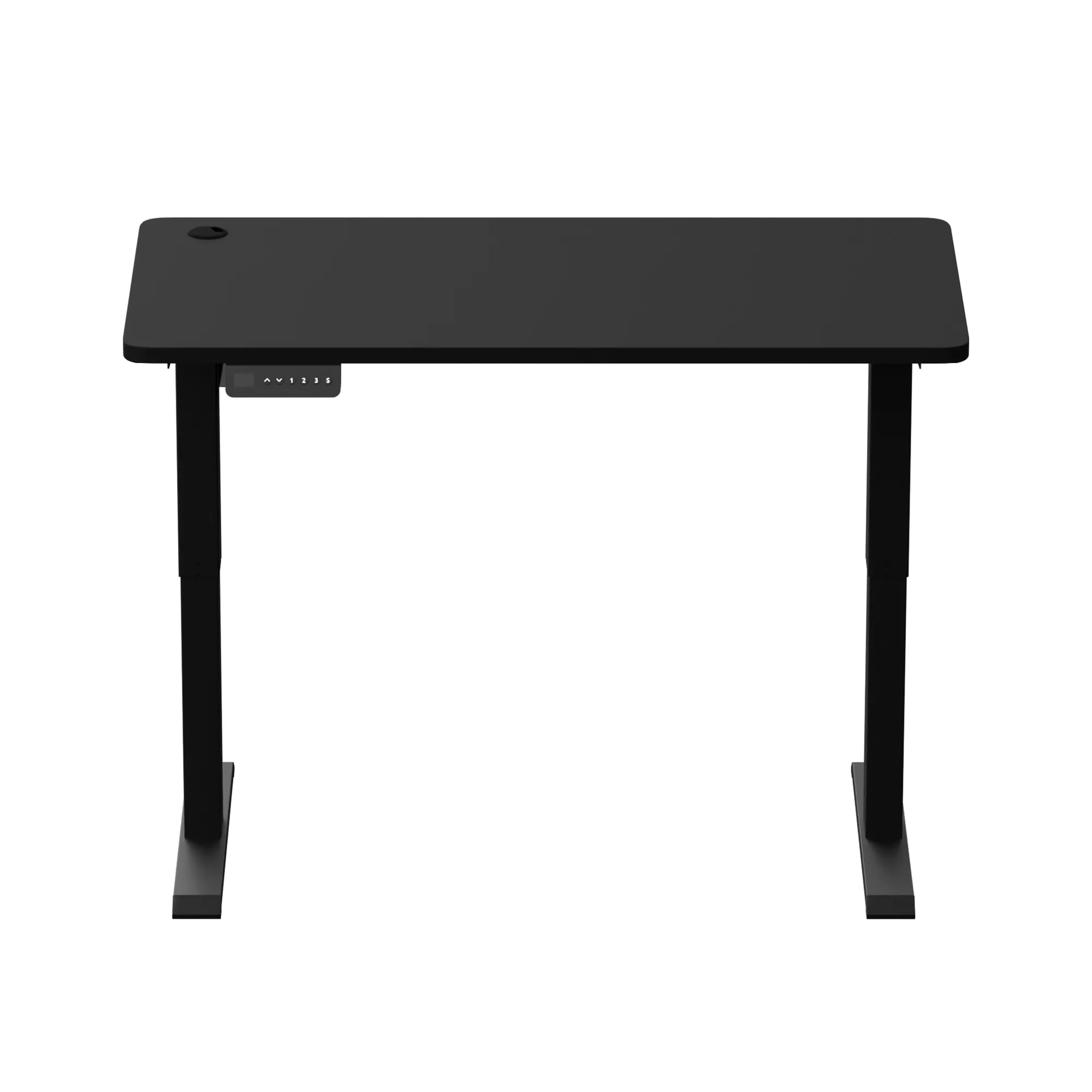
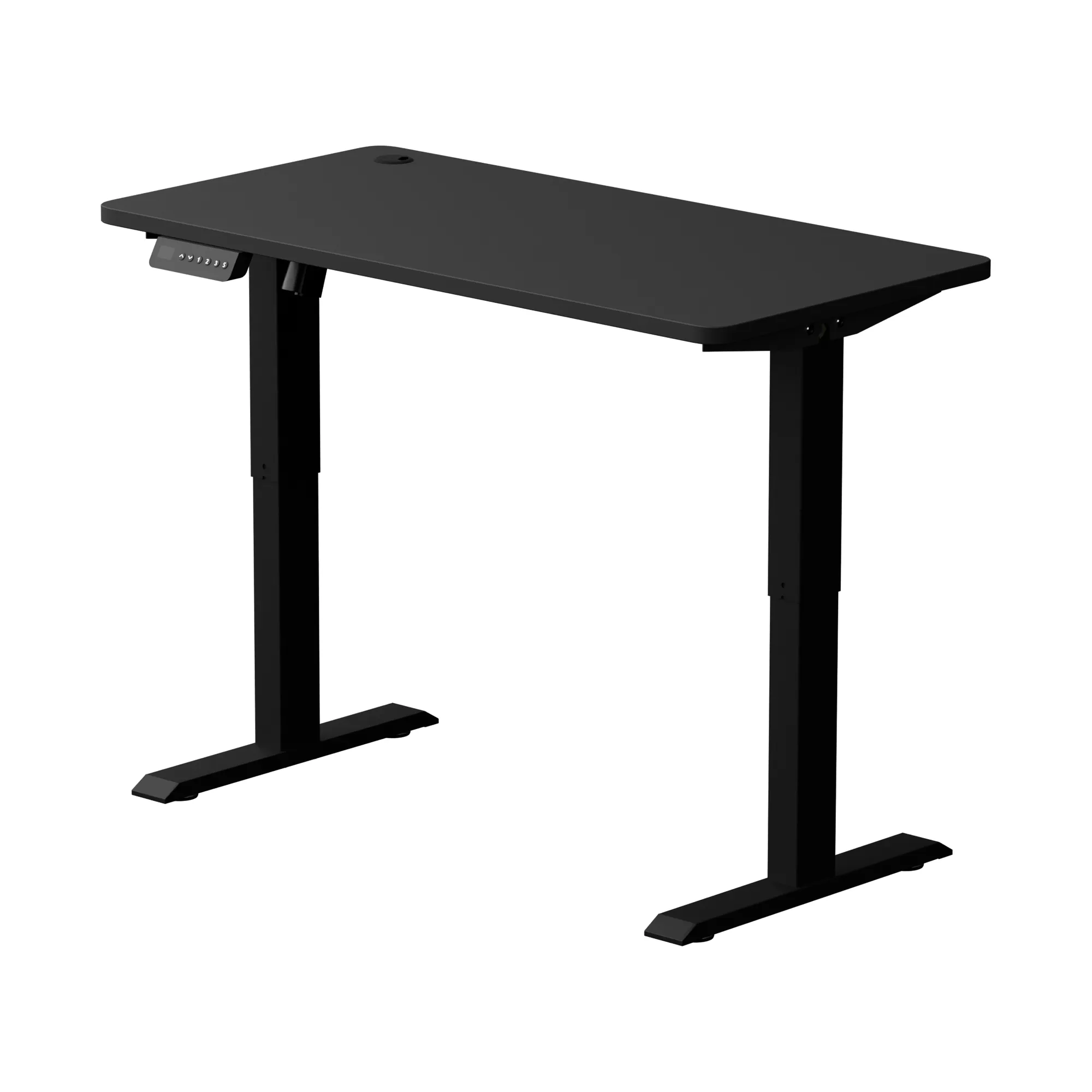
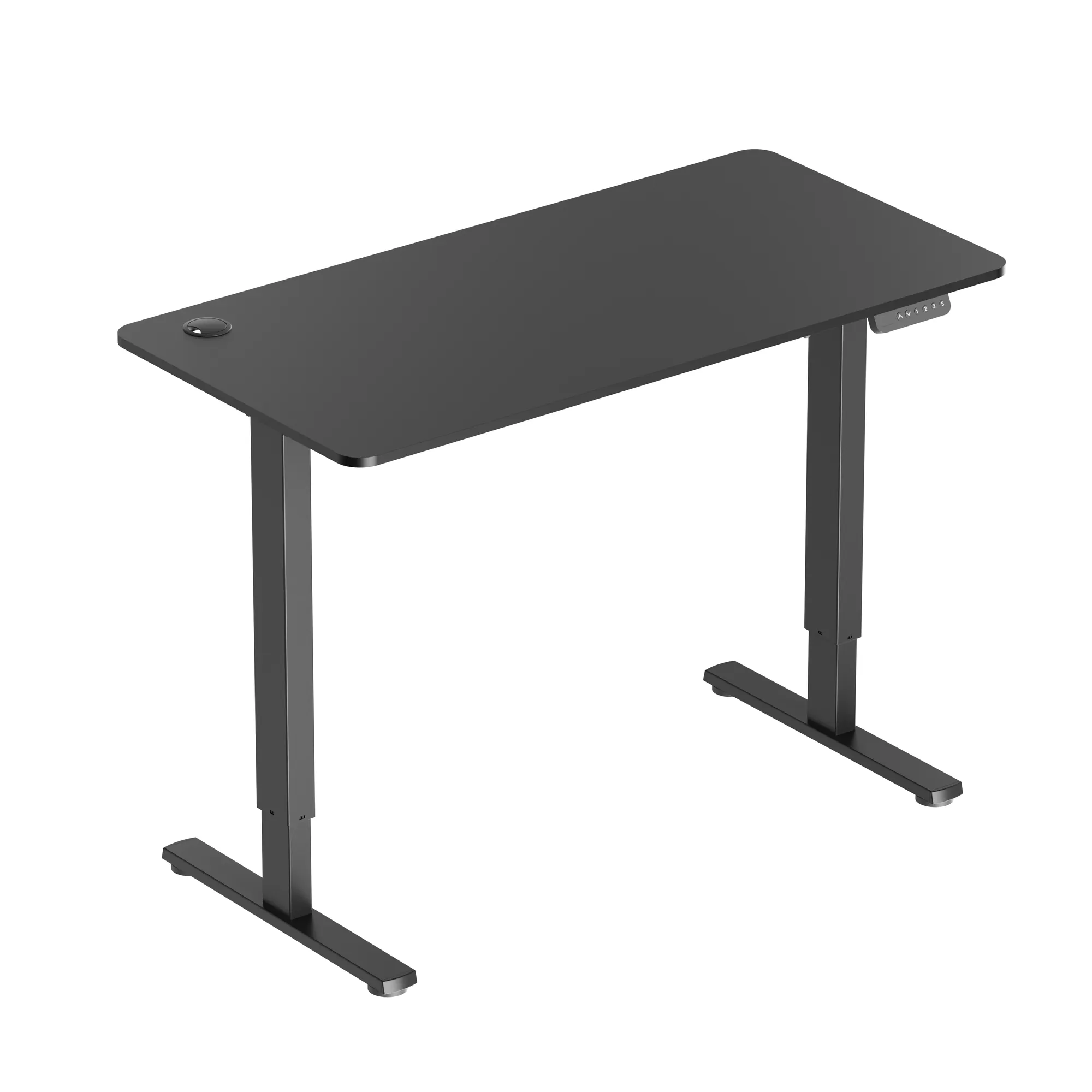
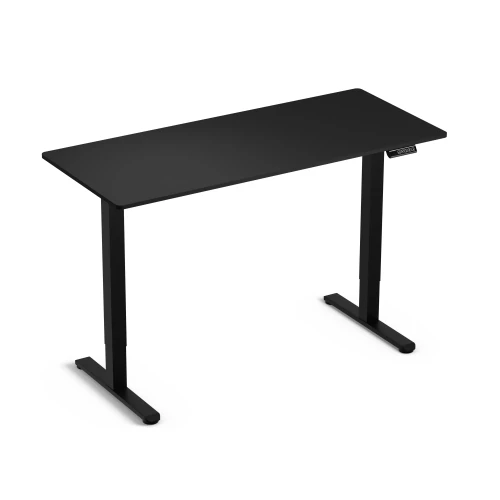
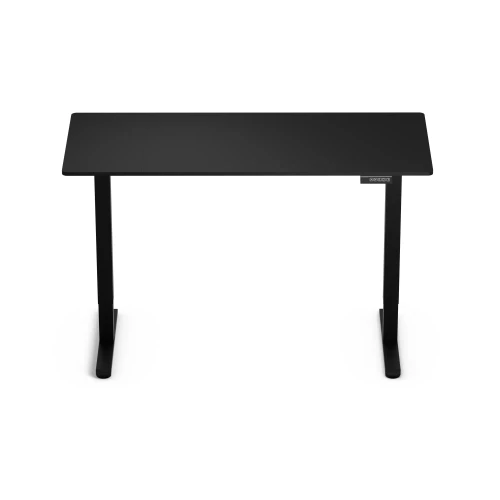
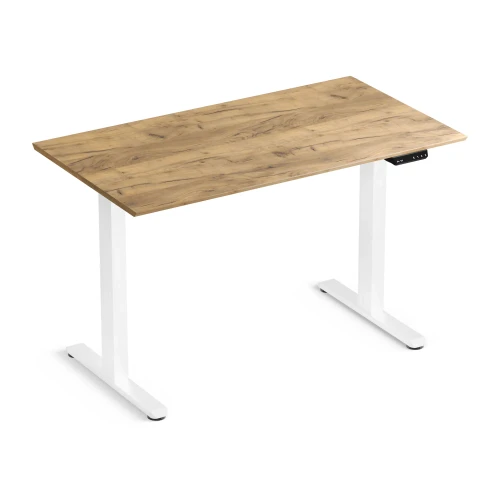
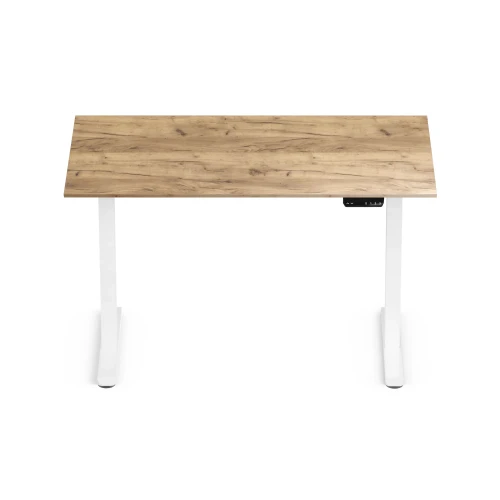
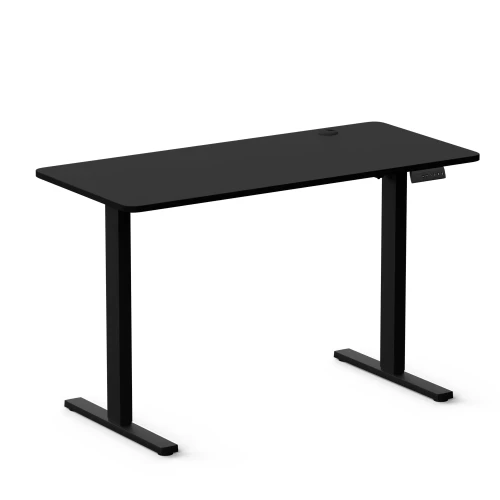
Control Series 120 is an electric standing desk with a 72–114 cm range, a one-piece 120 × 60 cm desktop and a controller with 3 memory presets. It fits in a study or home office, and you change position with one button.
- 72–114 cm adjustment
- 3 height memory presets
- One-piece desktop
- 70 kg load capacity
Key specifications at a glance
desk height with desktop from 72 to 114 cm: set the desktop at elbow height when sitting and standing
at 16 mm/s the desktop rises smoothly while you keep working
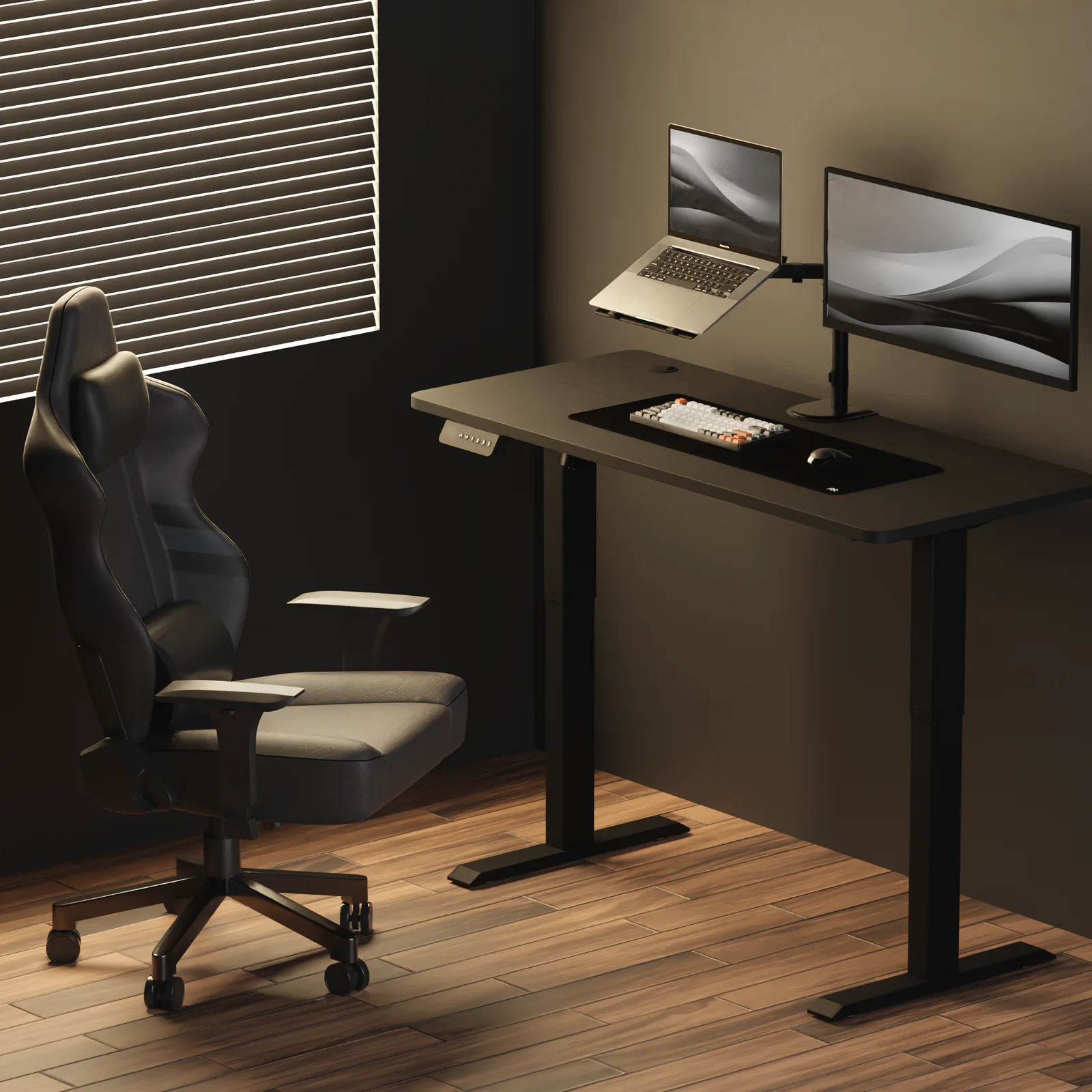
enough for a monitor, laptop, lamp and accessories
a compact size for any room, and with no gap in the middle it is easy to keep clean
Why the Control Series 120 electric desk
- Work sitting and standing – change the desk height from 72 to 114 cm at the push of a button
- 3 memory presets, one press – return to your height without holding the button
- One-piece 120 × 60 cm desktop – a single board with no joint, with a cable grommet
- 70 kg load capacity – a monitor, laptop and lamp without worrying about overload
- Controller on the left or right – mount it on whichever side suits you
- Collision sensor with adjustable sensitivity – the desktop stops when it hits an obstacle
- 6 cable clips and a 36-month warranty – included with the desk
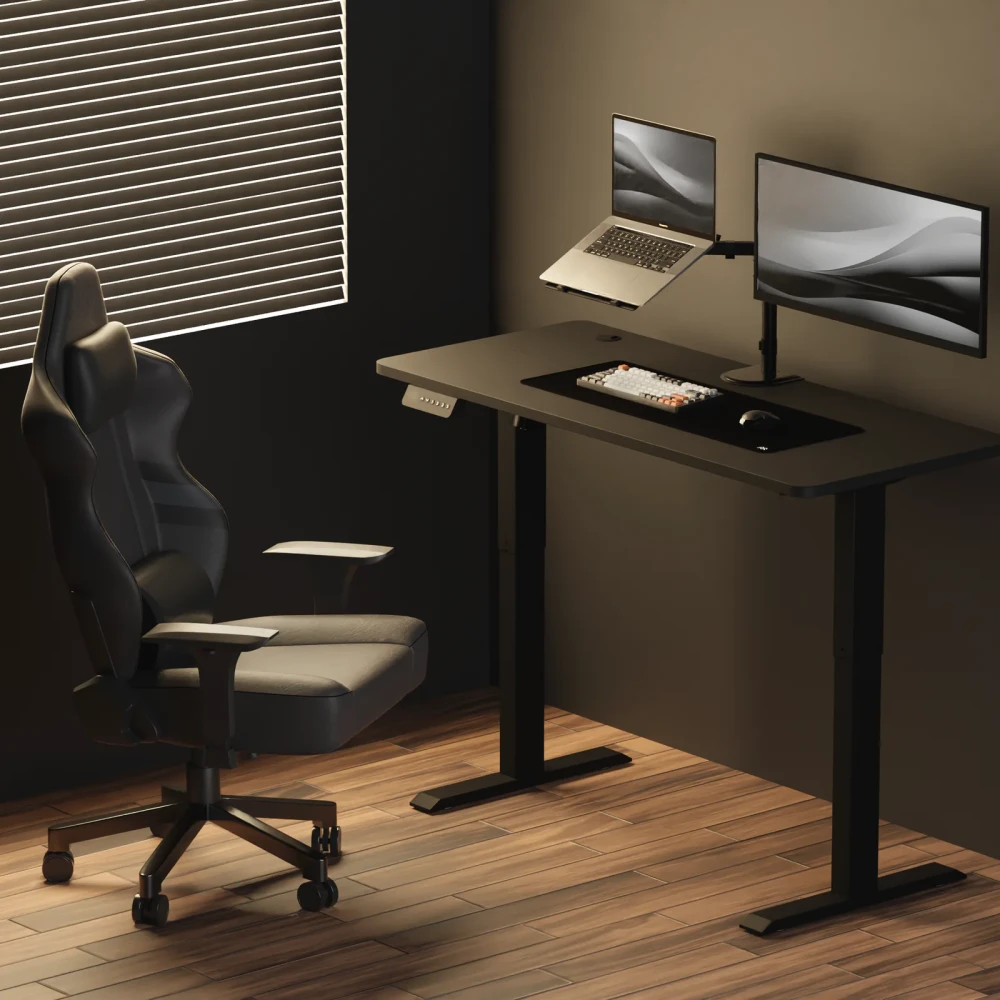
Sitting to study, standing for calls
The motor with a synchronizing bar raises both sides of the desktop evenly. You hold the arrow, and the display shows the current height. If you want, you can set your own lower and upper limits in the menu.
- Desk height 72–114 cm
- 1 motor, speed 16 mm/s
- Custom min. and max. height limits
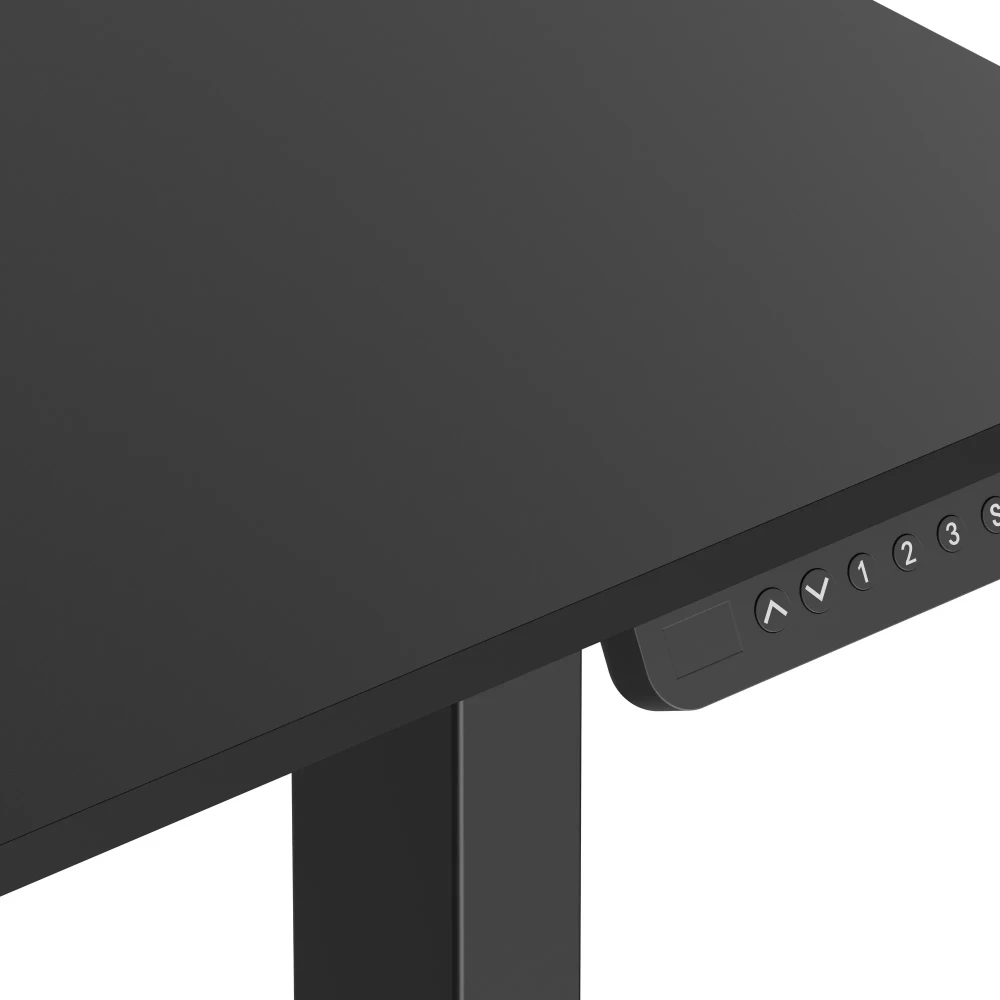
Your height at the press of a button
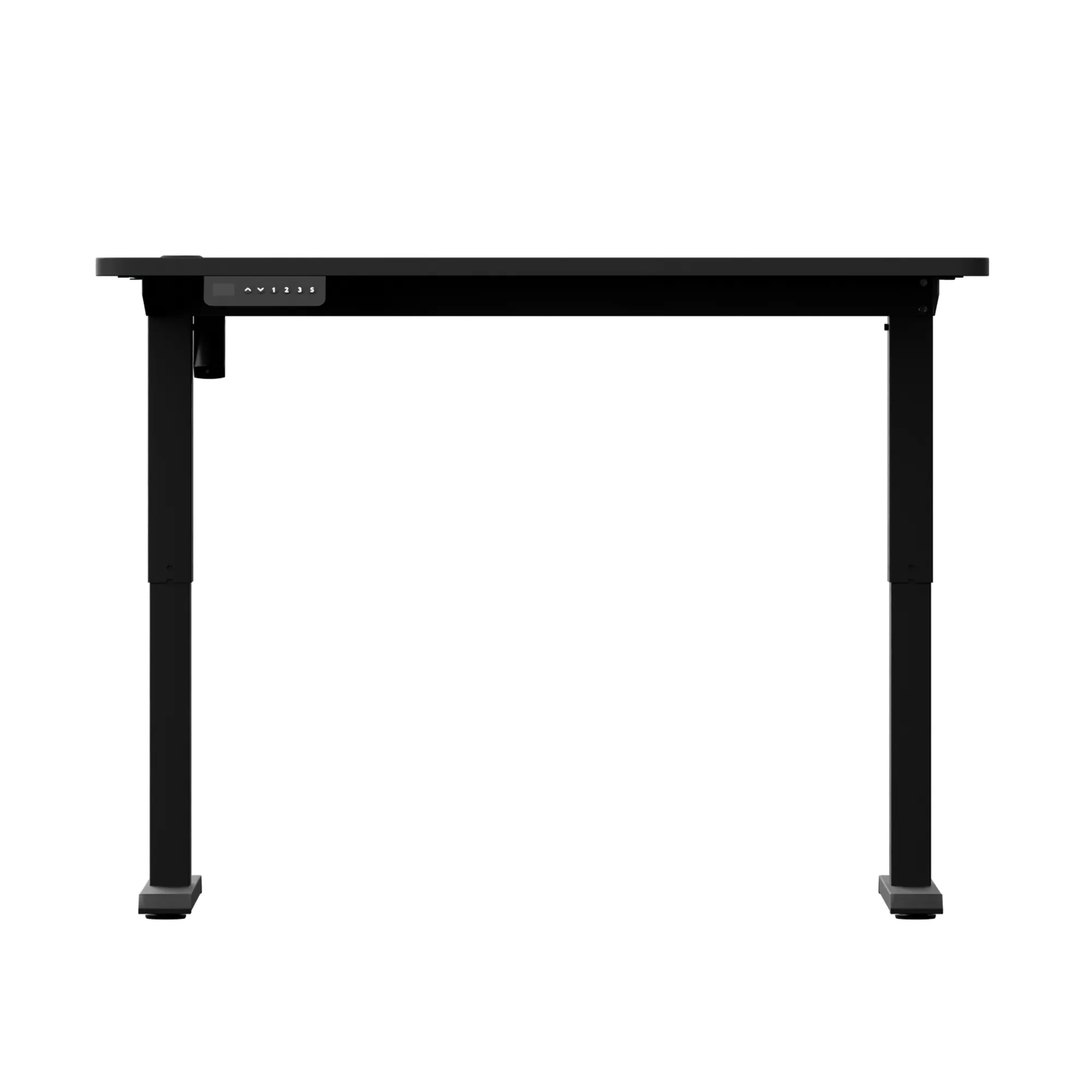
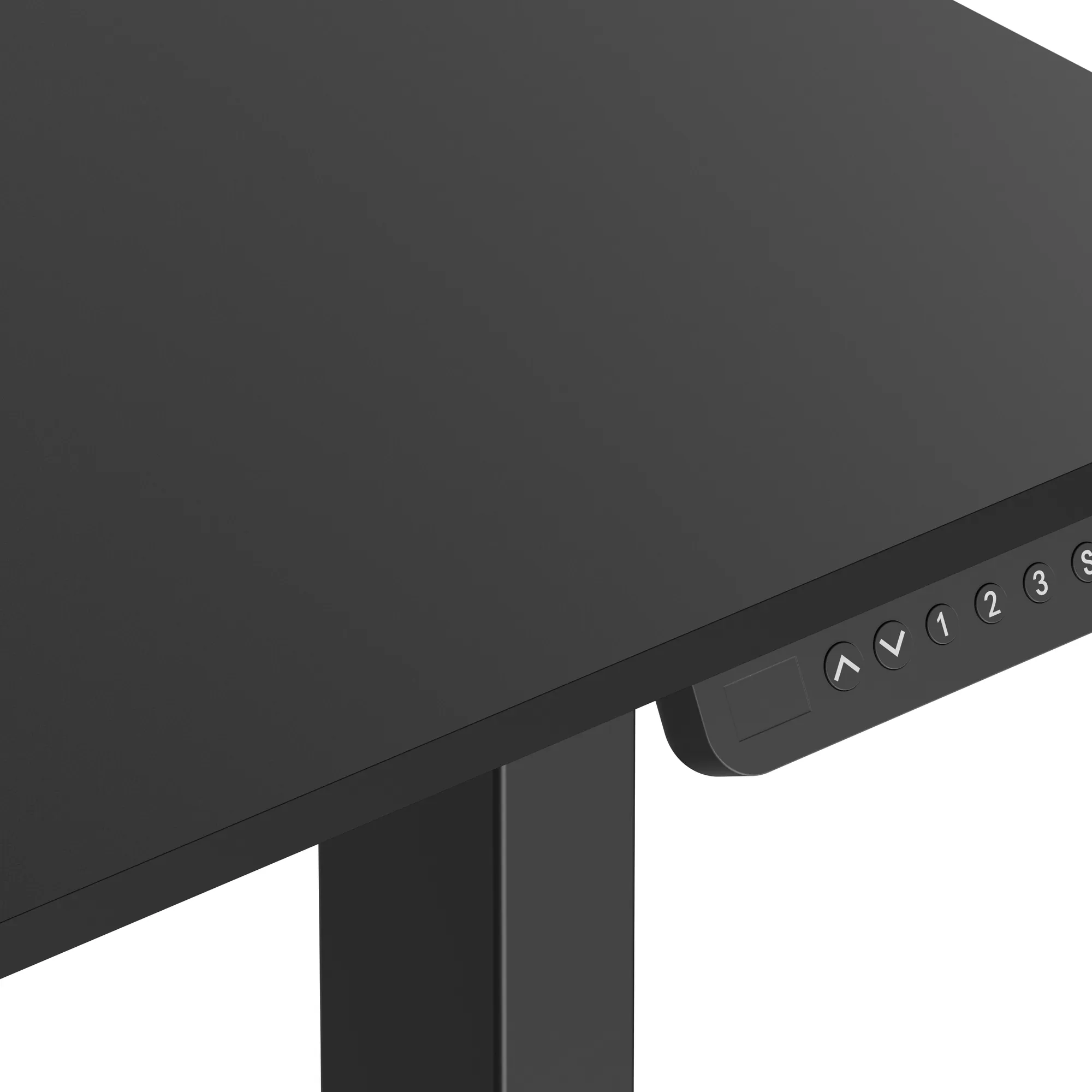
The controller stores 3 heights. Save them with the “S” button and a number, then recall them with just the number, no holding needed. Mount the controller on whichever side of the desktop suits you.
- 3 memory presets: buttons 1, 2, 3
- Current height display
- Controller mounts on the left or right
- Panel lock and cm / inch units
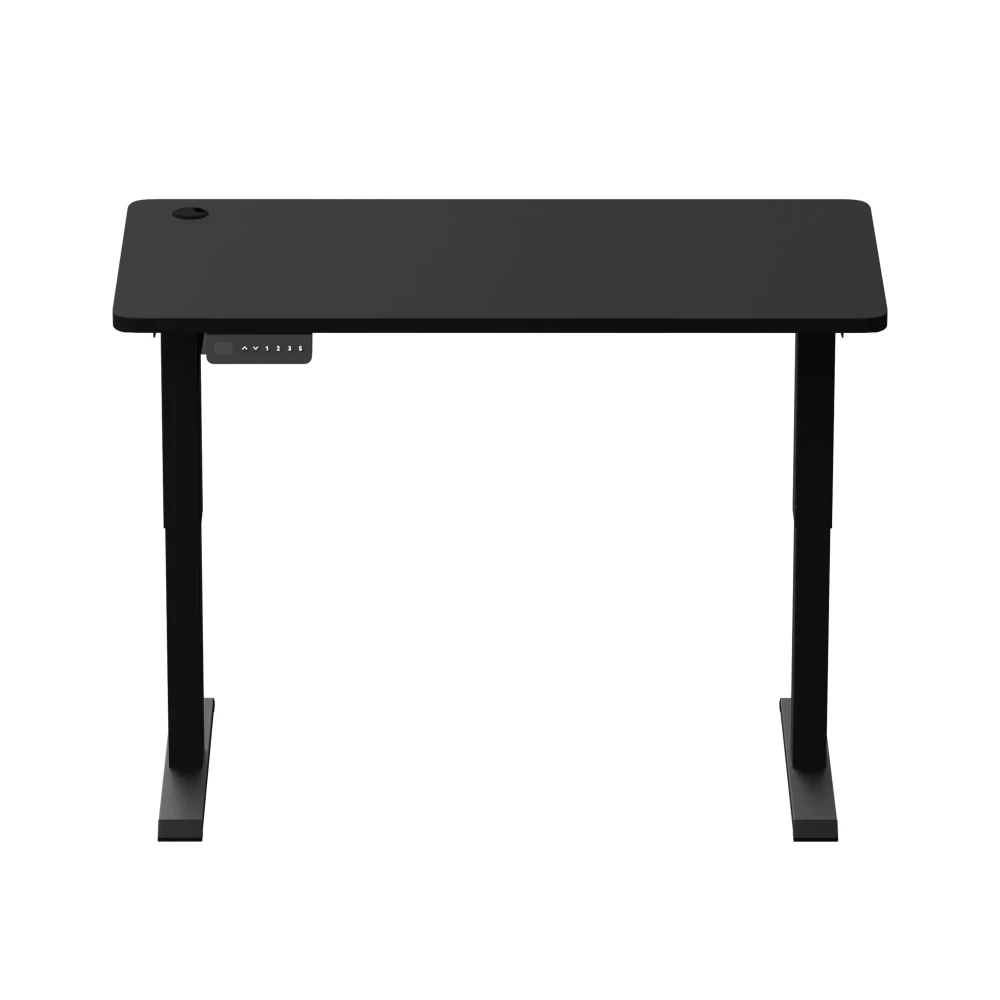
One desktop, no joint in the middle
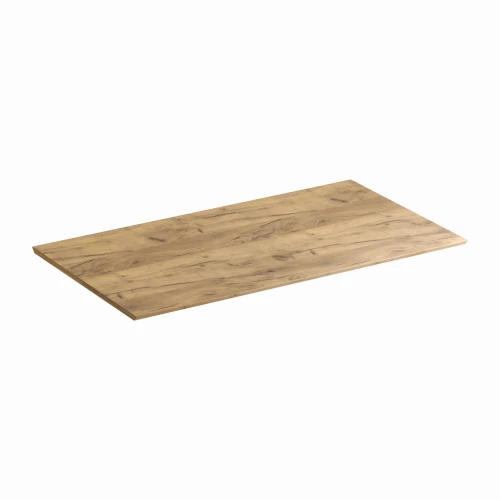
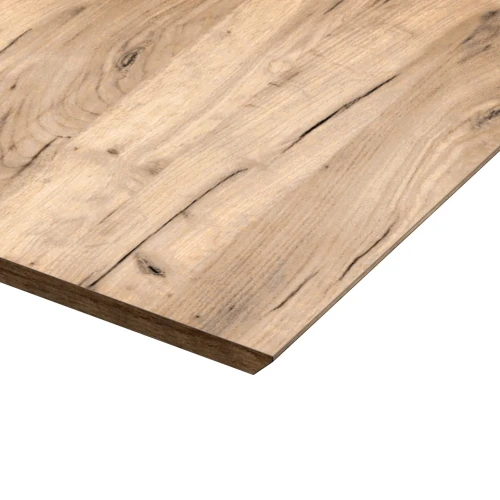
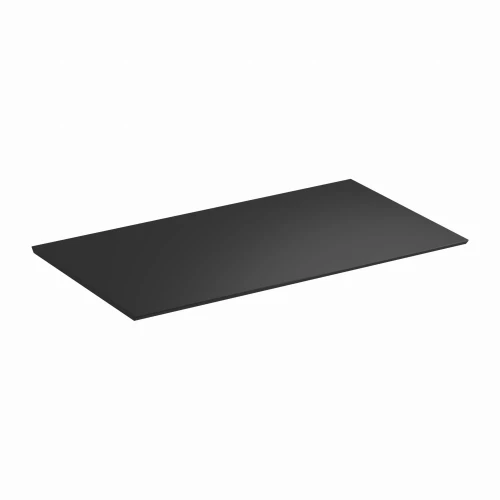
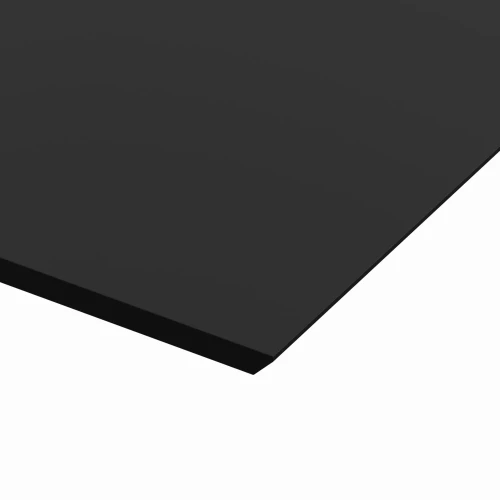
The 120 × 60 cm desktop is a single 15 mm laminated board. It has pre-drilled mounting holes for the frame and a cable grommet for running cables from your monitor and desk lamp.
- Dimensions 120 × 60 cm, thickness 15 mm
- Cable grommet in the desktop
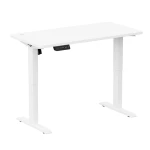
- Colors: white, black
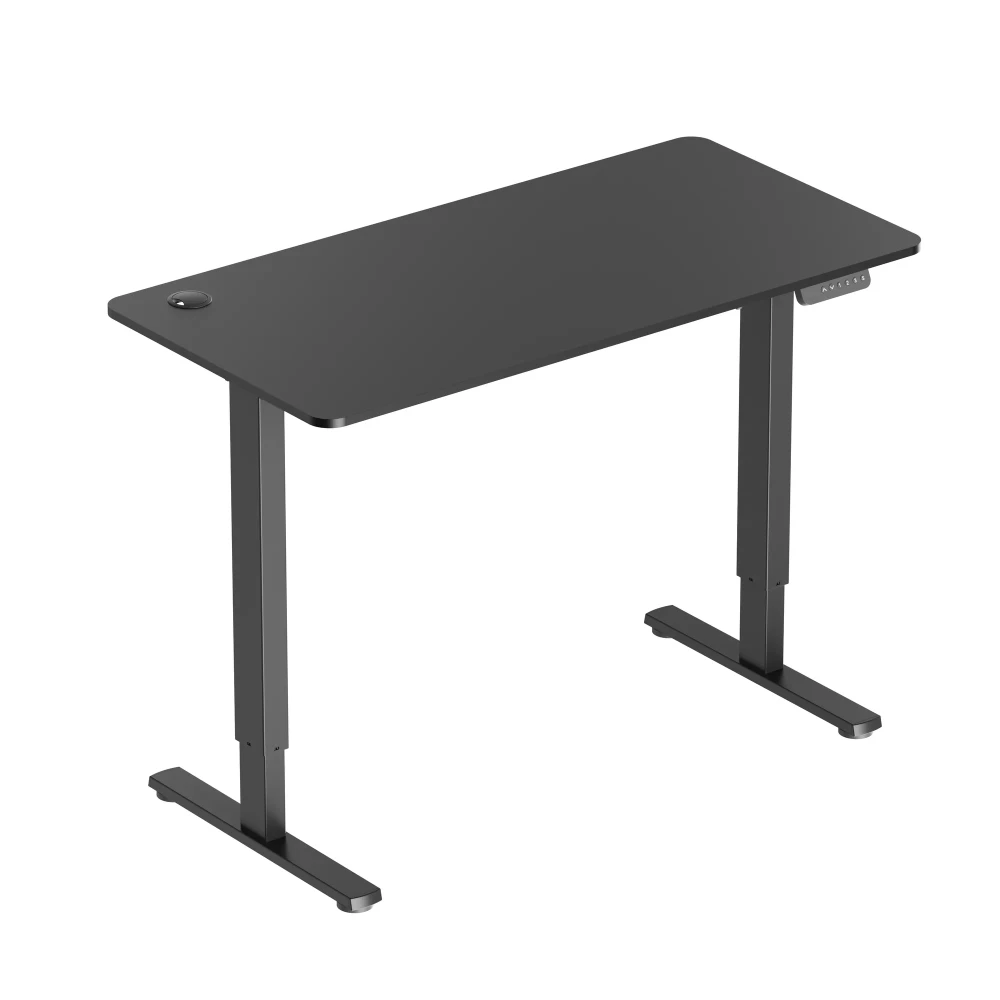
Cables under the desktop, not under your feet
You get 6 self-adhesive clips in the box. Stick them under the desktop and run the cables through them, so the cables move with the desktop and don't tangle during adjustment.
- 6 self-adhesive cable clips
- Cable grommet in the desktop
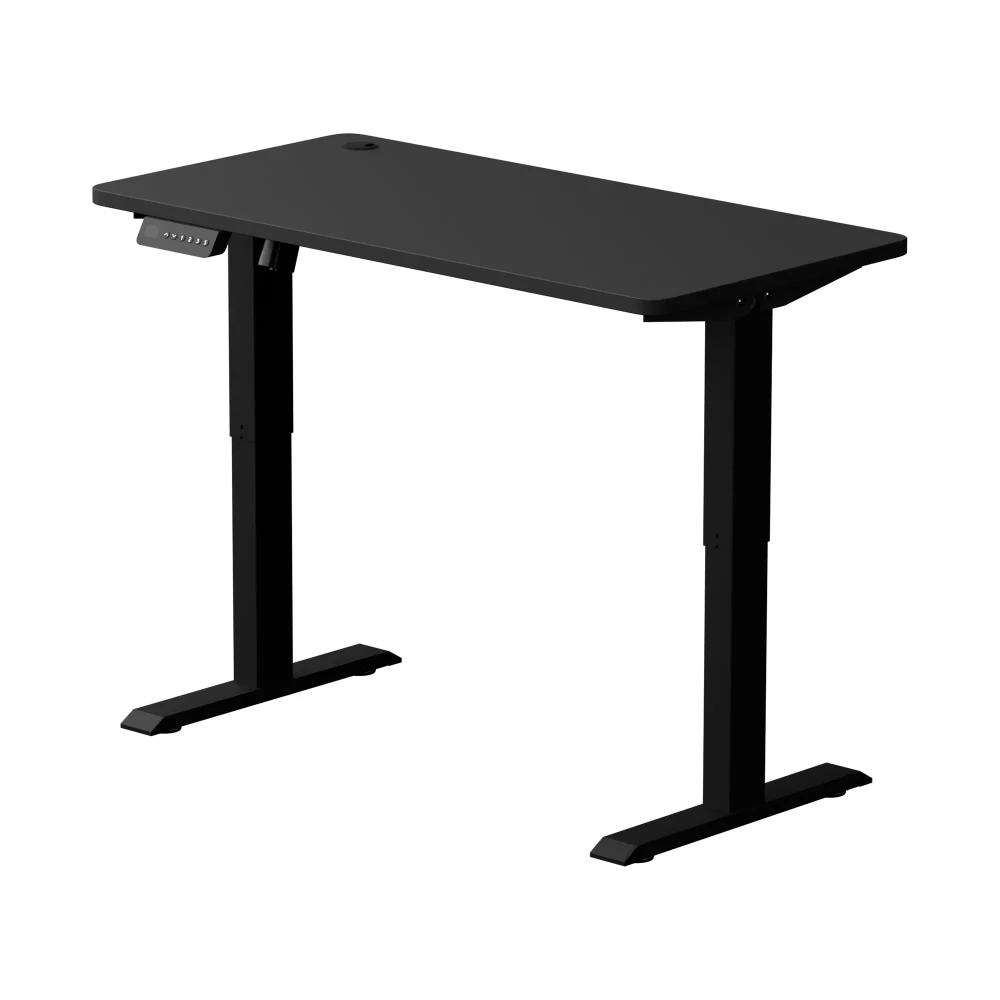
Stands level, stops before obstacles
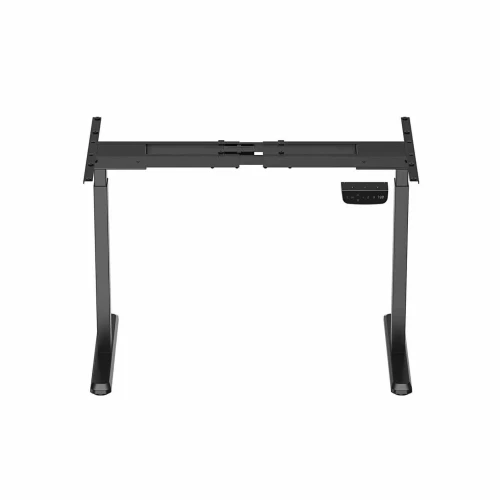
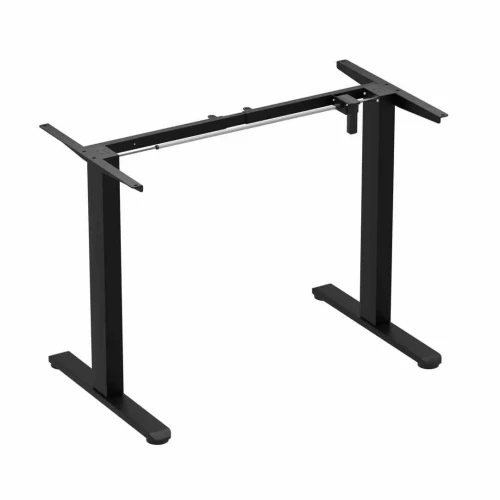
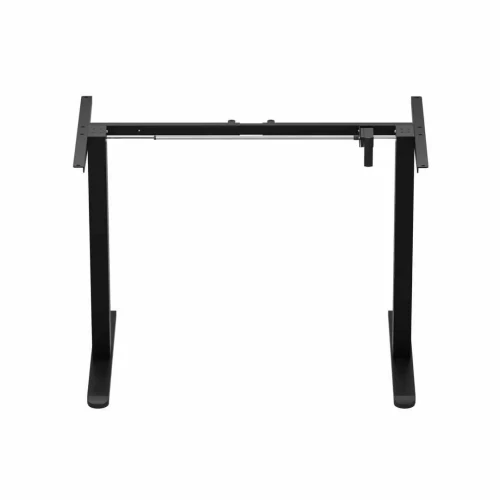
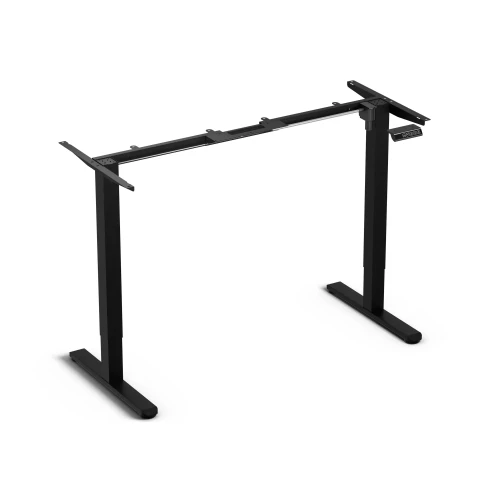
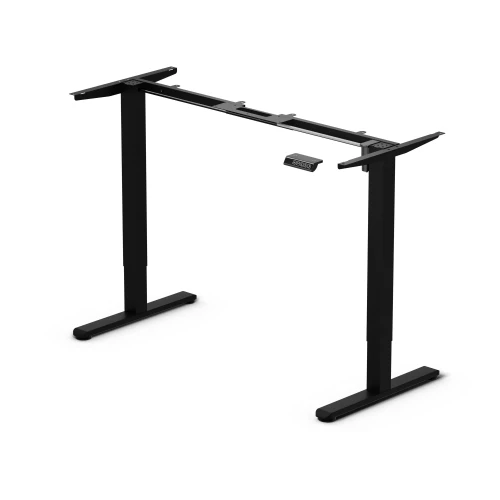
The frame has a fixed 112.2 cm wide frame and 58 cm deep feet with leveling glides. A collision sensor with adjustable sensitivity stops the desktop when it hits an obstacle.
- Fixed 112.2 cm frame, 58 cm feet
- Leveling feet
- Collision sensor with adjustable sensitivity
Assembly
How installation works
- Screw on the feetLay the columns upside down and screw a foot to each with M6 × 30 screws.
- Fit the bar and motorPass the synchronizing bar through the motor, insert it into the holes in both columns and screw on the motor with M4 × 40 screws.
- Screw on the crossbars and bracketsScrew the crossbars and side brackets to the columns with M6 × 12 screws.
- Screw on the desktopLay the desktop on a blanket with the holes facing up, place the frame on it and screw it on with M6 × 12 screws.
- Connect and hide the cablesConnect the controller to the power supply and the motor, screw the controller on the side you chose, and run the cables through the clips.
- Turn over, level and resetTurn the desk over with two people, level the feet and plug in the power. Before use, reset the system with the ▼ arrow.
What's in the box
- 120 × 60 cm desktop, one piece, with mounting holes and a cable grommet
- frame: 2 columns, 2 feet, 2 crossbars, 2 side brackets, synchronizing bar
- motor, power supply and controller with display
- 6 self-adhesive cable clips
- screws M4 × 40 (2 pcs), M6 × 12 (20 pcs), M6 × 30 (8 pcs), ST4.0 × 12 wood screws (2 pcs), Allen keys, screwdriver
Safety: Do not exceed a load of 70 kg and do not sit on the desktop. Plug in the power only after the desk is assembled. Turn the desk over with the help of a second person.
Which model should you choose?
| Control Series | Control+ | Control Flex+ | |
|---|---|---|---|
| Motors | 1 | 1 | 1 |
| Height with desktop | 72–114 cm | 73–122 cm | approx. 74–120 cm |
| Speed | 16 mm/s | 25 mm/s | 20 mm/s |
| Load capacity | 70 kg | 70 kg | 70 kg |
| Desktop | 120 × 60 cm, 15 mm | 120 × 60 cm, 18 mm | 120 × 67 or 138 × 67 cm, 18 mm |
| Memory presets | 3 | 3 | 3 |
| Power strip tray and hooks | — | yes | — |
Control Series 120 electric desk specifications
| Height adjustment | electric, 1 motor with synchronizing bar |
|---|---|
| Desk height with desktop | 72–114 cm |
| Frame height range | 70–112 cm |
| Adjustment speed | 16 mm/s |
| Memory presets | 3, recalled with one press |
| Controller | display, ▲ ▼ 1 2 3 S buttons, mounts on either side |
| Collision sensor | yes, adjustable sensitivity |
| Other features | min. / max. height limit, panel lock, cm / inches, factory reset |
| Material | steel and aluminum, powder-coated |
|---|---|
| Frame width | 112.2 cm (fixed) |
| Frame depth (feet) | 58 cm |
| Glides | leveling |
| Desk load capacity | 70 kg |
| Dimensions | 120 × 60 cm |
|---|---|
| Thickness | 15 mm |
| Material | laminated board |
| Construction | one piece, with cable grommet |
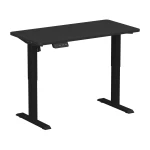
| Desktop color | black |
| Frame color | black |
| Power supply | 100–240 V, external power supply |
|---|---|
| Operating temperature | from -5 to +40 °C |
| Weight | 21.5 kg net, 25 kg with packaging |
|---|---|
| Number of boxes | 1 |
| Warranty | 36 months |
| Delivery condition | self-assembly |
| Certification marks | CE |
| Manufacturer / importer | EKO-LIGHT TEAM Sp. z o.o., Częstochowa |
Questions about this product
- Is the Control Series 120 desktop one piece?
- Yes. The 120 × 60 cm Control Series 120 desktop is a single 15 mm board with no joint in the middle.
- What is the height adjustment range of the Control Series 120?
- The Control Series 120 desk adjusts electrically from 72 to 114 cm in height with the desktop. The frame alone has a range of 70–112 cm.
- Do I need to hold the preset button on the Control Series?
- No. On the Control Series you recall a saved height with a single press of button 1, 2 or 3. To save, press “S” and then the number you want.
- What are the load capacity and weight of the Control Series 120 desk?
- The Control Series 120 desk has a load capacity of 70 kg. The desk weighs 21.5 kg net, 25 kg with packaging, and arrives in one box.
- What is the leg spacing of the Control Series 120 desk?
- The Control Series frame has a fixed width of 112.2 cm, and the feet are 58 cm deep. The frame width is not adjustable.
- How do I lock and unlock the Control Series panel?
- Hold “S” until “SET” appears, then press “3”; the Control Series panel is now locked. To unlock it, hold “S” for 3 seconds.
- Does the Control Series have collision protection?
- Yes. The Control Series has a collision sensor that stops the desktop at an obstacle (code E-3). To change the sensitivity in the menu, hold “S” until “SET”, press “2” and set the “cpt” value with the arrows.
- How do I reset the Control Series 120 desk?
- Hold ▼ down to the lowest position and for another 7 seconds, until “RST” and “E-1” appear. Release, then hold ▼ again; the desktop lowers slightly and rises by about 5 mm. Restore factory settings with the “FAC” option.
Bezpieczeństwo produktu
Responsible person in the EU
EKO-LIGHT TEAM SP. Z O.O.
Główna 142
42-280 Częstochowa, Poland
Rekomendowane dla Ciebie
-
Price 499,00 zł
-
Price 499,00 zł
-
Price 199,00 zł
-
Price 319,00 zł
-
Price 479,00 zł
-
Price 499,00 zł
-
Price 399,00 zł
-
Price 849,00 zł
-
Price 279,00 zł
-
Price 849,00 zł
-
Price 719,00 zł
-
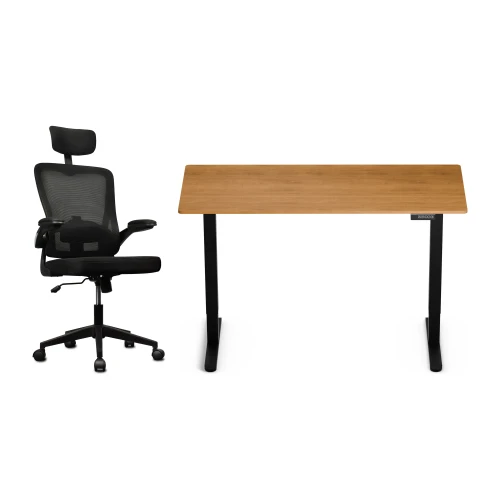
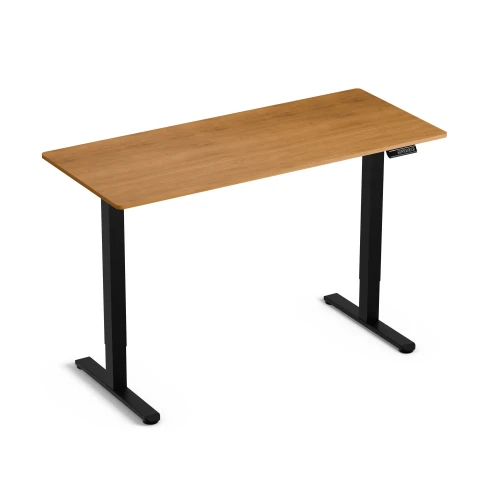
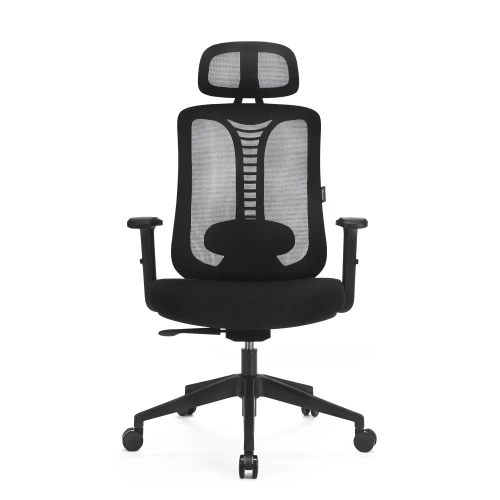
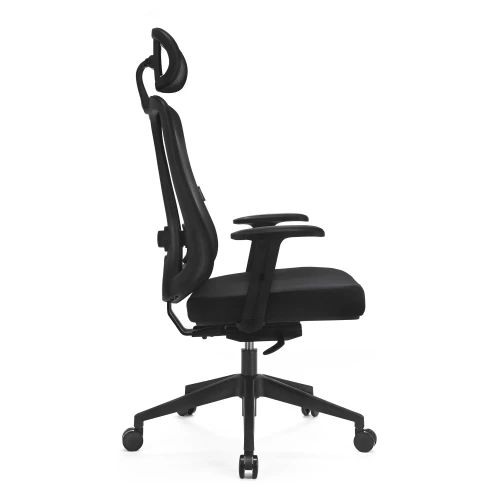
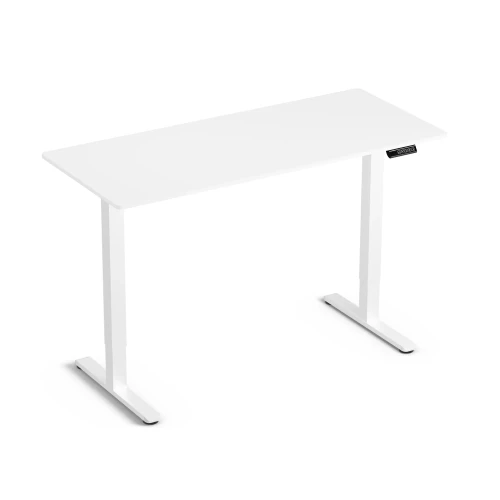
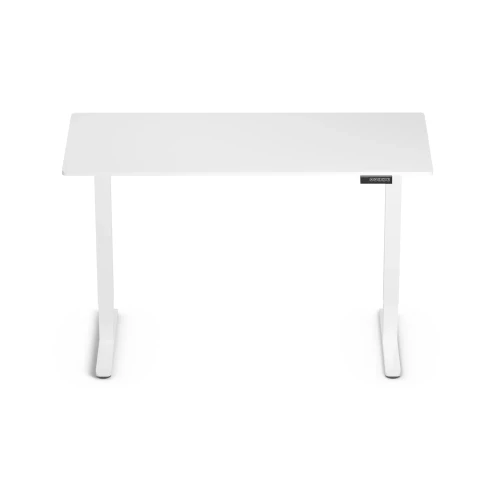
Electric Height-Adjustable Desk Control Lite Gold Oak 140/60 and Ergo Lite Black Ergonomic Chair Set
Price 729,00 zł -
Price 199,00 zł
-
Price 649,00 zł
-
Price 80,00 zł
-
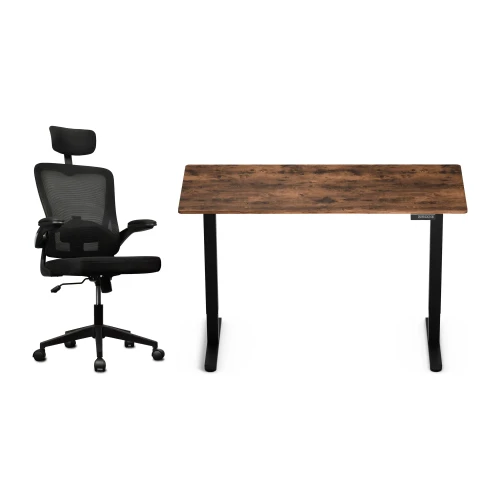
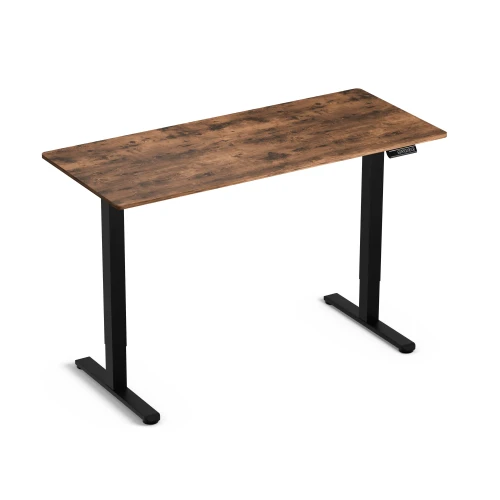
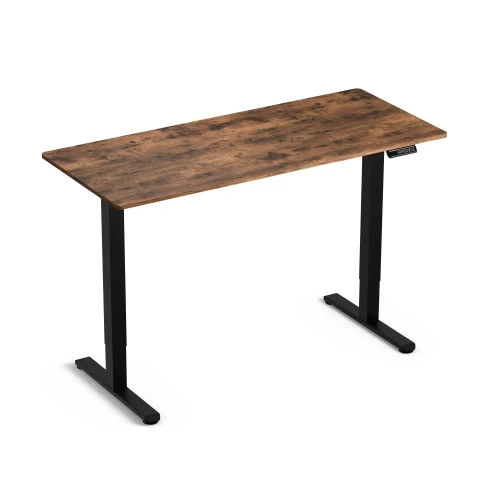
Control Lite Rustic 140/60 electric height-adjustable desk and black Ergo Lite ergonomic office chair set
Price 729,00 zł
Najczęściej wybierane
-
Price 16,00 zł
-
Price 749,00 zł
-
Price 39,00 zł
-
Price 24,99 zł
-
Price 479,00 zł
-
Price 89,00 zł
-
Price 649,00 zł
-
Price 419,00 zł
-
Price 89,00 zł
-
Price 928,99 zł
-
Price 1 099,00 zł
-
Price 129,00 zł
-
Price 549,00 zł
-
Price 59,00 zł
-
Price 749,00 zł
-
Price 59,00 zł