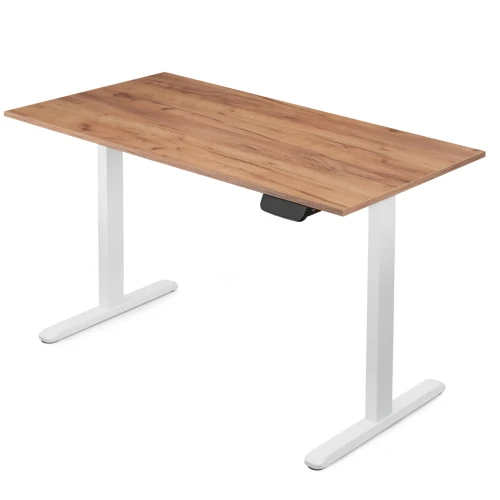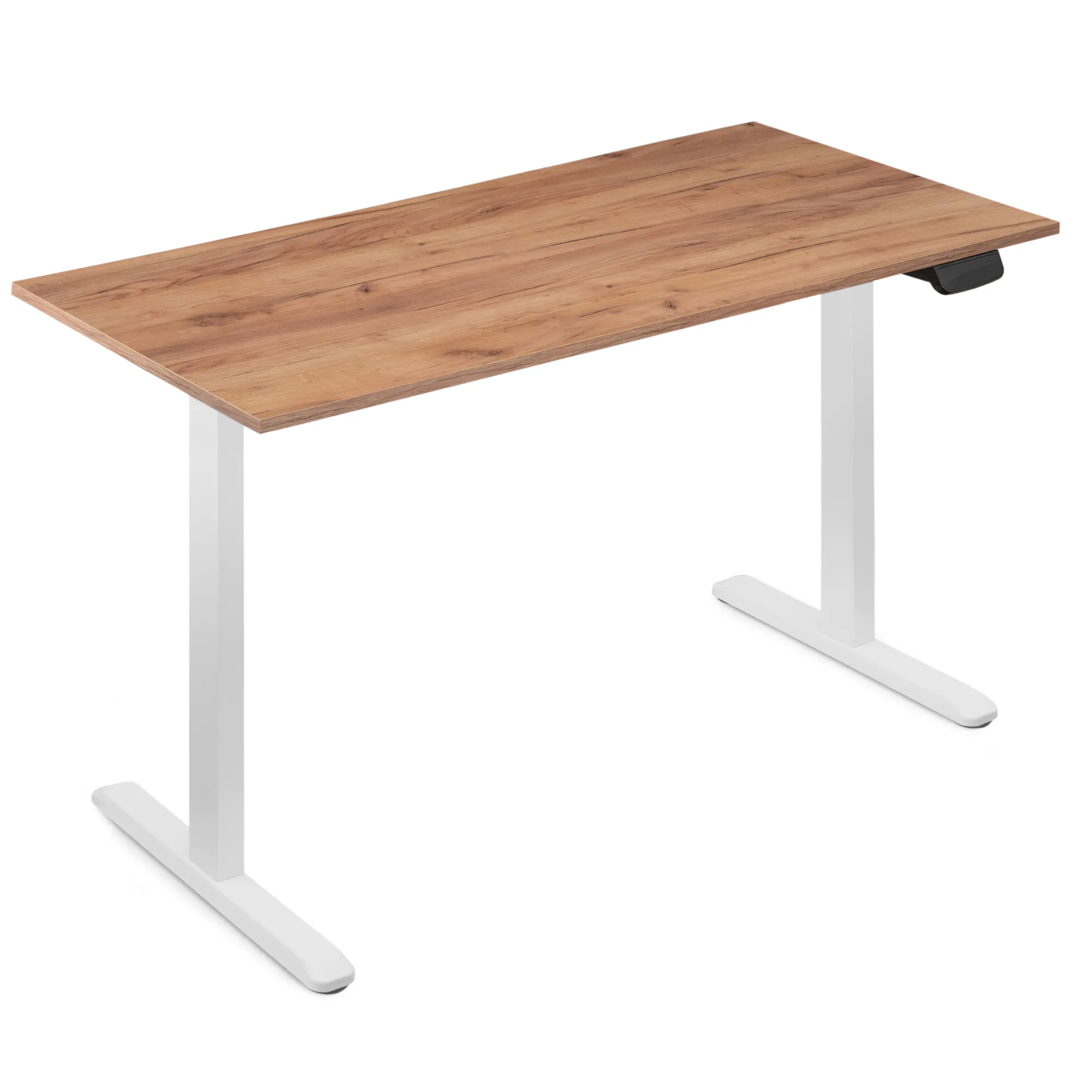
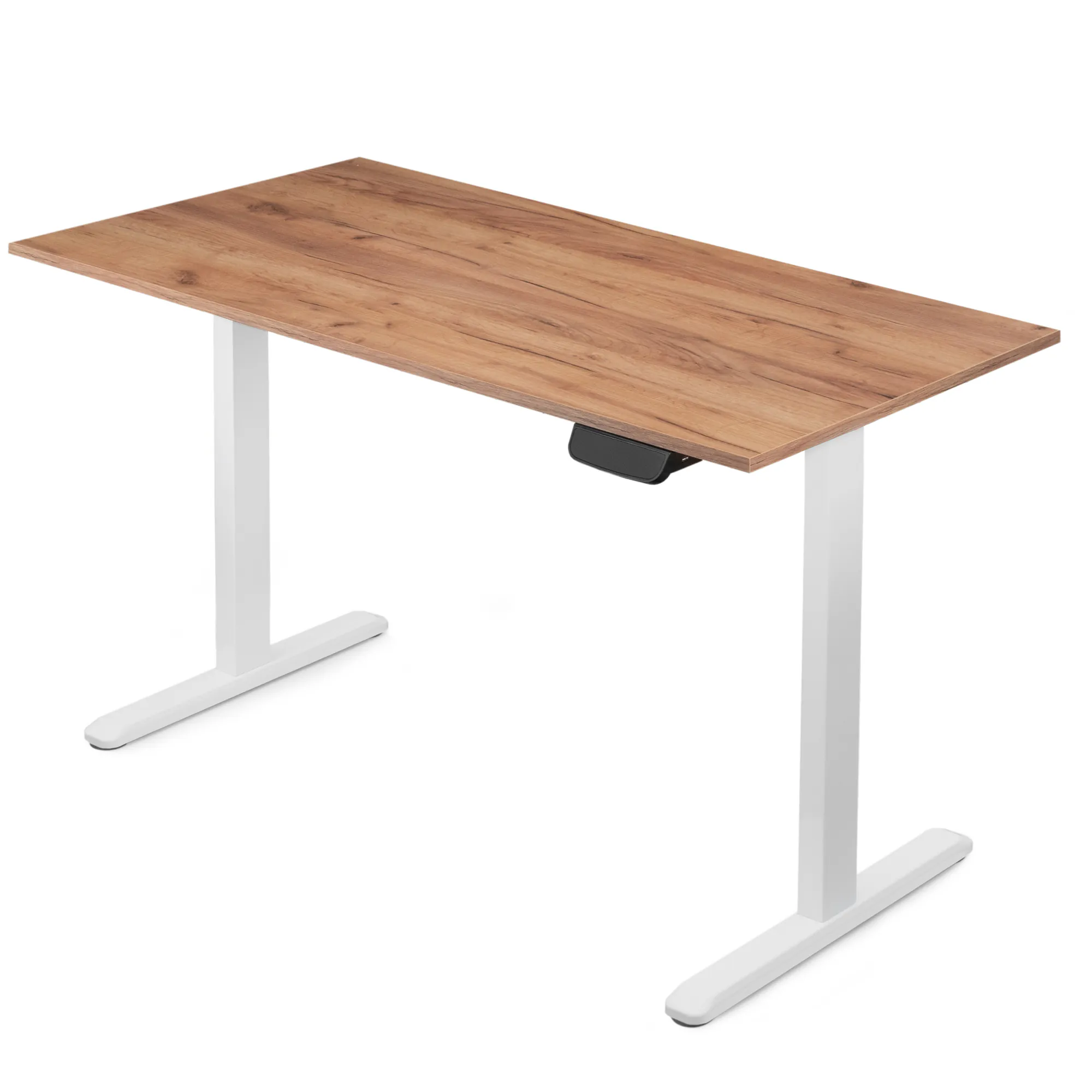
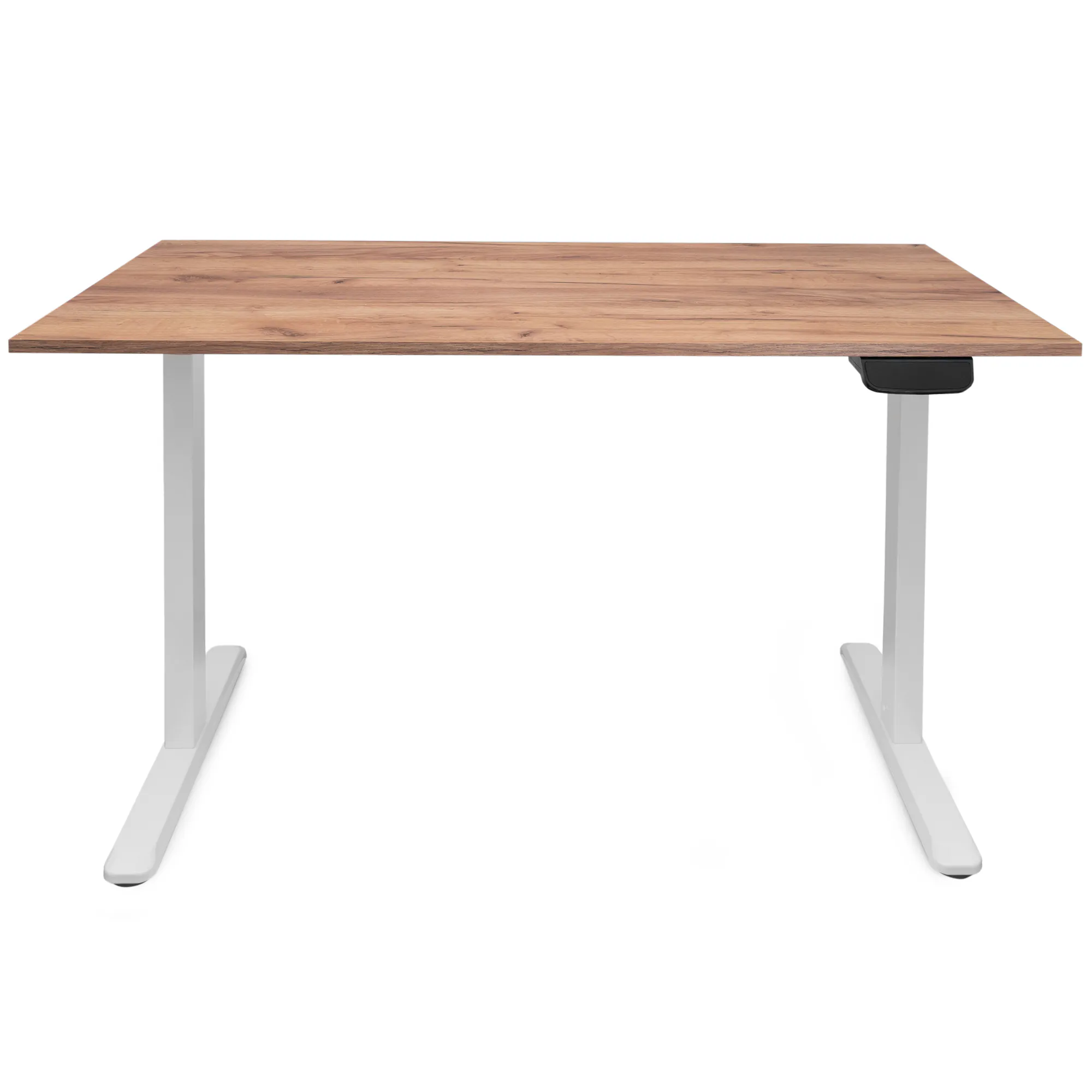
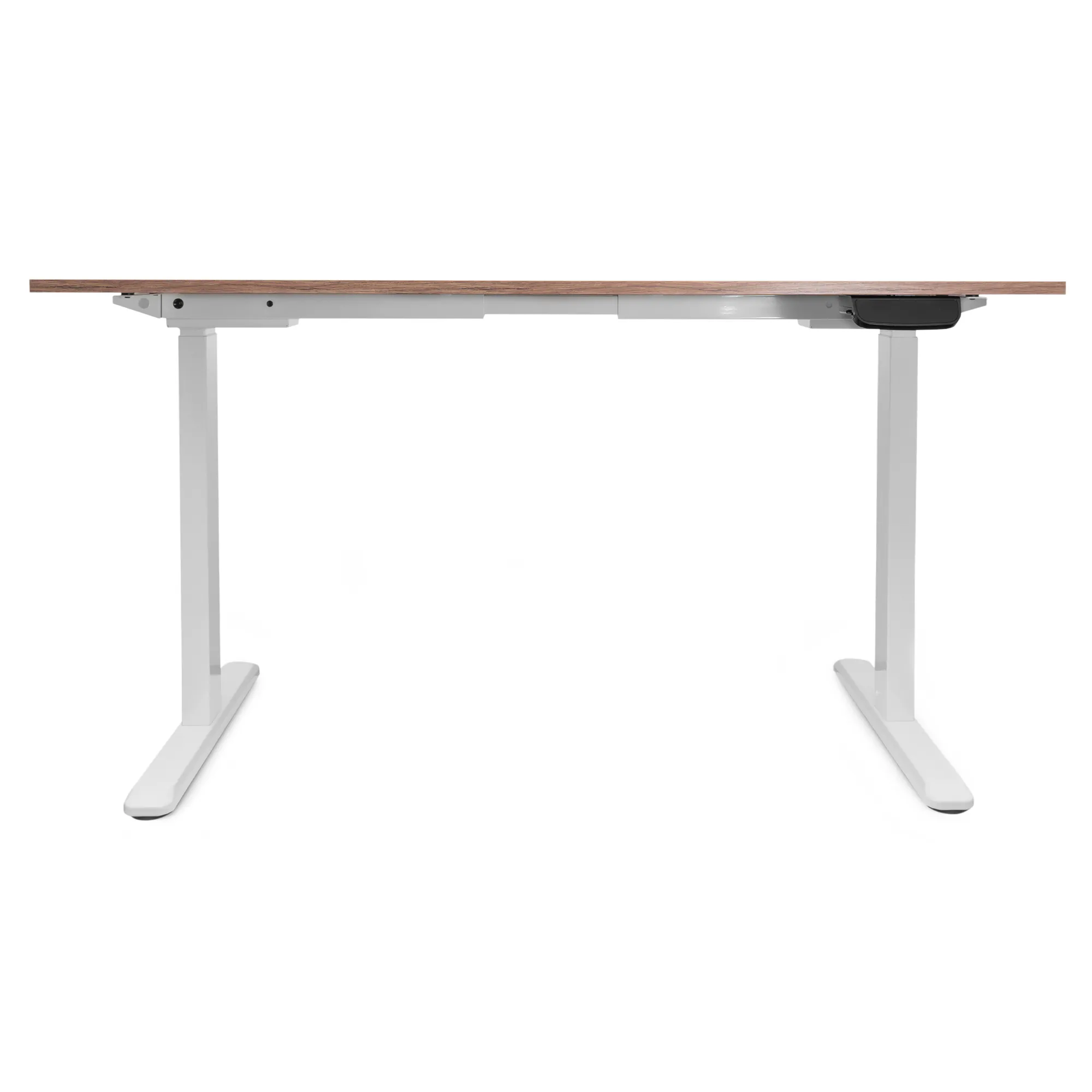
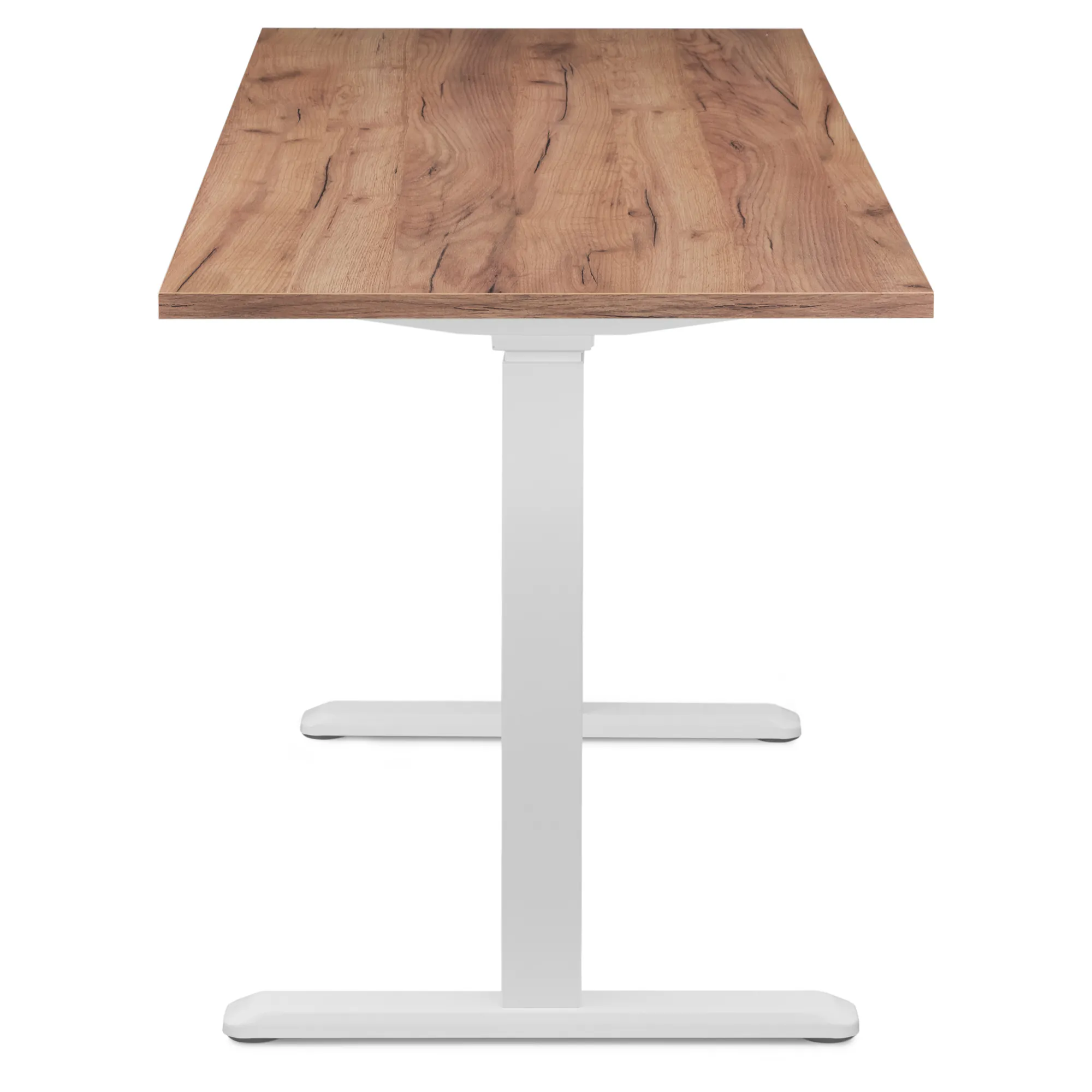
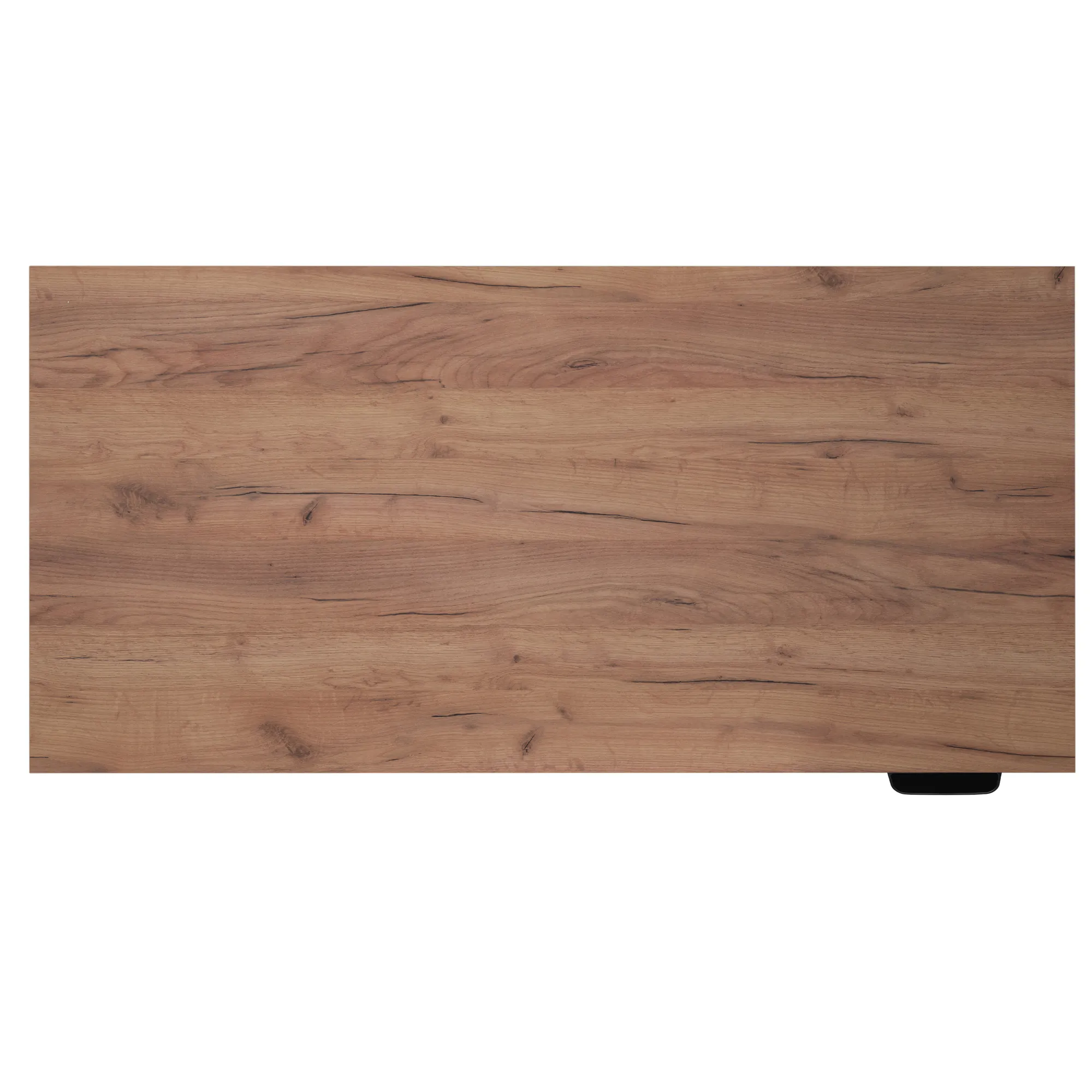


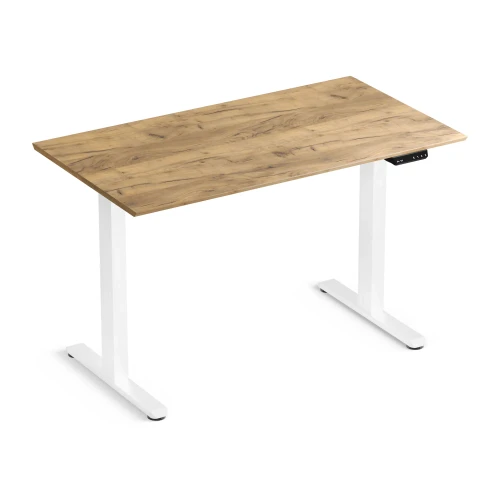
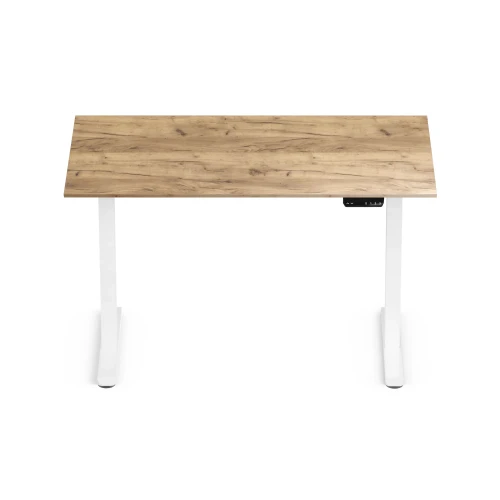
Control Pro 140 Desk White / Gold Craft LVNSystem
Ask about the product
Administratorem danych osobowych jest EKO-LIGHT TEAM SPÓŁKA Z OGRANICZONĄ ODPOWIEDZIALNOŚCIĄ. Przetwarzamy je w celu przesłania odpowiedzi na zapytanie. Więcej informacji dotyczących przetwarzania danych osobowych znajduje się w polityce prywatności.
Opis
Control Pro series
Two motors, 100 kg load capacity, no compromises
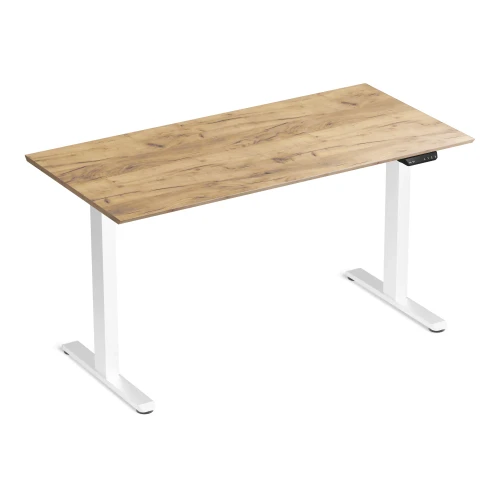
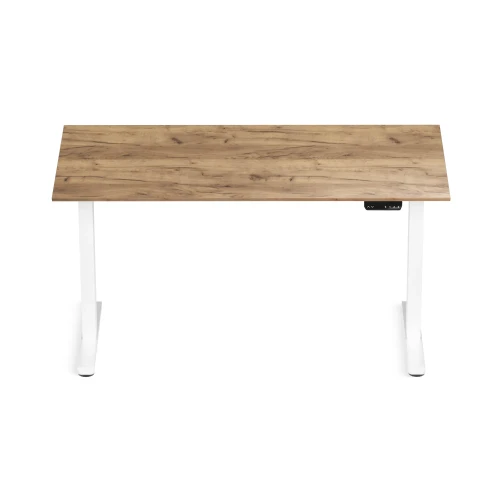
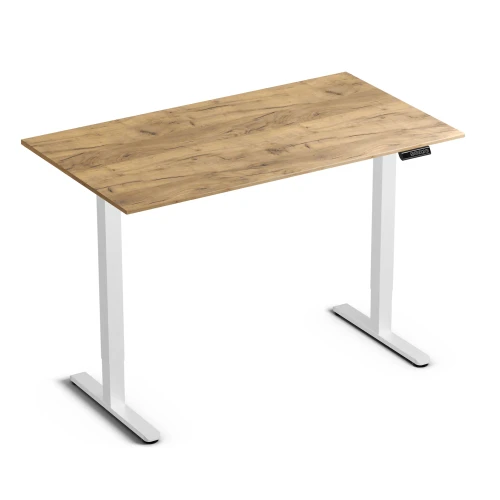
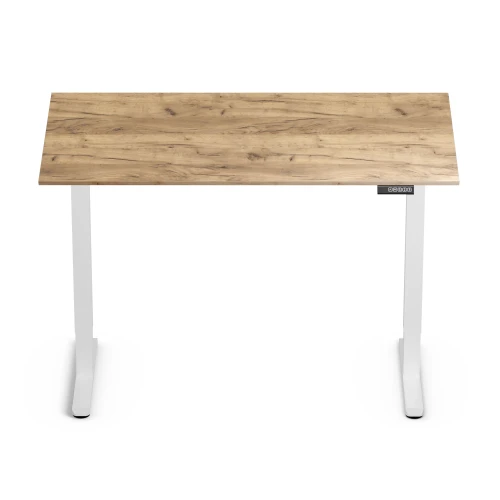
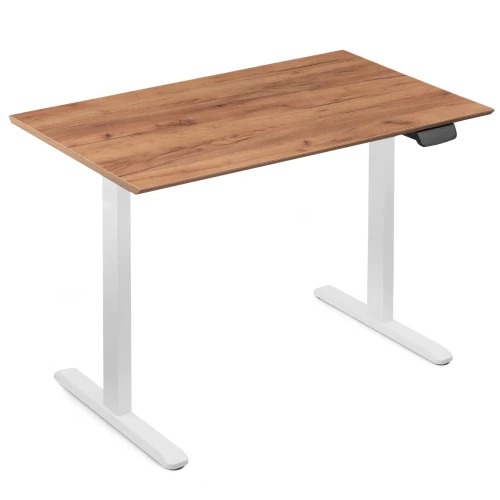
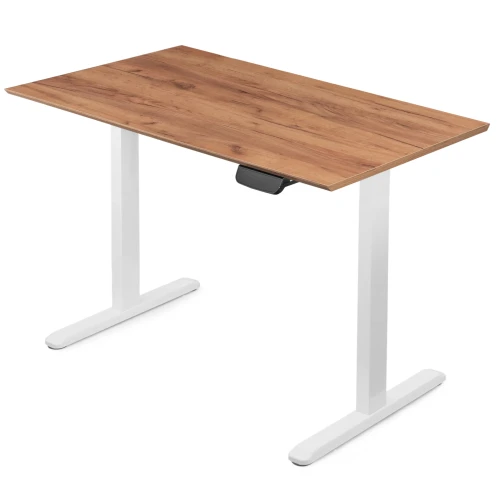
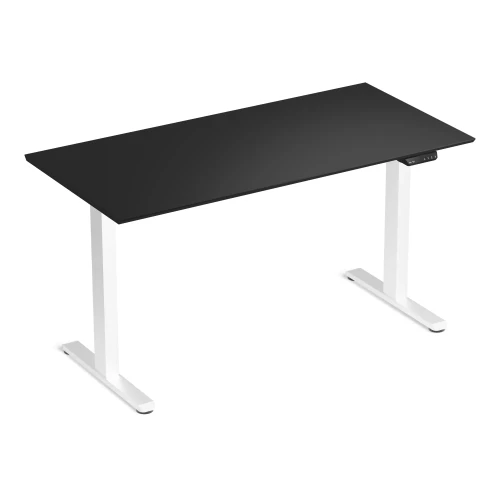
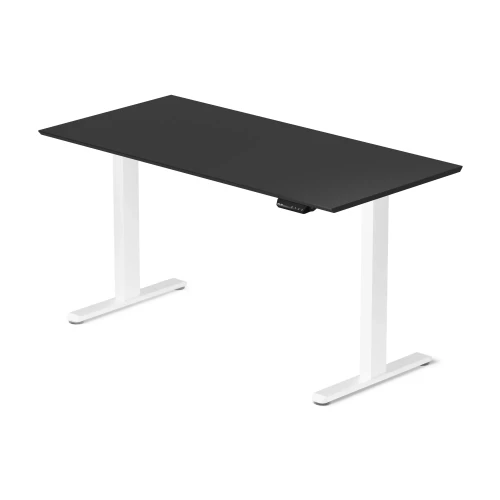
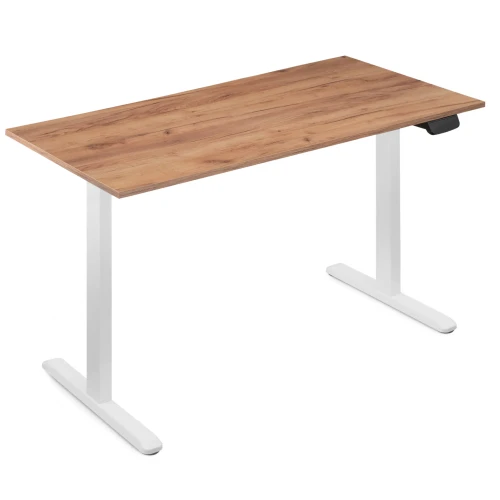
Control Pro is a dual-motor electric standing desk with a 100 kg load capacity and a 72–120 cm range. The display controller remembers 3 heights and charges your phone, and the one-piece 138 × 67 cm desktop holds all your equipment.
- 2 motors
- 72–120 cm adjustment
- 100 kg load capacity
- 10 W USB charger
Key specifications at a glance
72 to 120 cm frame height — match the desktop to your height, sitting or standing
two motors run at 25 mm/s, so changing position takes just a moment
an ultrawide monitor, a tower PC and a lamp with no risk of overloading
extend the frame to fit the desktop and give your legs as much room as you need
Why the Control Pro electric desk
- 2 motors in the columns – the desktop rises at 25 mm/s, bottom to top in about 19 s
- 100 kg load capacity – headroom for two monitors, a desktop PC and accessories
- 72–120 cm range – set the desktop at elbow height, sitting or standing
- 3 memory presets and a timer – return to your height with one button, and the timer reminds you to change position
- 10 W USB charger in the controller – charge your phone or power a desk lamp right from the desk
- You set the leg spacing – 100–170 cm frame and a desktop with no pre-drilled holes
- 36-month warranty – collision sensor and 7 cable clips included
From chair to standing in about 19 seconds
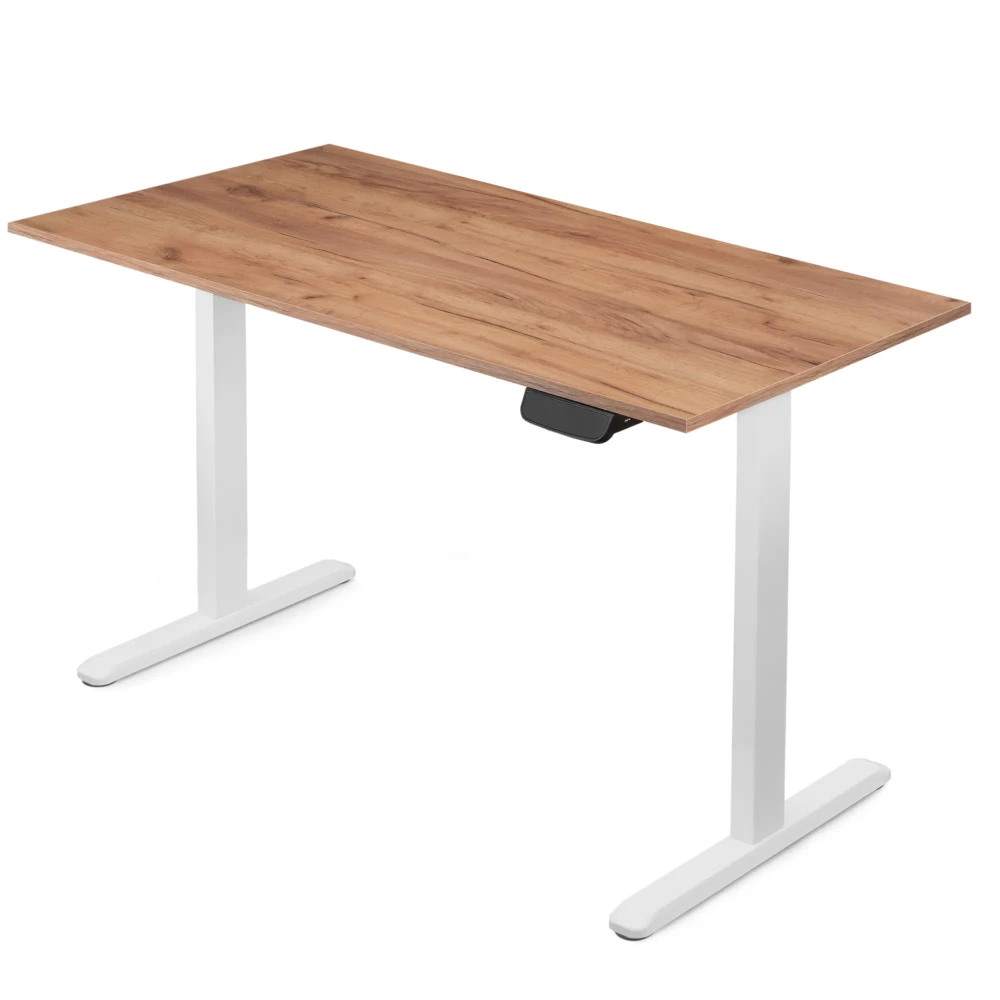
Each column has its own motor, so the desktop rises evenly at 25 mm/s. Hold the arrow and the display shows the current height — you hit the same position every time.
- Frame height range 72–120 cm
- 18 mm desktop — work surface at approx. 74–122 cm
- 2 motors, 25 mm/s speed
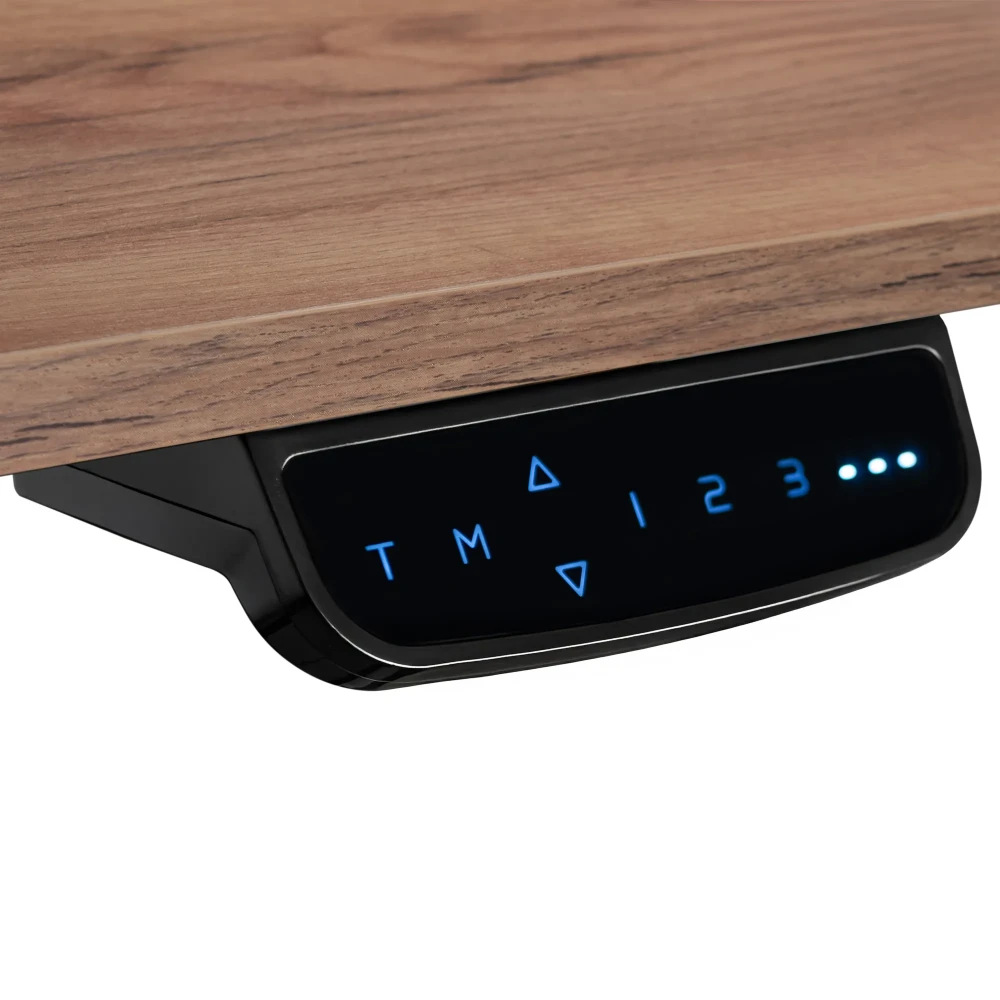
Your heights under one button
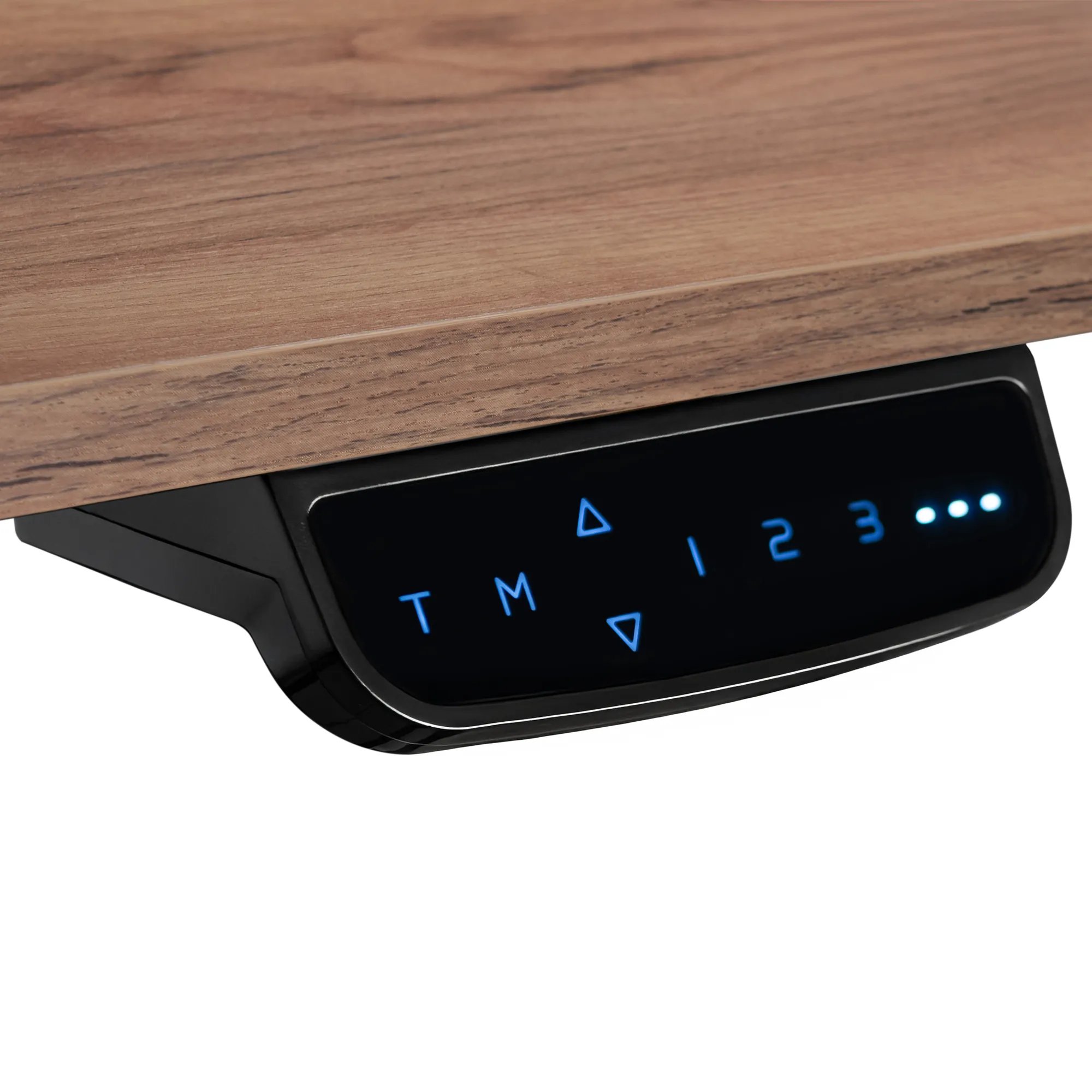
The controller has a display, three memory presets and a timer. Save your sitting and standing heights, then recall them by number. The timer (30 minutes – 2 hours) reminds you with a sound and an LED that it's time to change position.
- 3 memory presets: buttons 1, 2, 3
- Position change timer up to 2 hours
- USB-A port 5 V / 2 A (10 W)
- Panel lock and cm / inch units
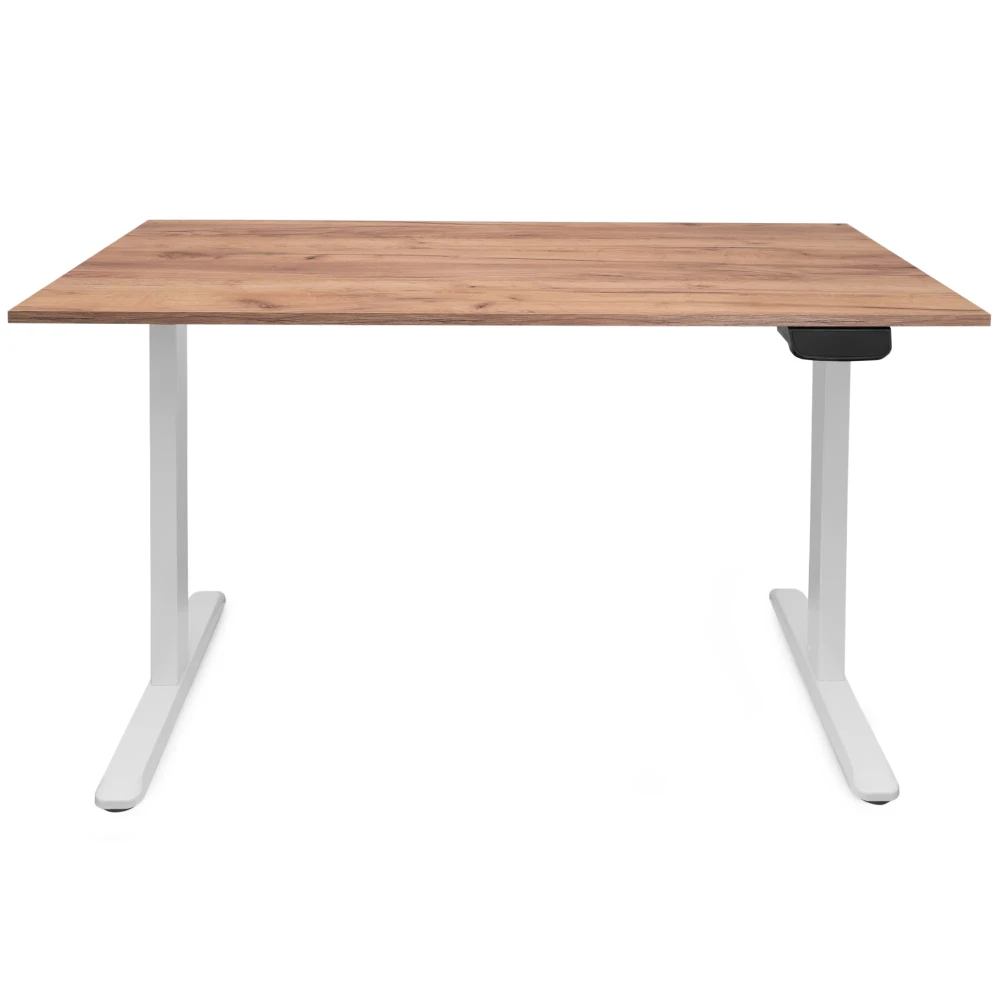
You set the leg spacing
The desktop has no pre-drilled holes, and the frame extends from 100 to 170 cm. During assembly you decide how wide to set the legs and make room for your knees, a drawer unit or a second chair.
- Frame width 100–170 cm
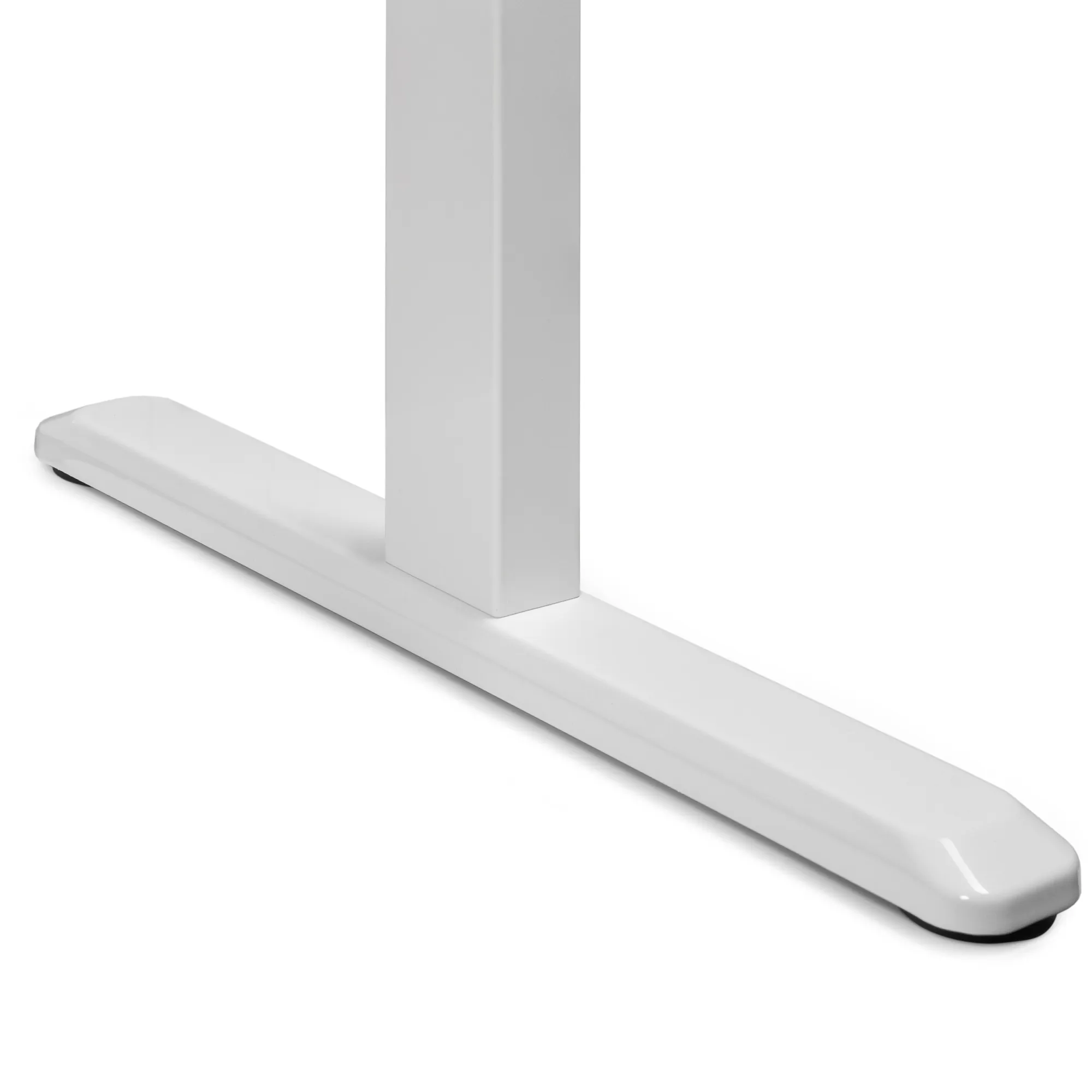
- 60 cm deep feet
- Fits desktops from 110 × 60 to 200 × 80 cm
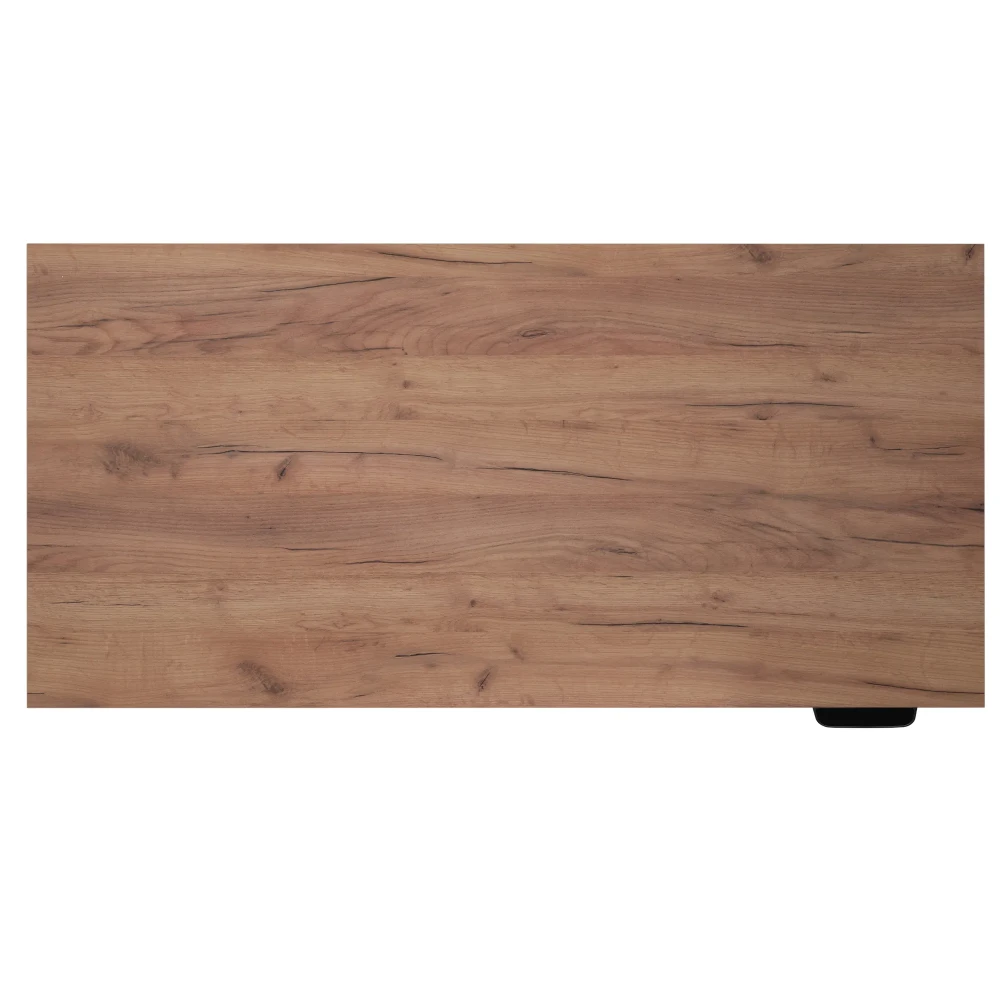
One desktop, no joint in the middle
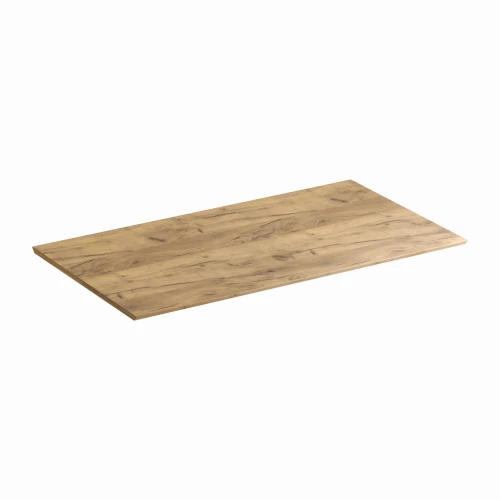
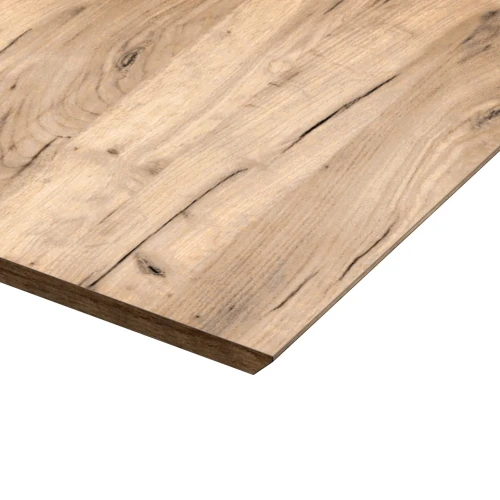
The desktop is a single 18 mm laminated board with 2 mm ABS edge banding. With no gap in the middle it's easy to wipe, and you can clamp a monitor arm anywhere along the edge.
- 138 × 67 cm
- 18 mm laminated board, ABS edge banding
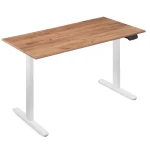
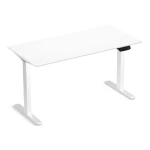
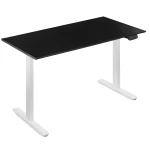
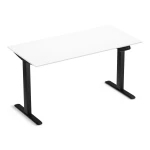
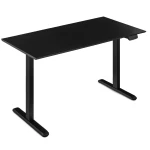
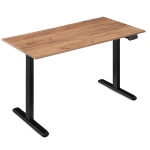
- Colors: white, black, Gold Craft Oak
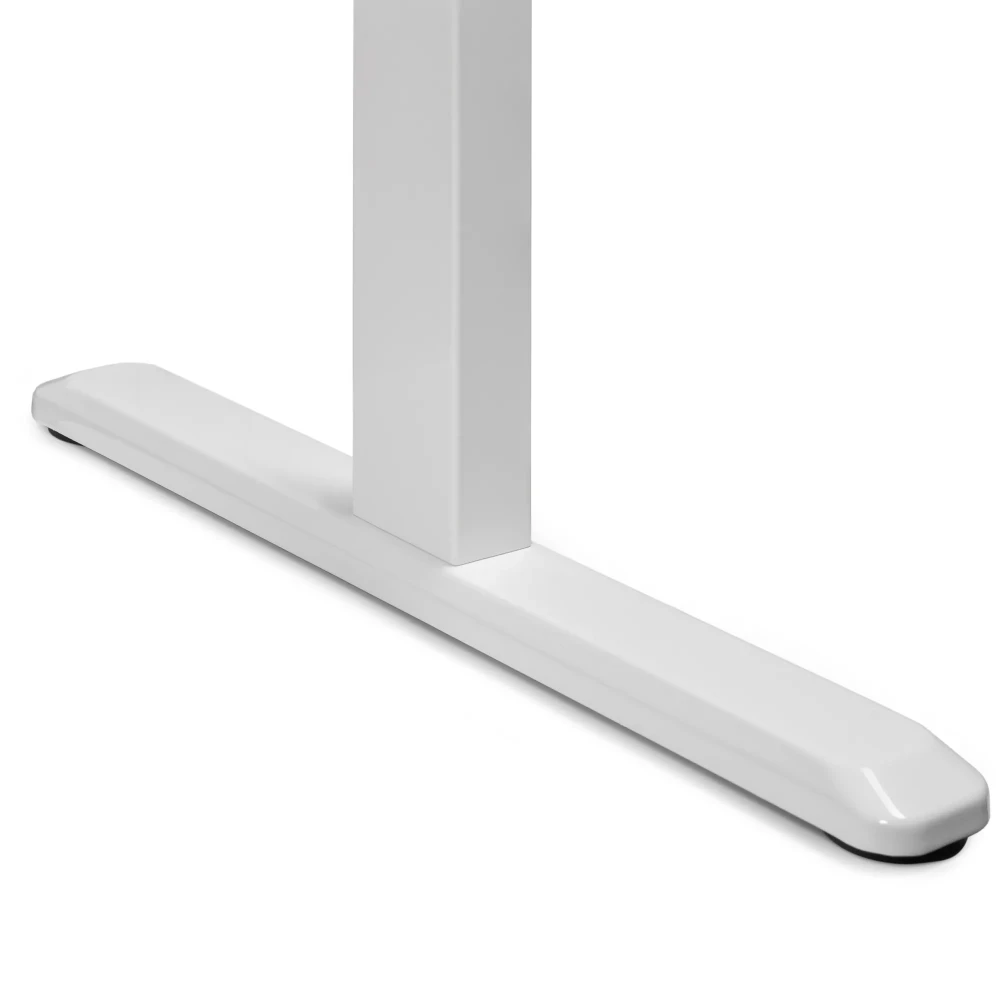
Stable when typing and at full height
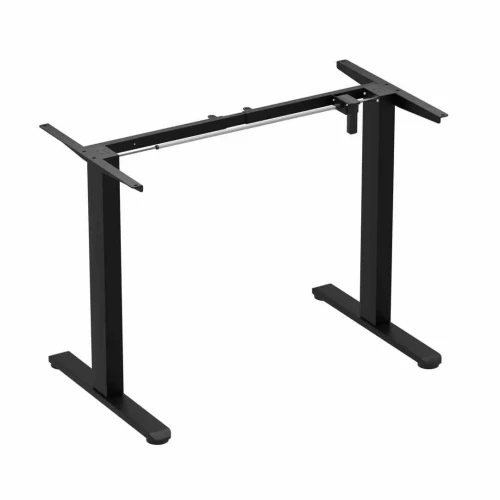
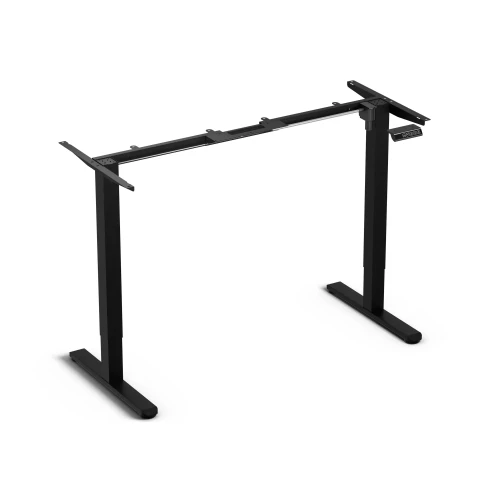
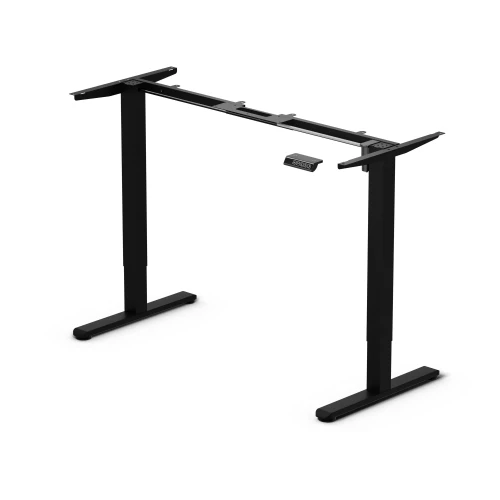
The powder-coated steel and aluminum frame stands on 60 cm deep feet with leveling glides. Anti-vibration pads between the frame and the desktop dampen vibration, and the collision sensor stops the desktop at an obstacle.
- Steel and aluminum, powder-coated
- 12 anti-vibration pads included
- Collision sensor with adjustable sensitivity
Assembly
How installation works
- Assemble the crossbarsInsert the M6 × 12 bolts into the column, slide in the left and right crossbars and tighten them. Repeat with the second column.
- Screw on the bracketsScrew on the desktop brackets with M6 × 10 bolts and insert the anti-vibration pads.
- Screw on the feetScrew a foot onto each column with M6 × 16 bolts using the key included.
- Set the frame widthLay the desktop upside down on a blanket, slide the beams into the crossbars, adjust the frame width (100–170 cm) and lock it with the bolts.
- Screw on the desktopAttach the frame to the desktop with 12 ST4.2 × 16 screws.
- Connect the electronicsConnect the controller to the power supply and the columns (use the extension cable for the far one). Screw on the controller and, optionally, the power supply, and lay the cables in the clips.
- Turn over, level and resetTurn the desk over with two people and level it with the feet. Before first use, hold ▲ and ▼ together until “rSt” appears and you hear the second beep.
What's in the box
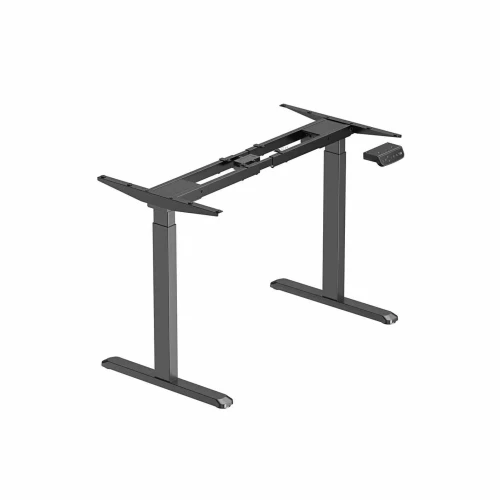
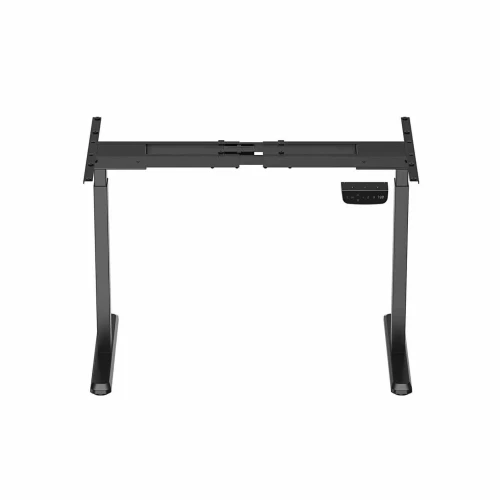
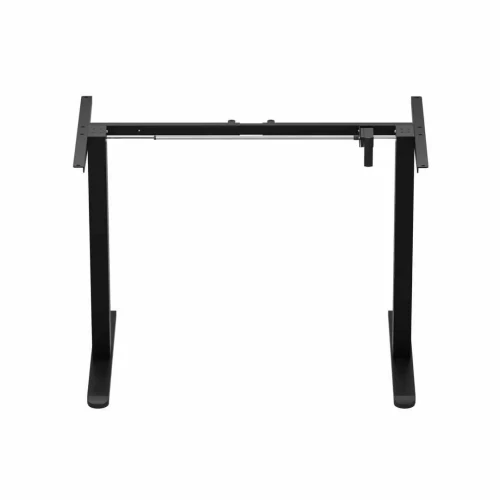
- frame: 2 columns with motors, 2 feet, 2 desktop brackets, left and right crossbars, 2 sliding beams
- display controller, power supply, power cord, extension cable for the second column
- 138 × 67 cm desktop
- M6 × 10 bolts (4 pcs), M6 × 12 (16 pcs), M6 × 16 (8 pcs), ST4.2 × 16 screws for the desktop (12 pcs) and for the power supply (5 pcs), ST3.9 × 38 for the controller (2 pcs), ST3.5 × 13 (2 pcs)
- 12 anti-vibration pads, 7 cable clips, set of Allen keys
Safety: Do not exceed a load of 100 kg. Connect the power only after the whole desk is assembled. Turn the desk over with the help of a second person.
Which model should you choose?
| Control Lite | Control Flex+ | Control Pro | |
|---|---|---|---|
| Motors | 1 | 1 | 2 |
| Height range | 72–118 cm | 72–118 cm | 72–120 cm |
| Load capacity | 70 kg | 70 kg | 100 kg |
| Speed | 20 mm/s | 20 mm/s | 25 mm/s |
| Frame width | 90–135 cm | 90–135 cm | 100–170 cm |
| Memory presets | 3 | 3 | 3 |
| 10 W USB charger | — | — | yes |
Control Pro electric desk specifications
| Height adjustment | electric, 2 motors in the columns |
|---|---|
| Frame height range | 72–120 cm |
| Adjustment speed | 25 mm/s |
| Memory presets | 3 |
| Controller | display, T, M, ▲ ▼, 1 2 3 buttons |
| USB port | USB-A 5 V / 2 A (10 W) |
| Position change timer | from 30 minutes to 2 hours, in 30-minute steps |
| Collision sensor | gyroscopic, sensitivity adjustable on a 0–8 scale |
| Material | steel and aluminum, powder-coated |
|---|---|
| Frame width | 100–170 cm (adjustable) |
| Foot depth | 60 cm |
| Glides | leveling |
| Load capacity | 100 kg |
| Recommended desktop | from 110 × 60 to 200 × 80 cm |
| Frame weight | 19.8 kg net |
| Dimensions | 138 × 67 cm |
|---|---|
| Thickness | 18 mm |
| Material | laminated board, ABS edge banding |
| Construction | one piece, no pre-drilled holes |
| Desktop color | gold craft oak |
| Frame color | white |
| Power supply | 100–240 V, external power supply |
|---|---|
| Operating temperature | from -5 to +40 °C |
| Warranty | 36 months |
|---|---|
| Delivery condition | self-assembly |
| Certification marks | CE |
| Manufacturer / importer | EKO-LIGHT TEAM Sp. z o.o., Częstochowa |
Questions about this product
- Is the Control Pro desktop one piece?
- Yes. The 138 × 67 cm Control Pro desktop is a single 18 mm laminated board with no joint in the middle.
- What is the height adjustment range of the Control Pro?
- You adjust the Control Pro frame electrically between 72 and 120 cm. With an 18 mm desktop, the work surface sits at about 74–122 cm.
- Do you have to hold the memory button on the Control Pro while it moves?
- No. According to the Control Pro controller manual, you recall a saved height by pressing its number: 1, 2 or 3. To save, press the “M” button and then the number you choose.
- How much weight can the Control Pro hold and how much does it weigh?
- The Control Pro has a load capacity of 100 kg when evenly distributed. The dual-motor frame itself weighs 19.8 kg net.
- Will the Control Pro frame fit a 100 cm wide desktop?
- It isn't designed for that. The Control Pro frame is 100–170 cm wide, and the recommended desktop size is from 110 × 60 to 200 × 80 cm — a narrower desktop won't cover the frame with enough margin.
- How is the Control Pro different from the Control Flex+?
- The Control Pro has 2 motors instead of 1, a 100 kg load capacity instead of 70 kg, 25 mm/s speed instead of 20 mm/s, a 72–120 cm range and a 100–170 cm frame. Plus a controller with a timer and a 10 W USB charger.
- Does the Control Pro have anti-collision protection?
- Yes. The Control Pro has a gyroscopic collision sensor that stops the desktop at an obstacle (code E05). You set the sensitivity in the controller menu on a 0–8 scale, separately for moving up and down.
- How do I reset the Control Pro desk?
- Hold ▲ and ▼ together until “rSt” appears on the screen, and keep holding until the second beep — the desktop will rise slightly and show the height. Reset before first use and when error E02 appears.
Bezpieczeństwo produktu
Responsible person in the EU
EKO-LIGHT TEAM SP. Z O.O.
Główna 142
42-280 Częstochowa, Poland
Rekomendowane dla Ciebie
-
Price 499,00 zł
-
Price 499,00 zł
-
Price 199,00 zł
-
Price 319,00 zł
-
Price 479,00 zł
-
Price 499,00 zł
-
Price 399,00 zł
-
Price 849,00 zł
-
Price 279,00 zł
-
Price 849,00 zł
-
Price 719,00 zł
-
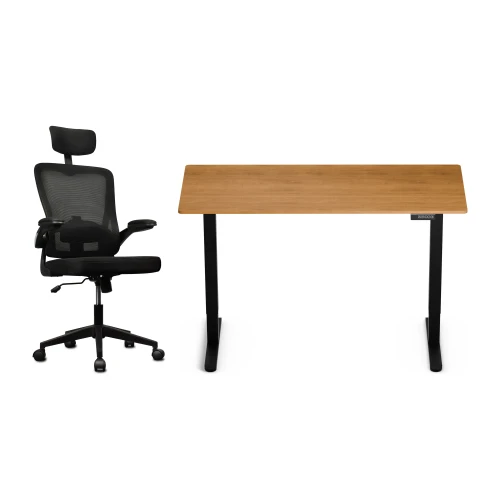
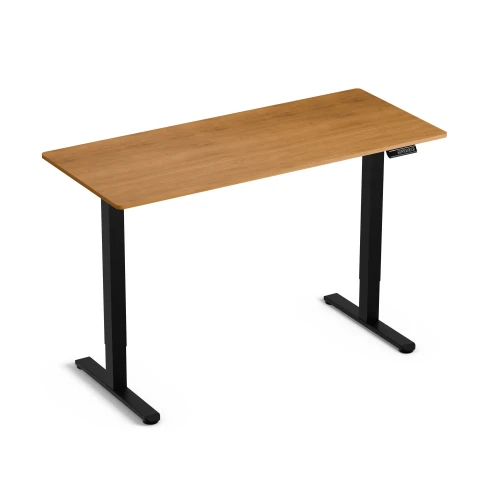
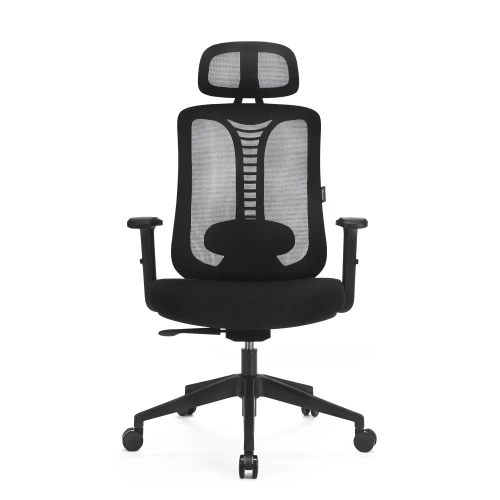
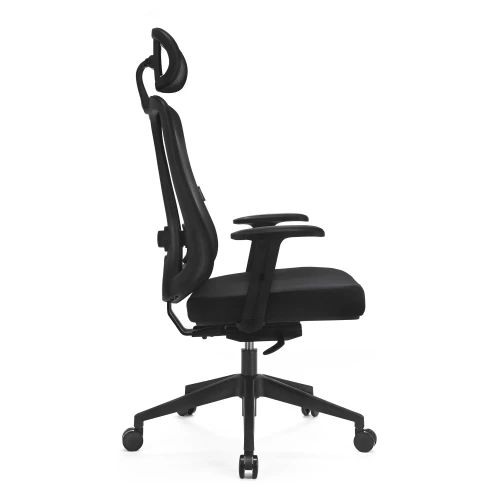
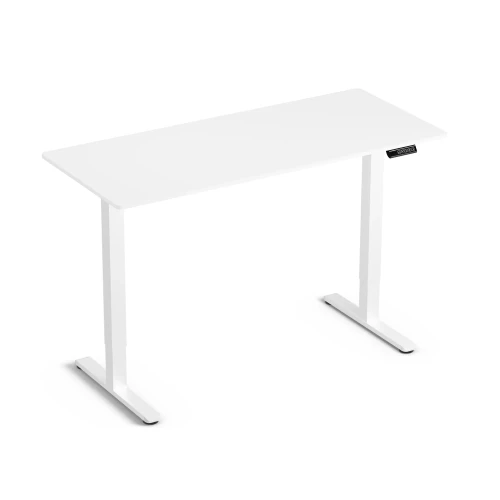
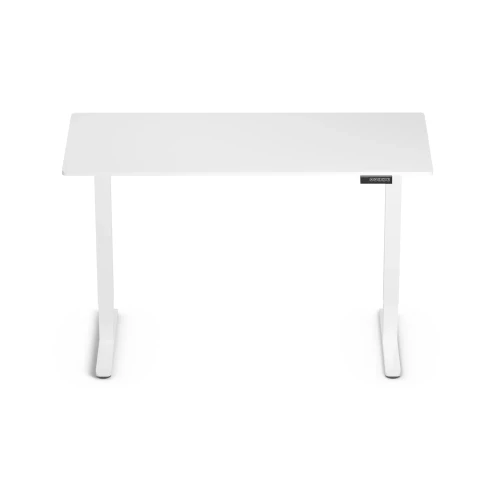
Electric Height-Adjustable Desk Control Lite Gold Oak 140/60 and Ergo Lite Black Ergonomic Chair Set
Price 729,00 zł -
Price 199,00 zł
-
Price 649,00 zł
-
Price 80,00 zł
-
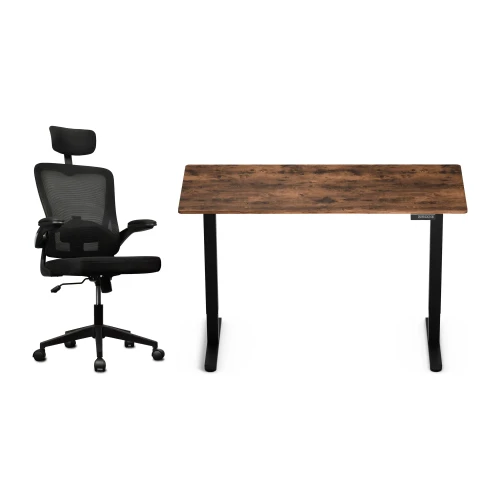
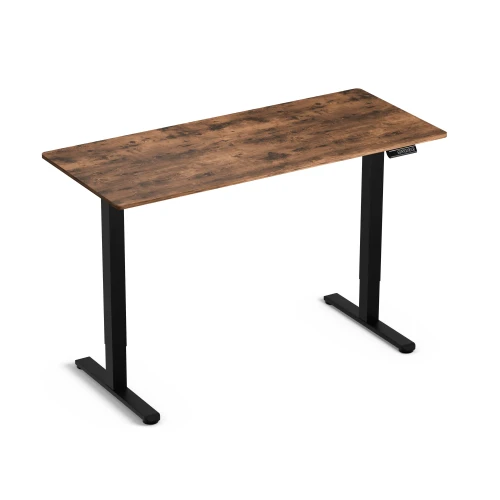
Control Lite Rustic 140/60 electric height-adjustable desk and black Ergo Lite ergonomic office chair set
Price 729,00 zł
Najczęściej wybierane
-
Price 16,00 zł
-
Price 749,00 zł
-
Price 39,00 zł
-
Price 24,99 zł
-
Price 479,00 zł
-
Price 89,00 zł
-
Price 649,00 zł
-
Price 419,00 zł
-
Price 89,00 zł
-
Price 928,99 zł
-
Price 1 099,00 zł
-
Price 129,00 zł
-
Price 549,00 zł
-
Price 59,00 zł
-
Price 749,00 zł
-
Price 59,00 zł