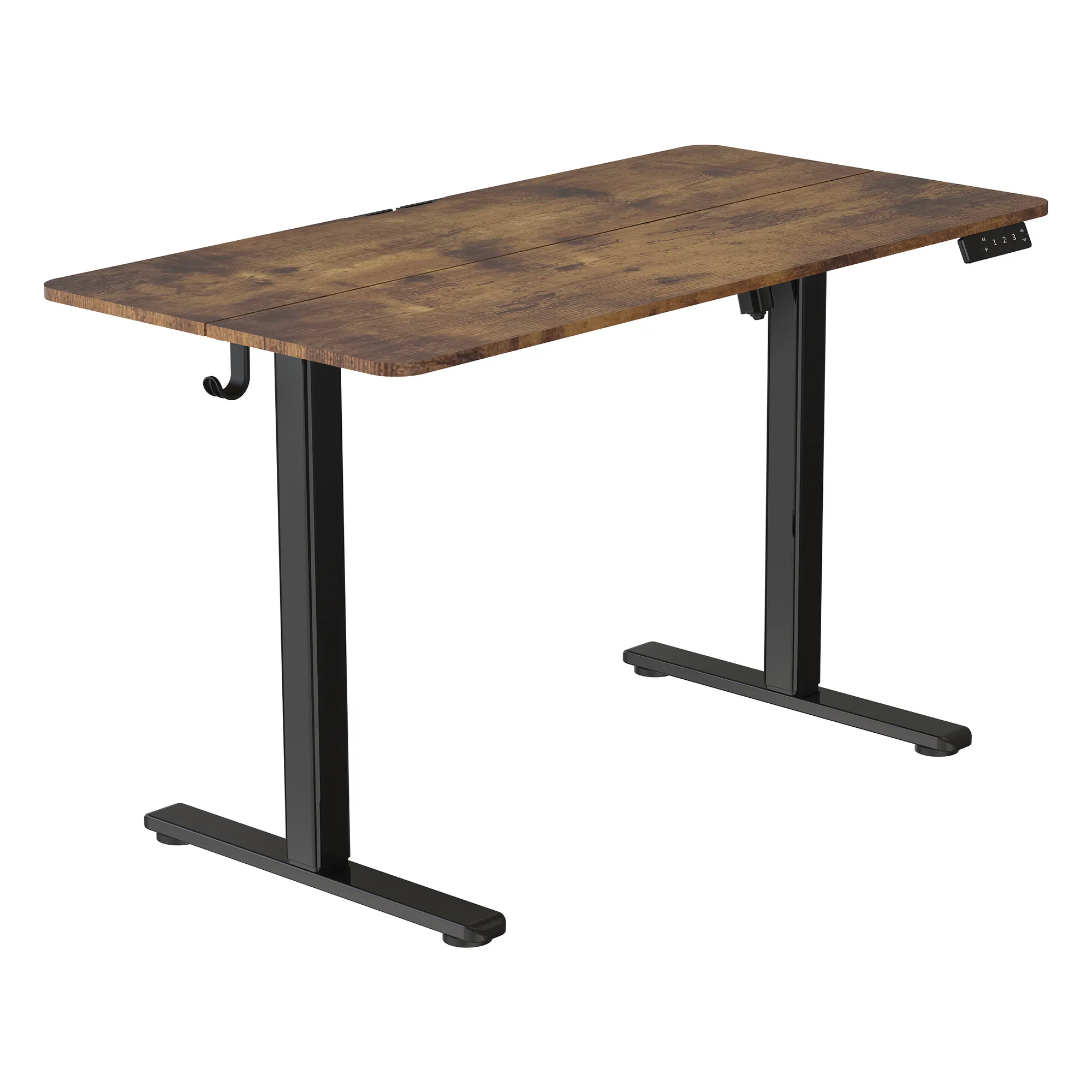
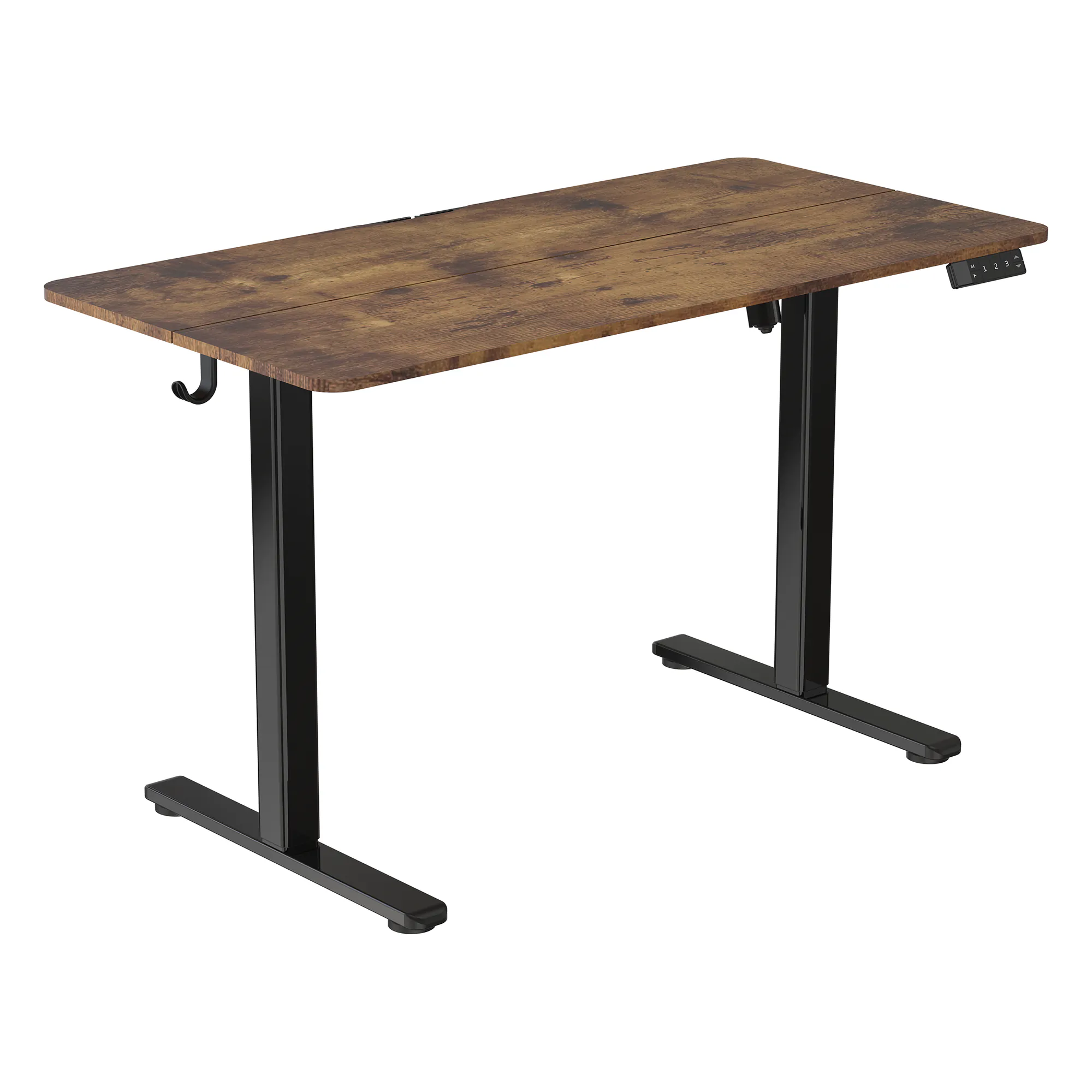
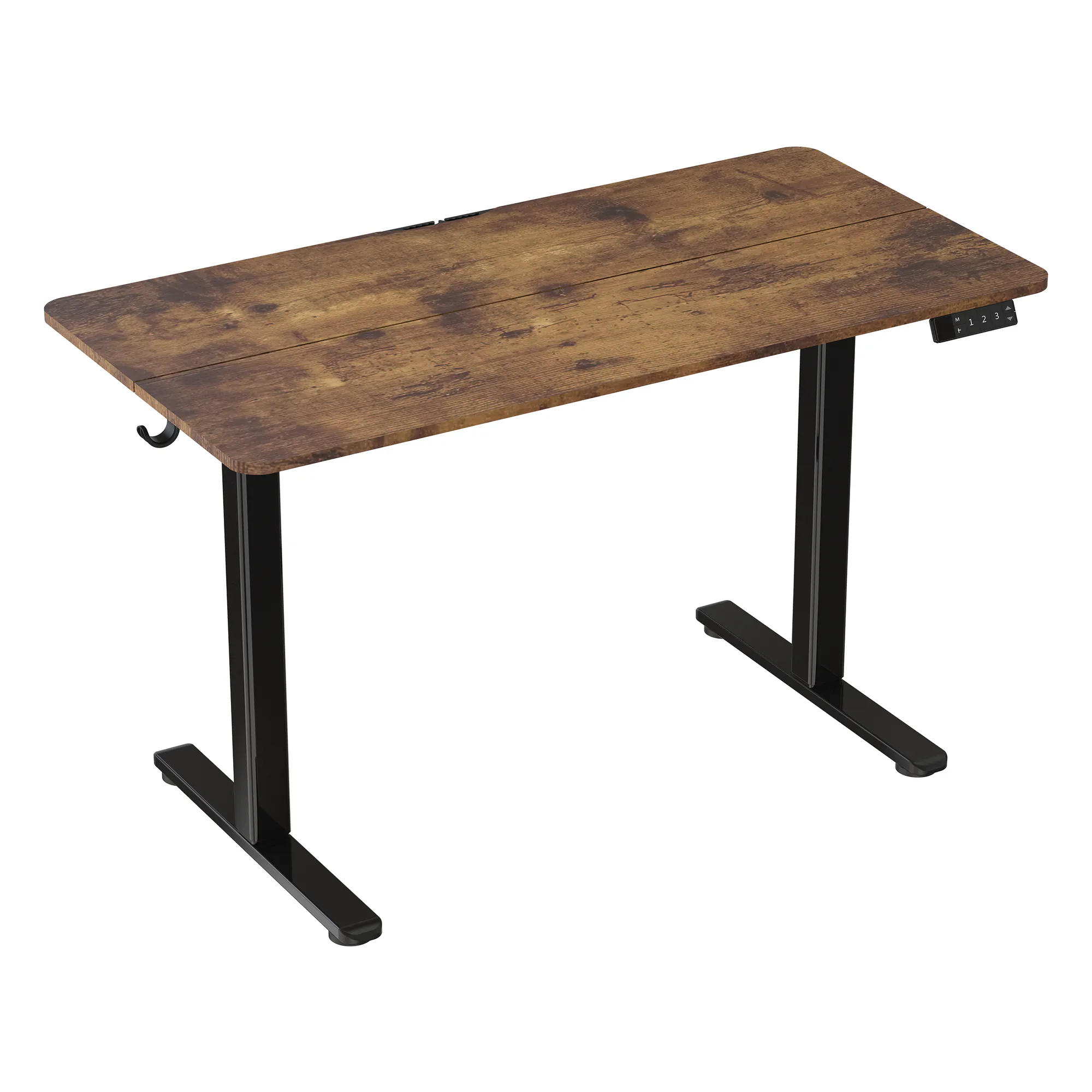
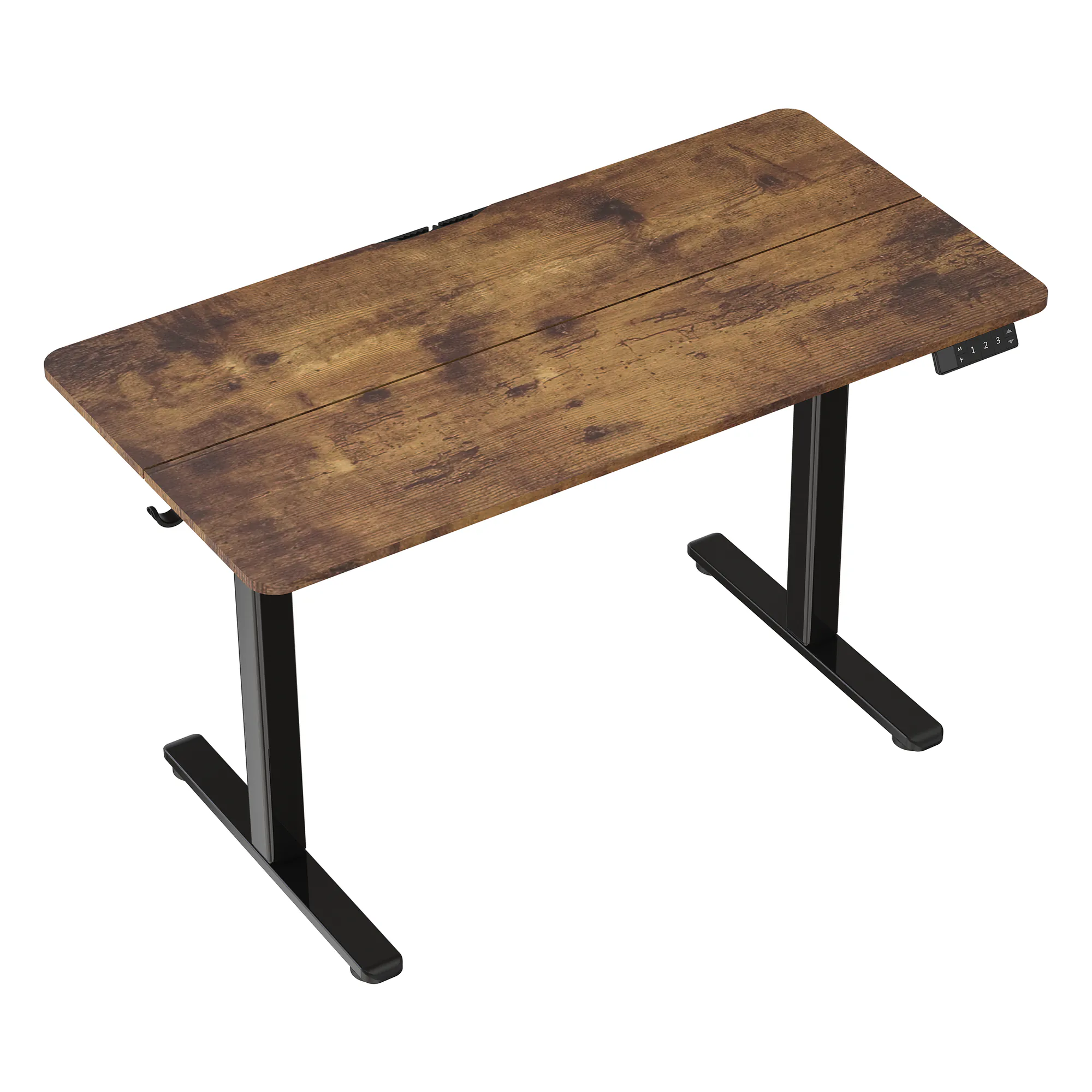


Base 120 Desk Black / Wood LVNSystem
Ask about the product
Administratorem danych osobowych jest EKO-LIGHT TEAM SPÓŁKA Z OGRANICZONĄ ODPOWIEDZIALNOŚCIĄ. Przetwarzamy je w celu przesłania odpowiedzi na zapytanie. Więcej informacji dotyczących przetwarzania danych osobowych znajduje się w polityce prywatności.
Opis
Base series
A standing desk in a single box
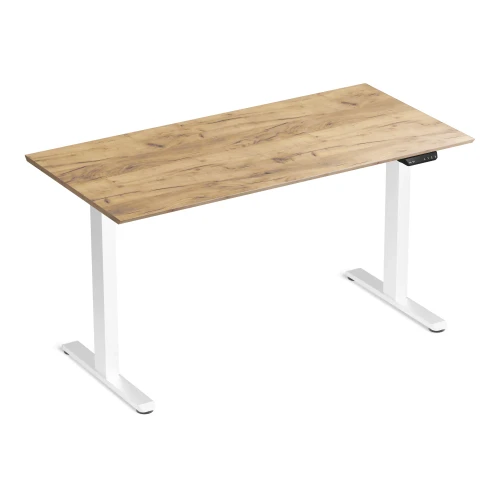
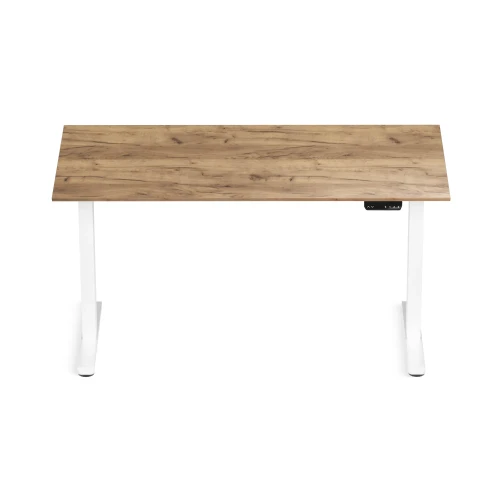
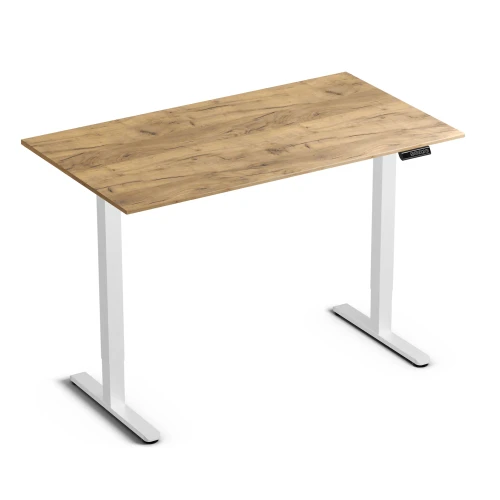
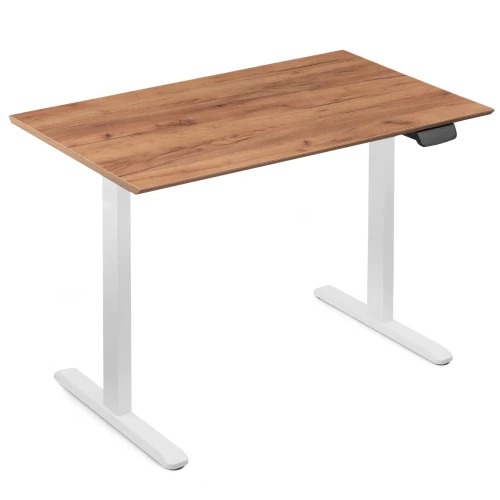
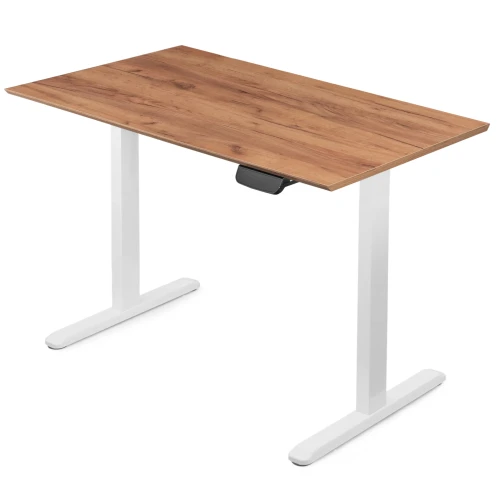
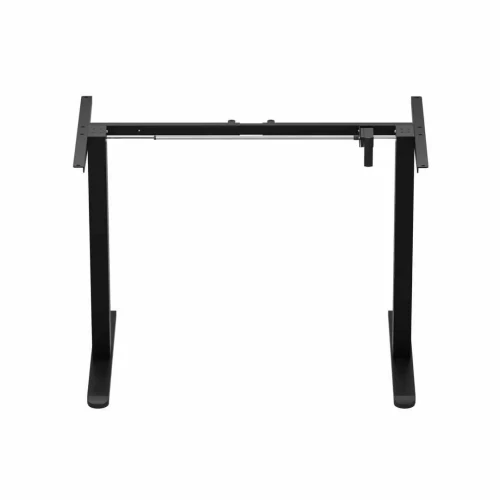
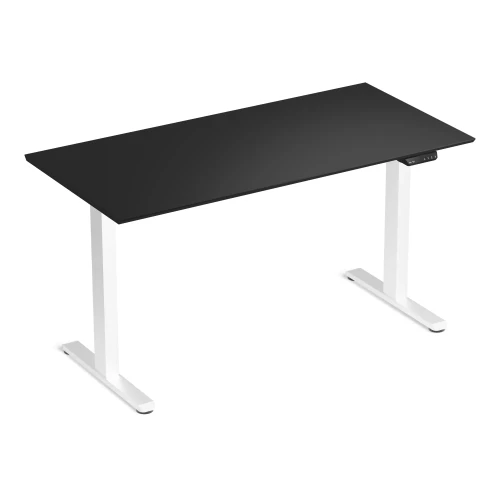
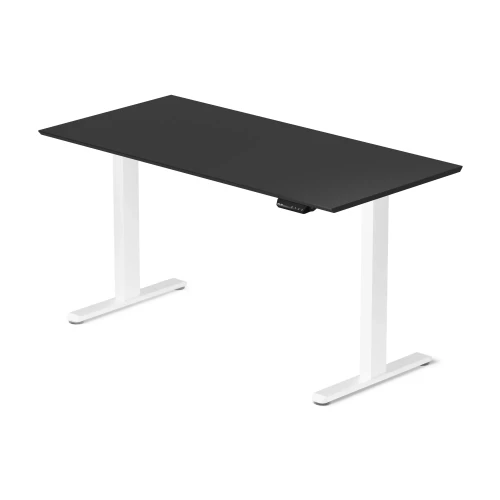
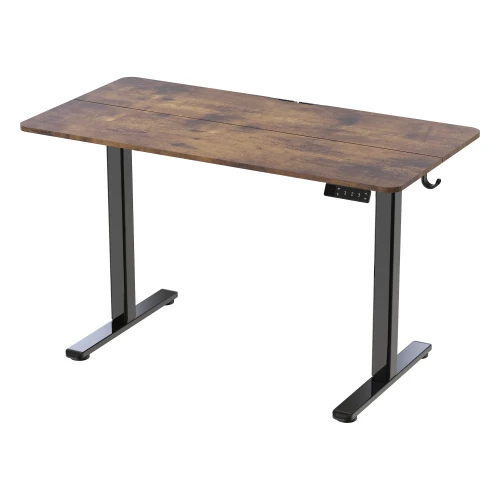
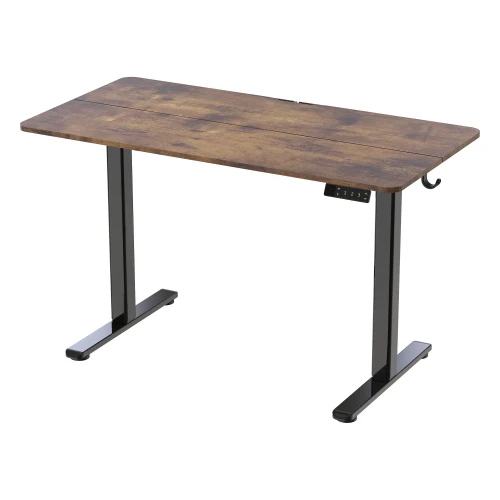
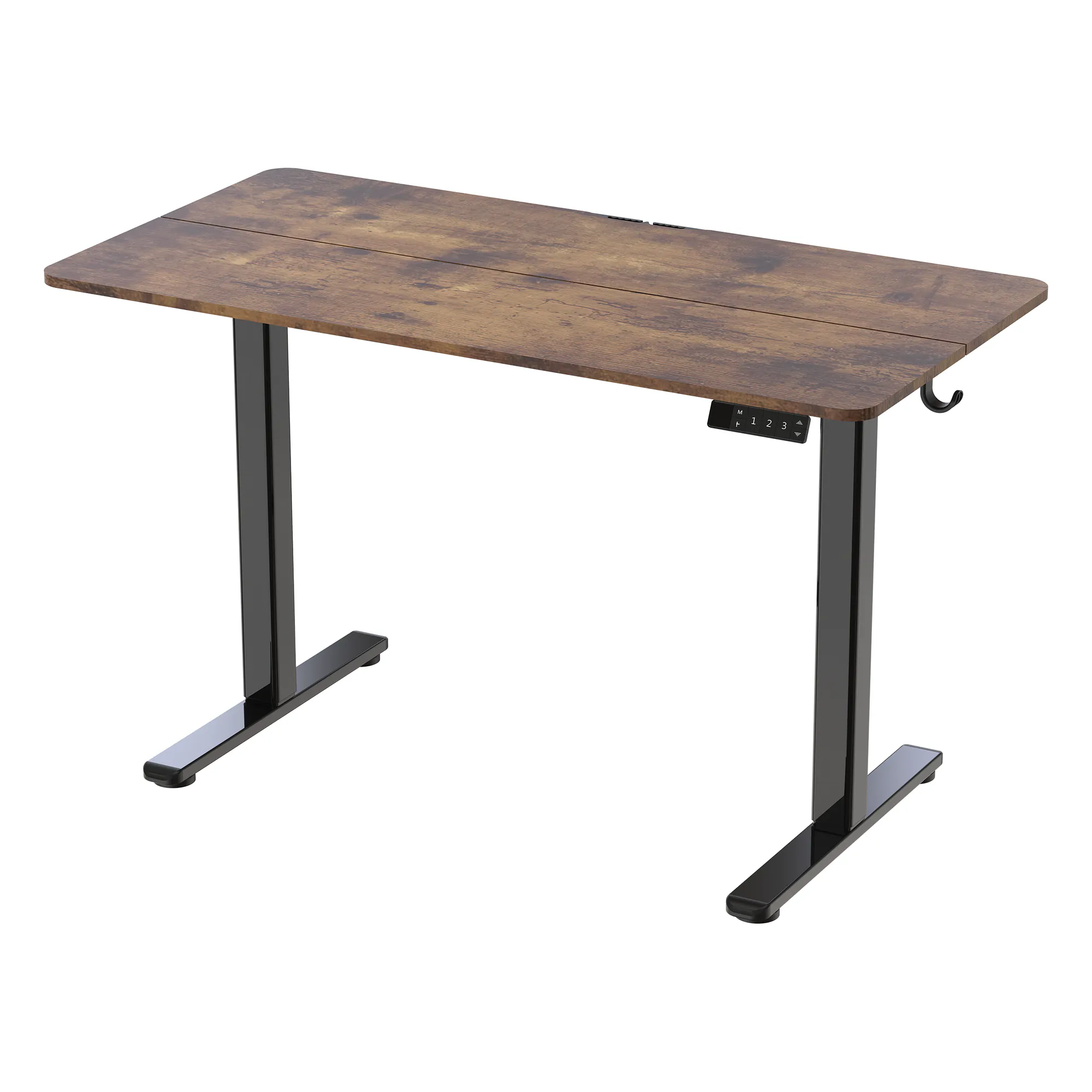
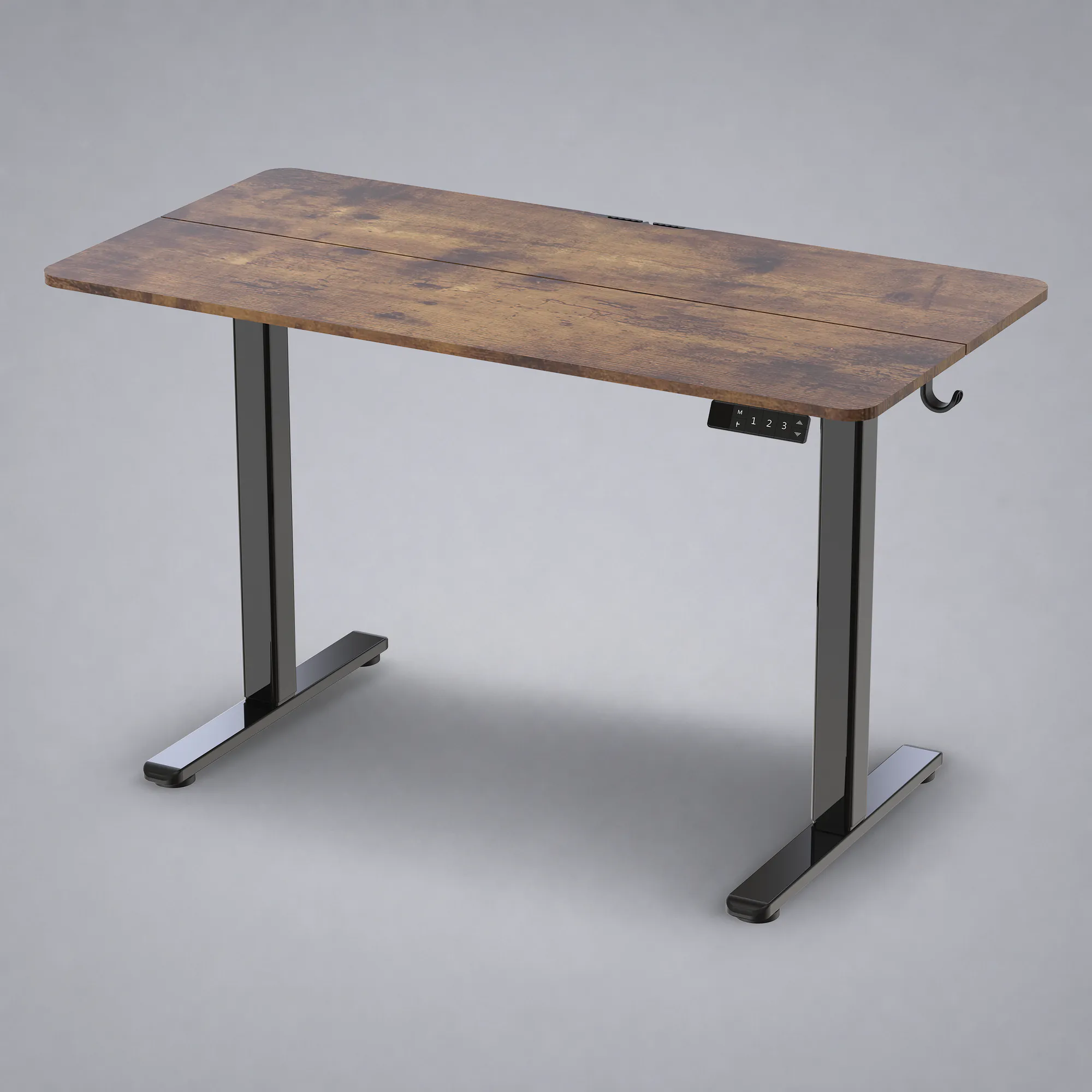
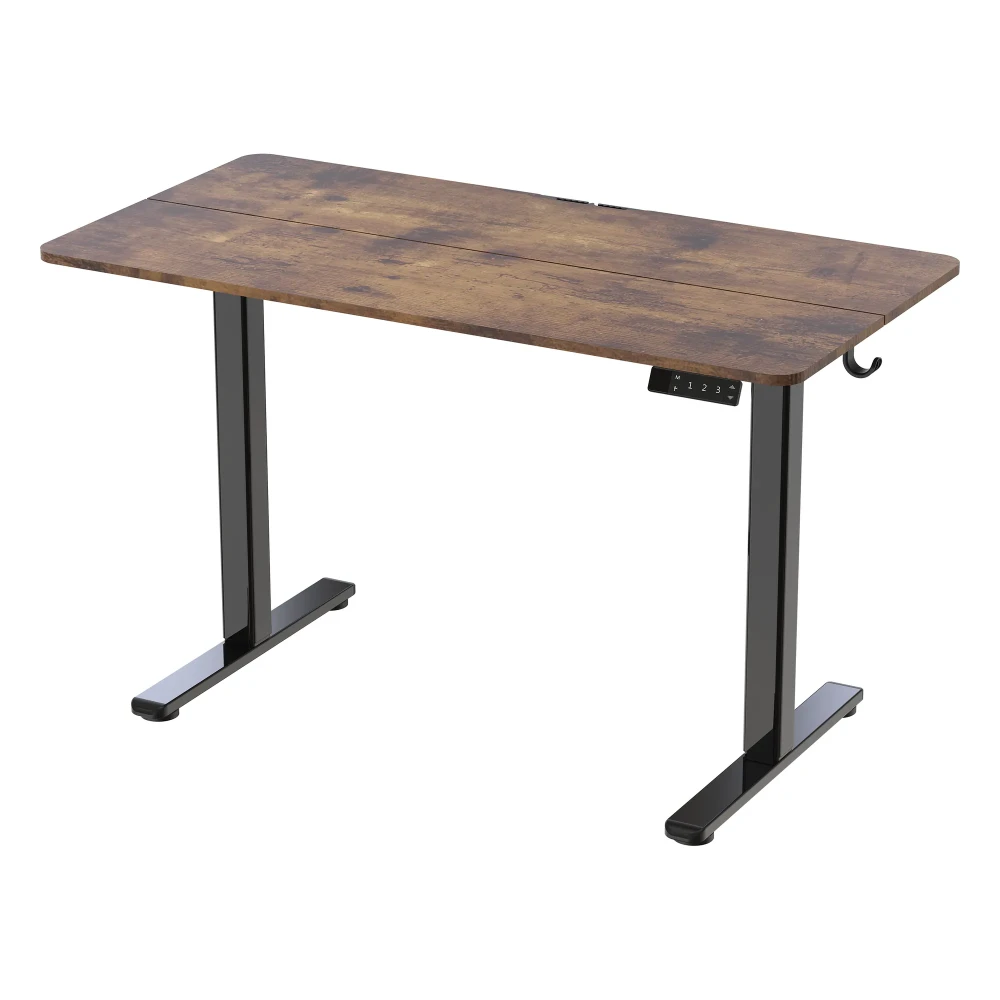
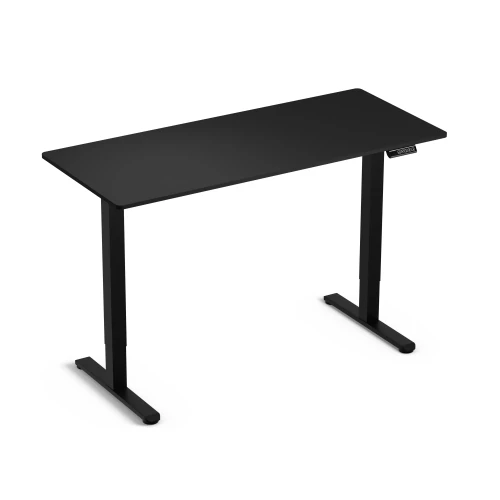
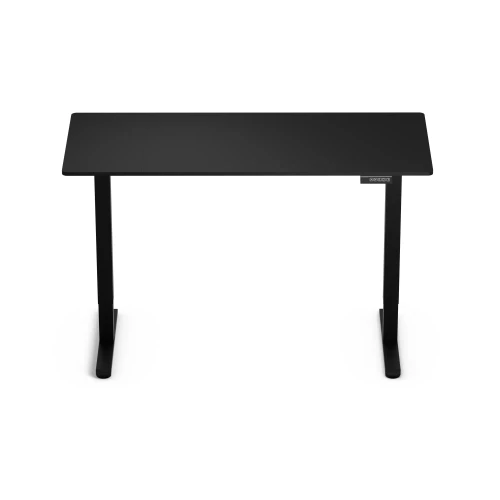
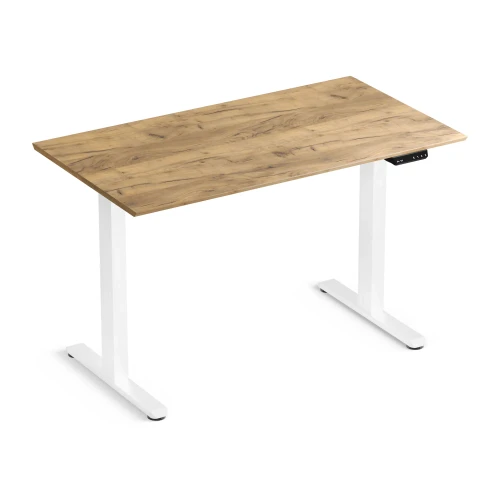
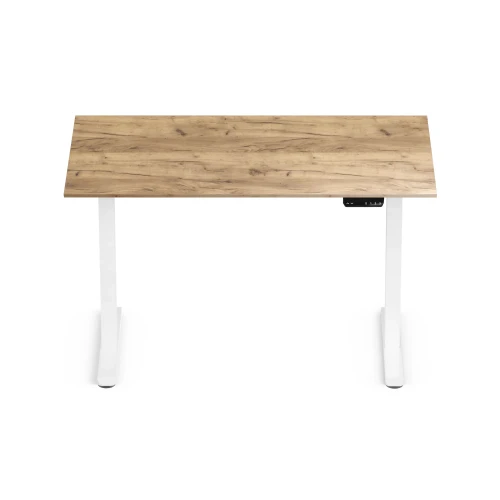
Base 120 is a single-motor electric standing desk with a 120 × 60 cm desktop and a controller with 3 memory presets, a timer and a button lock. The 72–118 cm range lets you set the desktop at elbow height whether you sit or stand.
- 72–118 cm adjustment
- 3 memory presets and timer
- 70 kg load capacity
- 120 × 60 cm desktop
Key specifications at a glance
desktop height from 72 to 118 cm: set it at elbow height when sitting and standing
at 20 mm/s, changing position does not break your work rhythm
enough for a monitor, laptop, lamp and accessories
frame and desktop in one 123.5 × 33 × 14 cm carton
Why the Base 120 electric desk
- Work sitting and standing – change the desktop height from 72 to 118 cm at the push of a button
- 3 height memory presets – recall a saved position with one button
- A timer reminds you to change position – set it in 0.5 h steps, up to 4 h
- Collision sensor – the desk stops when the desktop hits an obstacle
- 120 × 60 cm desktop – with a cable cutout and 2 hooks for headphones or a bag
- 70 kg load capacity – a monitor, laptop and lamp without worrying about overload
- 36-month warranty – on the whole desk
Sitting in the morning, standing in the afternoon
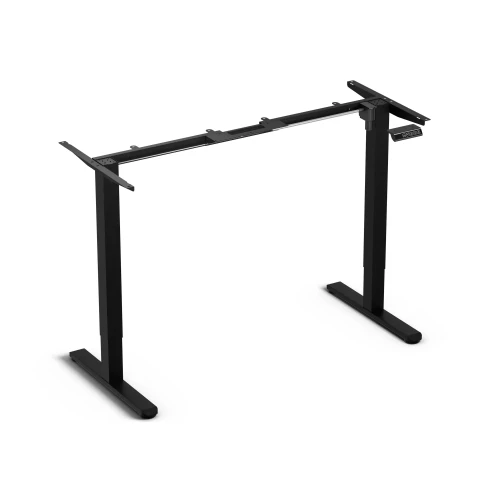
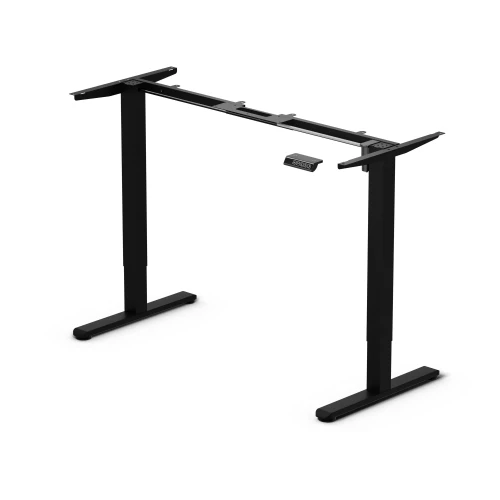
The motor in the column raises the desktop at 20 mm/s, and a drive shaft transfers the movement to the second column, so both sides move evenly. Going from the lowest to the highest position takes about 23 seconds.
- Desktop height 72–118 cm (frame alone 70–116 cm)
- 1 motor, speed 20 mm/s
- 2-stage steel columns: 55 × 55 mm at the bottom, 60 × 60 mm at the top
- Noise level below 50 dB
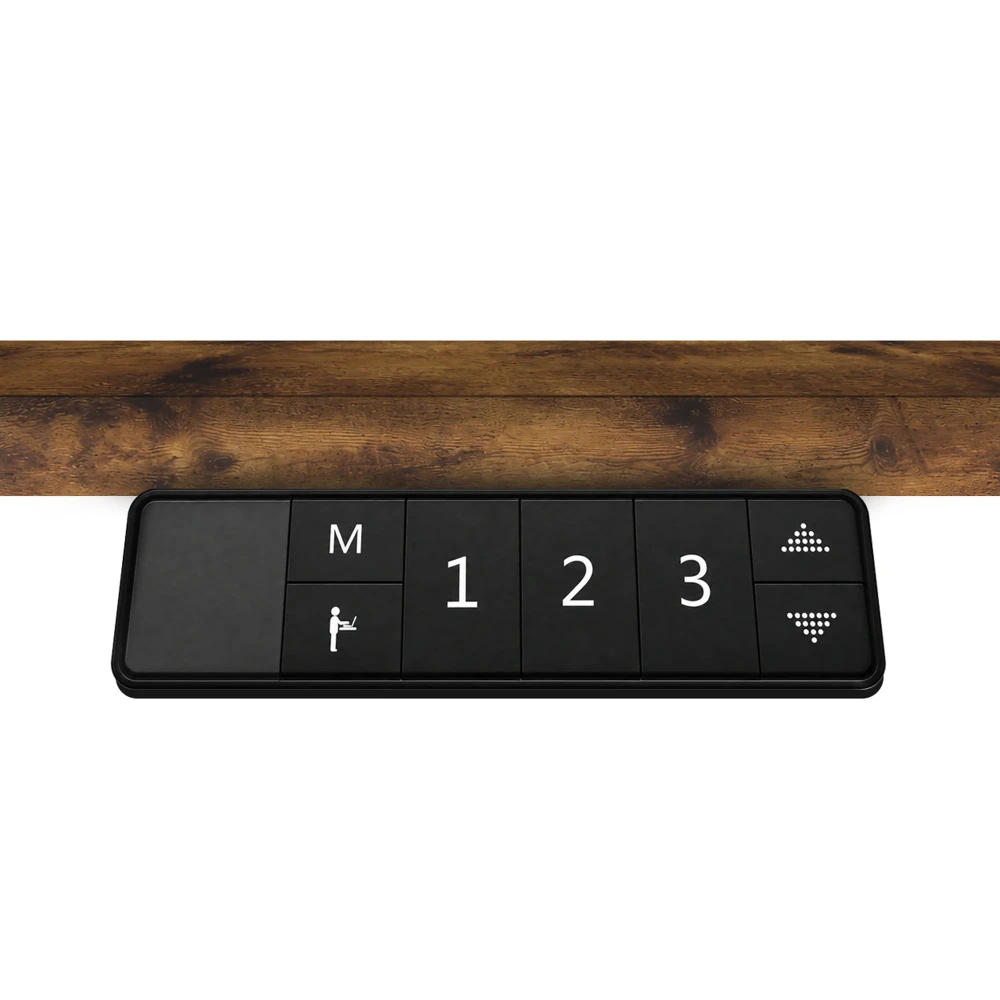
A controller that keeps track of your breaks
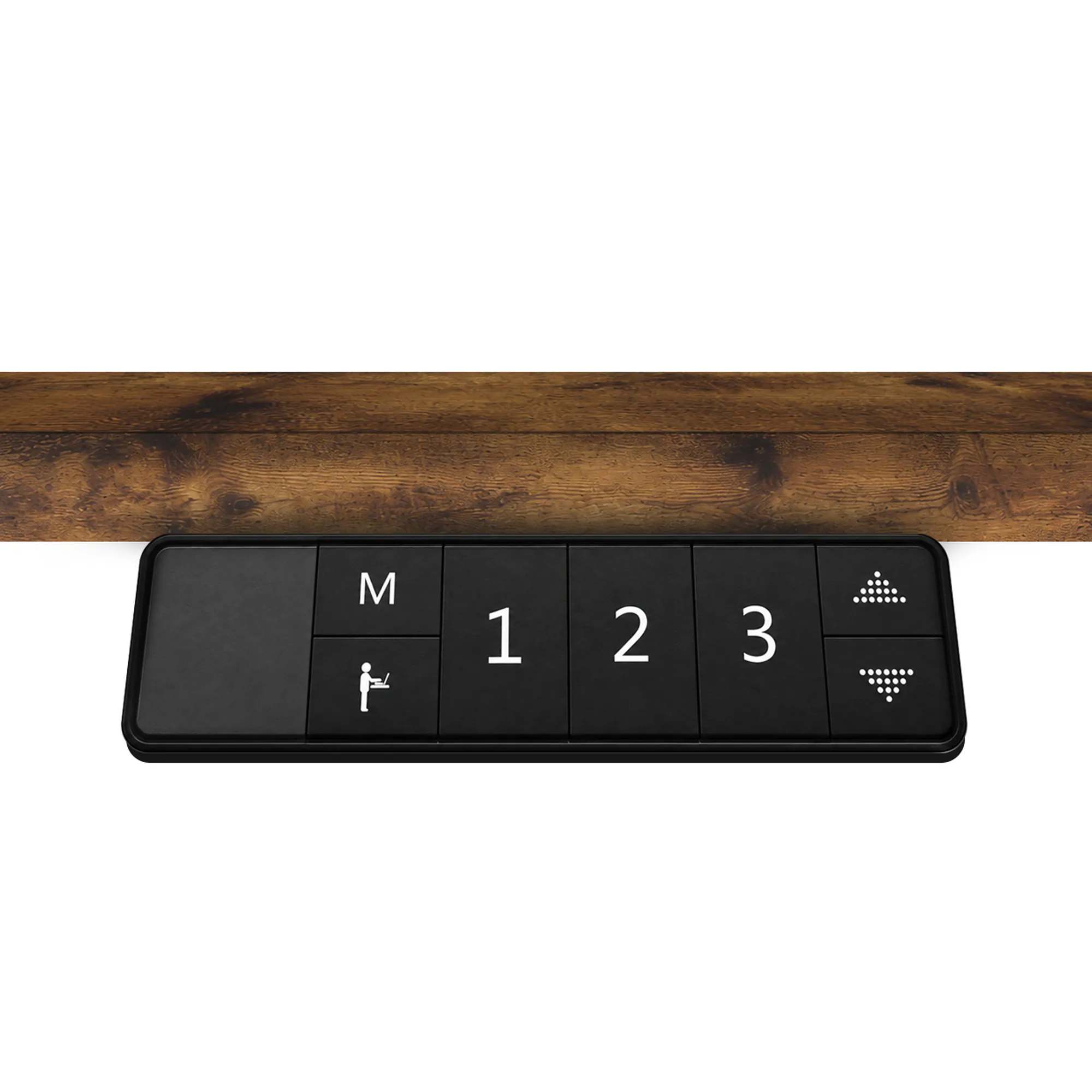
The controller with display stores 3 heights: one for sitting, one for standing and one extra. The timer reminds you to change position: each press adds 0.5 h, up to 4 h. If you have children at home, you can lock the buttons.
- 3 memory presets: buttons 1, 2, 3
- Timer from 0.5 h to 4 h
- Button lock: hold ▲ and ▼ for approx. 3 s
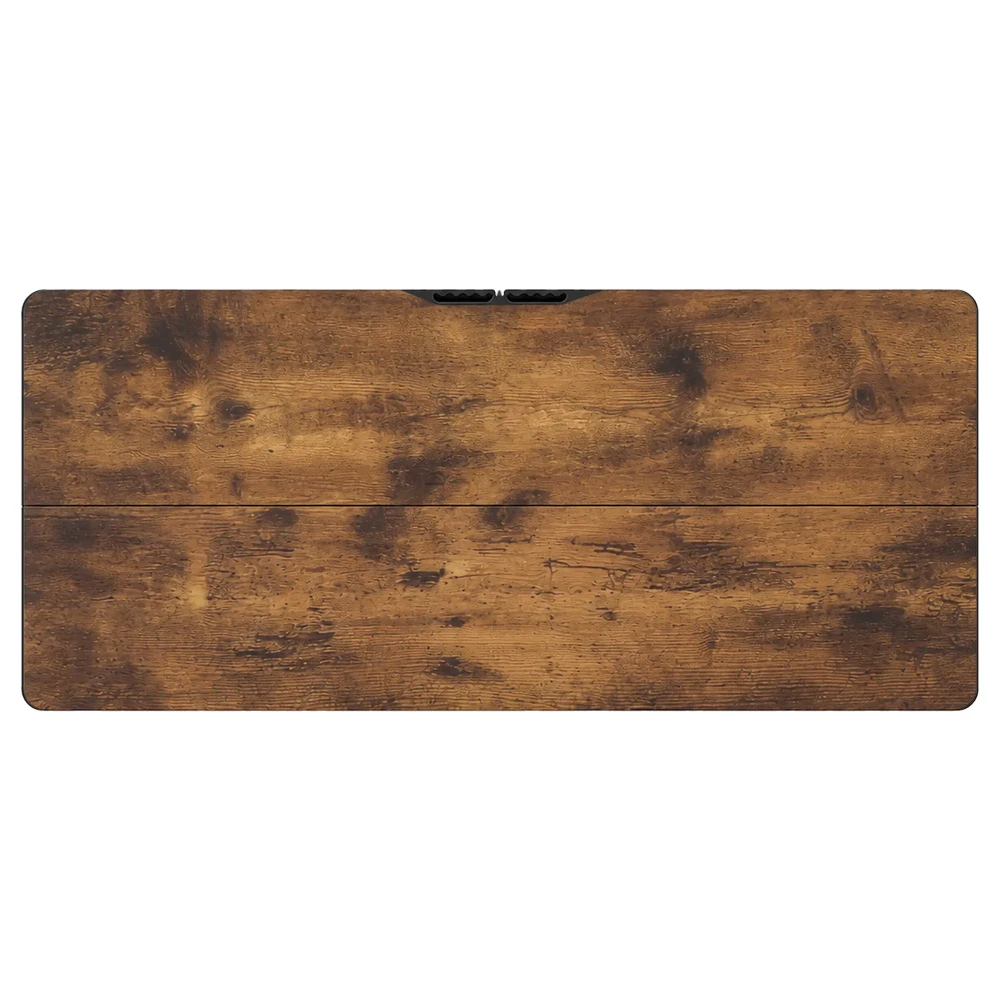
A desktop with room for cables and accessories
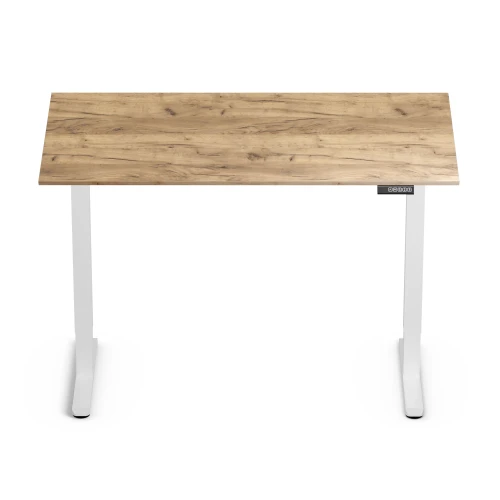
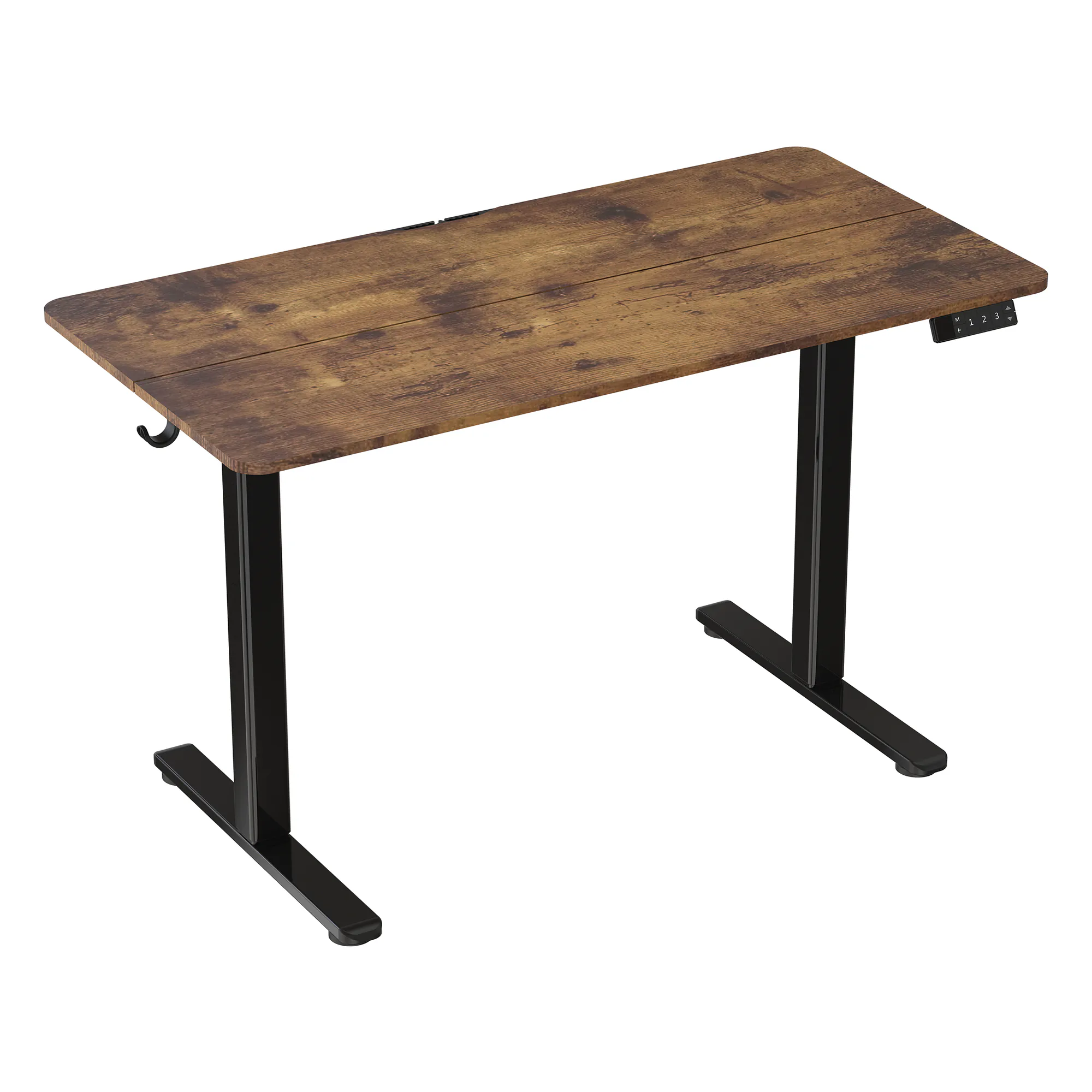
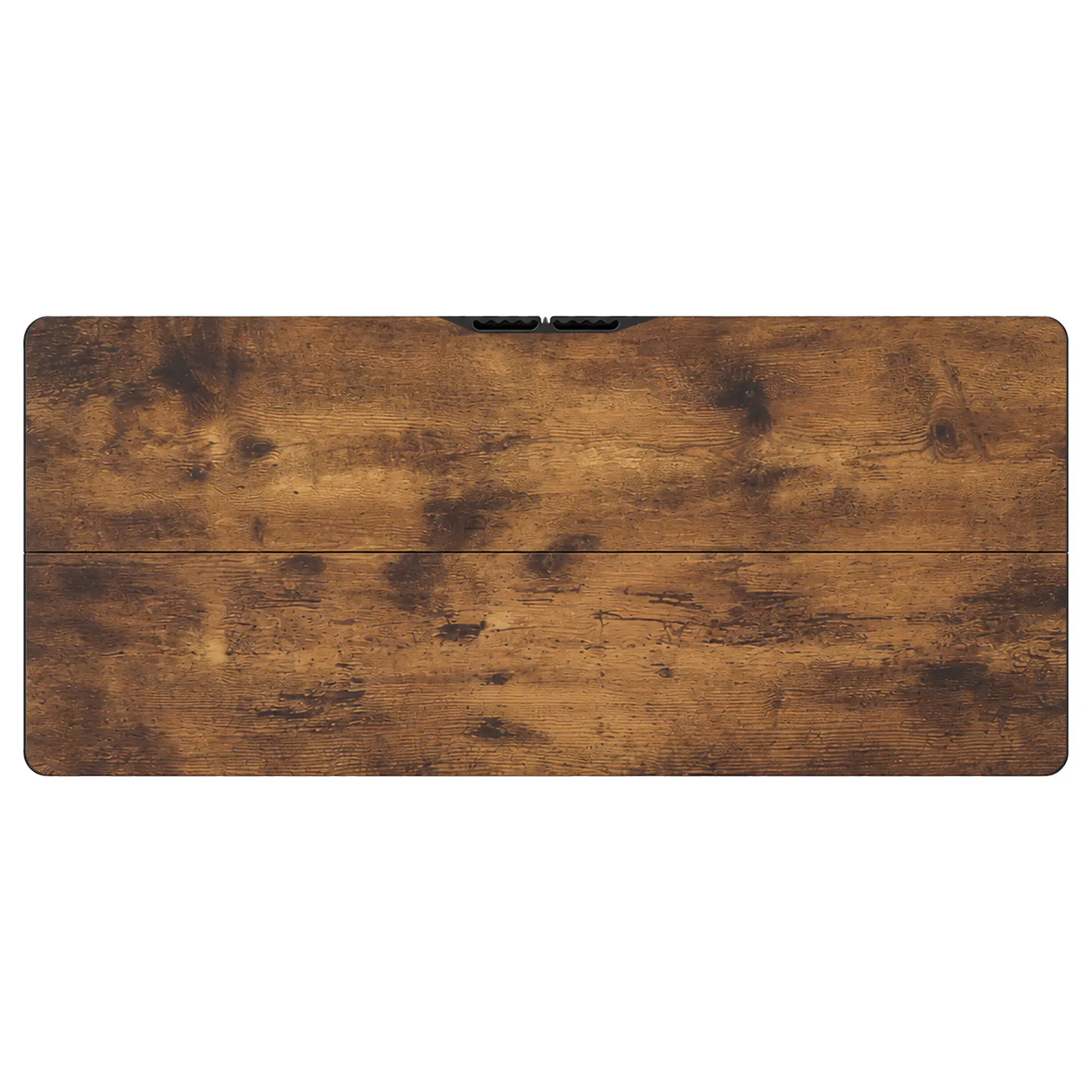
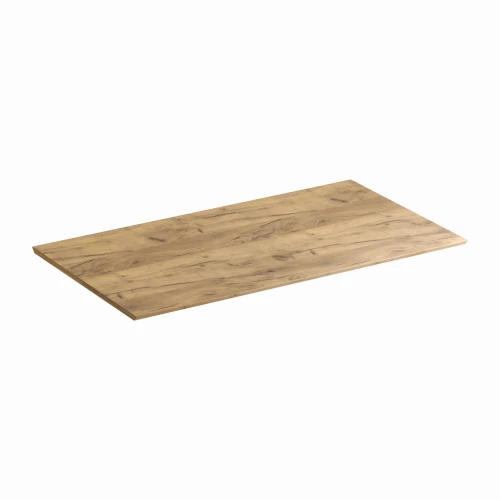
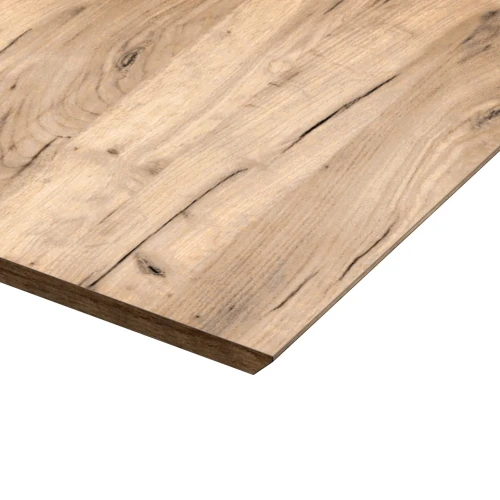
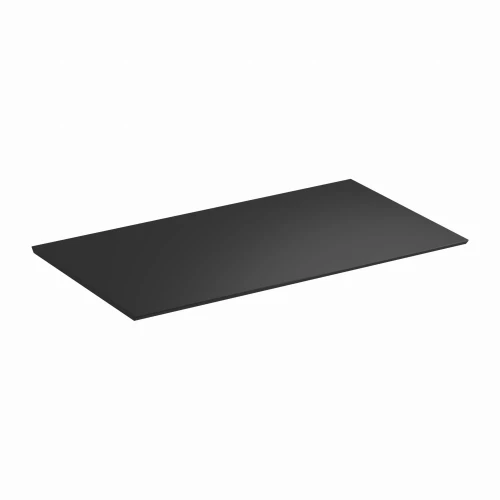
The 120 × 60 cm desktop, made of E1-class laminated board, consists of 2 parts that you join with dowels and plates. At the back it has a cutout with a cable guide, and on the sides 2 hooks for headphones or a bag.
- 120 × 60 cm desktop, 15 mm thick
- 0.8 mm edge banding, rounded corners
- 12 × 2.5 cm cable organizer at the back of the desktop
- 2 hooks on the sides of the desktop
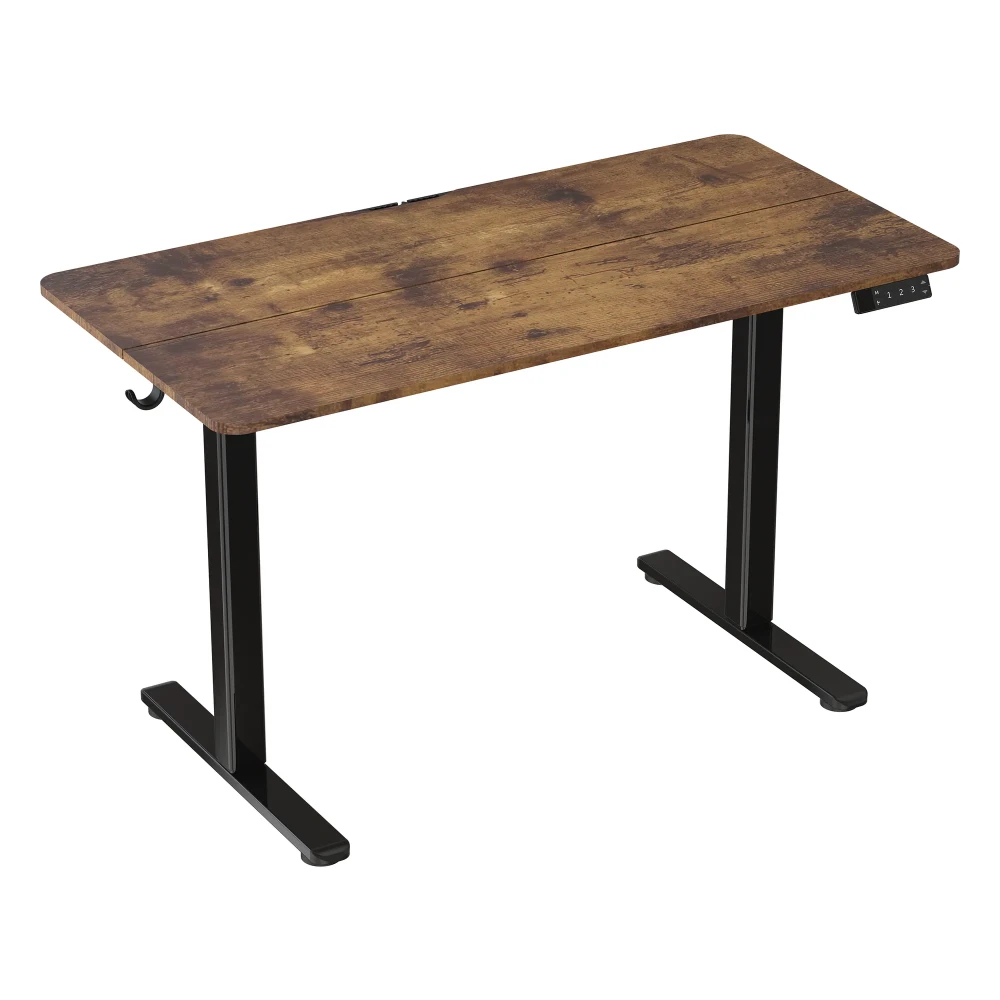
Safe at every height change
The collision sensor stops the desk when the desktop hits an obstacle, such as a windowsill or a chair. Set the sensitivity in the controller menu (low, normal, high) or turn the sensor off. The feet have leveling adjustment, so the desk stands steady even on an uneven floor.
- Collision sensor with adjustable sensitivity L / N / H / OFF
- Leveling feet
- Power supply 100–240 V, 50/60 Hz, 1.8 m cable
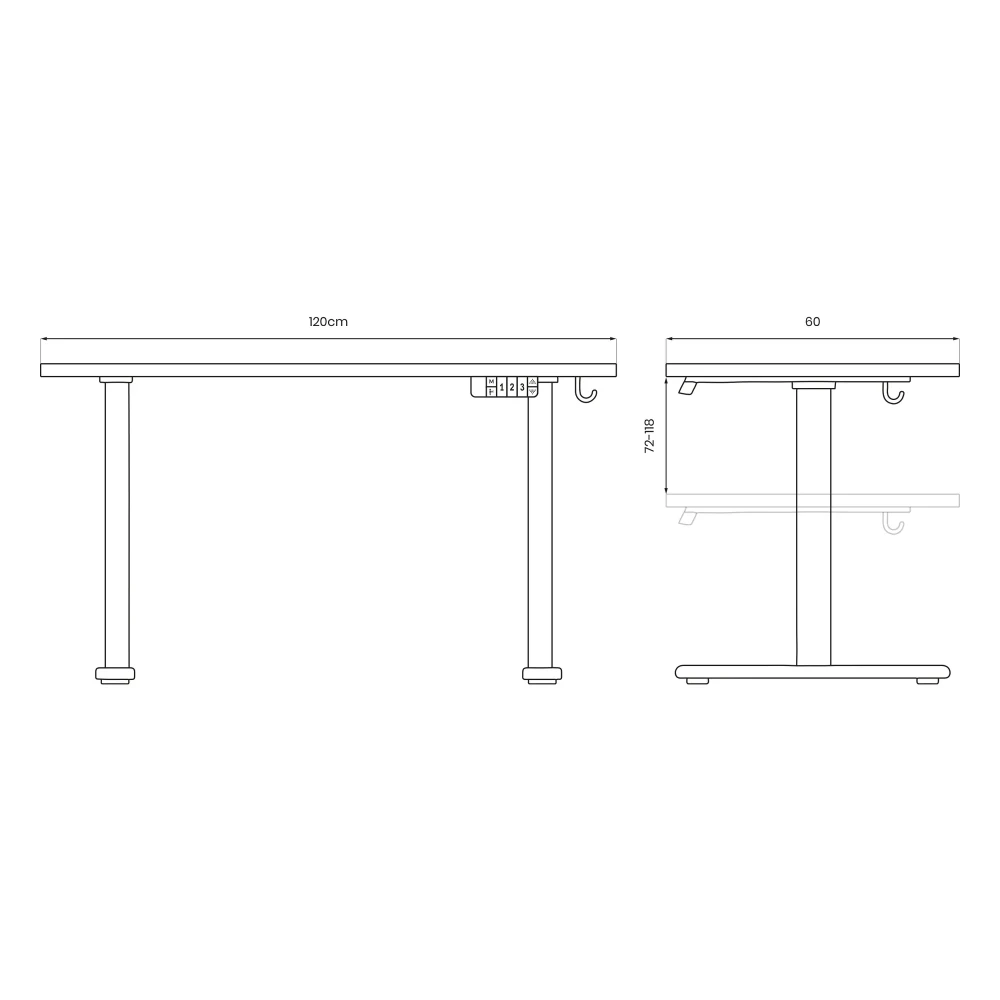
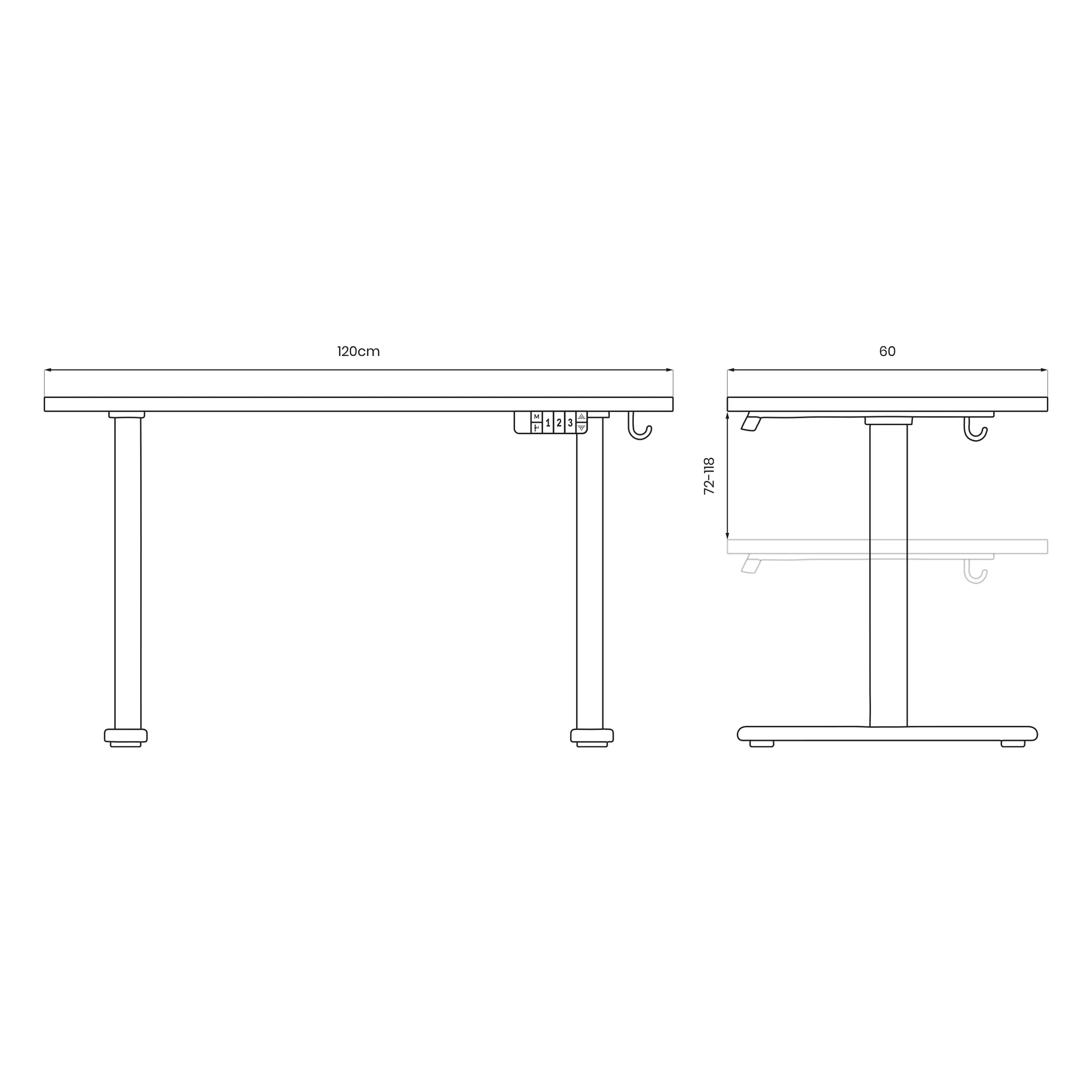
Dimensions that fit a small room
The 120 × 60 cm desktop holds a monitor, laptop and keyboard without taking up a whole wall. The desk works well in a child's room, a studio apartment or an office.
- Width 120 cm, depth 60 cm
- Height 72–118 cm
- Weight 18.5 kg net
Assembly
How installation works
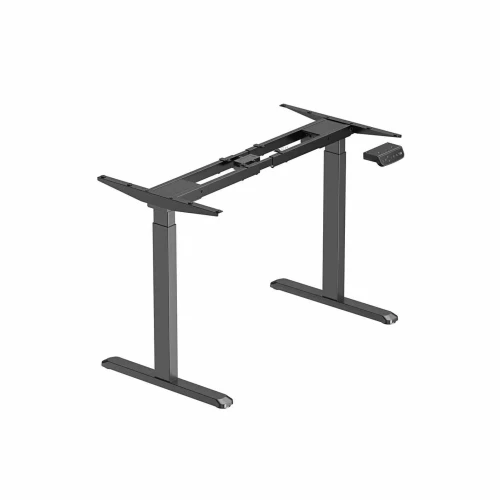
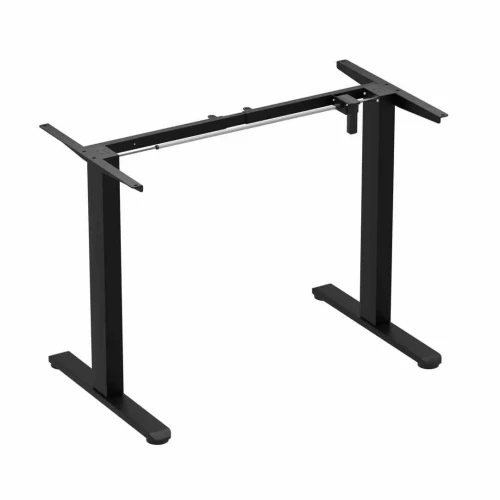
- FrameJoin the columns with the crossbar and screw the feet onto them.
- Brackets and shaftScrew the brackets to the top of the columns, level the columns and insert the drive shaft into the motor socket.
- DesktopJoin both parts of the desktop with dowels and plates, place the frame on it and screw on the brackets, controller and hooks.
- CablesConnect the power supply and the motor cable to the controller, route the cables under the desktop and fasten them with a clip.
- ResetBefore first use, hold ▼ until the display shows “reS”, then keep holding for about 15 s. The desk rises slightly and is ready.
What's in the box
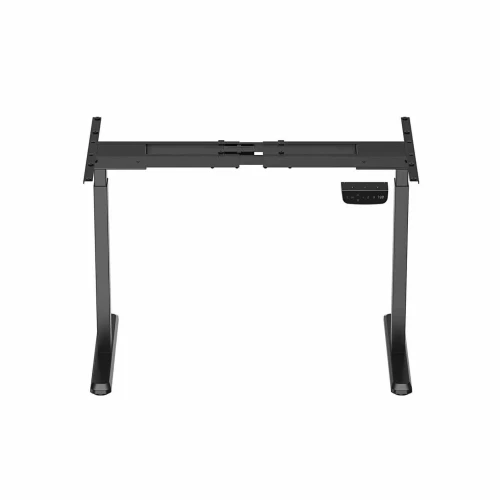
- column with motor and column without motor
- 2 feet, crossbar and 2 desktop brackets
- drive shaft
- controller with display and power supply
- 2-part desktop (one with a cable organizer)
- 2 hooks, cable clip, bolts, screws, dowels and connecting plates
- 5 mm Allen key
Safety: Do not exceed a load of 70 kg. Do not sit on the desktop. The desk is intended for indoor use.
Which model should you choose?
| Base 120 | Control Lite 120/67 | Control Lite 140 | |
|---|---|---|---|
| Desktop | 120 × 60 cm, 15 mm, 2-piece | 120 × 67 cm, 18 mm | 140 × 60 cm, 15 mm, 3-piece |
| Height range | 72–118 cm | 72–118 cm | 72–118 cm |
| Load capacity | 70 kg | 70 kg | 50 kg |
| Speed | 20 mm/s | 20 mm/s | 20 mm/s |
| Memory presets | 3 | 3 | 3 |
| Timer and button lock | yes | — | — |
| Hooks | 2 | — | 2 |
Base 120 electric desk specifications
| Height adjustment | electric, 1 motor + drive shaft |
|---|---|
| Desktop height | 72–118 cm |
| Frame height without desktop | 70–116 cm |
| Adjustment speed | 20 mm/s |
| Noise level | below 50 dB |
| Memory presets | 3 |
| Controller | display, M, timer, 1 2 3, ▲ ▼ |
| Timer | in 0.5 h steps, max. 4 h |
| Collision sensor | yes, sensitivity L / N / H / OFF |
| Button lock | yes |
| Material | steel |
|---|---|
| Columns | 2-stage: lower stage 55 × 55 mm, upper stage 60 × 60 mm, 1.2 mm wall |
| Feet | T-shaped, 60 × 20 mm profile, 1.5 mm wall, 581 mm long, with leveling adjustment |
| Load capacity | 70 kg |
| Color | black |
| Dimensions | 120 × 60 cm |
|---|---|
| Thickness | 15 mm |
| Material | laminated board, E1 class |
| Edge banding | 0.8 mm edge banding |
| Design | 2 parts, 12 × 2.5 cm cable organizer |
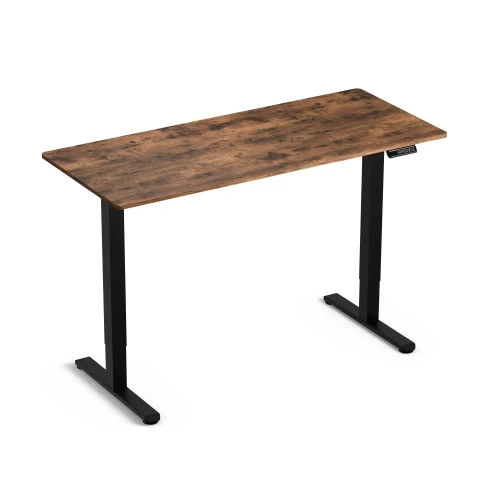
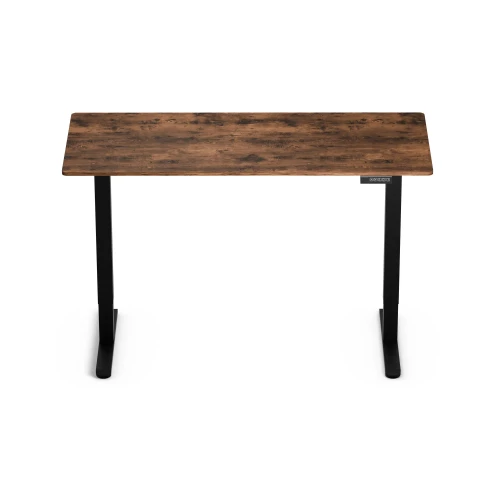
| Desktop color | Wood |
| Frame color | black |
| Power supply | 100–240 V, 50/60 Hz, 29 V power supply |
|---|---|
| Cable length | 1.8 m |
| Operating temperature | from −5 to +40 °C |
| Weight | 18.5 kg net, 20.1 kg with packaging |
| Packaging | 1 carton 123.5 × 33 × 14 cm |
| Warranty | 36 months |
| Delivery condition | self-assembly |
| Manufacturer / importer | Eko-light |
Questions about this product
- What is the height adjustment range of the Base 120 desk?
- The Base 120 desktop adjusts electrically from 72 to 118 cm. The frame alone without the desktop is 70–116 cm.
- How does the timer on the Base desk work?
- The timer reminds you to change position. Each press of the timer button adds 0.5 h, up to 4 h; after that, the countdown starts over.
- How do I lock the controller buttons?
- Hold ▲ and ▼ together for about 3 seconds. The lock prevents accidental height changes, for example by a child.
- Does the Base desk have collision protection?
- Yes. The collision sensor stops the desk when the desktop hits an obstacle. To change the sensitivity in the menu, hold “M”, select “CF” and set L, N, H or OFF.
- How loud is the Base desk?
- When changing height, the motor runs at a noise level below 50 dB.
- Is the desktop one piece?
- No. The 120 × 60 cm desktop consists of 2 parts that you join with dowels and 2 connecting plates. This way the whole desk fits in a single carton.
- What is the load capacity of the Base 120 desk?
- The frame has a load capacity of 70 kg. Do not sit on the desktop or load it beyond this value.
- How many boxes does the desk come in and how much does it weigh?
- One box: a 123.5 × 33 × 14 cm carton, 20.1 kg with packaging. The desk itself weighs 18.5 kg.
- What should I do if the display shows E02 or HOT?
- E02 means the sensor has detected an obstacle. Remove it and change the height again. HOT means overheating. Wait about 20 minutes without changing the height.
Rekomendowane dla Ciebie
-
Price 499,00 zł
-
Price 499,00 zł
-
Price 199,00 zł
-
Price 319,00 zł
-
Price 479,00 zł
-
Price 499,00 zł
-
Price 399,00 zł
-
Price 849,00 zł
-
Price 279,00 zł
-
Price 849,00 zł
-
Price 719,00 zł
-
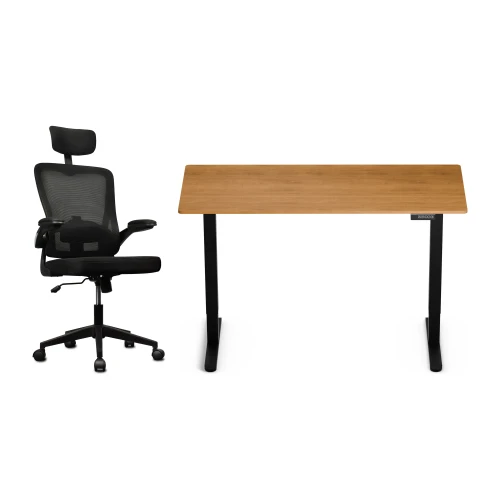
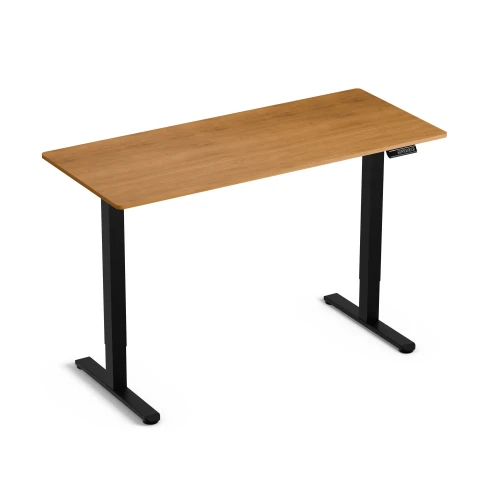
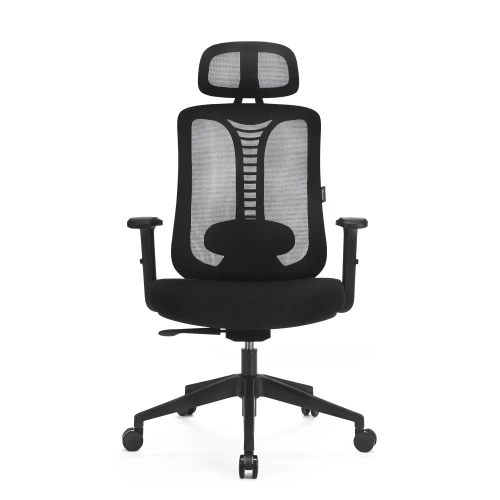
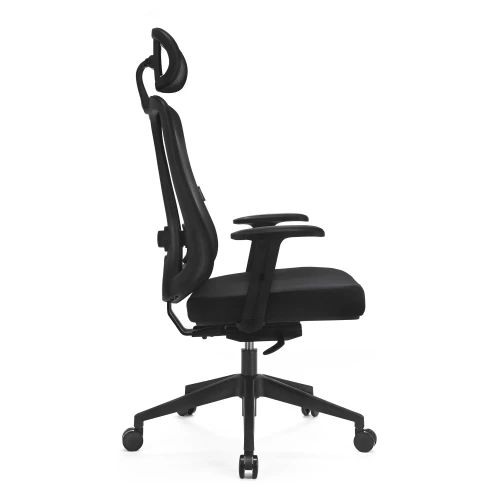
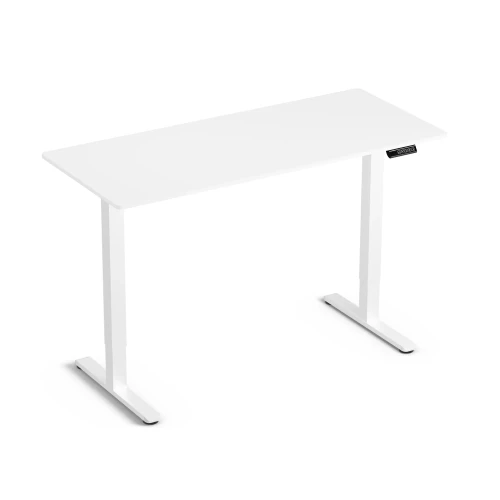
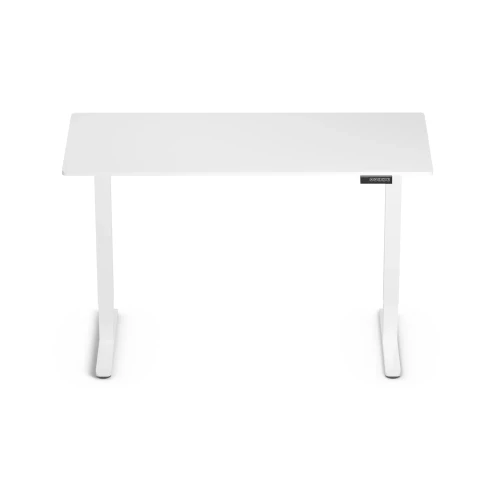
Electric Height-Adjustable Desk Control Lite Gold Oak 140/60 and Ergo Lite Black Ergonomic Chair Set
Price 729,00 zł -
Price 199,00 zł
-
Price 649,00 zł
-
Price 80,00 zł
-
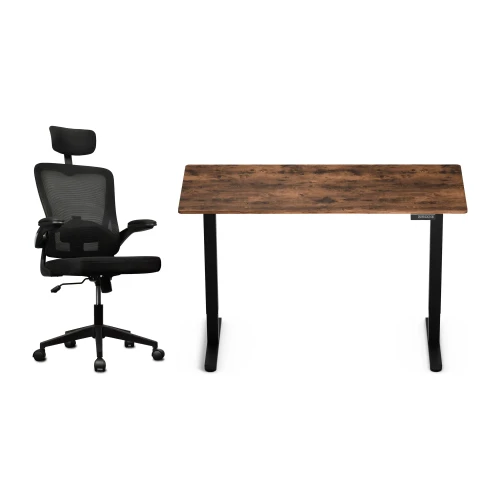
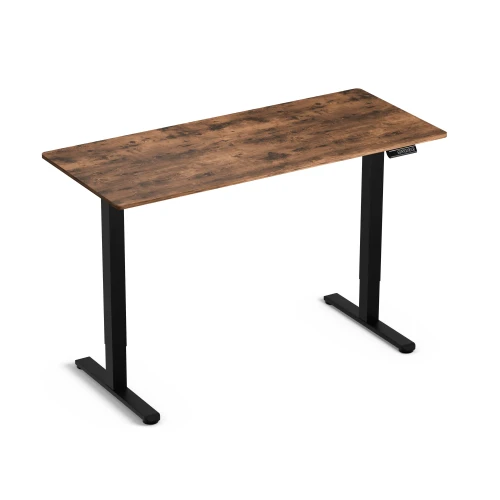
Control Lite Rustic 140/60 electric height-adjustable desk and black Ergo Lite ergonomic office chair set
Price 729,00 zł
Najczęściej wybierane
-
Price 16,00 zł
-
Price 749,00 zł
-
Price 39,00 zł
-
Price 24,99 zł
-
Price 479,00 zł
-
Price 89,00 zł
-
Price 649,00 zł
-
Price 419,00 zł
-
Price 89,00 zł
-
Price 928,99 zł
-
Price 1 099,00 zł
-
Price 129,00 zł
-
Price 549,00 zł
-
Price 59,00 zł
-
Price 749,00 zł
-
Price 59,00 zł