
Monitor Arms
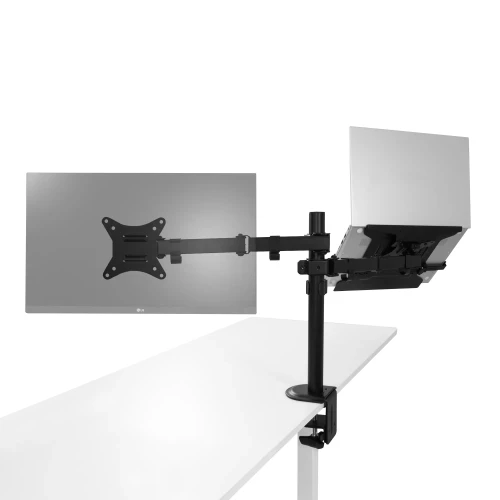
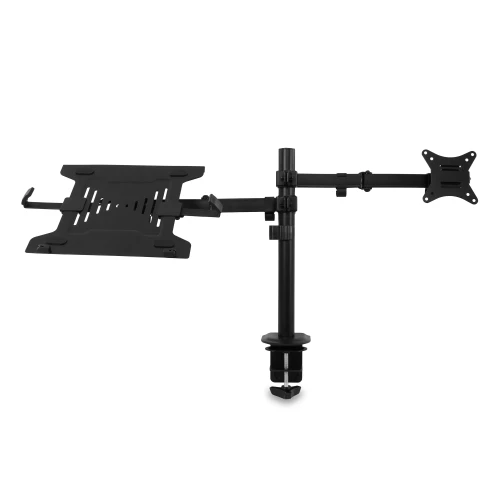
Desk monitor arms (VESA 75 × 75 and 100 × 100): single or dual monitor arms and monitor and laptop arms, attached to the desktop without drilling.
List of products
How to choose a monitor arm?
Pole or spring
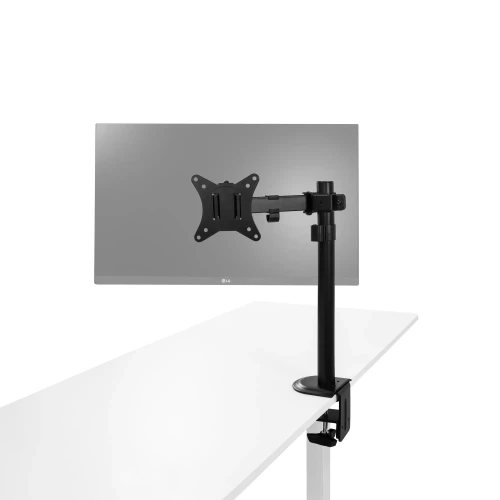
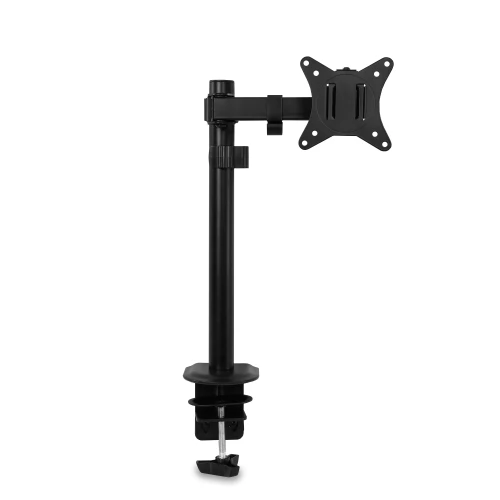
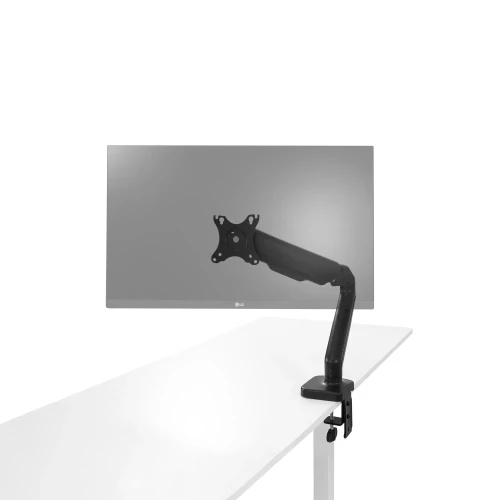
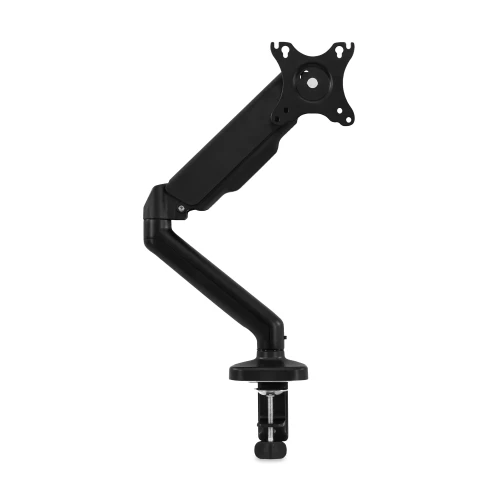
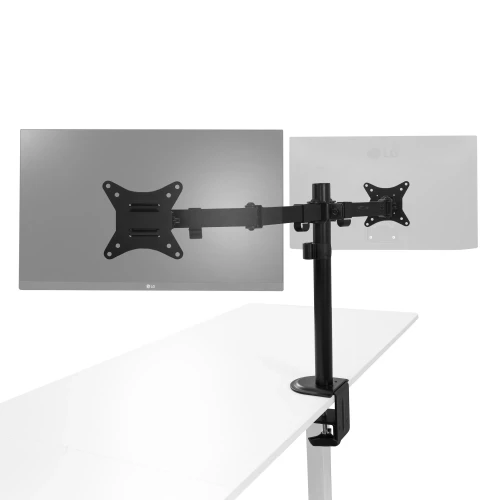
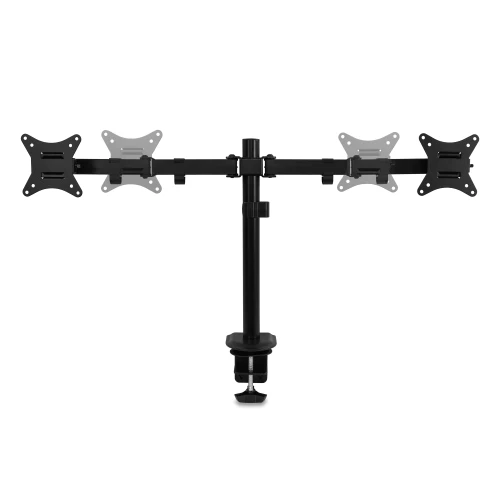
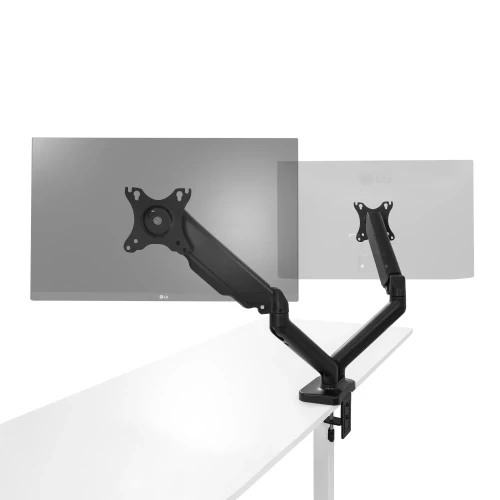
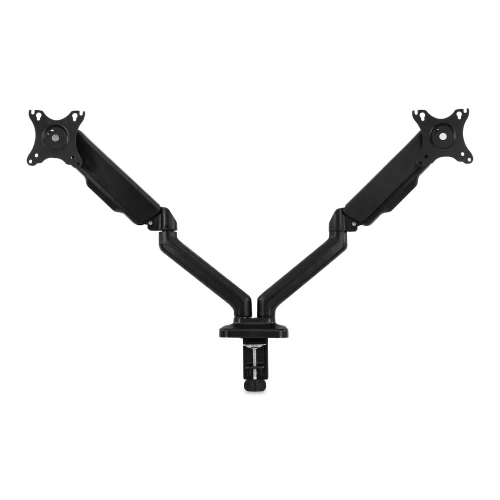
M1, M2 and ML2 have an arm on a 40 cm pole locked with a screw. M1 Pro and M2 Pro have spring-loaded arms – you reposition the screen by hand.
Monitor size
Pole-mounted arms: 17–32". Pro versions: up to 34", including ultrawide.
Weight and VESA
Each arm holds up to 9 kg (Pro: 2–9 kg). Your monitor must have VESA 75 × 75 or 100 × 100 holes.
Assembly
A clamp on the edge of the desktop or a grommet mount through a hole in the desktop – you will find the desktop thickness range in the table.
Monitor arm comparison
| M1 | M1 Pro | M2 | M2 Pro | ML2 | |
|---|---|---|---|---|---|
| Screens | 1 monitor | 1 monitor | 2 monitors | 2 monitors | monitor + laptop |
| Screen size | 17–32" | up to 34" | 17–32" | up to 34" | 17–32" |
| Weight per arm | up to 9 kg | 2–9 kg | up to 9 kg | 2–9 kg | up to 9 kg, laptop up to 4 kg |
| Height adjustment | 40 cm pole | spring | 40 cm pole | spring | 40 cm pole |
| Tilt | ±45° | ±90° | ±45° | ±90° | ±45° |
| Desktop: clamp / grommet | 13–80 / 13–40 mm | 10–80 / 10–45 mm | 13–80 / 13–40 mm | 10–80 / 10–45 mm | 10–85 / 10–40 mm |
Frequently asked questions
Will the arm fit my monitor?
Check the VESA holes on the back of your monitor (75 × 75 or 100 × 100 mm), its weight and screen size – and compare them with the table.
Does the arm fit a standing desk?
Yes – you clamp it to the edge of the desktop, and the monitor rises together with the desktop.
Light up a monitor on an arm with the Lightbar hung on the screen.